A:AnswerHello Glenn,
Great question. Yes, any Ring device can be added to your Ring account. For product comparison, please see our product comparison chart: https://support.ring.com/hc/en-us/articles/115004687606-Ring-Security-Camera-Product-Comparison.
If you have any additional questions or concerns, we kindly ask that you reach out to our Ring Community forum, to have a more hands-on experience with other users like yourself: https://community.ring.com/.
Thank you, Jamila with Ring.
A:AnswerHello Melvin,
Great question! Yes, the motion feature can be turned off in the Ring App. If the lights in the Ring Floodlight stop working, we recommend you reach out to one of our support channels directly. Our Ring Floodlight Cameras do not have interchangeable LED bulbs, therefore if the lights are burnt out, the whole unit would need to be replaced. All of our products come with a 1-year limited warranty: https://ring.com/warranty.
Ring Community is our first peer-to-peer community forum, giving our customers the ability to help one another and share their feedback/experiences with Ring. We invite you to reach out at https://community.ring.com/ if any additional information is needed regarding your Ring Floodlight concern.
Thank you, Jamila with Ring.
A:AnswerHello Kalley,
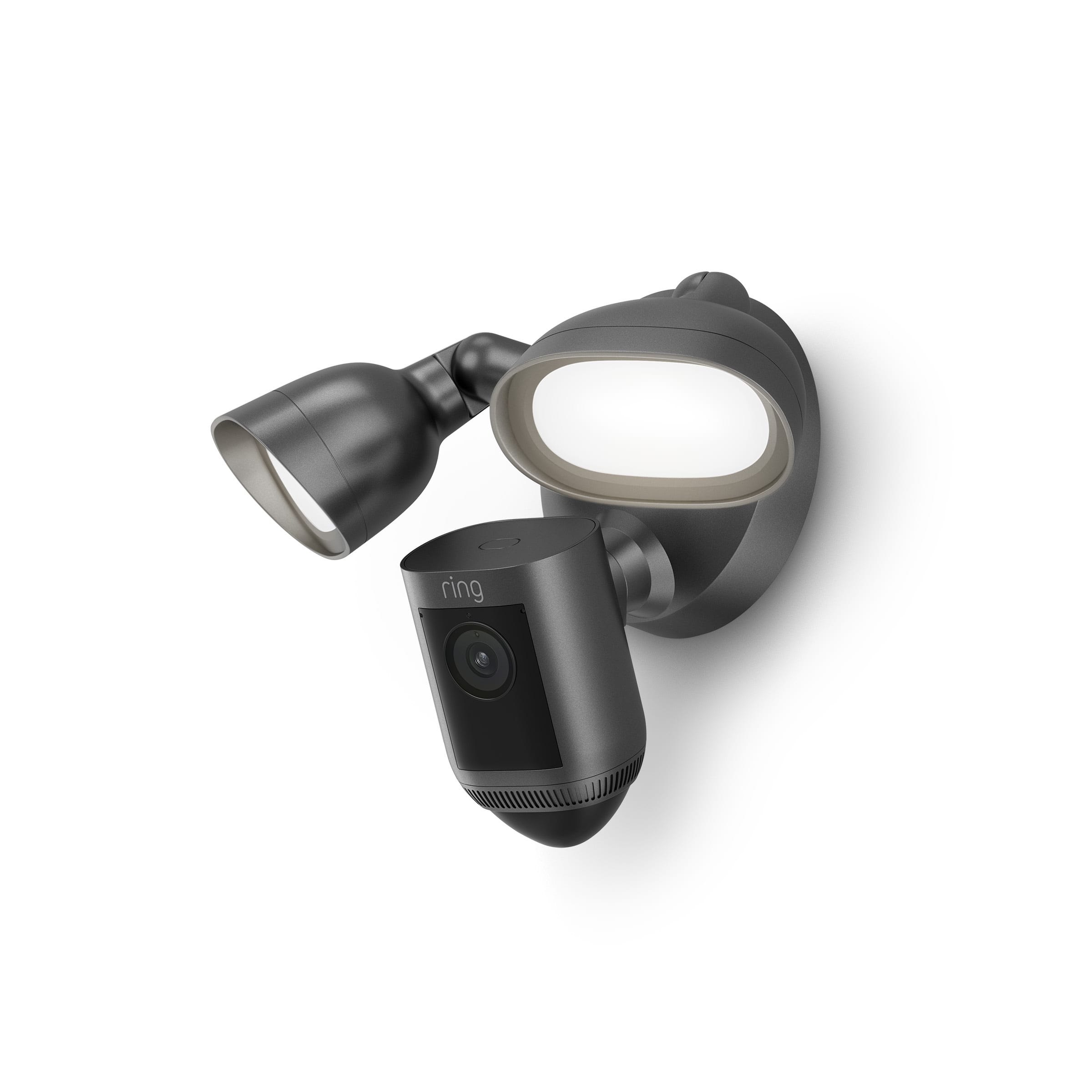
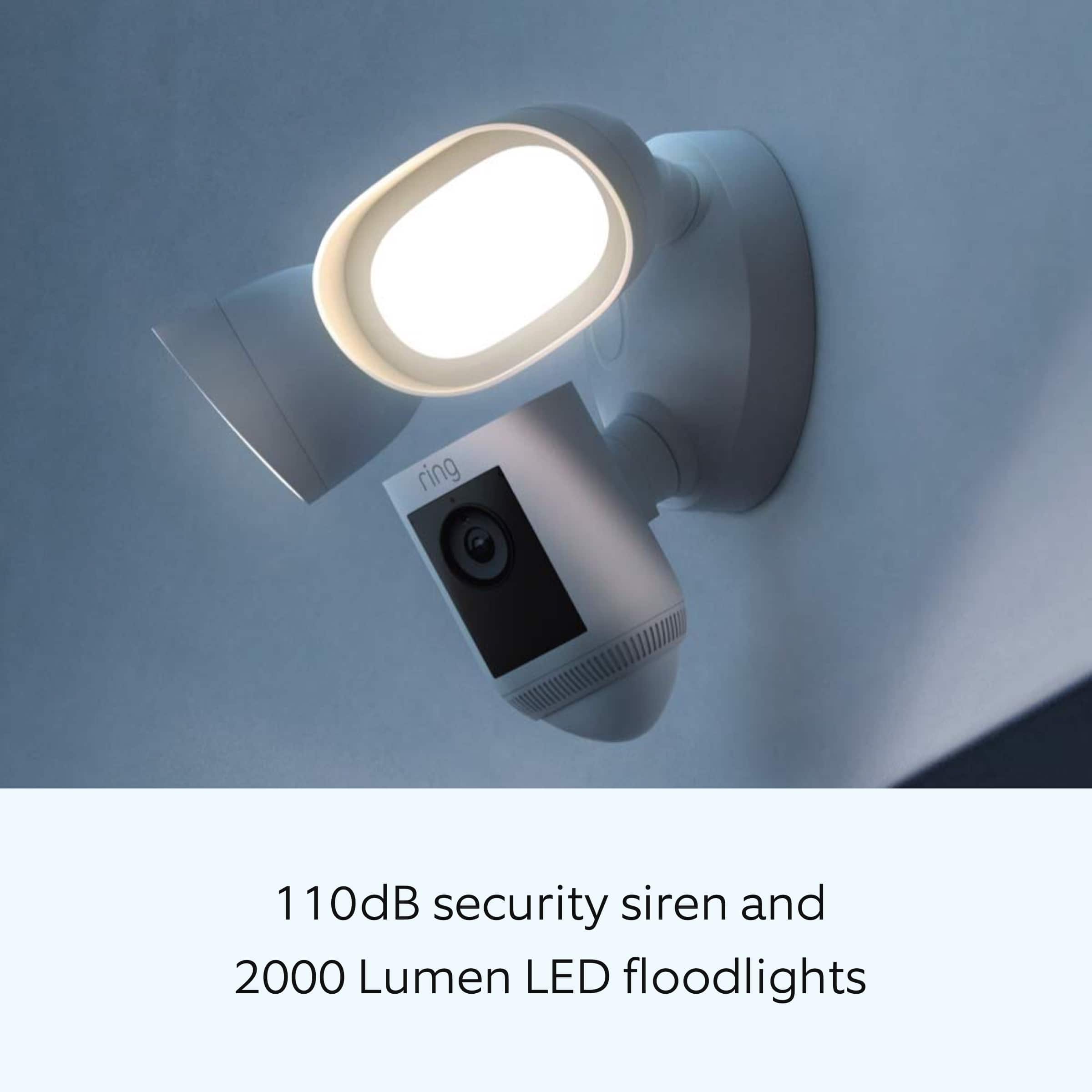
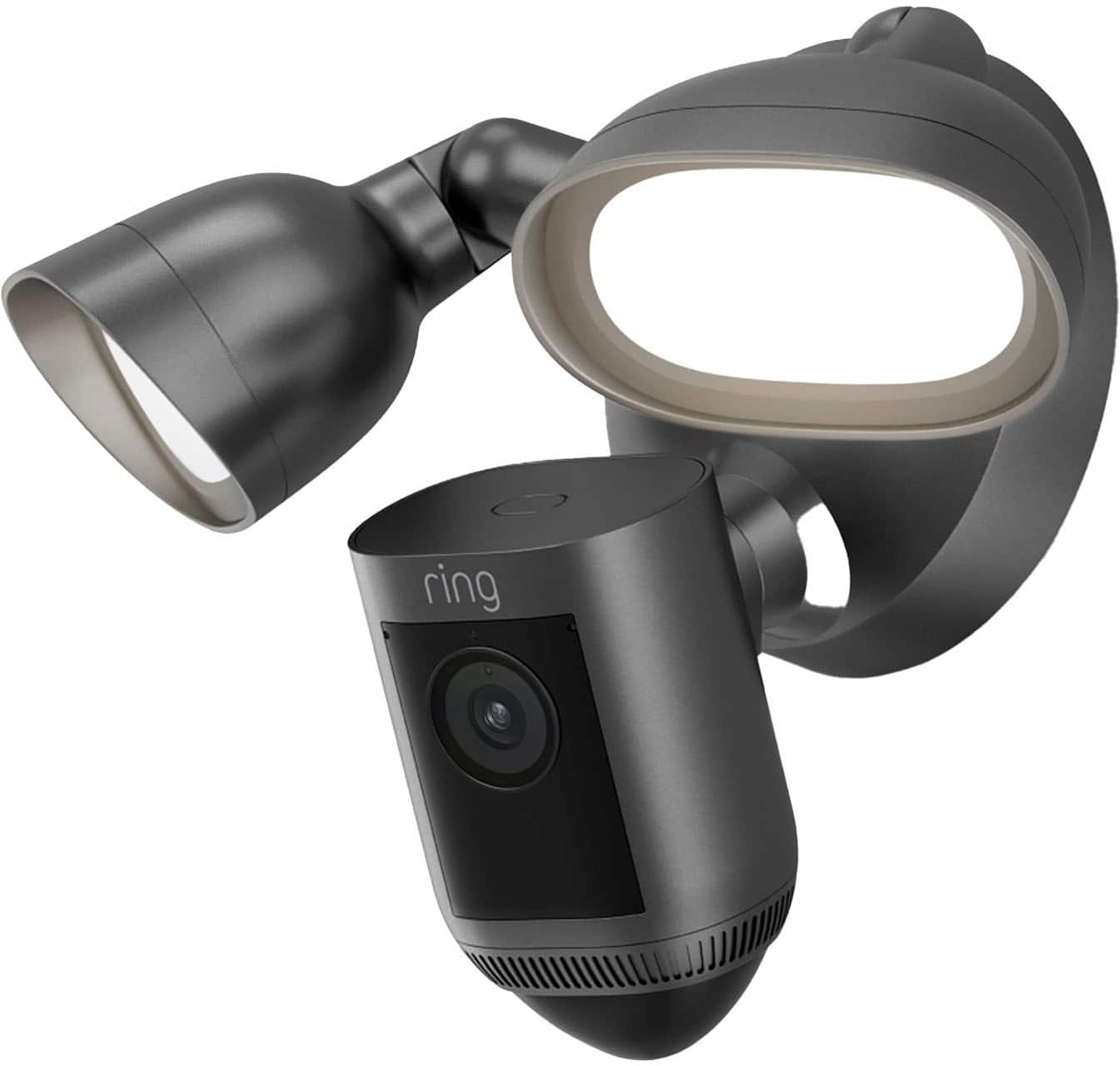
The Floodlight Cam Wired Pro has two 3000°Kelvin lights with 2000 lumen and has in app brightness adjustment.
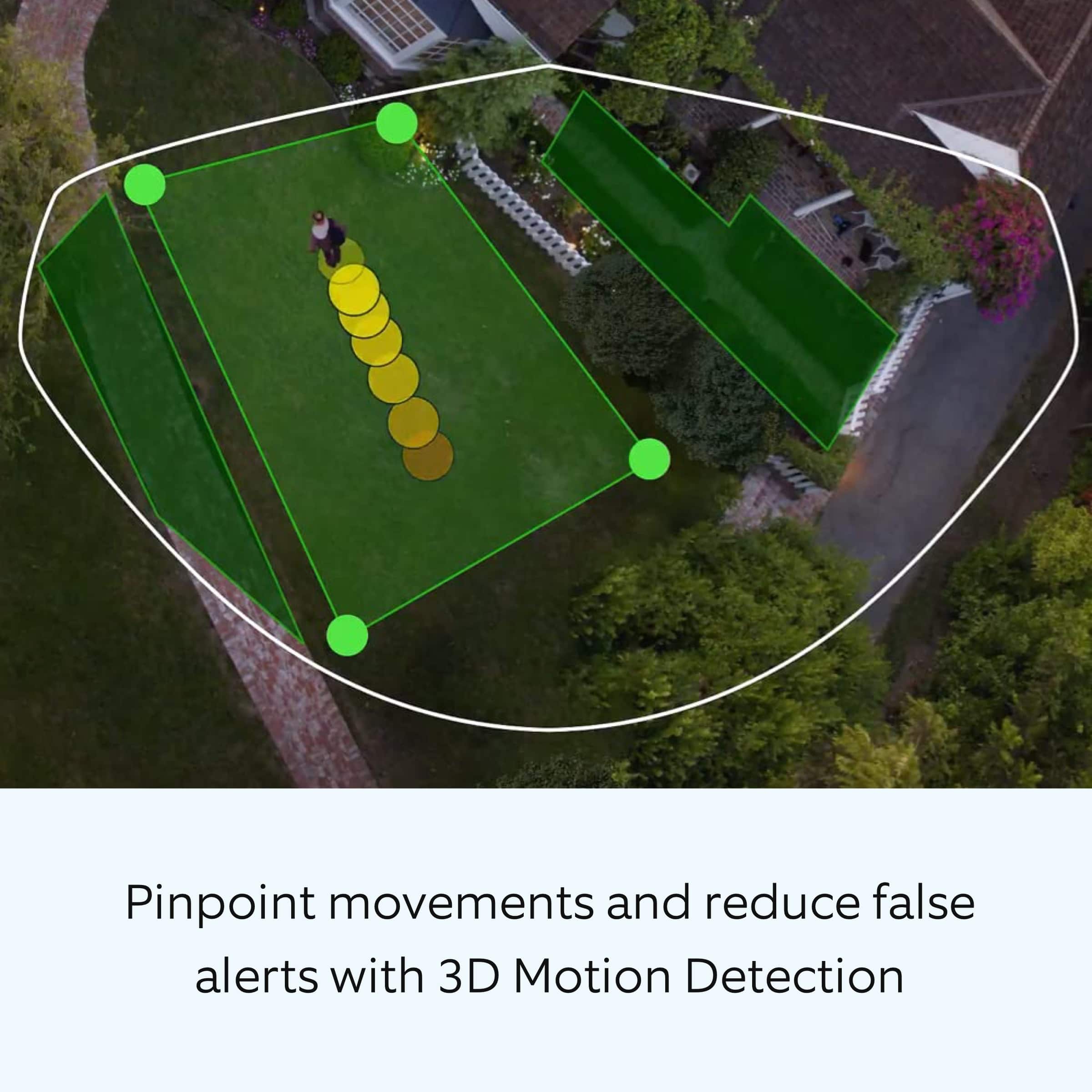
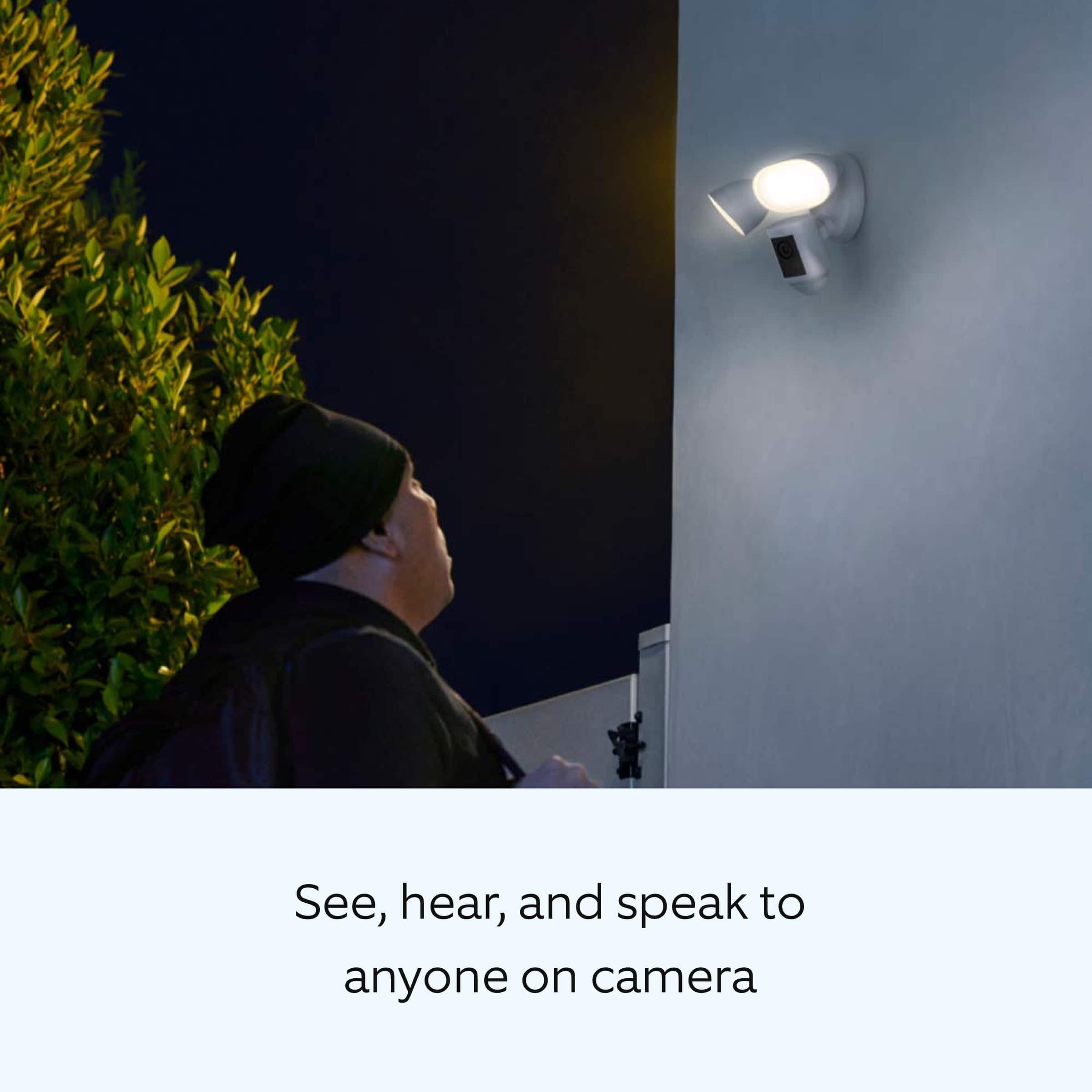
The Floodlight Cam Wired Pro has Advanced Motion Detection, Customizable Motion Zones and Customizable Privacy Zones that are controlled from the Ring app. In addition, the Floodlight Cam Wired Pro has advanced features including radar-powered 3D Motion Detection, Bird’s Eye View for more precise motion alerts, Audio+, a 110db security siren, and dual-band wifi. For more information on the Floodlight Cam Wired Pro: https://support.ring.com/hc/en-us/articles/360059101391-Ring-Floodlight-Cam-Wired-Pro-Information.
Ring Community launched in March 2019 to help deliver the most current news and educational information to our customers. You can find tips and tricks from other Ring users at https://community.ring.com/. This peer-to-peer forum allows our neighbors to share their feedback and experiences to assist each other in resolving their concerns.
All the best,
Antonio from Ring
A:AnswerIt stores everything to the cloud if you pay for one of the monthly subscriptions,you get 30 days free upon registering your ring equipment on the app...hope that helps
A:AnswerHello klassy,
Great question. The Ring Floodlight Camera Wired Pro works with both IOS and Android devices. Please see our help center article for more information: https://support.ring.com/hc/en-us/articles/204384784-Downloading-and-Updating-the-Ring-App.
If you have any additional questions, please feel free to reach out through our Ring Community forum on Ring.com (http://ring.com/): https://community.ring.com/.
Thank you, Jamila with Ring.
A:AnswerHello Brian,
No. The lights on the Ring Floodlight Cam Wired Pro, and other ring hardwired camera's including the original Floodlight Cam, Floodlight Cam Wired Plus, and Spotlight Cam wired are operated by passive infrared heat detection and have a radius of 270 degrees. The camera on these devices notify you of movement within the camera’s field of view and has a range of 140 degrees.
For any additional installation questions or set up concerns, please feel free to reach out on our community forum at https://community.ring.com/. You can also visit our help site, https://support.ring.com/hc/en-us, for tips & tricks, videos and help articles for all our Ring products.
Thank you,
Antonio from Ring
A:AnswerHi shaynej,
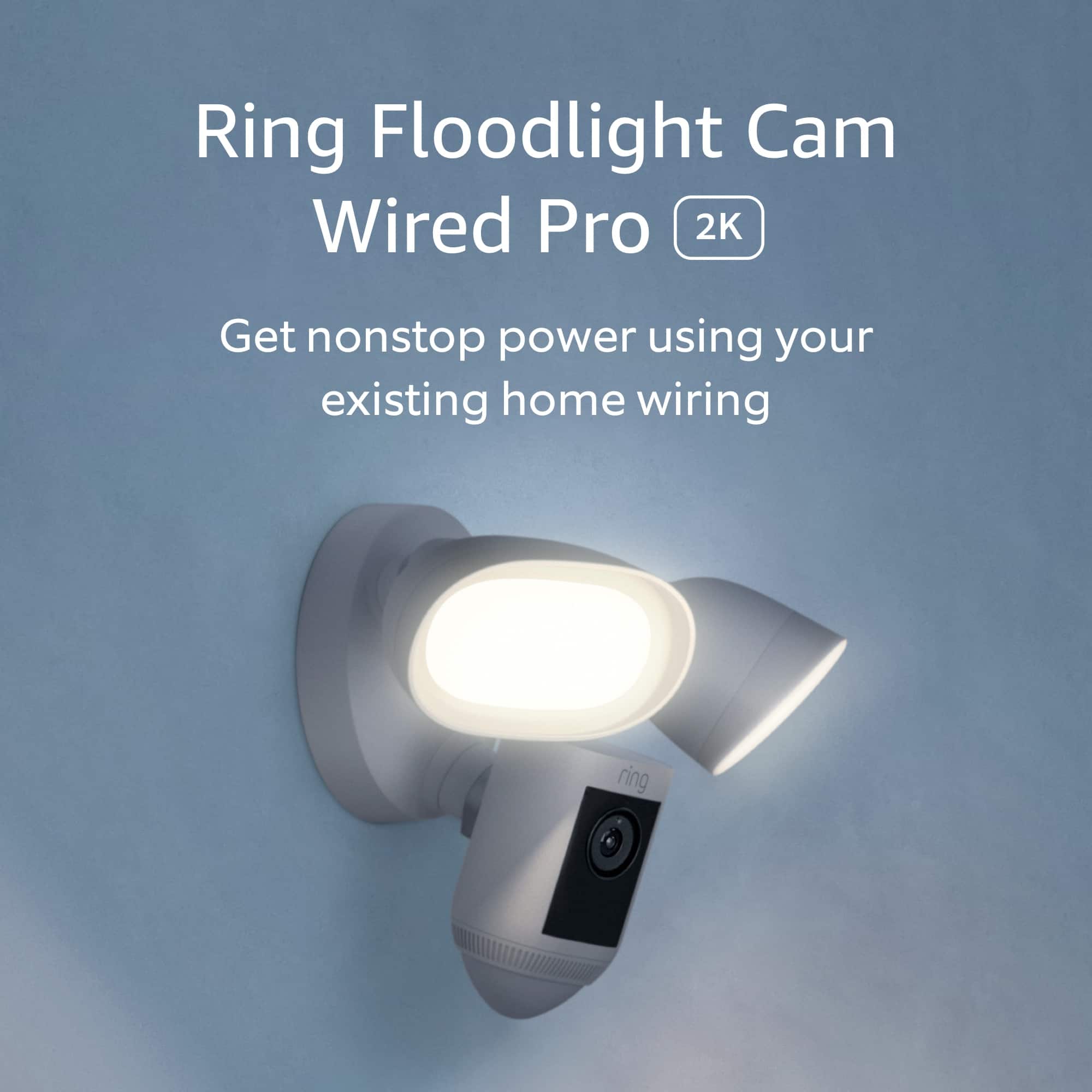
The Ring Floodlight Cam Wired Pro requires a hardwired connection to 100-240V. This cannot be powered with a solar panel.
Please visit our community forum at https://community.ring.com/ for some additional tips and support. We look forward to hearing from you.
All the best,
Marlom at Ring
A:AnswerHello.
Thanks for reaching out. The Ring Floodlight Cam Wired Pro has two 3000° Kelvin lights with 2000 lumens. It offers in-app brightness adjustment.
We invite you to reach out to our community if any additional information is needed regarding your question. The Ring Community is our first peer-to-peer community forum, giving our customers the ability to help one another by sharing their feedback and experiences with each other.
All the best,
Nicole from Ring.
A:AnswerHi Chinooka.
Thanks for asking. Once your Floodlight Cam Wired Pro is installed, follow the set-up instructions in the Ring app to connect it to your wifi. It is compatible with 802.11b/g/n wifi connections at 2.4GHz and 5.0GHz.You can also visit our support center for setup instructions.
We invite you to reach out to our Community if any additional information is needed regarding your question. The Ring Community is our first peer-to-peer community forum, giving our customers the ability to help one another by sharing their feedback and experiences with each other.
All the best,
Nicole from Ring.
A:AnswerHi Mister.
Good question. No, the bulbs on the Floodlight Cam Wired Pro cannot be changed out. It comes equipped with two LED 3000° Kelvin floodlights with 2000 lumens. Visit our support center for more information.
We invite you to reach out to our Community if any additional information is needed regarding your question. The Ring Community is our first peer-to-peer community forum, giving our customers the ability to help one another by sharing their feedback and experiences with each other.
All the best,
Nicole from Ring.
A:AnswerHi Annmarie.
Great question! You can adjust the volume on the Floodlight Cam Wired Pro using the following steps:
Tap on the three lines (≡) in the top-left corner of your Ring app.
Tap Devices.
Select your Ring security camera model.
Tap on Device Settings.
Tap on General Settings.
Tap on Volume Settings.
Under Volume Settings, adjust the volume sliders for the device speaker.
We invite you to reach out to our Community if any additional information is needed regarding your question. The Ring Community is our first peer-to-peer community forum, giving our customers the ability to help one another by sharing their feedback and experiences with each other.
All the best,
Nicole from Ring.