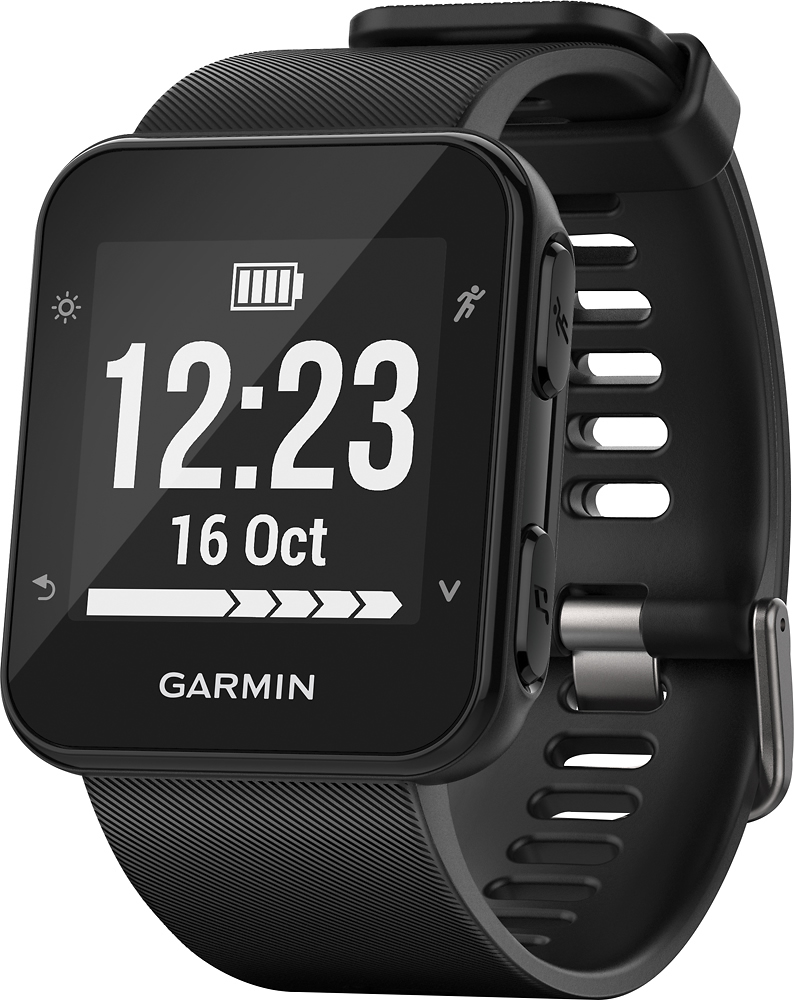
A:AnswerWhen using the Forerunner 35 outdoors with GPS the acclerometers in the watch will calibrate to your running style. This calibration helps to improve the accuracy of the treadmill runs.
A:AnswerThe Forerunner 35 could be used for cycling and when paired with a compatible smartphone can use the LiveTrack feature so that you could keep track of your husband during activities. LiveTrack is a feature that allows you to see real-time progress of an ongoing activity on a map. More information about this and other Bluetooth connected features in the Forerunner 35 can be found in the following Owner's Manual link: http://www8.garmin.com/manuals/webhelp/forerunner35/EN-US/GUID-4D55438C-8F85-4261-B3C1-4D41A47FE39C.html.
A:AnswerThe Forerunner 35 is not designed to provide pool swim data. You could wear the device while in the pool and the sensor would be on, it is not likely that you would get accurate heart rate data due to the potential for water getting in between the sensor and your skin. This could cause the device to provide inaccurate heart rate data.
A:AnswerThe Forerunner 35 gives you an option to use the Lap button or an Auto Lap feature to record splits. The split breakdowns can be viewed on Garmin Connect. The Auto Lap feature will alert you on the device when you have ran a mile. For more information on the Auto Lap feature use the following link to the Owner's Manual: https://www8.garmin.com/manuals/webhelp/forerunner35/EN-US/GUID-943B595F-2D2C-475F-A4B7-1C7B2F7A741A.html.
A:AnswerThe Forerunner 35 does offer this information. They will display as datafields on the watch. The datafields can be edited using Garmin Connect Mobile: https://support.garmin.com/faqSearch/en-US/faq/content/VSPJn3Vy907b8FI68SqkW5.