A:AnswerThe Instinct is compatible with iPhone and Andriod smartphones. For more information contact us at [email protected] or visit our
Support Center, https://support.garmin.com/en-US/
Thanks Jenny
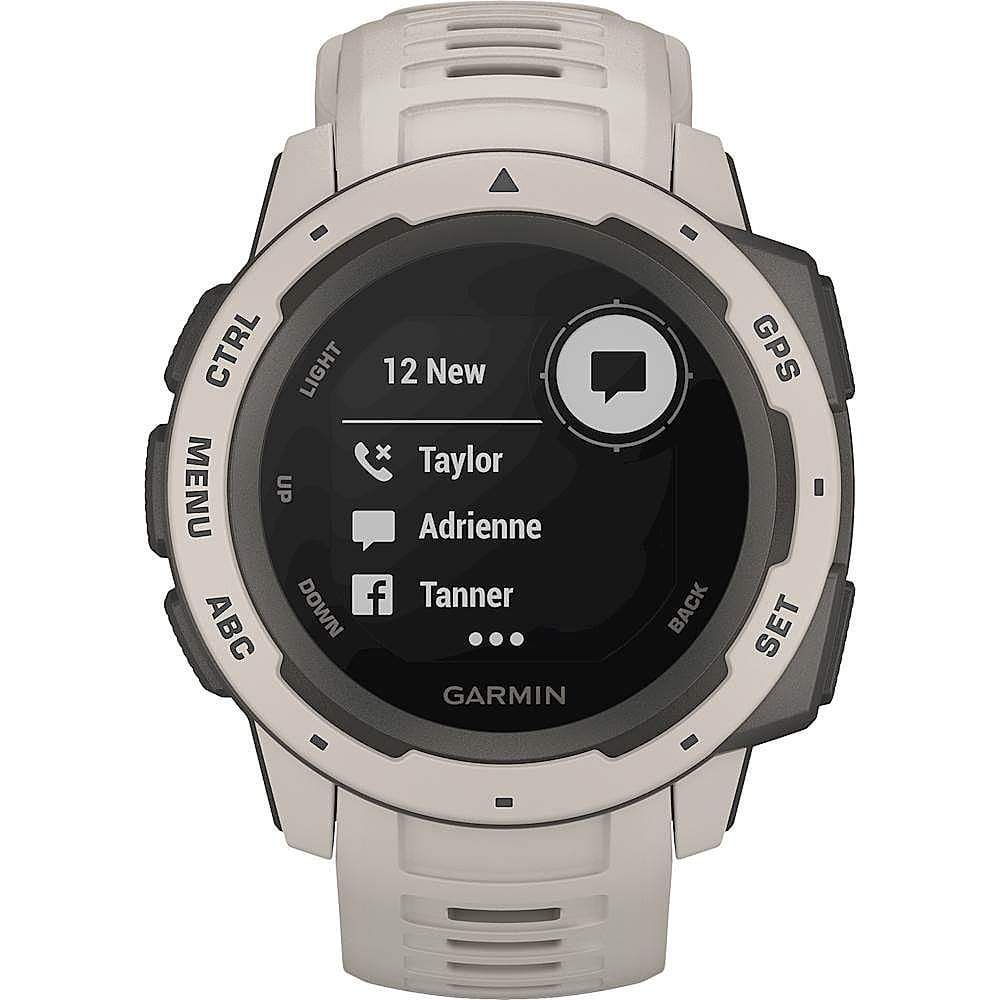
A:AnswerThe Instinct is not an Apple Watch nor can it be used exactly as an Apple Watch. You receive emails, texts and alerts right on your watch when paired with a compatible smartphone. You can even respond to texts if you have an Android™ phone. For more information please contact Product Support or email us at [email protected]. Thanks Jenny
A:AnswerActivities and App Settings
These settings allow you to customize each preloaded activity app based on your needs. For example, you can customize data pages and enable alerts and training features. Not all settings are available for all activity types. For more information contact us at [email protected] or visit our Support Center, https://support.garmin.com/en-US/. Thanks Jenny
A:AnswerUse both Google Calendar and Apple Calendar on my ios/Apple device and get both notifications to watch. Can not speak for all messaging apps but can confirm Slack, Gmail, Hotmail, Yahoo and standard iPhone messaging notifications work and appear without issue.
A:AnswerThe Instinct is compatible with Garmin Connect, from here you can share your information with Strava.
For more information contact us at [email protected] or visit our
Support Center, https://support.garmin.com/en-US/
Thanks Jenny
A:AnswerThe Instinct does not have Golf capabilities.
For more information contact us at [email protected] or visit our
Support Center, https://support.garmin.com/en-US/
Thanks Jenny
A:AnswerYou can use do not disturb mode to turn off the backlight, tone alerts, and vibration alerts. For example, you can use this mode while sleeping or watching a movie.
For more information contact us at [email protected] or visit our
Support Center, https://support.garmin.com/en-US/
Thanks Jenny