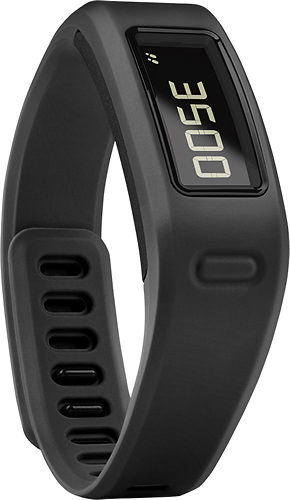
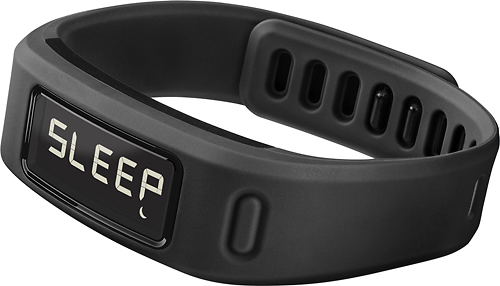
A:AnswerMultiple devices can be synced to one phone; however, there are some limitations with that. To do so, you'd need to log out from one Garmin Connect account (through the mobile app) and into another to sync each respective band. Each Garmin Connect account can have only one device set as an activity tracker at a time. For assistance with this, or further clarification, please contact Garmin Customer Care: http://j.mp/GRMNSupport
^DK
A:AnswerYes! I don't have a smart phone and use a Samsung Galaxy Tab Pro. I sync with it as often as I like and it works very well, using bluetooth. I just turn the bluetooth on my tablet right before I need to sync and then turn it off when I'm done. That way it doesn't use too much battery life.
A:AnswerThis is the original Vivofit. If you are doing the syncing process you will have to pick from a different list state that your device wasn't on the initial list, go to the vivo list, and it's the vivofit.
A:AnswerWe have not tested the LG G4 with our products at this time. The LG 3 is compatible with our devices. The system requirements with Android phones are Android 4.3 OS and above and Bluetooth 4.0. You can view our current phone compatibility list at:
www.garmin.com/ble
~JH
A:AnswerThe vívofit can adjust its circumference to a minimum of 4.72” and up to 6.89”. The device comes with a keeper that helps the band stay on the wrist but ultimately it will be at your own discretion wither or not the device will be a good choice for the him/her or not.
~JH
A:AnswerBest bet on that is to contact your cardiologist, but you can also check out the manual online and it contains the FCC information on whether or not any device is hazardous.
A:AnswerThe Garmin vívofit is used with Garmin Express to setup from a computer. Garmin Express has requirements that must be met in order to use it. Please use the Garmin link/URL below and click on "System Requirements" to see if your computer meets these requirements.
• http://software.garmin.com/en-US/express.html
Regarding the web browsers, you would only need to use that to log into your Garmin Connect account to view your uploaded data. All popular web browser can be used to access your Garmin Connect account. {CW}