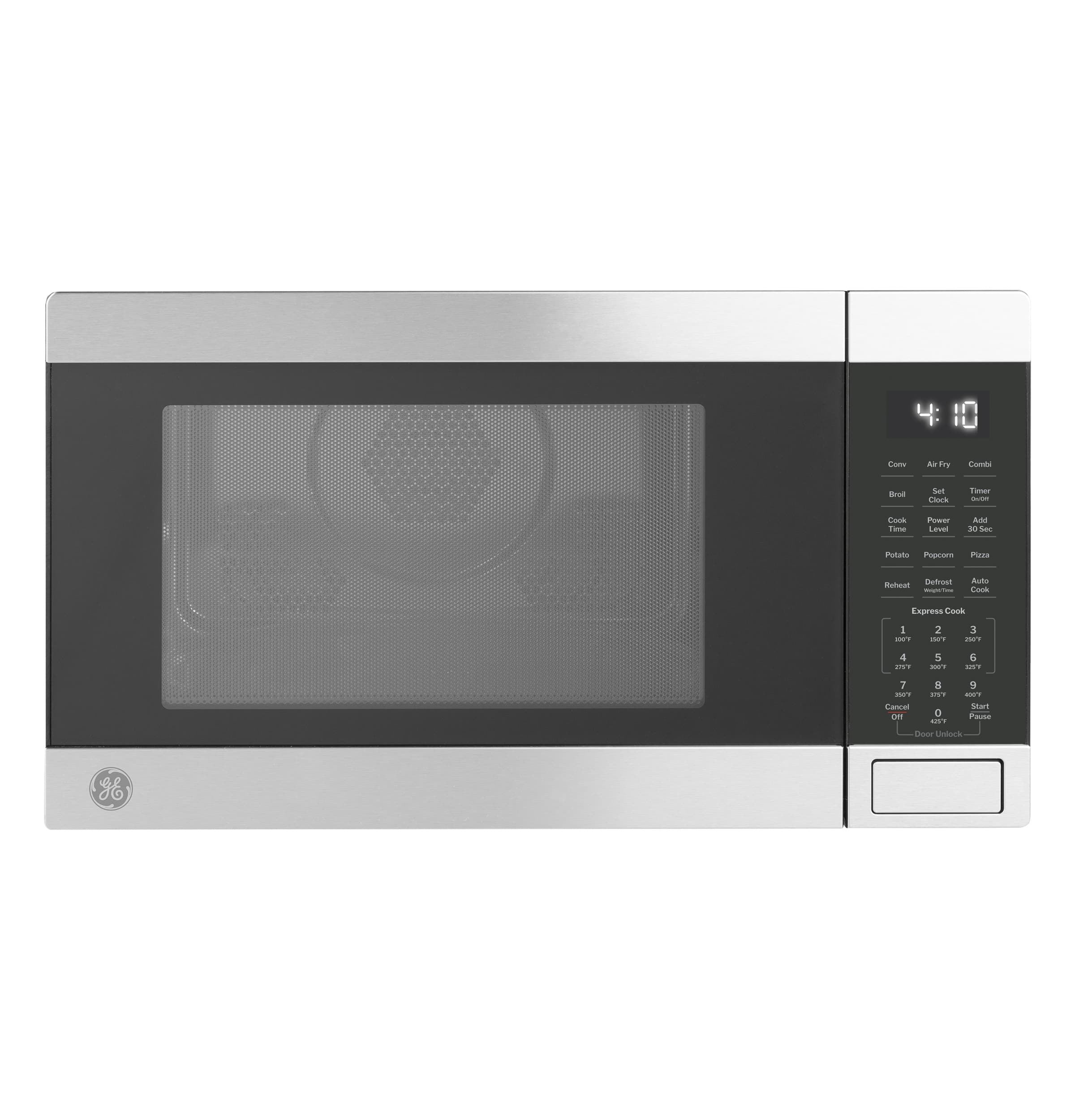
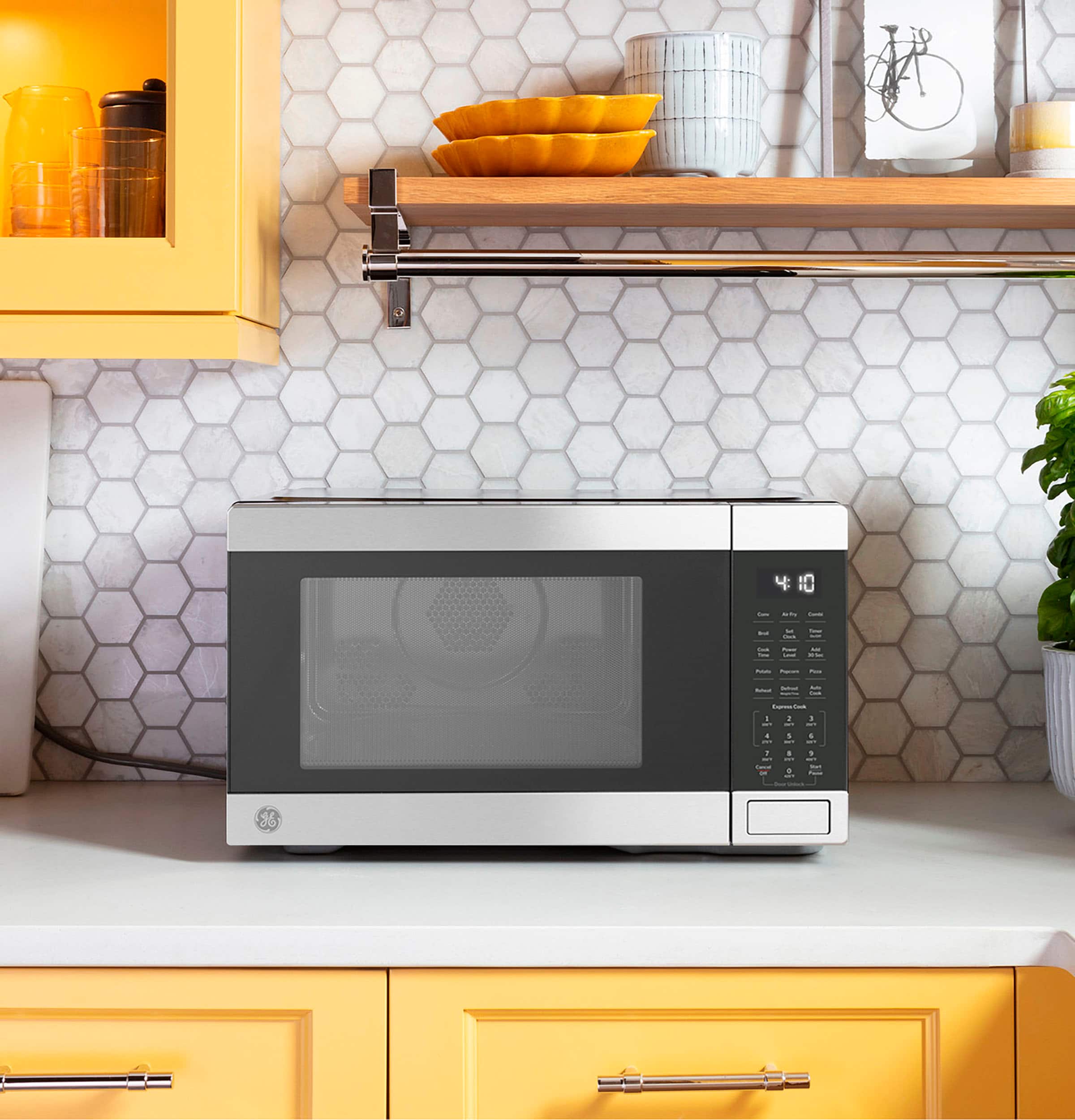
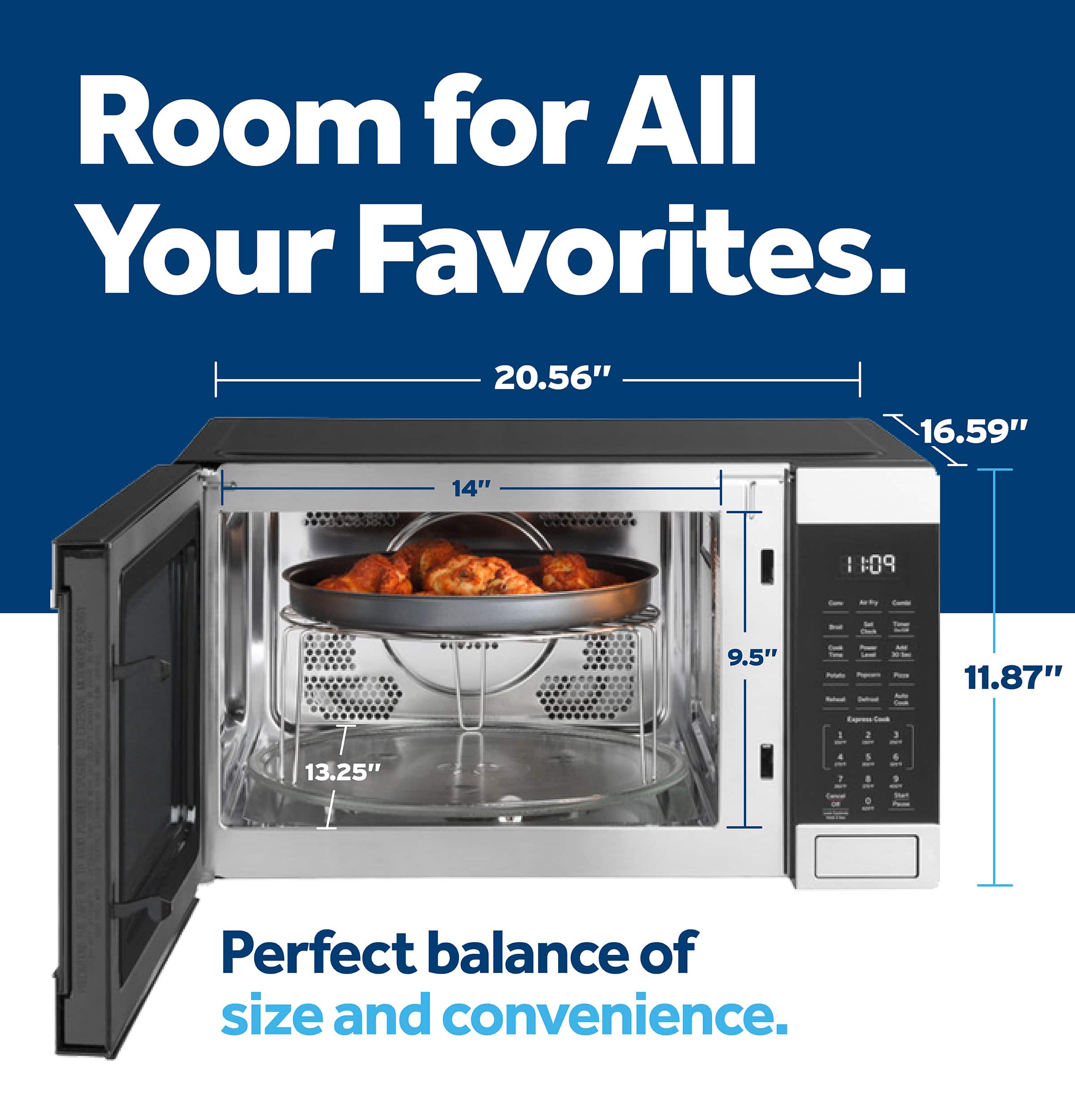
A:AnswerThis is a counter top style microwave. We recommend a minimum of 3" of air clearance on each side and at the top as well as 1" clearance in the back. It is not designed for installation in a cabinet.-Vikki@GEAppliances
A:AnswerGE Appliances evaluates the safety of materials and chemicals used in GE brand appliances through our hazardous substances management process. We have voluntarily decided to identify, reduce and eliminate to the extent possible materials of concern from our appliance products and parts, even when not required by regulation.
We do not comment specifically on product content, which is confidential, however our processes help ensure that all GE Appliance products meet applicable hazardous substances requirements and our own product safety and environmental standards. -Don@GEAppliances
A:AnswerThere are several troubleshooting tips that could possibly get this taken care of for you. When using your microwave, make sure that the door is securely closed. Be certain you are pressing a cook function rather than a timer function. If the microwave has a turntable on/off feature, make sure the turntable was not inadvertently turned off by depressing the turntable on/off pad to re-engage the turntable. If this isn't the case, service may be needed and can be set up via our Bodewell service page on our website. -Arnesha@GEAppliances
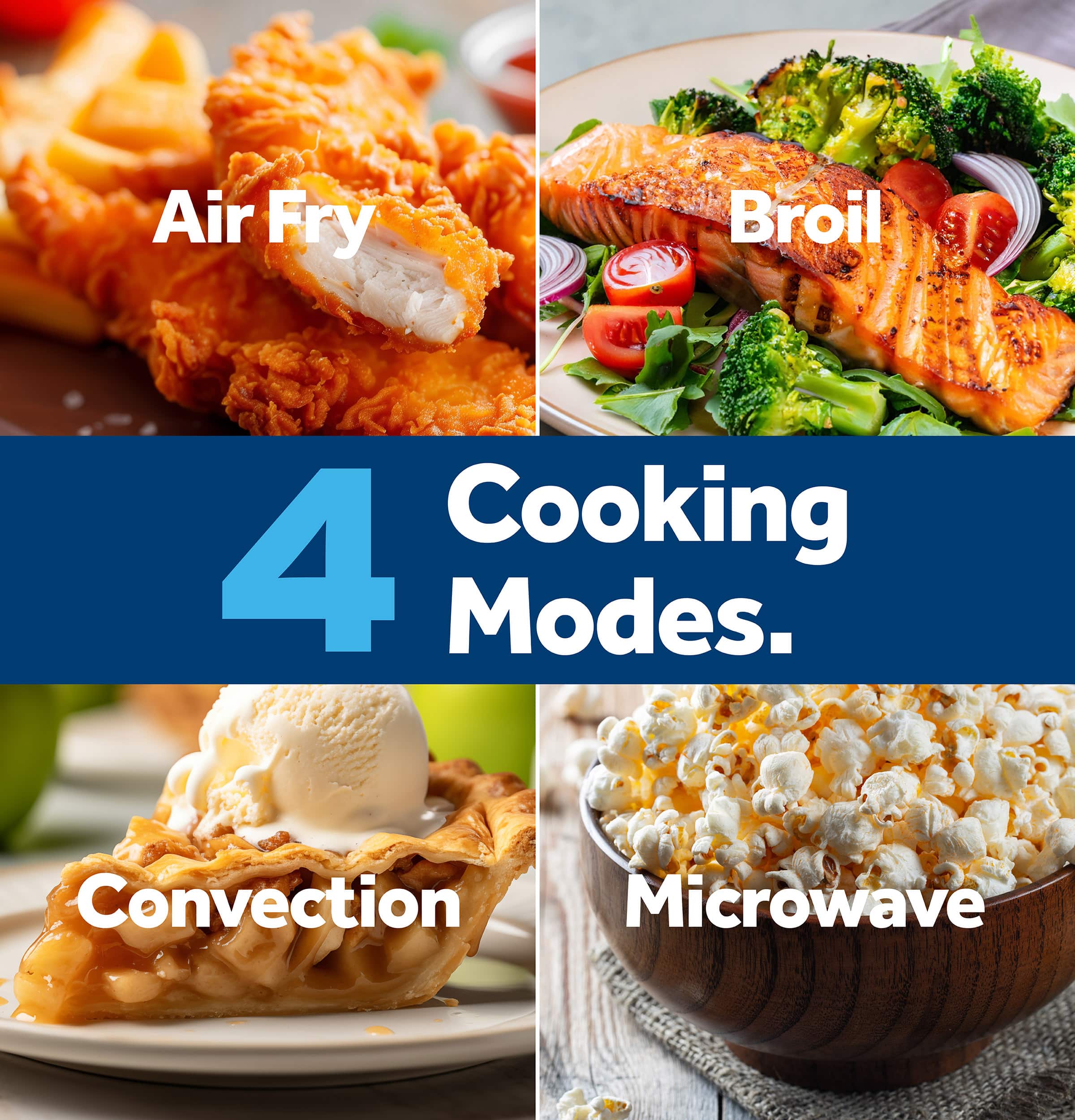
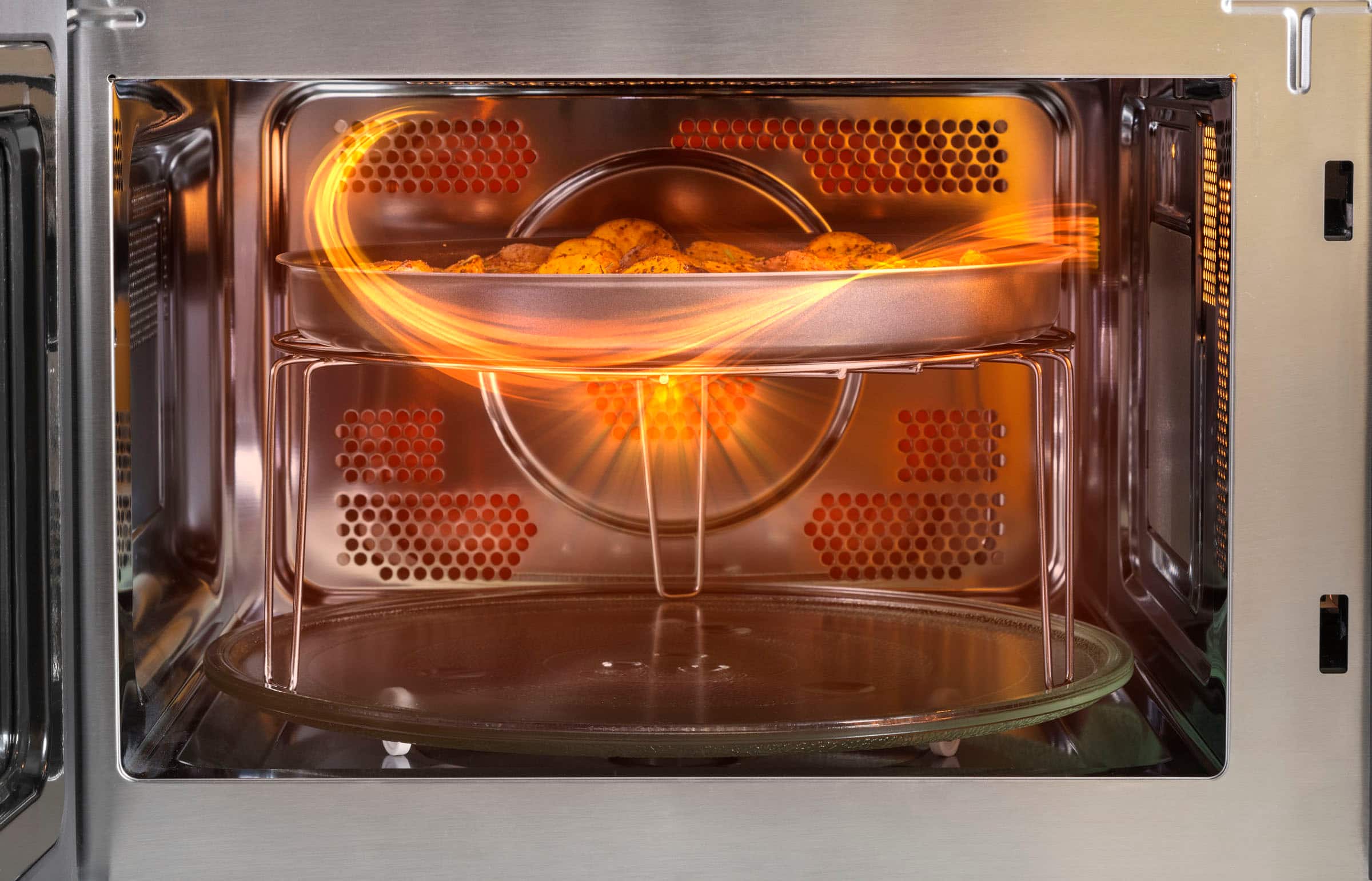
A:AnswerYes, this microwave features Convection Bake which uses a heating element to raise the temperature of the air inside the oven. A fan gently circulates this heated air throughout the oven, over and around the food, producing golden brown exteriors and rich, moist interiors. For full details, see the Convection Cooking section on page 14 of the Owner’s Manual, which can be viewed at the bottom of the Features tab on the product page of the Best Buy website. Lauren@GEAppliances
A:AnswerModel GCST10A1WSS has dimensions of 11 7/8" H x 20.60" W x 16.60" D and a capacity of 1.00 cubic feet. That specific model is not available in a different size, but we have multiple larger microwaves available, such as models GCST16S1WSS and PCST22U1WSS. -Sarah@GEAppliances
A:AnswerNo, this model doesn't have an option for a trim kit. This GCST10A1WSS microwave model is designed for countertop installation only. We do not recommend installing them in tight or enclosed spaces, like a cabinet. If you are interested in a built-in model, we recommend checking out model PCHK11S1WSS. Joyce@GEAppliances
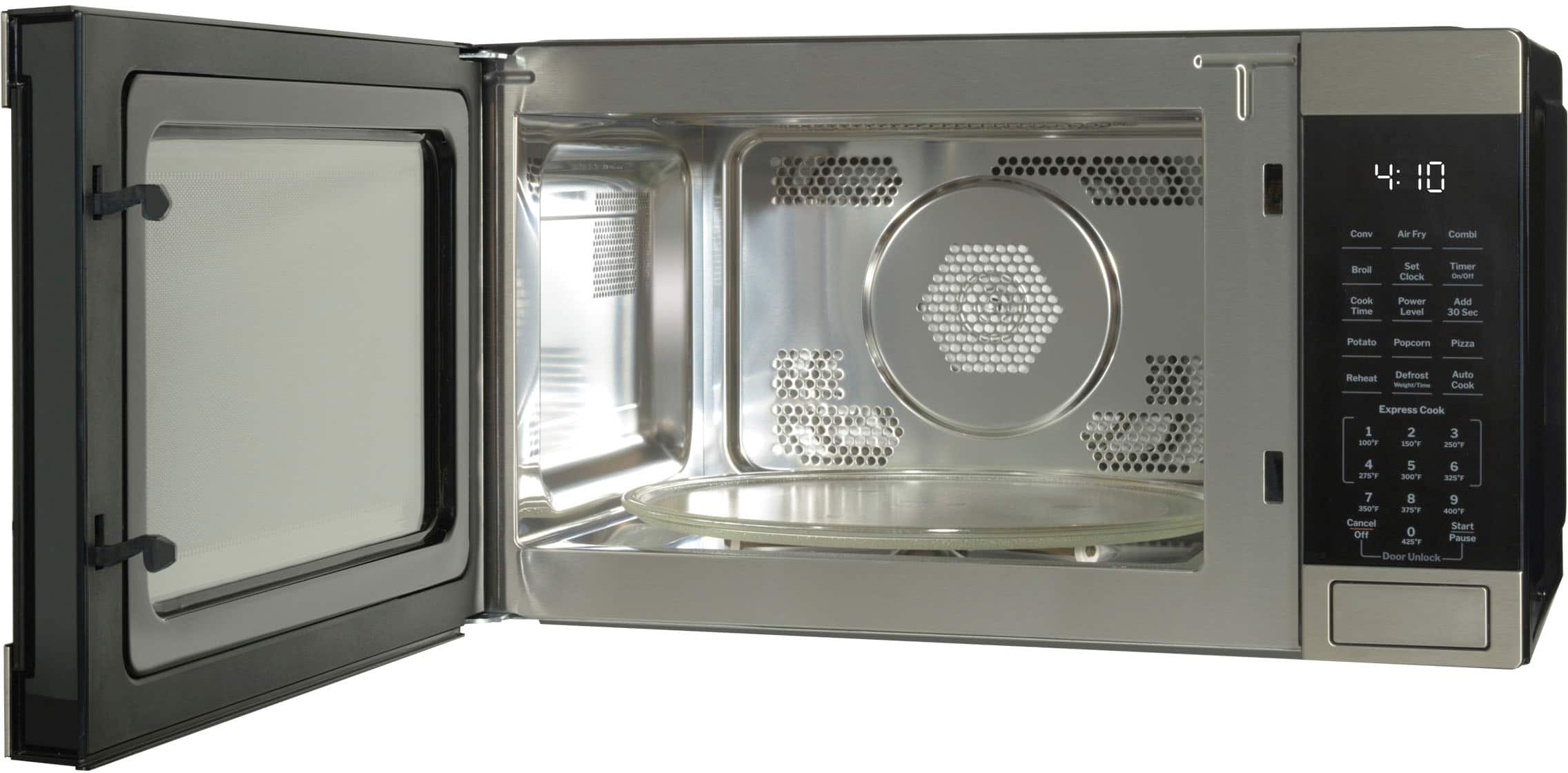
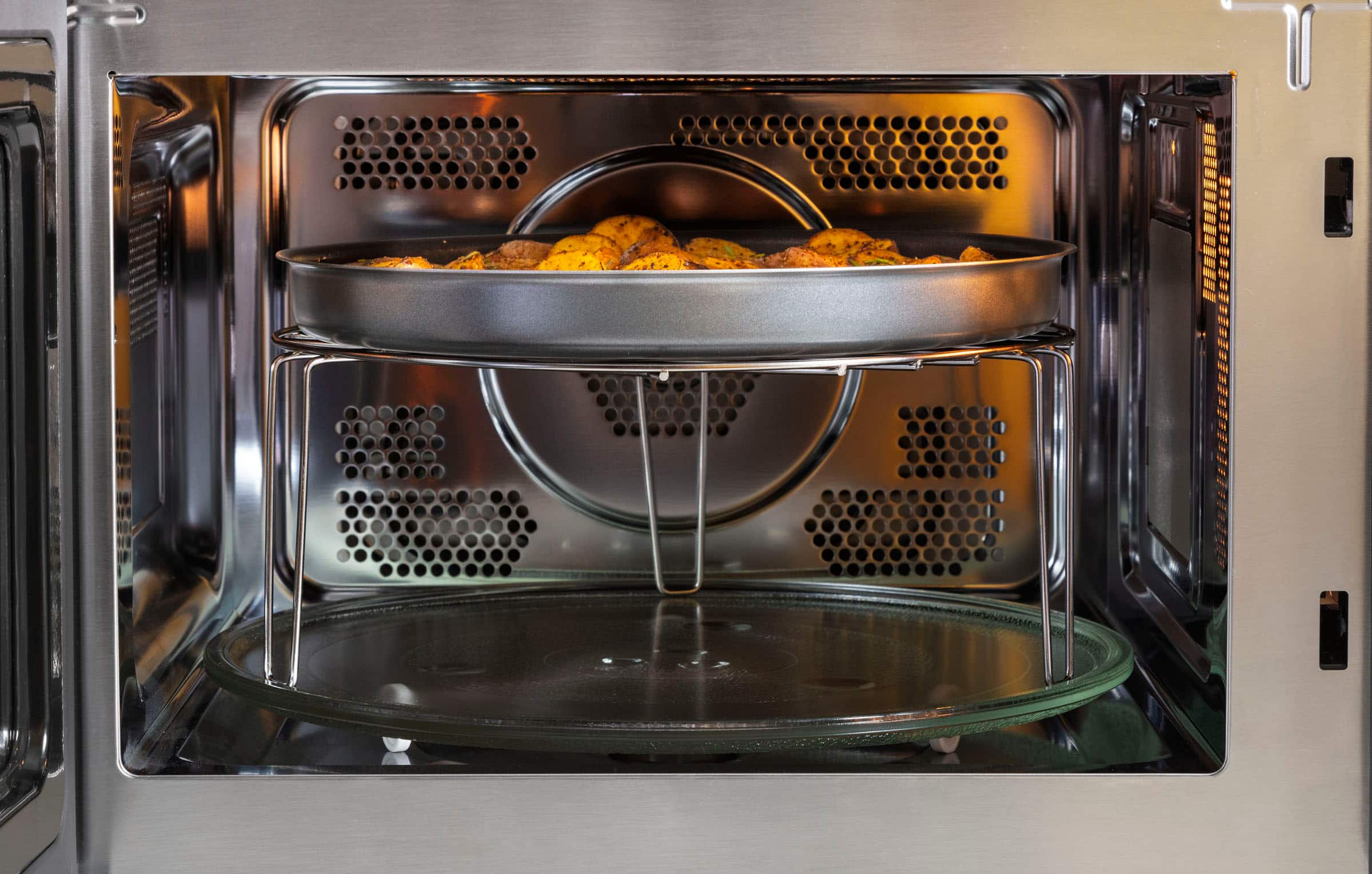
A:AnswerThe metal rack should not be used with the microwave feature. This may cause sparking with the oven wall or oven shelf, damaging the cookware, the shelf or the oven. -Don@GEAppliances
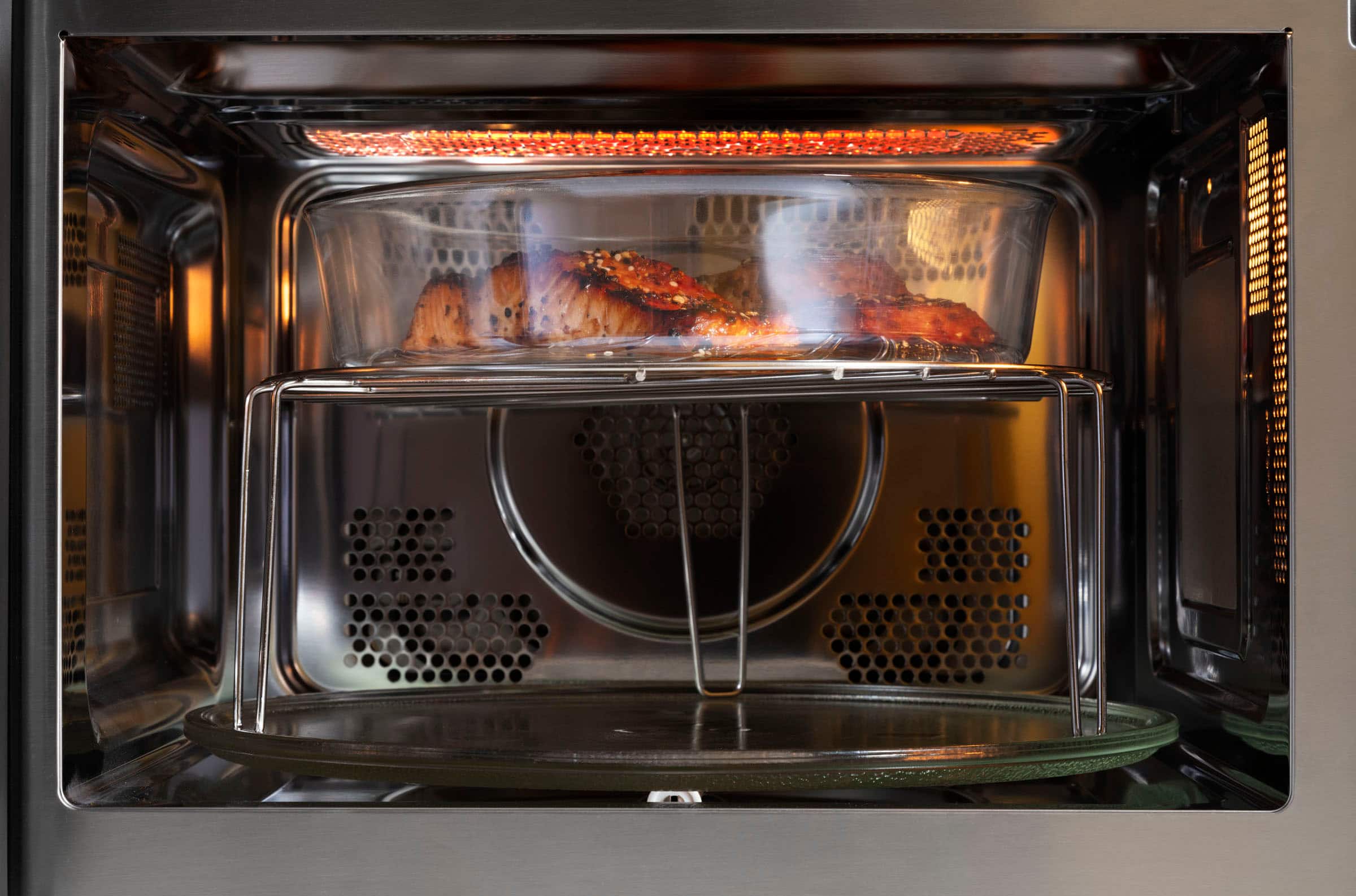
A:AnswerThe short rack is for combination or convection cooking. It is recommended for cakes, pizza, biscuits, and pies. To learn more, check out page 14 of the Owner’s Manual, which can be viewed at the bottom of the Features tab on the product page of the Best Buy website. Lauren@GEAppliances
A:AnswerWith our convection microwaves, when the door is opened immediately following convection cooking, the unit will display “HOT”. If a higher temperature was used (or broil), the oven may need to cool briefly before it will accept a microwave program. -- However, if the microwave continues running on it’s own, that would not be normal operation. In that case, we recommend unplugging the unit for a few minutes to reset the electronics. If it continues, we recommend seeing page 23 of the Owner’s Manual for warranty information. The Owner’s Manual can be viewed at the bottom of the Features tab on the product page of the Best Buy website. Lauren@GEAppliances
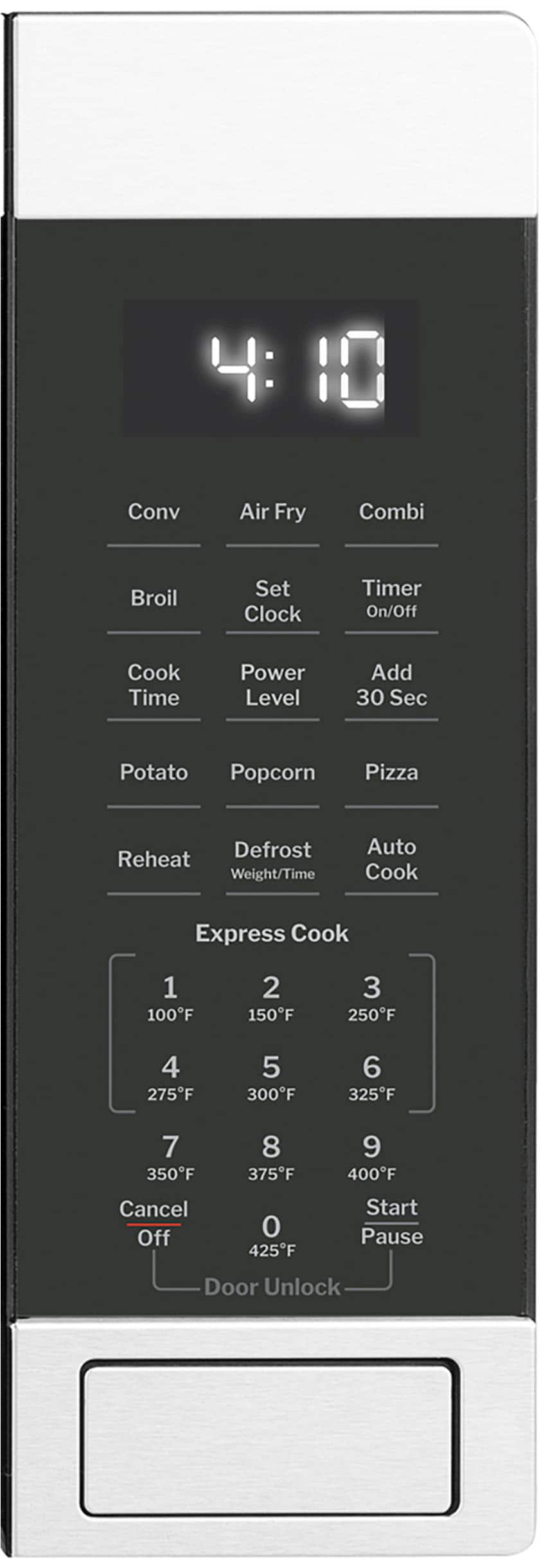
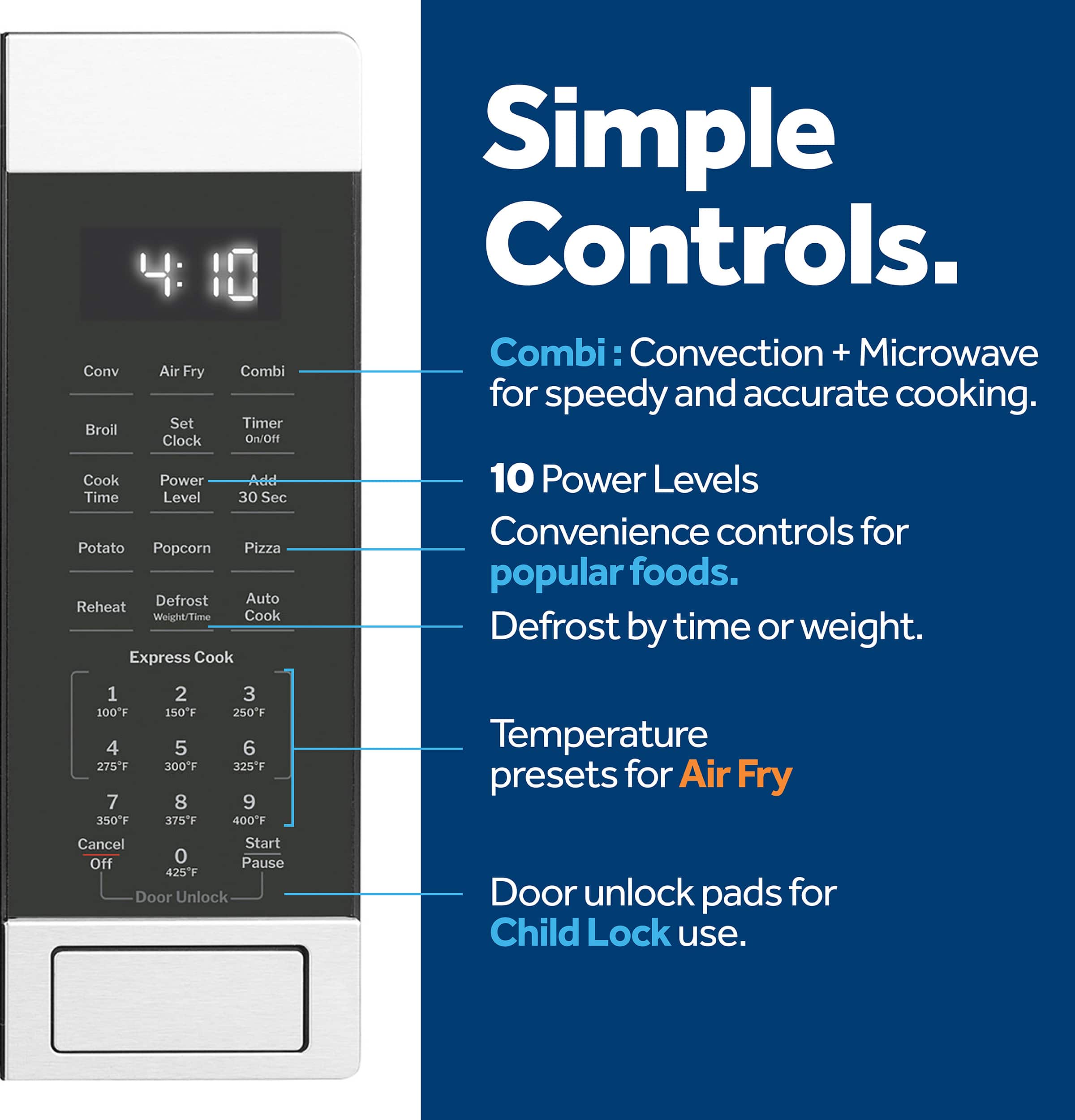
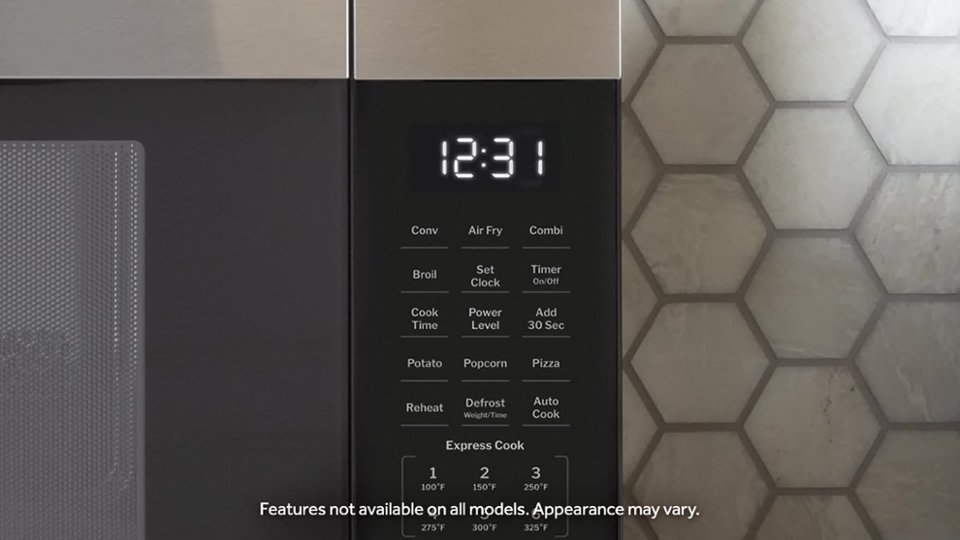
A:AnswerTo change the power level, press Cook Time, enter your desired cooking time. Next, press Power Level and 5 for 50% power and press Start. If needed, the online Owner's Manual is available. Click on the Features tab and scroll down to the end of the Features list to locate the link to the manual. -Vikki@GEAppliances
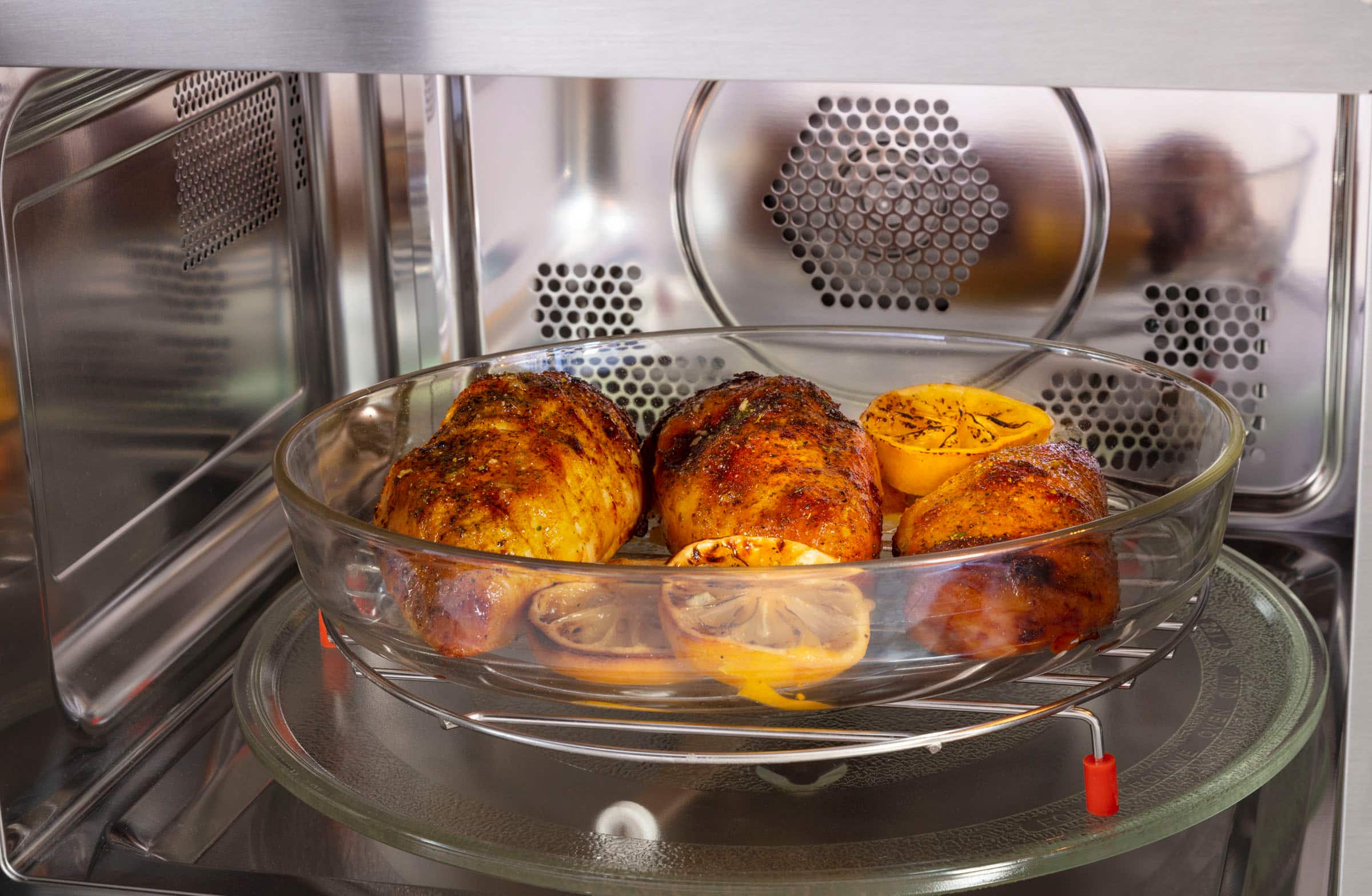
A:AnswerThe JES1109RRSS does come equipped with convection and air fry cooking technology that can be used to roast poultry. For more details, please review the chart in the "Select The Best Cooking Mode" section on pg. 17 of the Owner's Manual. -Don@GEAppliances
A:AnswerThe turntable can't be turned off or disabled. The turntable and support must be in place when using the oven. The turntable may be removed for cleaning.-Don@GEAppliances
A:AnswerI’d take it to a hardware store (I find Ace Hardware stores are best at this), and show them what you need. They’ll likely be able to find matching feet, or some similar replacement feet for you.
A:AnswerYes. I have broiled not toasted several types of bread very well. The only draw back is you have to set a time limit so I have just been guessing and have used a larger time than I think I might need.
A:AnswerYes, this model has a Convection Bake feature. To learn more, see page 14 of the Owner’s Manual which can be viewed at the bottom of the Features tab on the product page of the Best Buy website.