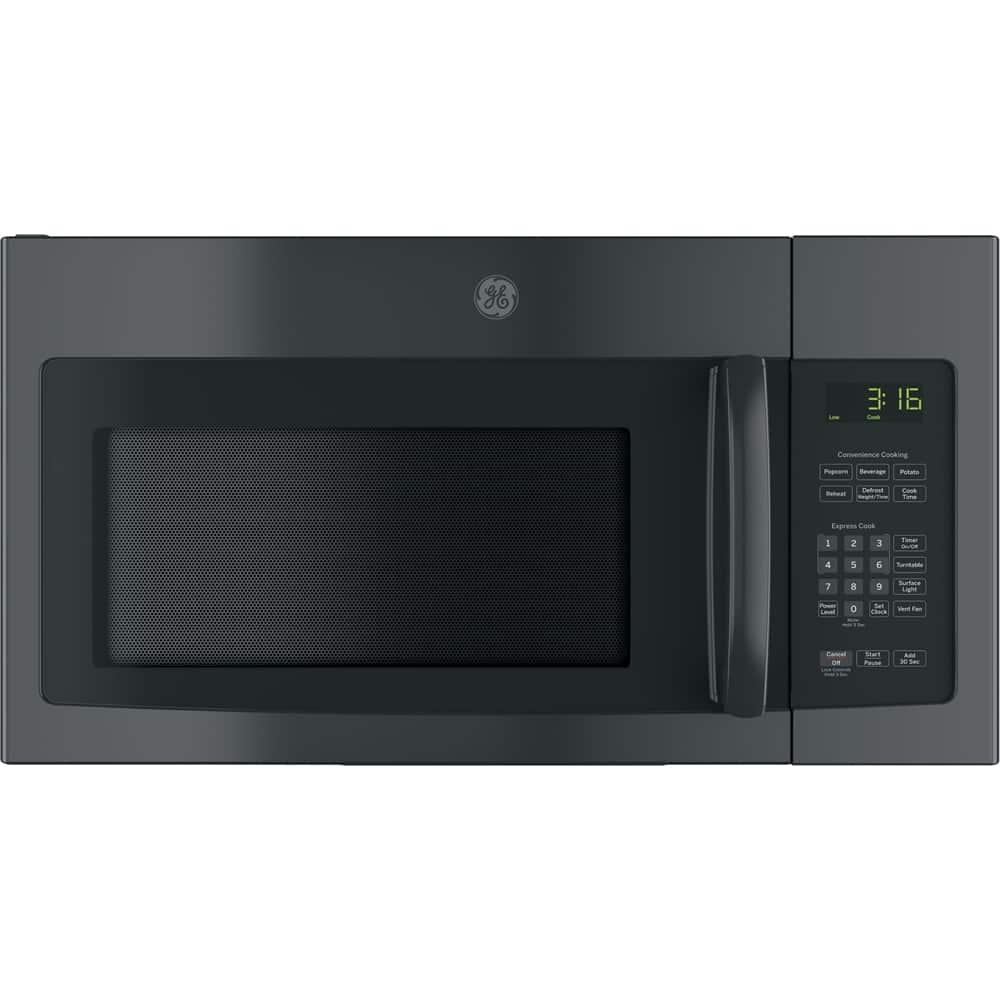
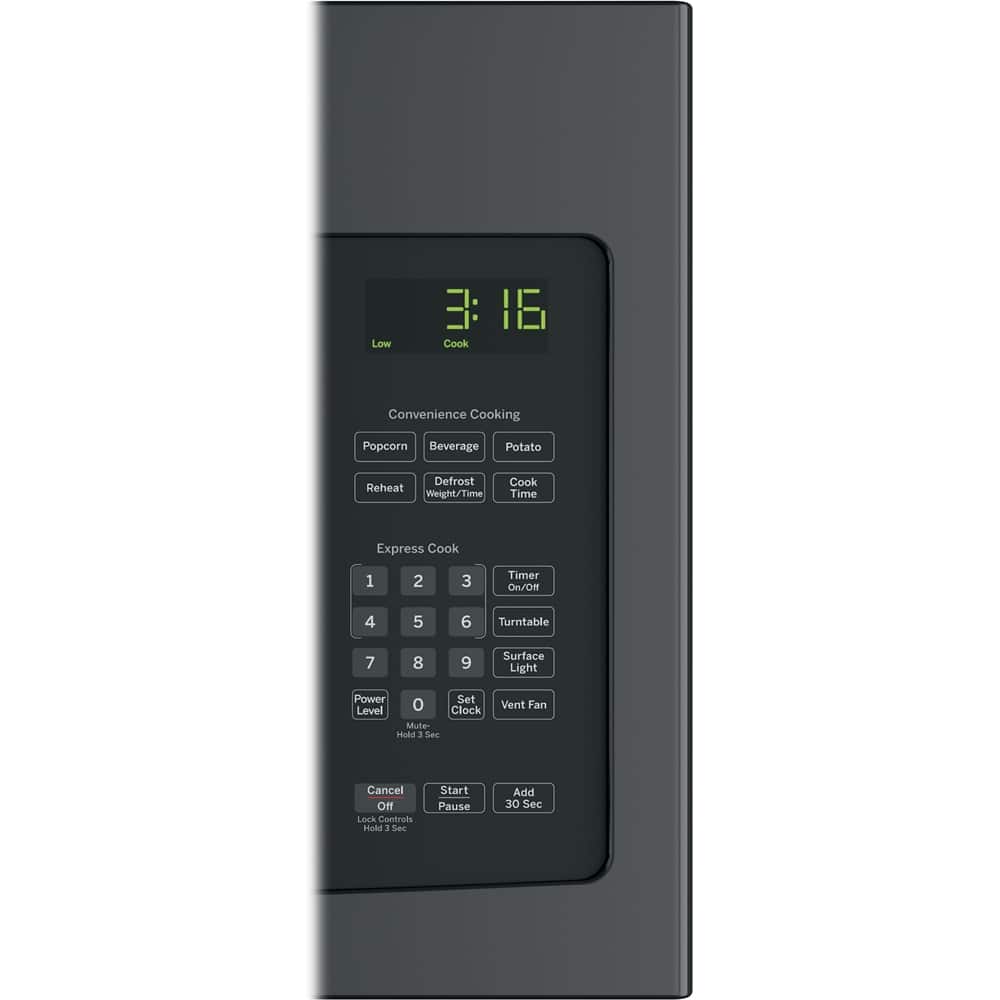
A:AnswerYou'll need to select Cook Time on the control panel and then input the seconds that you would like to set for your cooking time. Also, by pressing the Add 30 Sec pad will add 30 seconds to the time counting down each time the pad is pressed. -Don@GEAppliances
A:AnswerYes, this microwave can be be mounted underneath a cabinet. We recommend you review the "Mounting Space" section on pg. 7 of the Installation Instructions. -Don@GEAppliances
A:AnswerIn the event of a power failure, the clock will need to be reset. Press Set Clock, enter the time and press Start. This model doesn't offer a date function. -Vikki@GEAppliances
A:AnswerThe JVM3160DFWW model is a comparable replacement model. We do recommend using the mounting bracket and hardware that will be packaged with the new microwave. -Vikki@GEAppliances
A:AnswerPlease reach out to us (GE Appliances) via private message on Facebook, X, or Instagram so that we may learn more about your situation. Make sure to include your full serial and model numbers, any service confirmation or case numbers you have, along with a copy of this review. Lauren@GEAppliances
A:AnswerThis model would make a great addition to your home. All 30" Over-the-Range Microwaves are approximately the same width and are designed to fit into a 30" wide cabinet opening. Therefore, any of our current 30" Over-the-Range microwave models will work as a replacement for an existing 30" Over-the-Range microwave model. When replacing an Over-the-Range microwave, the mounting bracket included with the new microwave should be used since the mounting bracket is specific to each model. The new screws, bolts and exhaust adapter should also be used. -Don@GEAppliances