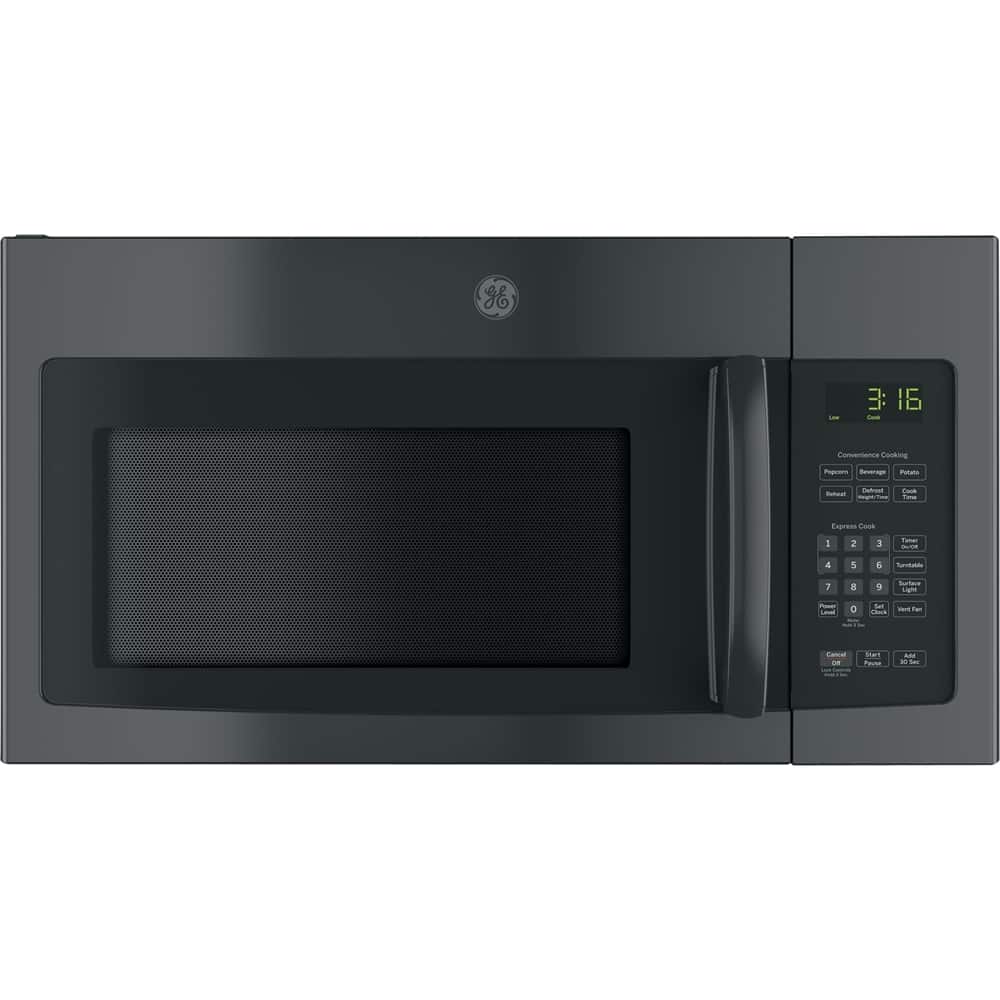
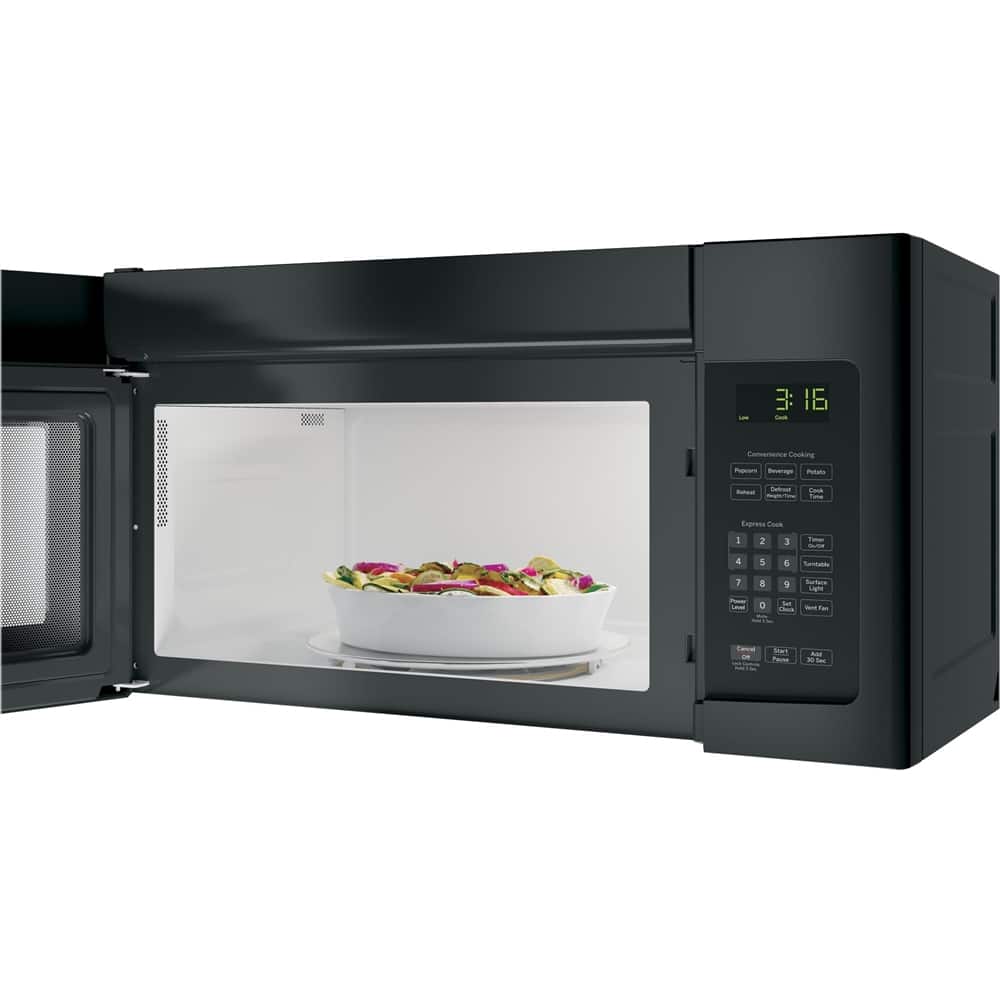
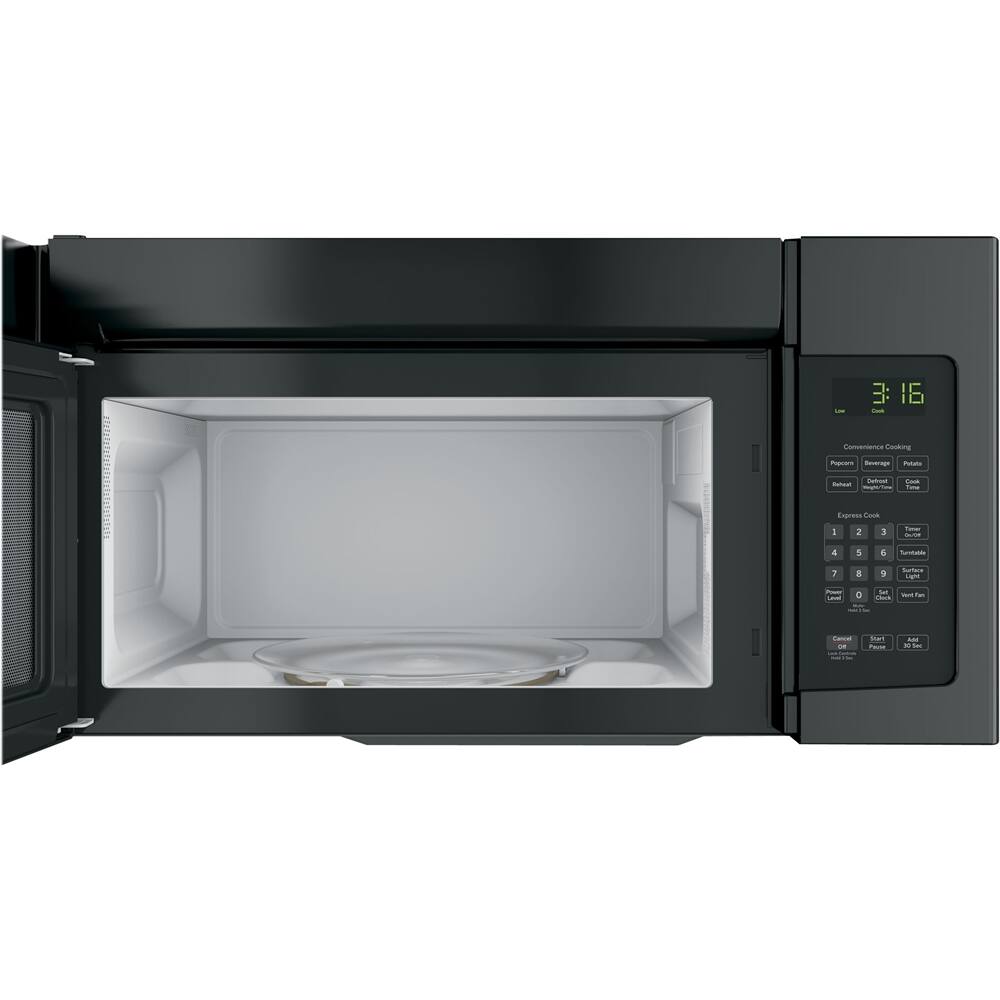
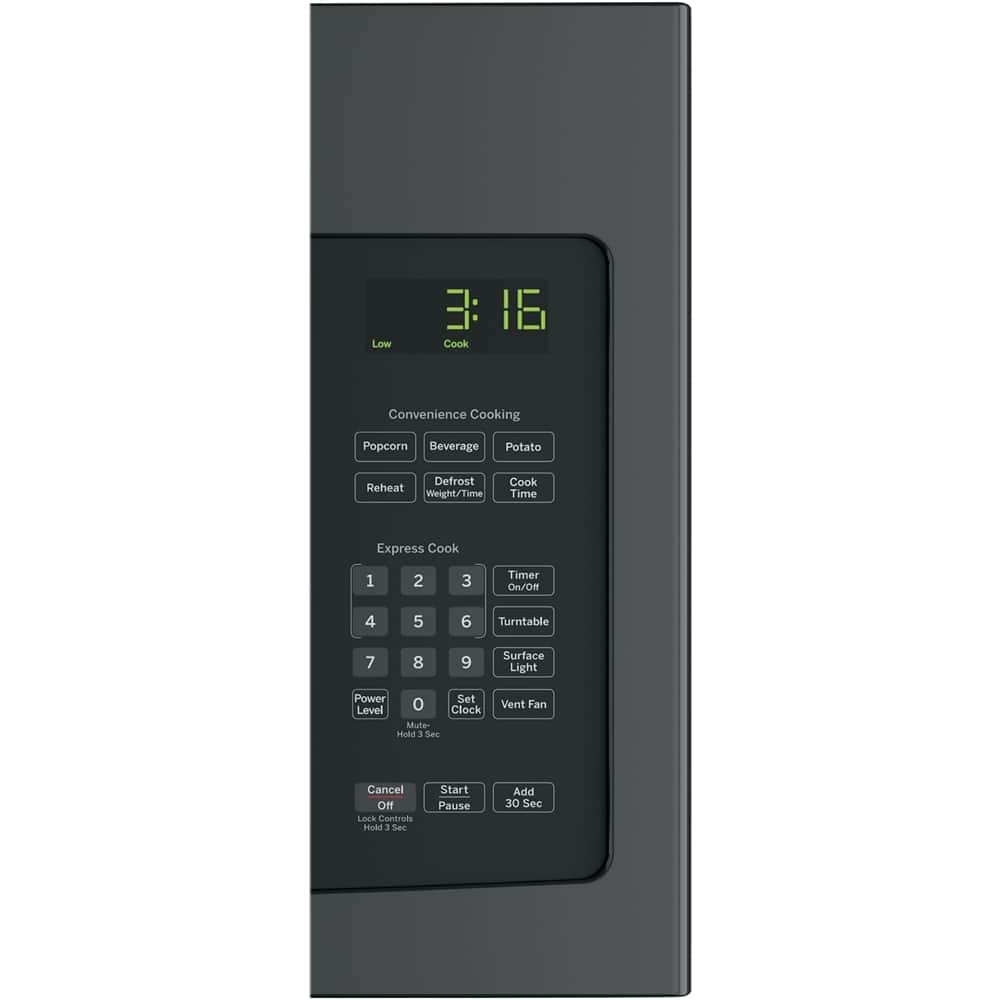
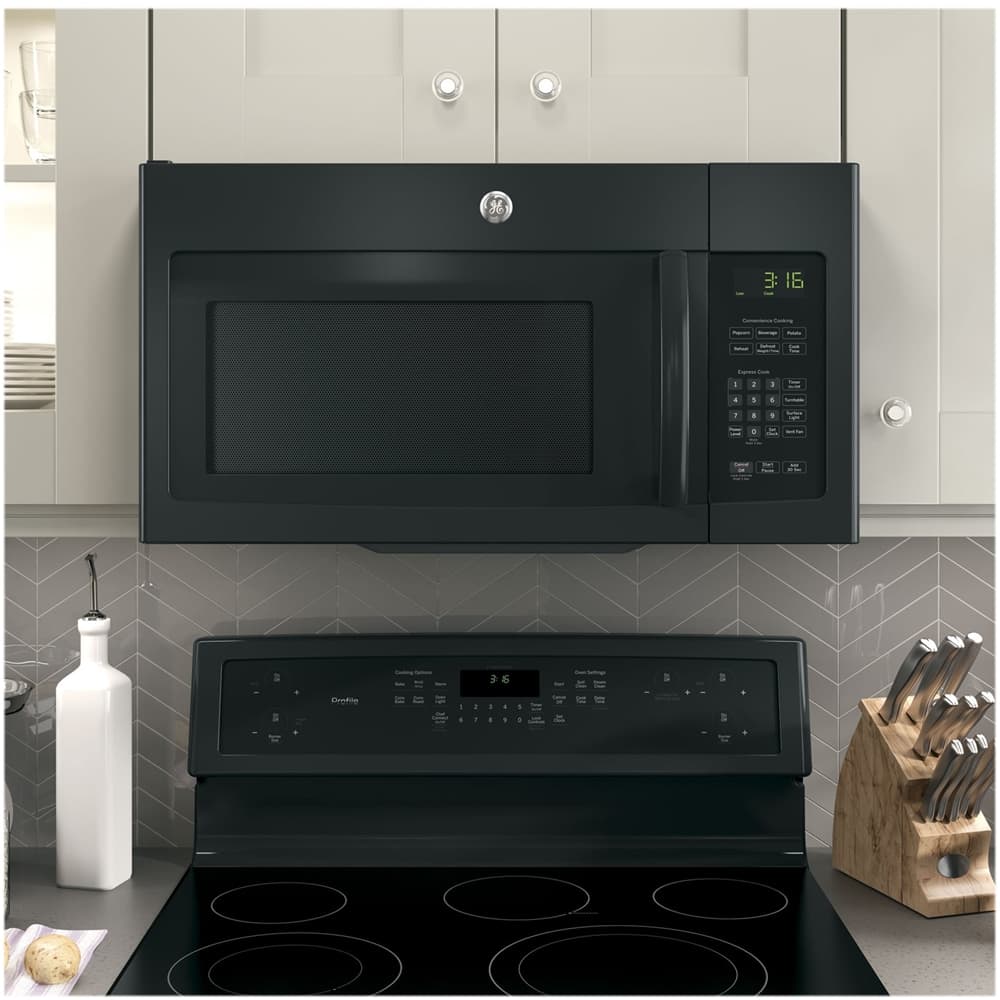
A:AnswerHi - Yes! All 30" over-the-range microwaves are approximately the same width, and are designed to fit into a 30" wide cabinet opening. Each microwave comes with the mounting hardware (mounting bracket, screws, exhaust adapter), top and rear templates, and installation instructions. Enjoy! Sue
A:AnswerHi Diane - The inside of the microwave door is covered with a thick, clear plastic sheet that should not be removed. The purpose of this plastic is to prevent any interference with the metal/mesh screen in the door. The mesh screen, which is scientifically designed to allow viewing into the microwave, reflects the microwave energy and prevents it from passing through the window or plastic. This covering is glued on. Should this be removed or become damaged, the microwave should not be used and service should be contacted. The interior light comes on during operation so you can view your food. Keep in touch at GEAppliances.com - Sue
A:AnswerHi Bubbie - When using a power level other than HIGH or 10, the magnetron tube cycles on and off to obtain the lower power. This cycling of the magnetron tube causes a dull or low thumping, pulsating, or humming noise. It is normal for the internal fan for the electronics to continue to run for a few seconds after the microwave cycle is complete, even if the door is opened. Also, it is normal to hear clicks or relays after starting the cycle. You should be pleased with your choice. Keep in touch! Sue
A:AnswerHi Mamarose - The microwave is equipped with a 40" power cord that comes out of the top of the unit on the right side (facing the front of the microwave). We strongly recommend that an extension cord not be used with a microwave due to the potential safety hazards under certain conditions. The microwave should be plugged into its own properly grounded, dedicated electrical outlet to prevent the flickering of the lights, blowing of a fuse or tripping of a circuit breaker. Extension cords may be used if the following conditions are met:
1. The extension cord must be a three-wire grounding type appliance cord that has an Underwriters Laboratory approval (UL), and that it mentions the current it can handle. The extension cords are usually marked 15 or 20 amps.
2. The marked electrical rating of the extension cord should be at least as great as the electrical rating of the microwave. 3. The extension cord is placed so that it cannot be pulled on or tripped over unintentionally. Where a standard 2-prong wall outlet is encountered, it is your personal responsibility and obligation to have it replaced with a properly grounded 3-prong wall outlet. Such extension cords are obtainable through building supply houses, hardware stores, etc. If you do use an extension cord with your microwave, the interior light may flicker and the blower sound may vary when the oven is in use. Cooking times may also be longer. Thanks for choosing GE! Sue
A:AnswerHi - JVM1653 Specs (Sensor Cooking Controls): Approximate Product Dimensions (WxHxD) (in.) 29 7/8 in x 15 3/4 in x 15 1/16 in. 1.6 cu. ft. capacity- 1000 Watts. We suggest GE® 1.7 Cu. Ft. Over-the-Range Sensor Microwave Oven JVM6175DKBB. Approx. Product Dimensions (WxHxD) (in.) 29 7/8 in x 16 1/2 in x 15 in. All 30" over-the-range microwaves are approximately the same width, and are designed to fit into a 30" wide cabinet opening. Each microwave comes with the mounting hardware (mounting bracket, screws, exhaust adapter), top and rear templates, and installation instructions. This makes choosing a replacement microwave easy. Keep in touch at GEAppliances.com - Sue
A:AnswerYes you can. I used this product as a replacement for a failed GE. Measure first to make sure it fits your opening. Mine aligned with the hanging bracket on the wall, but the attachment screws that go through the bottom of the cabinet and into the top of the microwave did not line up. I had to drill new holes. Not sure why GE would have changed that. Having to drill new holes doubled the install time. The template for where to drill the holes was very flimsy and difficult to hold up to the bottom of the cabinet.
A:AnswerTo install as recirculating you need a Charcoal Filter Accessory Kit is required for the non-vented exhaust. You also need to adjust the blower motor.
A:AnswerHi Johnmicrowave - Thanks for choosing GE! Each microwave comes with the mounting hardware (rear mounting bracket, screws, exhaust adapter), top and rear templates, and installation instructions. The rear wall mounting bracket is actually attached to the back of the microwave oven. Remove the two screws holding it to the microwave oven. The plate will be used as the rear wall template and for mounting the microwave oven to the wall. If missing, please contact BestBuy or our GE Appliances Parts Team at 1-877-959-8688, Mon–Fri 8am–8pm, Sat 8:30am–5pm ET. Keep in touch. We are always eager to help - GEAppliances.com - Sue
A:AnswerHi empress01 - Yes, each microwave comes with the mounting hardware (rear mounting bracket, screws, exhaust adapter), top and rear templates, and installation instructions. Check out the Installation Instruction for complete details: https://products.geappliances.com/MarketingObjectRetrieval/Dispatcher?RequestType=PDF&Name=49-40675-4.PDF - Thanks for choosing GE. Enjoy! Sue
A:AnswerHi Dave - We certainly appreciate your loyalty! JVM1650 has sensor cooking controls. We suggest GE® 1.9 Cu. Ft. Over-the-Range Sensor Microwave Oven JVM7195SKSS and GE® 1.7 Cu. Ft. Over-the-Range Sensor Microwave Oven JVM6175SKSS. Model JVM7195SKSS has an easy-clean, dark gray porcelain enamel interior (vs white epoxy) with steam clean option. Play Video: https://youtu.be/wSIh-YJSlt0?list=PLX8_V2wHGuhntzHGB3F5dEMg4YMkWMcxt - All 30" over-the-range microwaves are approximately the same width, and are designed to fit into a 30" wide cabinet opening. Each microwave comes with the mounting hardware (mounting bracket, screws, exhaust adapter), top and rear templates, and installation instructions needed to make installation a simple process. This makes choosing a replacement microwave easy. Thanks for choosing GE. Enjoy! Sue
A:AnswerHi Amit - We certainly appreciate your loyalty! The current model in bisque is GE® 1.6 Cu. Ft. Over-the-Range Microwave Oven JVM3160DFCC (29 7/8"W x 16 1/2"H x 15 1/4"D)- (JVM1650CB: 29 7/8"W x 16 13/32"H x 15 1/4"D). The microwave easily converts to recirculating (room- non-vent). Recirculating Charcoal Filter JX81L is included. Enjoy! Sue
A:AnswerHi Shortround - Thanks for viewing GE! The handle material is durable Polycarbonate. Check out our GE® 30" Free-Standing Electric Range
JB625DKWW. The smooth ceramic glass cooktop easily wipes clean. Keep in touch! Sue
A:AnswerHi - Thanks for reaching out to us and for choosing GE! The upper vents on the top of the microwave should not be blocked/restricted. A fan where the internal components are located will run continuously while the microwave is in operation to constantly circulate the air to cool the working parts so you will feel a small amount of air flow from the vent. If venting outside, the grease filters trap grease and the fan will exhaust the steam/smoke through the ducts to the outside. Cleaning the grease filters is dependent on what type of cooking is done. For normal use, filters should be cleaned once a month. View page 15 of the Owner's Manual: https://products.geappliances.com/MarketingObjectRetrieval/Dispatcher?RequestType=PDF&Name=49-40669-6.PDF - Thanks for choosing GE. Enjoy! Sue
A:AnswerHi Elizabeth - Oven Cavity Lamp is 120V-130V, 30W incandescent
bulb # WB25X10029. Cooktop Lights/Nite Lights are 120 volt, 40 watt (max) incandescent bulbs- #WB25X10030. These bulbs can be purchase online at GEApplianceparts.com - For reference, see page 15 of the Owner's Manual: https://products.geappliances.com/MarketingObjectRetrieval/Dispatcher?RequestType=PDF&Name=49-40669-6.PDF - Keep in touch! Sue
A:AnswerIf the one you have is over the range,is a bit more difficult to install because you have to change the exhaust fan to blow to the outside,(meaning the kitchen).But it should not be too expensive.
A:AnswerHi - Approximate Product Dimensions (WidthxHeightxDepth) (in.)
29 7/8 in x 16 1/2 in x 15 1/4 in. We suggest to view the Quick Specs document at the following link for more details:
https://products.geappliances.com/MarketingObjectRetrieval/Dispatcher?RequestType=PDF&Name=340169_jvm3160rf_c3.pdf - Keep in touch! Sue
A:AnswerHi - We certainly appreciate your loyalty! Yes, the dimensions are the same. All 30" over-the-range microwaves are approximately the same width, and are designed to fit into a 30" wide cabinet opening. Each microwave comes with the mounting hardware (mounting bracket, screws, exhaust adapter), top and rear templates, and installation instructions. This makes choosing a replacement microwave easy. NOTE: When replacing an over-the-range microwave, the mounting bracket included with the new microwave should be used since the mounting bracket is specific to each model. The new screws, bolts, and exhaust adapter should also be used. Enjoy! Sue