A:AnswerHi Wholesome- We know you have choices and appreciate the trust you've placed in us! Thanks for your loyalty. We have great news. Yes, you can choose any model to replace your JVM1630WJ. All 30" over-the-range microwaves are approximately the same width, and are designed to fit into a 30" wide cabinet opening. Each microwave comes with the mounting hardware (mounting bracket, screws, exhaust adapter), top and rear templates, and installation instructions needed to make installation a simple process. This makes choosing a replacement microwave easy. Also, check out our GE® 1.9 Cu. Ft. Over-the-Range Sensor Microwave Oven
JVM7195DKWW. You'll love the dark gray, easy-clean enamel interior with steam clean option. Messes inside the microwave are not as visible and easy to wipe away after steam loosens food grime. Keep in touch. With so many choices, we are always glad to help make your buying decisions a bit easier! SUE@GEA
A:AnswerHi Kam- Thanks for choosing our GE® Over-the-Range Microwave Oven with Recirculating Venting
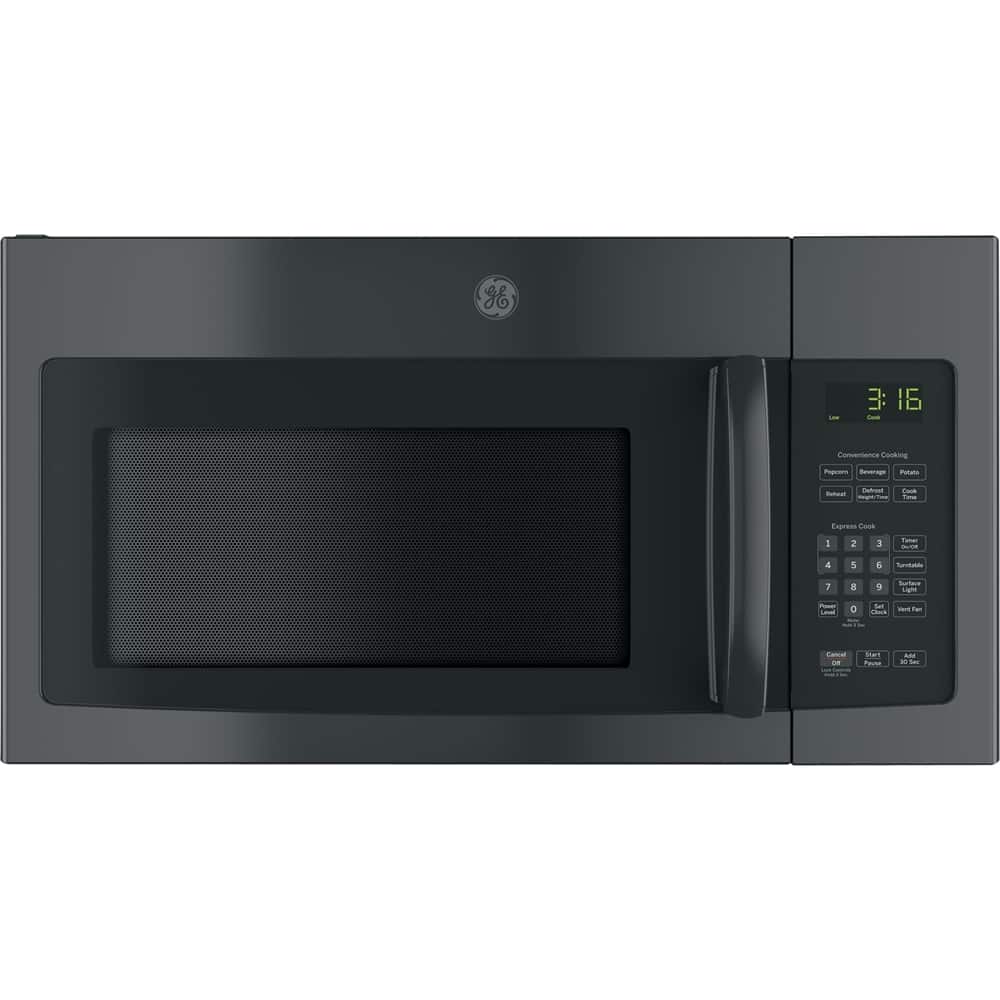
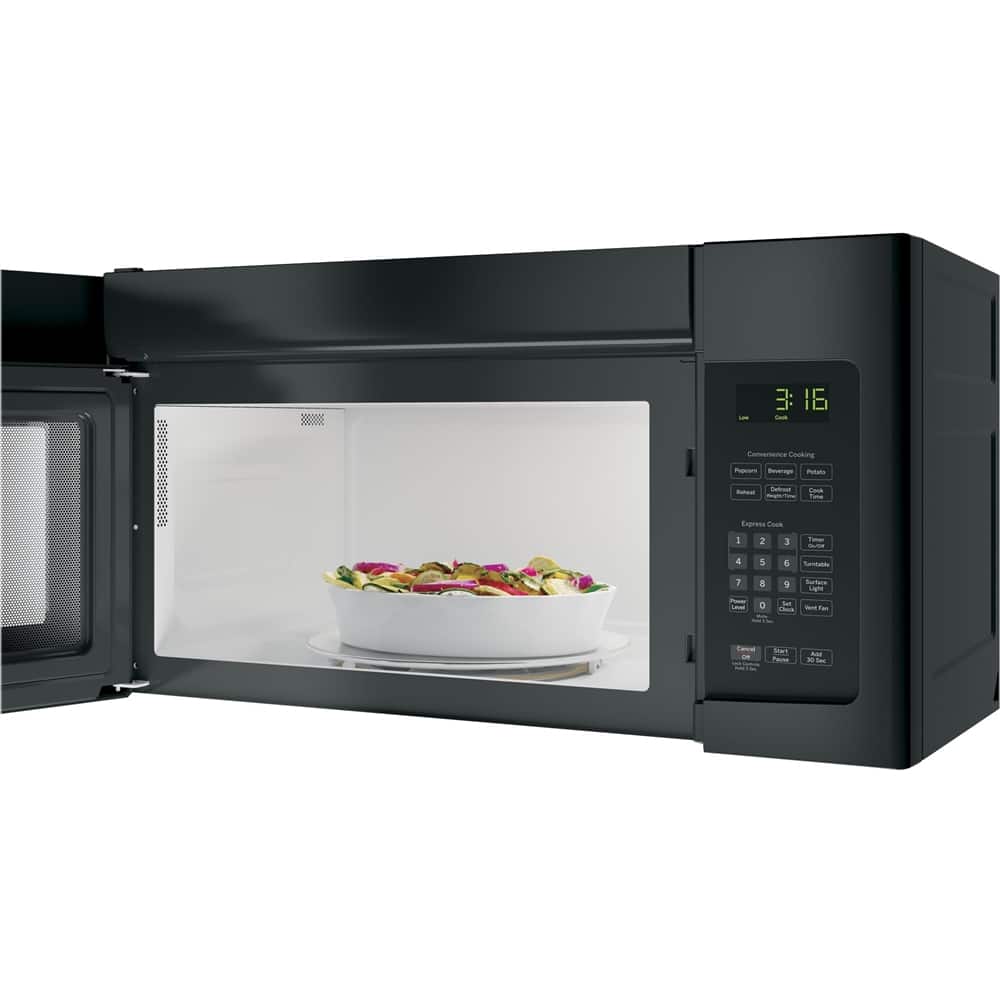
JNM3163RJSS! We certainly appreciate your loyalty. Enter your existing microwave's model number at the following link to download the Installation Instructions regarding removal: http://www.geappliances.com/ge/service-and-support/literature.htm?icid=GEARsupportflyout-manuals - You can also contact our GE Answer Center at 1-800-626-2005, Monday - Friday: 8 a.m. - 10 p.m. ET, Saturday: 8 a.m. - 7 p.m. ET. Thanks for reaching out to us! SUE@GEA
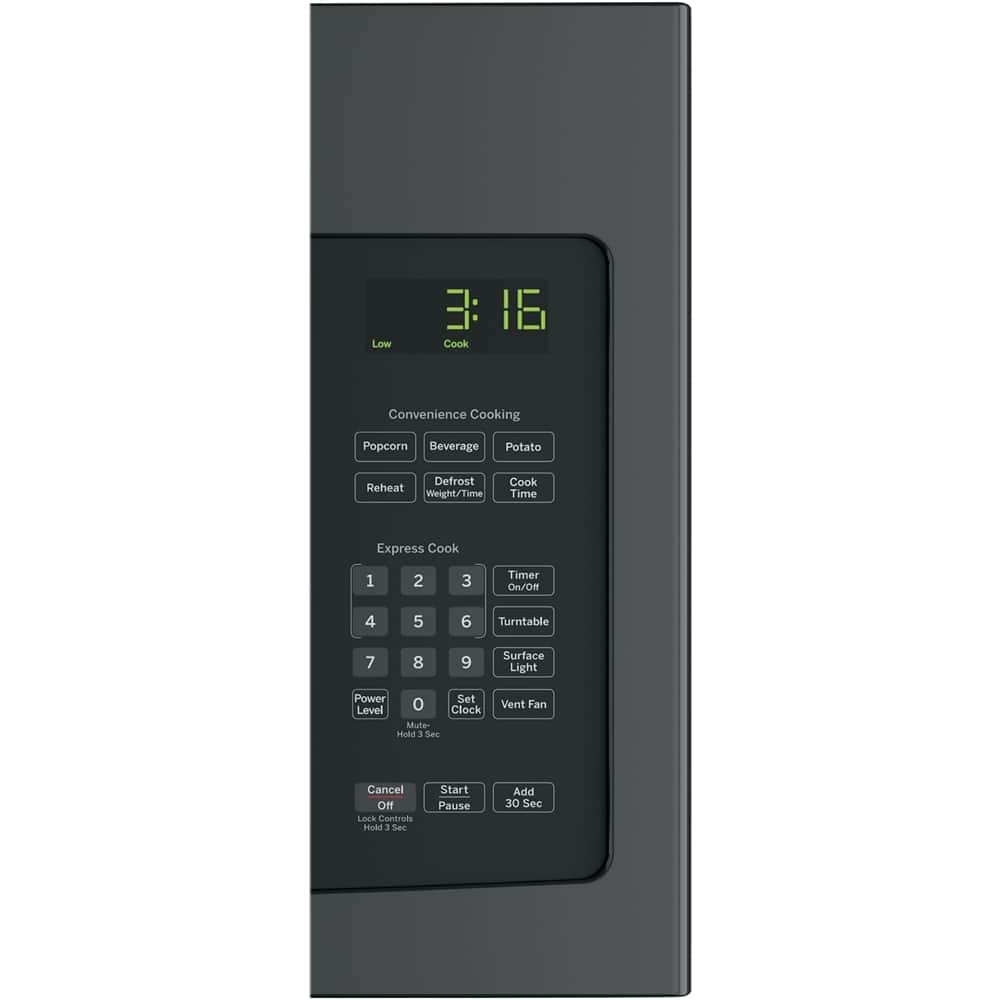
A:AnswerHello - this is Nancy at GE Appliances and I am happy to help you. Yes, this microwave offers a timer function that can be used at any time, including when the microwave is operating. I hope this helps! Thanks for checking with us!
A:AnswerHello Captgeb - this is Nancy at GE. We're sorry to hear that your microwave is not working properly and I am happy to help you with a great replacement model.
The good news is that all of our 30" Spacemaker over-the-range microwaves are designed to be installed in the same standard upper cabinet space (30" min. width, 12" min.-13" max. depth, 66" min. mounting height). The height and depth of the models may vary slightly, but any of our new models could work in your current space. A model that you may like is the JVM6175DFWW.
You will need to use the mounting brackets and hardware that come with the new microwave. The mounting kits have changed over the years and are not interchangeable.
I hope this information is helpful! Thanks for checking with us!
A:AnswerHello,
Thank you for your interest in the GE Over-the-Range Microwave model JVM3160DFWW.
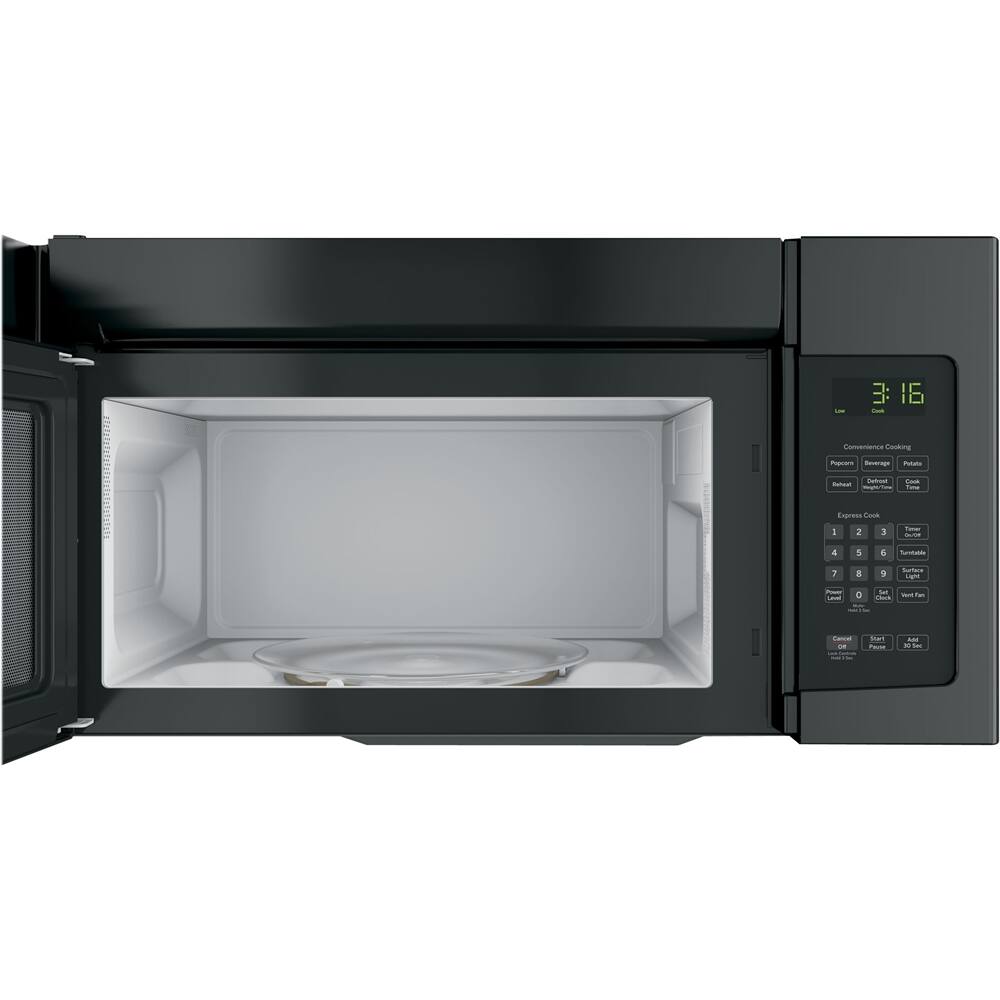
The model does not feature a shelf inside. It does have a
Turntable On/Off control which is a great option.
Donna with GE
A:AnswerFor information regarding the mounting holes and installation, we recommend visiting the measurement guide and installation manual of this unit in the About This Product section of the page.
A:AnswerFlush mounting is not required for this model. The unit can be configured for outside back exhaust, outside top exhaust, or recirculating ventilation. Please refer to the installation instructions starting on page 11 for the applicable installation requirements.
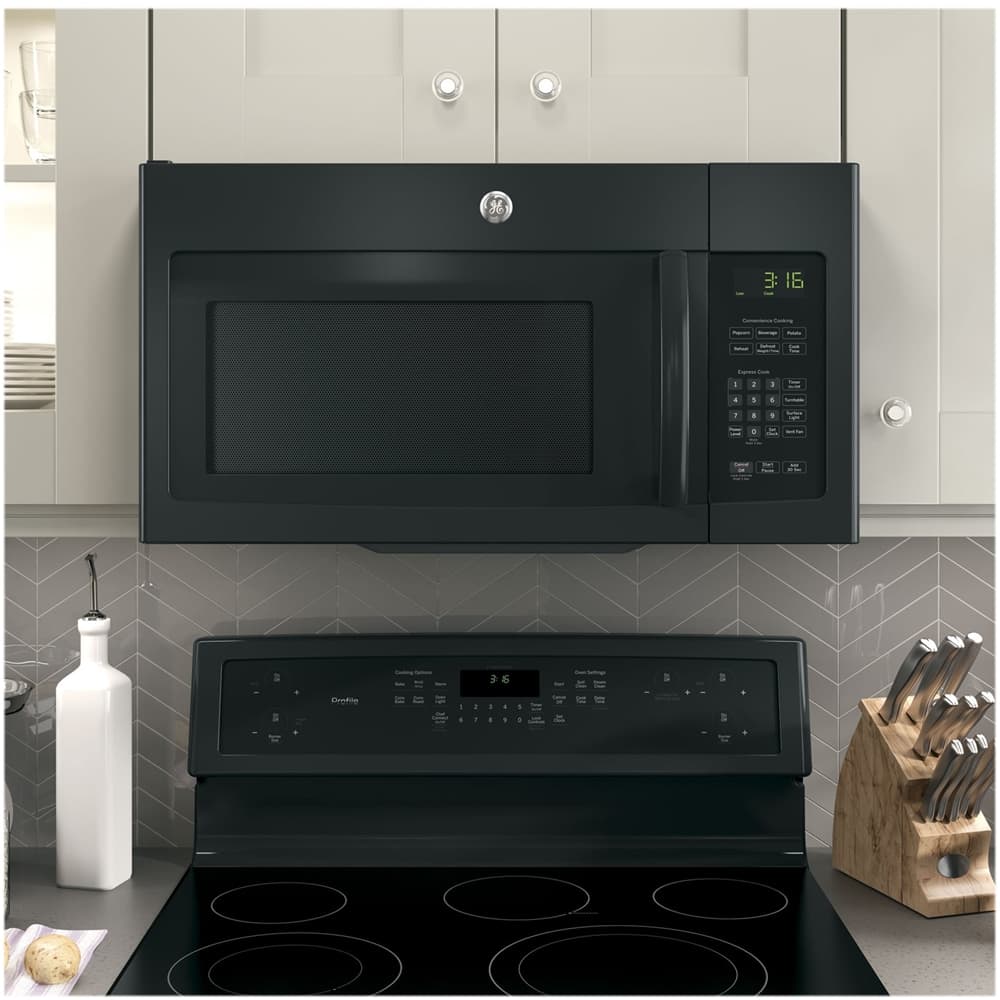
A:AnswerThis unit does come with a surface light under the unit, which helps brighten up the stovetop below. It can cycle through once for bright light, twice for the night light or a third time to turn the light off.
A:AnswerFor assistance with questions about sales periods or other customer service inquiries, please call the Best Buy team directly at 1-888-237-8289.
A:AnswerYes, this microwave comes with the mounting plate. To view the installation instructions, please see the manual for this model by visiting the product page, clicking on the “See all Features” tab and navigating to the “Manuals & Guides” section.
A:AnswerA bump-out kit is an accessory, such as the JX15 Bump-Out Kit for this microwave, that can be used during the installation of an over-the-range microwave. It allows for an increased maximum depth, extending the maximum depth to 16 inches. You can find more information about this in the Specification Sheet by going to the Features tab on the Best Buy website and scrolling down to Specification Sheet.