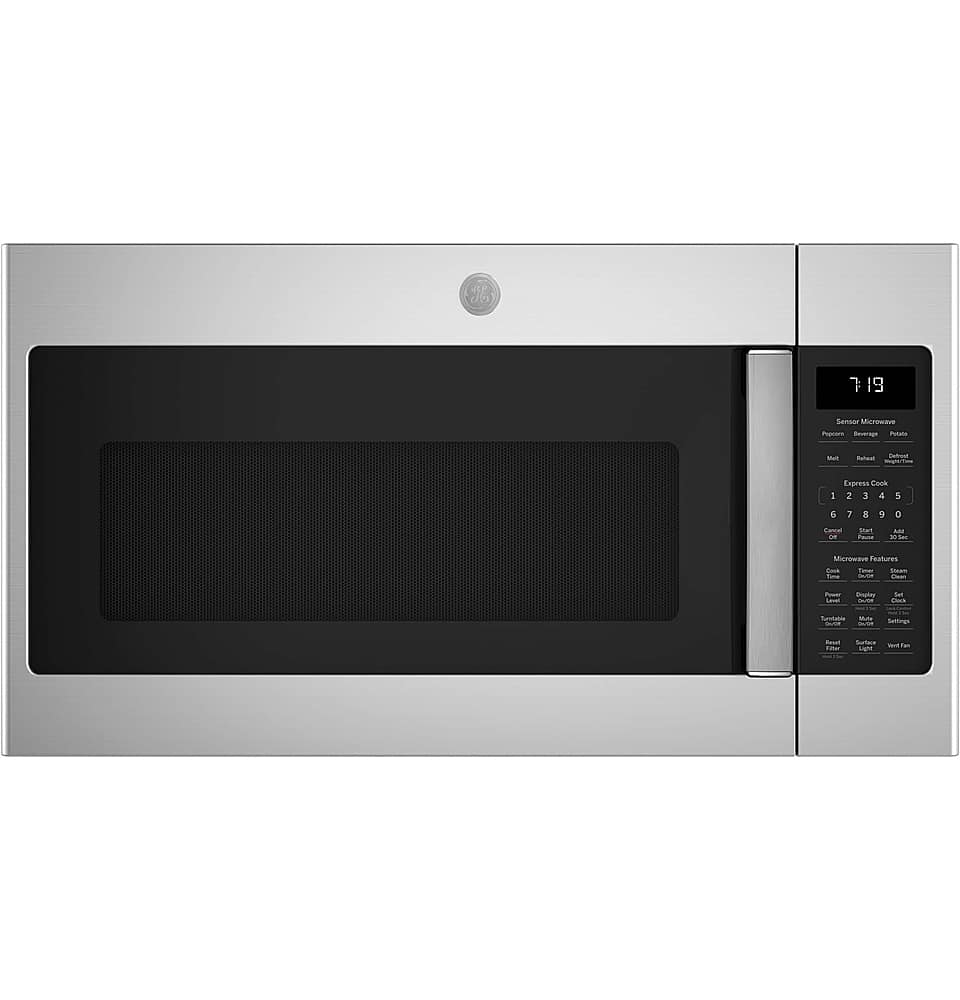
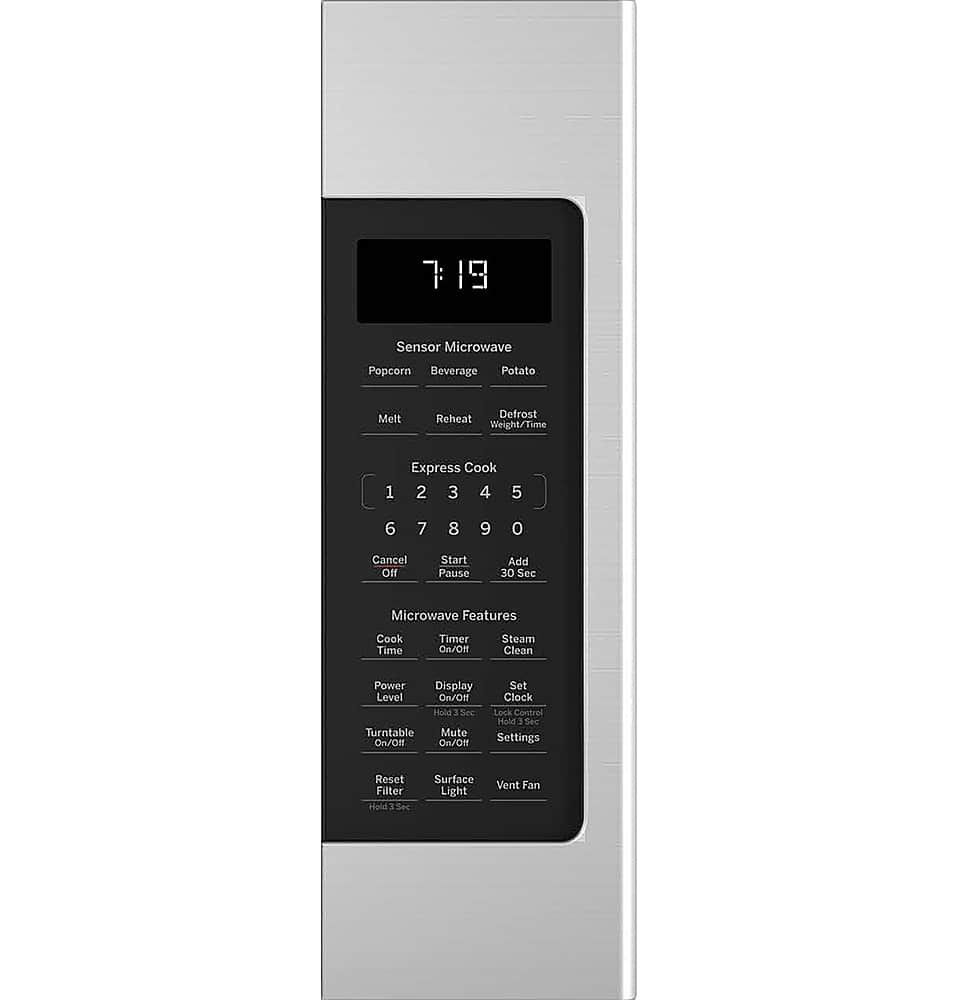
A:AnswerSteam Clean is intended for routine maintenance and light messes. The microwave heats the water to create steam, which softens dried-on food and grease. Simply press the Steam Clean button, place a microwave-safe bowl containing 1/4 cup of water inside the microwave, and press the Start/Pause pad. After the cycle is complete, wipe the inside of the oven cavity with a paper towel or soft cloth.
A:AnswerThe replacement microwave for your built-in PEB2060SM2SS would be the PCWK22U1WDD. Both of these models require a trim kit with similar cut out dimensions. The JVM7195SKSS over-the-range microwave cannot be used as it cannot be built into a cabinet.
A:AnswerThe charcoal filter is part number WB06X10807, and it can be replaced by opening the door, removing two screws from the top of the grille, sliding the grille to the left and forward to remove it, and sliding the old filter down and out. You would then remove any plastic and outer wrapping from the new filter and install it; when properly installed, the wire mesh will be visible from the front. The replacement process is detailed on page 15 of the installation instructions. Those can be viewed on Best Buy’s product page for the model when you view the ‘Features’ section and scroll down that section until you see ‘Installation Guide’. If you need to purchase a new charcoal filter, that may be available through a retailer or you can contact our parts department at 1-877-959-8688. The manual is also linked in the 'Features' section, and that includes instructions for removing the grease filters on page 18. You would remove those by sliding them to the rear using the tabs, and pulling down and out. You can replace those filters by sliding them into the frame slots on the back of each opening, and pressing up and to the front to lock them into place.
A:AnswerNo, this model is designed to be installed between cabinets and against a wall. We recommend reviewing the mounting space information on page 6 of the installation instruction which is located by clicking on the features tab and scrolling down to the Manuals & Guides section.
A:AnswerAll 30" over the range microwaves are approximately the same width and are designed to fit into a 30" wide cabinet opening. Our over the range microwaves do not come with a trim kit however, you can purchase an optional filler kit if you have a 36" wide cabinet opening. We recommend checking your current microwave's owner's manual to determine the size of microwave you currently have to ensure that you are able to find the best replacement. Each microwave comes with the mounting hardware, mounting bracket, screws, exhaust adapter, top and rear templates, and installation instructions needed to complete the installation process.
A:AnswerThanks for your loyalty to our brand, and your interest in this microwave! Model JVM7195DKWW has the same dimensions as JNM7196DK3WW; both have dimensions of 16.3125" H x 29.875" W x 15.5625" D. The requirements for the mounting space are the same as well. We suggest reviewing the installation instructions for this model, to be certain you'll be able to meet all the requirements; those can be viewed on our GE Appliances website when you look up the model number, go to the product’s page and view the ‘Owner Support’ section. Please note that mounting brackets are model specific, and you should use the mounting bracket and hardware that comes with the new microwave rather than reusing the old brackets. If you’re able to meet all the installation requirements, we’re confident this microwave will be a wonderful addition to your household!
A:AnswerAll microwaves are manufactured globally. GE Appliances products are designed by GE Appliances engineers in the United States. Many are manufactured in the U.S. and others are made globally to our specifications. The country of origin is shown on the rating plate as well as the packaging.
A:AnswerWe aren't able to locate the measurements for your previous model, so we're unable to confirm an exact replacement. However, you can check out the dimensions and requirements for any of our models by checking the installation instructions, which can then be used to compare to your current setup. The instructions for this model can be found by clicking on "Features" then scrolling down the page on the right, then the link will be under "Installation Guide."
A:AnswerWe recommend model JVM7195RWSS, it shares similar dimensions and features. You can find more information on the installation manual here: https://files.bbystatic.com/onSj2jVEBF7xGjRrHuwaow%3D%3D/452876b1-105d-4cf5-803b-a03e187392ce
A:AnswerAs part of our ongoing effort to be better ambassadors of the environment, we no longer offer printed literature such as Owner’s Manuals. By moving to electronic-only delivery formats, we not only do more to preserve the environment, we also ensure that only the latest version of the document is provided to you. You can view the Owner's Manual by clicking the ‘From the Manufacturer’ tab and scrolling all the way down on the page, you will see a link that says Use and Care Manual.
A:AnswerPlease enter your zip code on Best Buy's product page for this model to check for the availability of installation services in your area. You can also call Best Buy at 888-237-8289 for assistance with delivery and installation.
A:AnswerIt can be normal to notice certain sounds when the microwave is in use. This is due to the internal fan operating automatically. You may notice the internal fan run continue to run for a few seconds after the microwave cycle is complete, even if the door is opened. You can view more information by checking our article titled "Microwave - Normal Operational Characteristics" on our GE Appliances website.