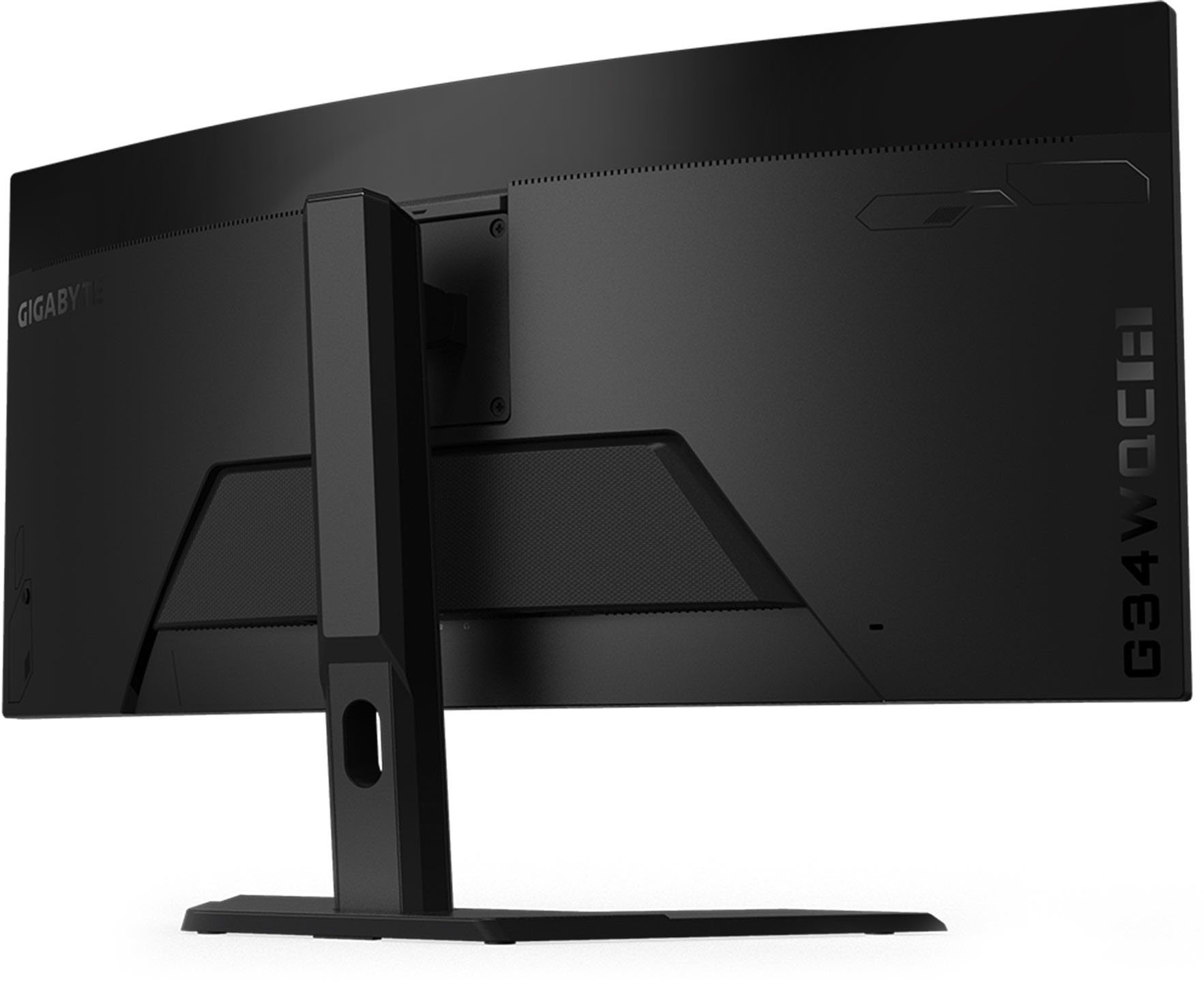
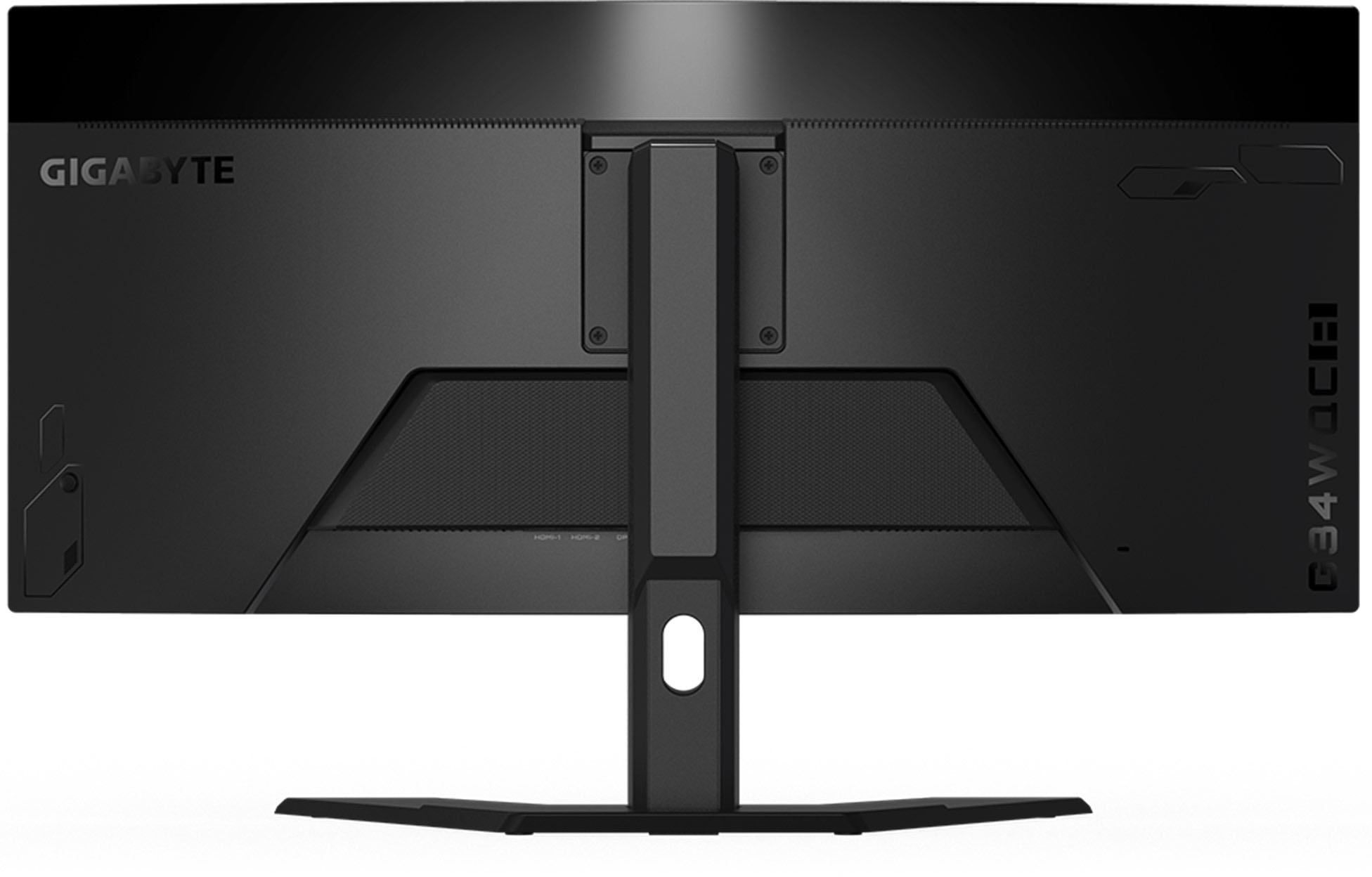
A:AnswerYes. I have mine wall mounted. I dropped it into an existing wall mount and had to do a fair bit of rearranging as I had a second monitor and a desktop mic stand.
A:AnswerHi GeneS,
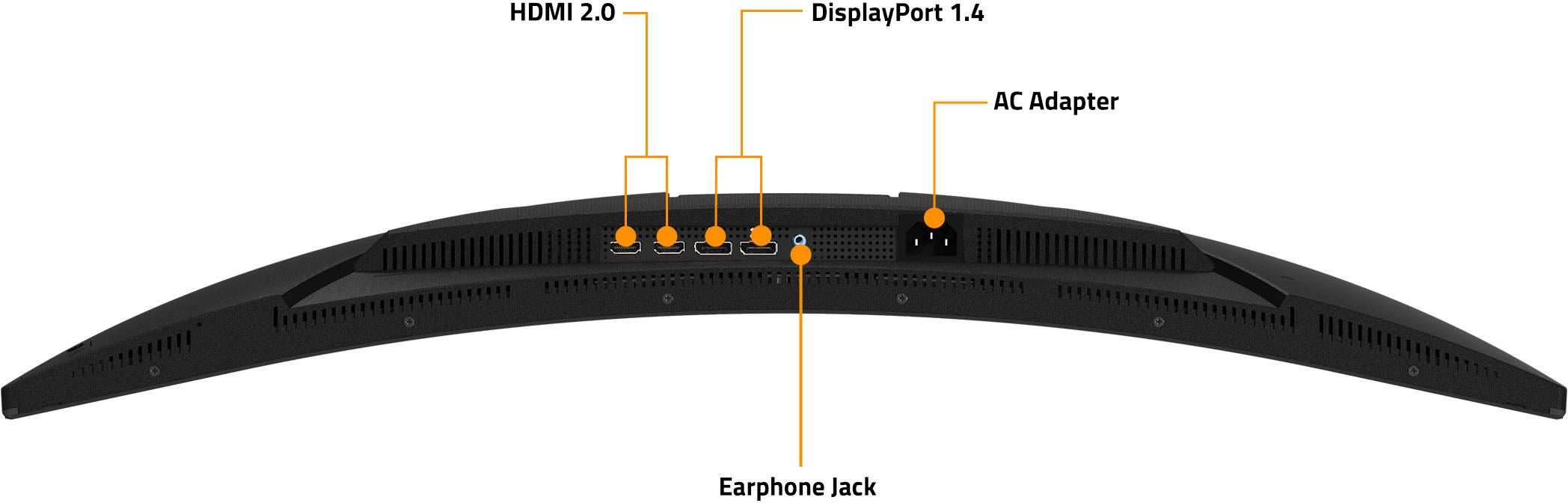
Yes this will work perfectly with your Surface Pro laptop/tablet. You will need to connect via HDMI or Display port or can use an adaptor to connect depending on model year Surface Pro.
Hope this helps!
- John
A:AnswerHi Rayjd93,
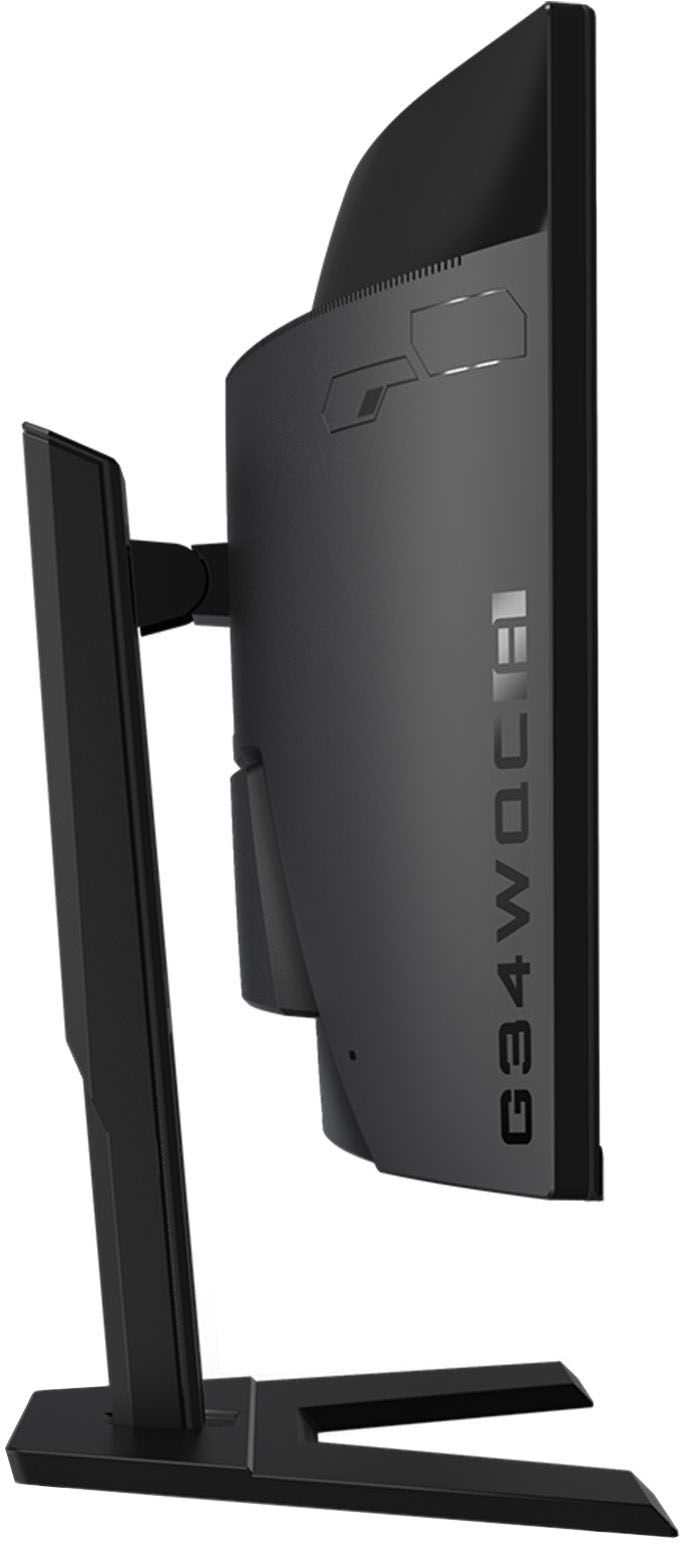
Yes you can connect the PS5 & XBOX Series X to the monitor and switch between both inputs using the joystick controller behind the monitor.
Hope this helps!
- John
A:AnswerThis monitor is fully compatible with most computers, laptops, and consoles in the market. As long as your machine has a display port or HDMI connection, It will natively work with your PC regardless of brand.
Hope this helps!
- John
A:AnswerHi Tom,
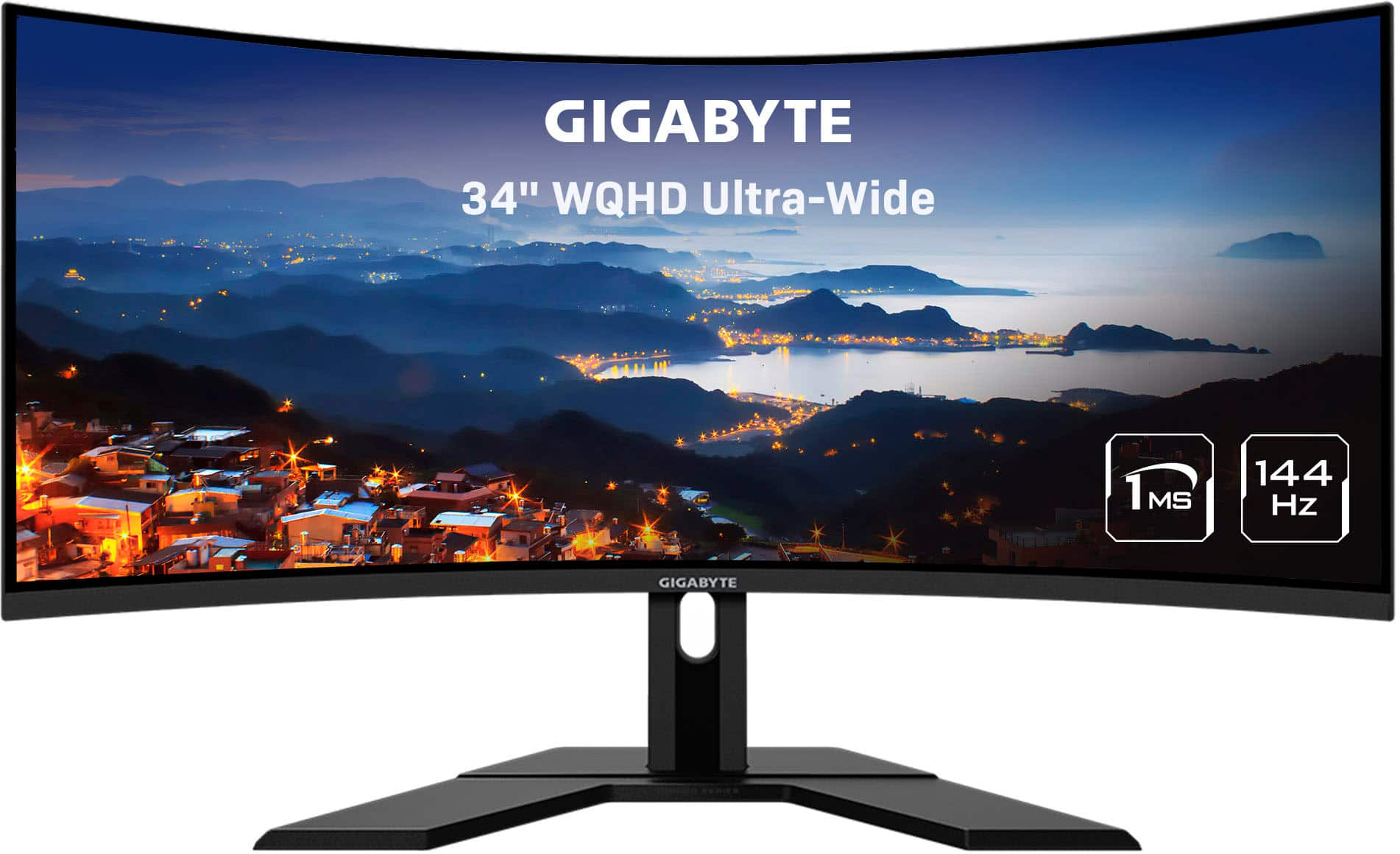
It is a WQHD resolution (3440X1440P)
Note this is an ultrawide monitor so the aspect ratio is 21:9 vs the traditional 16:9
Hope this helps!
- John
A:AnswerHi John,
Yes the monitor's freesync & adaptive sync will be compatible with other brand's GPU's as long as the GPU supports it as well.
Hope this helps!
- John
A:AnswerHi Speedy,
This will work with a PS5 at 1440p.
Note that the image may be a little stretched/upscaled at this time of writing.
Hope this helps!
- John
A:AnswerHow do you increase the volume:
Step 1) Press the button on your behind Monitor, Go to Settings (Press the button to Up)
Step 2) Go to “System” on Main Settings, Press “Enter” on the Button to “Audio”
Step 3) Press “Volume” on Audio Settings, Use button to toggle Volume to Up/Down.