Questions & Answers
- Model:
- G34WQC A-SA
- |
- SKU:
- 6488585
Highly rated by customers for: Screen Size, Price, Refresh Rate
$399.99Your price for this item is $399.99
Page Showing 41-46 of 46 questions
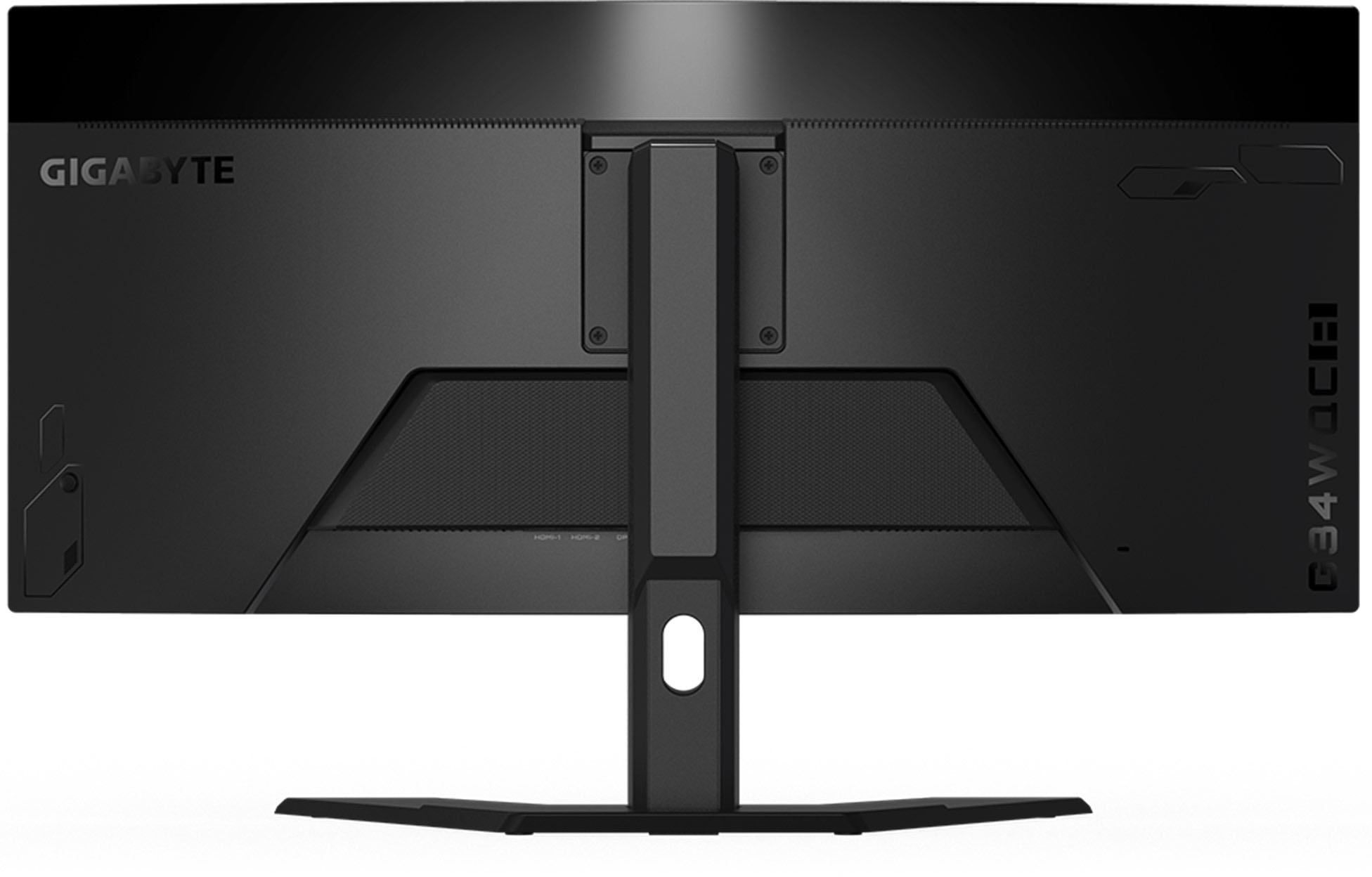
Q: QuestionWhat kind of desk mount can I use with this?
Asked by AdamsDN15.
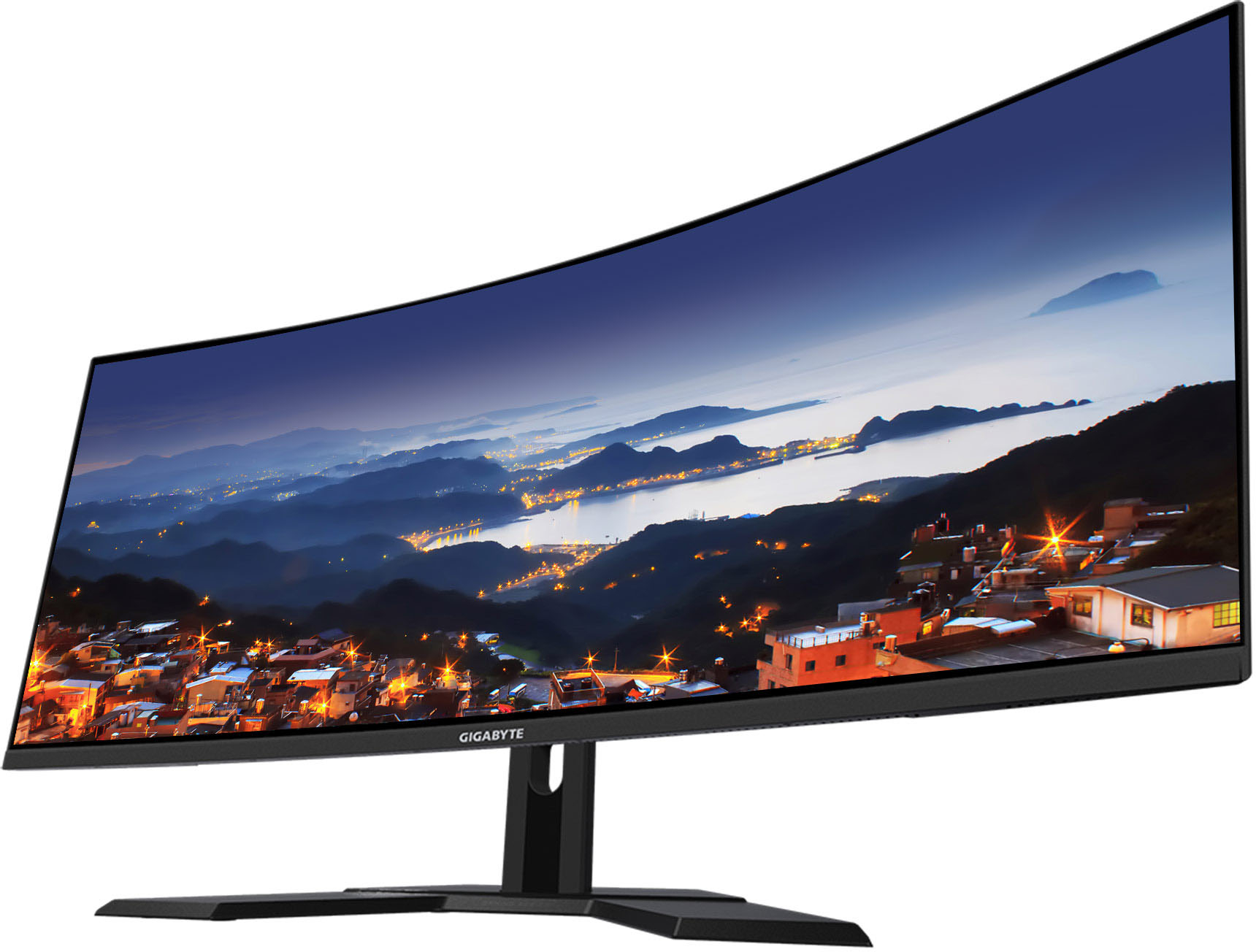
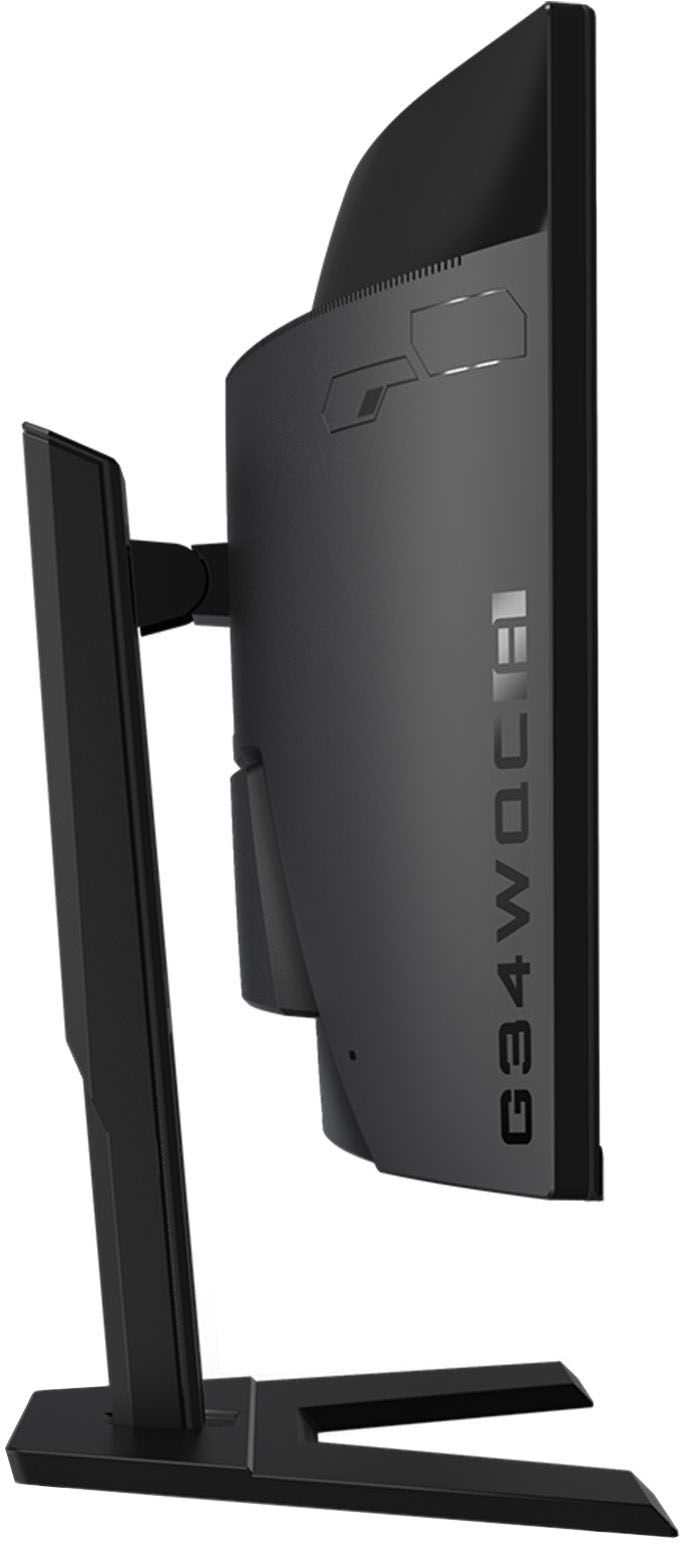
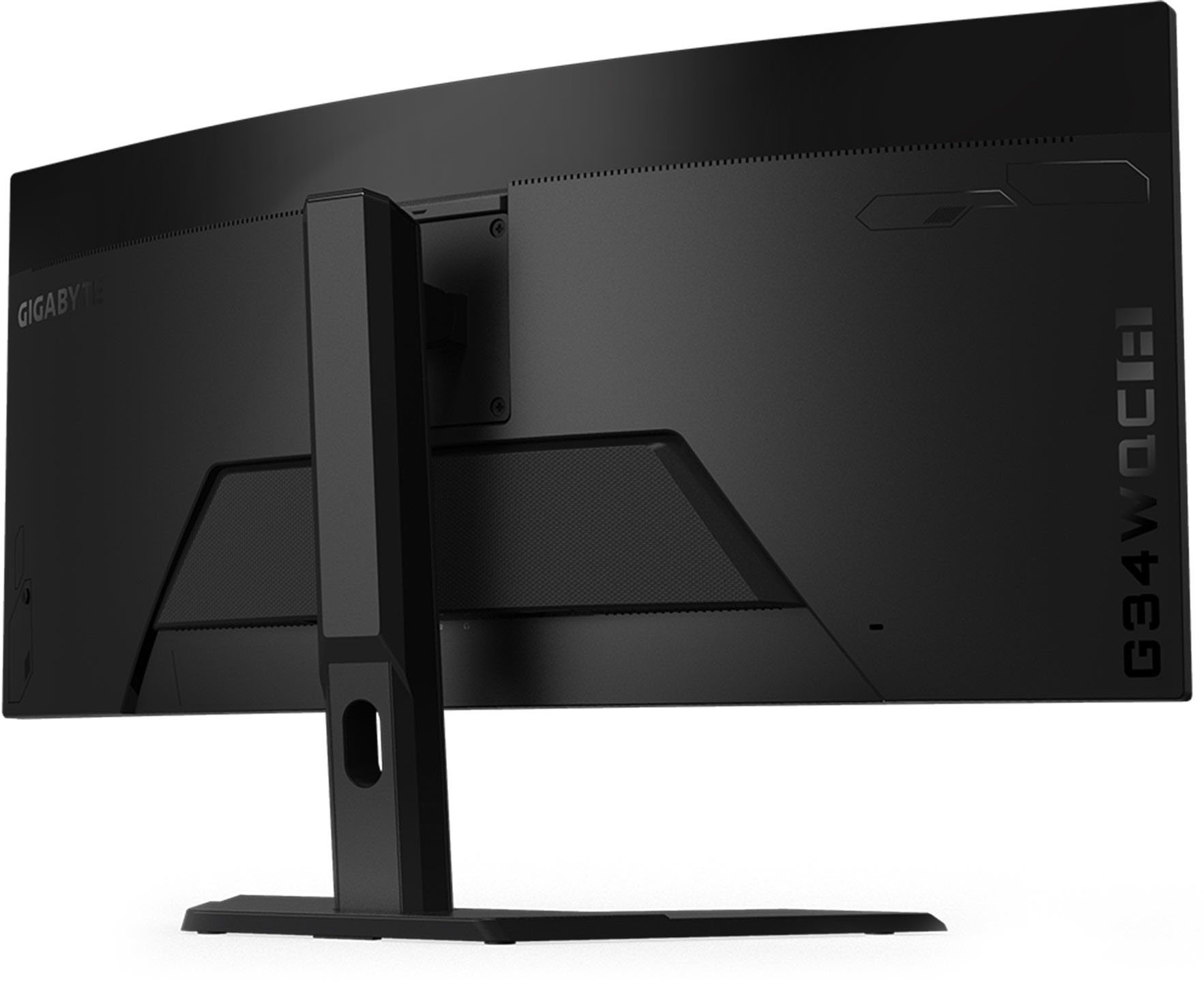
- A:Answer It has the 100mm x 100mm standard VESA mount. I was able to mount this monitor on my old vertical dual monitor stand.
Answered by Anonymous
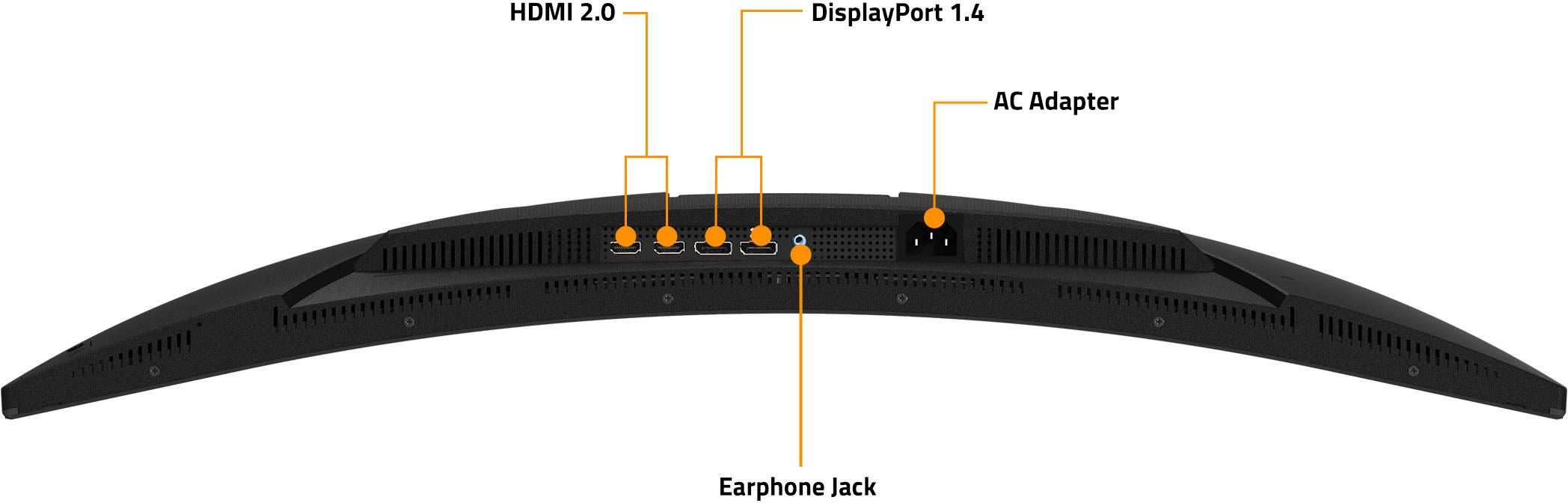
Q: QuestionDoes this monitor have a USB port
Asked by Anonymous.
- A:Answer Hi User, This monitor doesn't come equipped with a built in USB HUB. if you're looking for an ultra-wide with a built in USB HUB + KVM combo, please take a look at our M34WQ monitor, that can also be found at BestBuy. Hope this helps! - John
Answered by GIGABYTE Official
Q: QuestionHi, I will like to install two of these monitors side by side with a bracket, do you know if a 32" bracket will be compatible or if I should use a 34" one? Also there is any brand or model that you can recommend? for a duo and a quad installation? Thanks
Asked by Jotha.
- A:Answer yeah, I am mounting it on the desk but I am deciding if I wan't to install them in vertical one on top of the other, or side by side, but yeah the bracket that I am looking for is clamped to the table, any bracket that anyone can recommend?
Answered by Anonymous
Q: QuestionWhat are the dimensions of the base?
Asked by Rksfive.
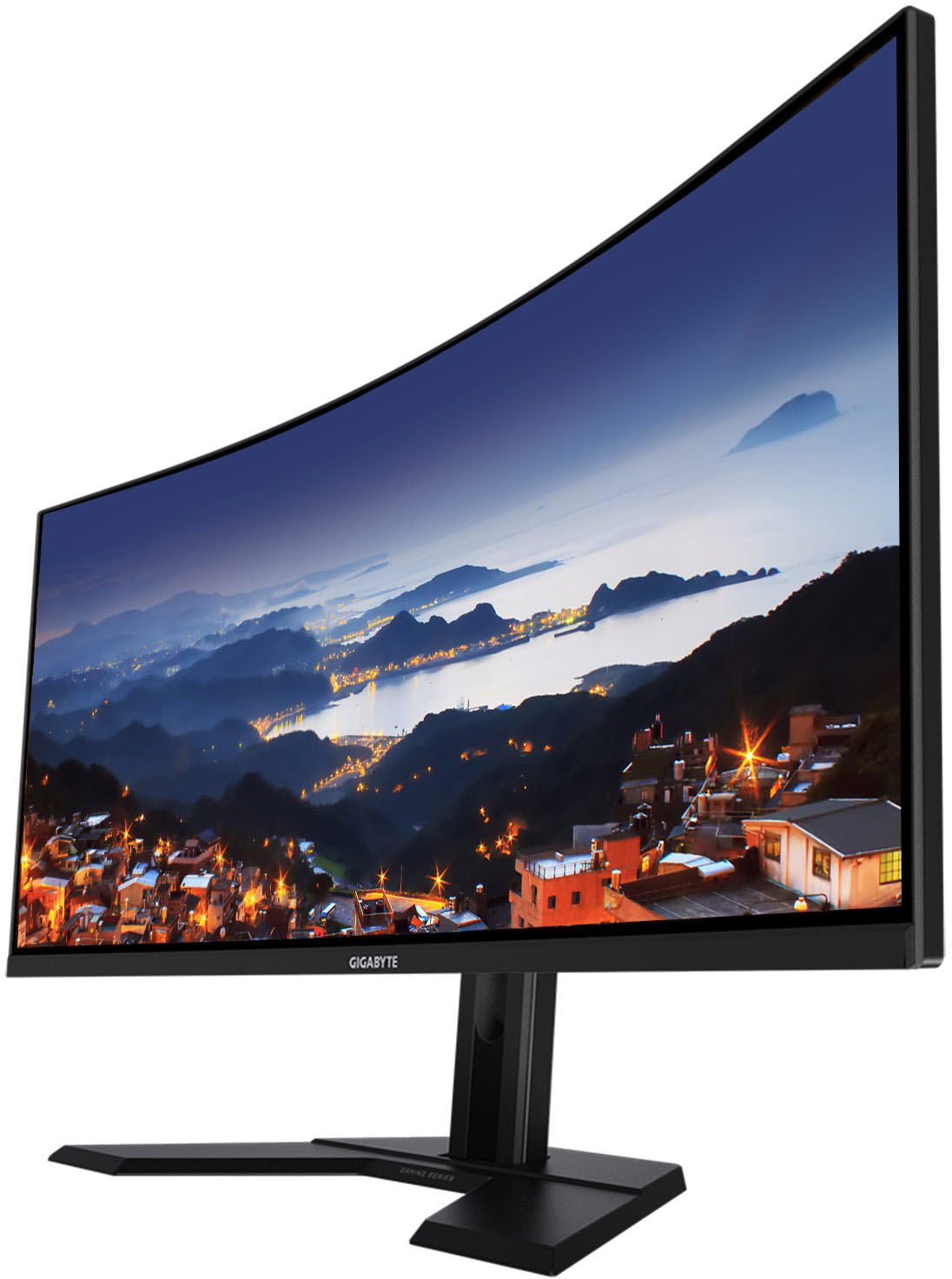
- A:Answer Hi Rksfive, Please see for product dimensions with the stand. 808.89*488.79*234.81 (WxHxD in mm) Hope this helps! - John
Answered by GIGABYTE Official
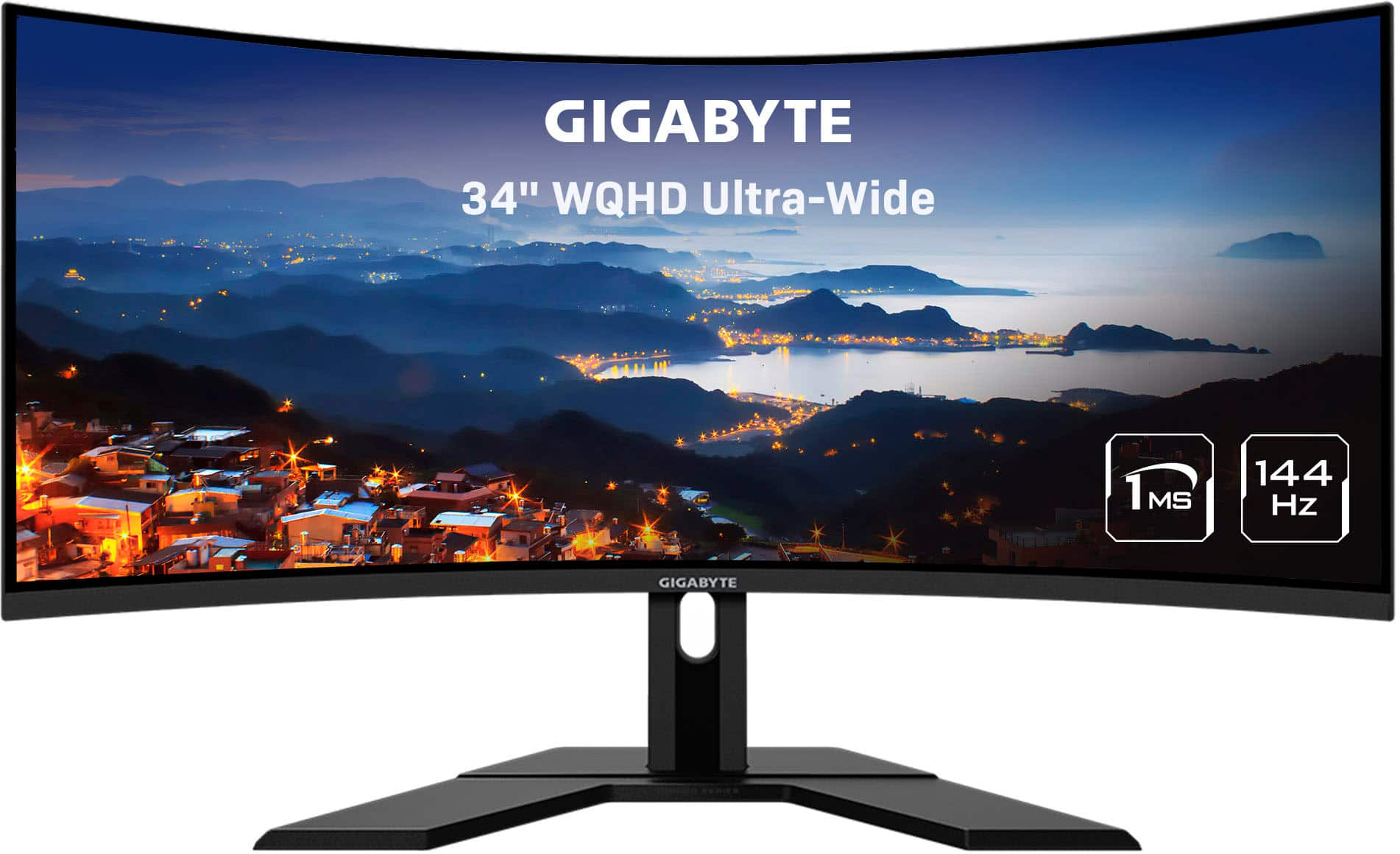
Q: QuestionCan I use this monitor in my office and split the screen into two monitors at the same time?
Asked by Unhappy.
- A:Answer There is software to do this for you automatically. Or you can manually set the windows of your applications on the screen. Windows automatically will split the screen if you drag the app to the left or right sides of the screen. This is true for any monitor.
Answered by Samuel
Q: QuestionDoes it support power delivery on its USB-c ports? The reason I ask is that I want to be able to use a single cable to connect to a Mac Book Pro as an external display and charge the laptop at the same time.
Asked by signet.
- A:Answer Doesn't have any USB, they lied to us. I would have returned mine, but haven't had hours to waste.
Answered by Devoured
Page 3, Showing 41-46 of 46 questions
Most-viewed items
- Black Friday Deal$199.99Your price for this item is $199.99
- Black Friday Deal$549.99Your price for this item is $549.99
- $1,499.99Your price for this item is $1,499.99$1,999.99The comparable value for this item is $1,999.99
- Black Friday Deal$499.99Your price for this item is $499.99
- Black Friday Deal$109.99Your price for this item is $109.99
- $999.99Your price for this item is $999.99$1,699.99The comparable value for this item is $1,699.99
- $249.99Your price for this item is $249.99$349.99The comparable value for this item is $349.99
- $499.99Your price for this item is $499.99$549.99The comparable value for this item is $549.99
- $979.99Your price for this item is $979.99
- Clearance$1,099.99Your price for this item is $1,099.99
- $566.99Your price for this item is $566.99$699.99The comparable value for this item is $699.99
- $899.99Your price for this item is $899.99$1,299.99The comparable value for this item is $1,299.99
- $799.99Your price for this item is $799.99$1,299.99The comparable value for this item is $1,299.99
- $1,279.99Your price for this item is $1,279.99$1,299.99The comparable value for this item is $1,299.99
- $799.99Your price for this item is $799.99
- Black Friday Deal$189.99Your price for this item is $189.99
- Black Friday Deal$219.99Your price for this item is $219.99
- $319.99Your price for this item is $319.99
- $229.99Your price for this item is $229.99$349.99The comparable value for this item is $349.99