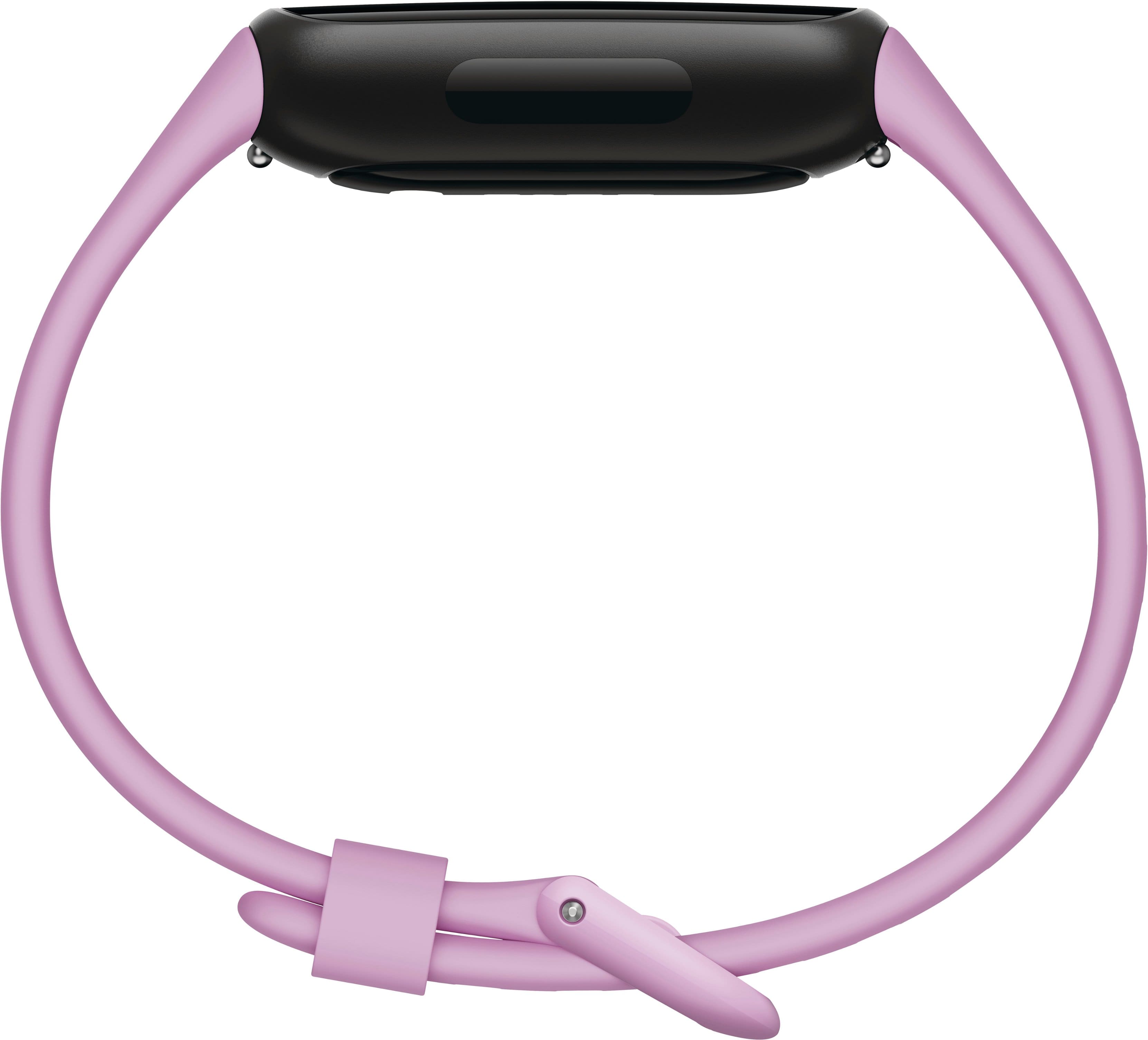
A:AnswerHi, JV. If you're creating a new account to set up the Fitbit Inspire 3, you'll need to "Sign in with Google" and use a Google account to proceed. For more information, see: https://support.google.com/fitbit/answer/14236818
For any additional questions and concerns, reach us at: https://goo.gle/contactfitbit
A:AnswerSorry, I can't answer your question, I haven't used the alarm. Because of my insomnia, I have begun taking meds to help me sleep, therefore, I have to use the blaring alarm on my phone, LOL!!!
A:AnswerI just bought the charge 6 and had the same problem. Nowhere have I seen the solution I just found. I clicked the fitbit charge icon on top left of app. I clicked on my device, the Charge 6. Under notifications the 1st option was "Mirror your phone". This was finally the solution to stop my phone notifications going to my Fitbit.