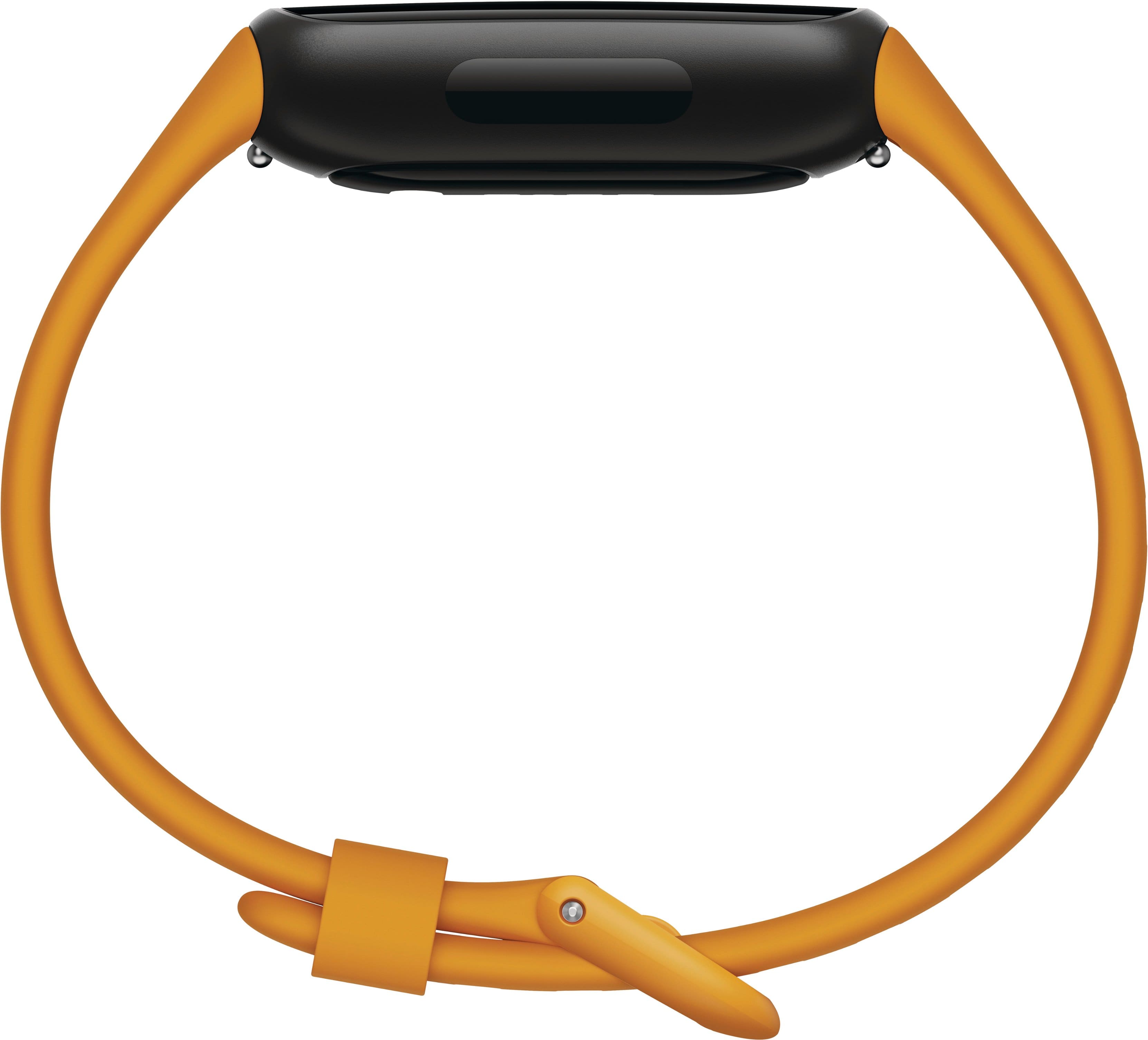
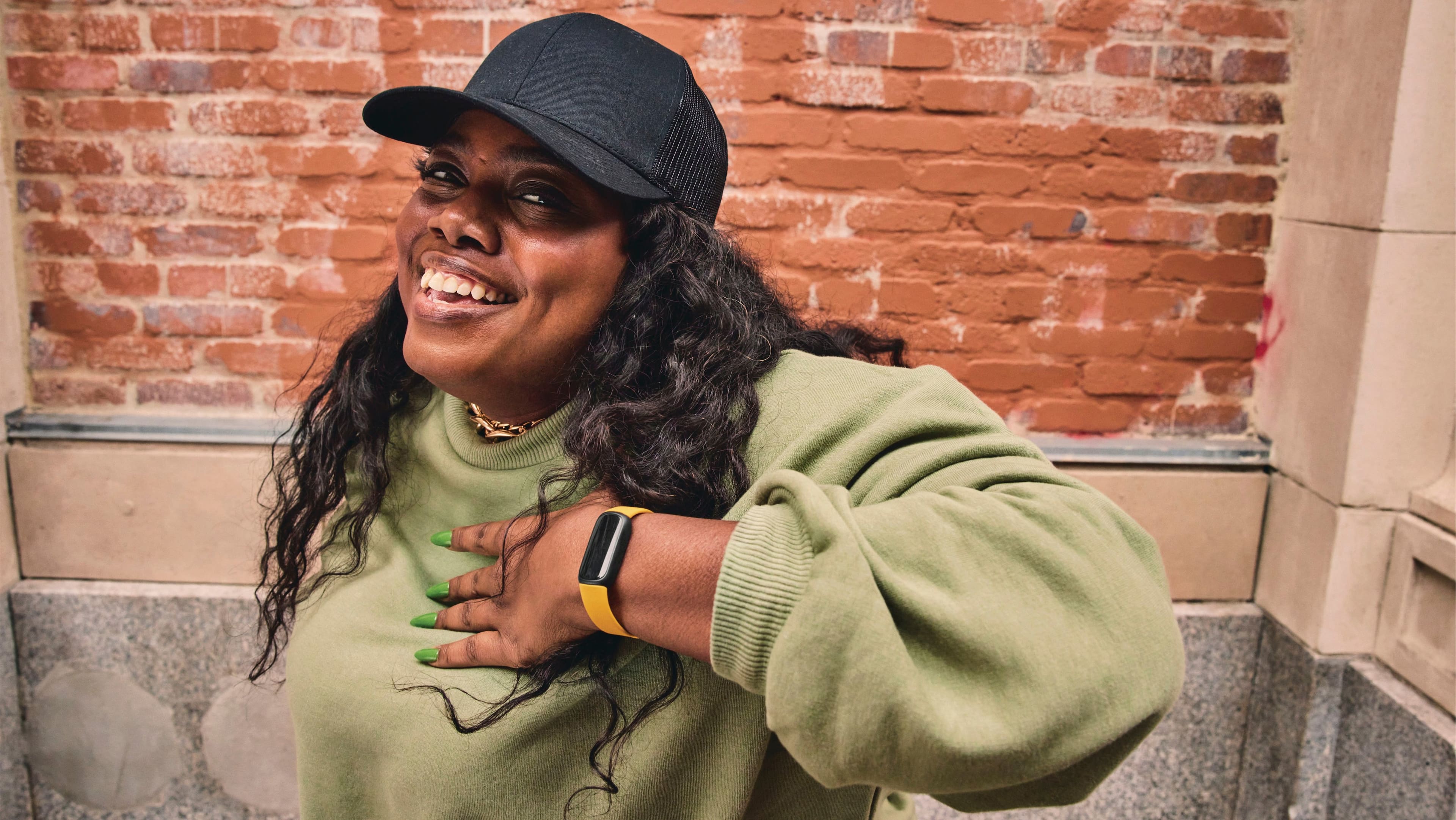
A:AnswerGreat question. Unfortunately, the Inspire 3 won't track distance accurately on a spin bike because it relies on arm movement or GPS. However, you can use the "Bike" or "Spinning" exercise mode to track heart rate, calories, and duration, and manually log distance from the bike's console into the Fitbit app later for a complete record.
A:AnswerHi there. The Inspire 3 is able to use Inspire 3 accessories and bands. Here’s a link for more information: https://support.google.com/fitbit/answer/14237921
A:AnswerThanks for asking, sam. The Inspire 3 can be set up with Apple devices running 16.4 or higher. To get the most out of the watch, it will require consistent connection through Bluetooth — here’s a link with more information: https://support.google.com/fitbit/answer/14236818
A:AnswerThanks for asking, Louie. The Exercise app on the Inspire 3 offers a range of exercise options. Select the one that best matches your activity, or choose "Workout" if your specific exercise isn't listed. It will also automatically detect certain workouts and open the Exercise app and start tracking after a few minutes. Here’s a link with more information: https://support.google.com/fitbit/answer/14236510?
A:AnswerHey there, dave. We’re sorry your experience with the Inspire 3 may not have been the best. There could be several factors which impact the longevity of your device — we’d be happy to look into your concerns and get you a resolution. When you get a second, talk to us here: https://support.google.com/fitbit/gethelp
A:AnswerHey there, Stars. We’re sorry to see there’s an issue with receiving notifications on the Inspire 3. You may need to perform a factory reset — here’s how:
1. Swipe down from the clock screen to find the Settings app.
2. On your Fitbit device, open the Settings app > Device Info > Clear User Data.
If these steps don’t resolve the issue, reach out to us here: https://support.google.com/fitbit/gethelp?hl=en