A:AnswerYes. It will pick it up automatically (meaning it knows you’re running) and will start recording it for you, or you can tap on it to start logging the exercise manually when you start the run. It tells you your distance, pace, steps, etc. DURING and AFTER your run.
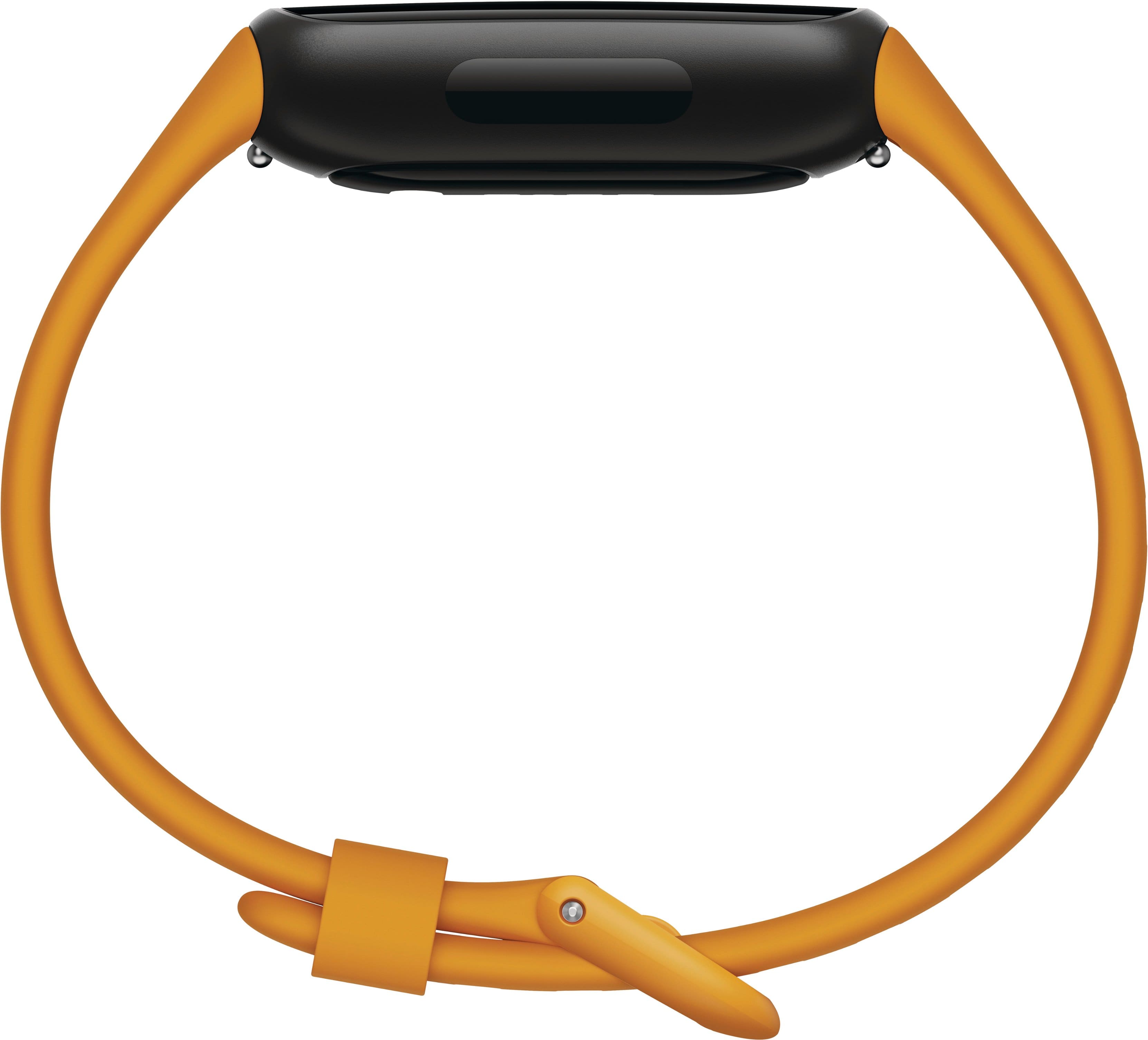
A:AnswerThanks for asking, sizing. The wrist sizes accommodated by each band are as follows:
Small: Fits wrist 5.1" - 7.5" in circumference
Large: Fits wrist 6.3" - 8.7" in circumference
A:AnswerHi, there. On- wrist phone call isn't an available feature for the Inspire 3. Also, you can use the quick replies to send customized responses to text messages and messages from certain apps with Fitbit Inspire 3, but this feature is currently available on devices paired to an Android phone. To know more, see: https://support.google.com/fitbit/answer/14237935 For any other questions or concerns, reach us at: https://goo.gle/contactfitbit
A:AnswerHi, James. You'll need to set up and pair the Fitbit Inspire 3 to use all the features. To set up and use your Fitbit products and services, you must install the Fitbit app on a compatible device running on Apple iOS 15 and higher or Android 10 and higher. For any additional questions and concerns, reach us at: https://goo.gle/contactfitbit
A:AnswerHi, there. Yes, you can connect your Fitbit account with Strava app. To connect Fitbit with another app, you can follow the steps here: https://support.google.com/fitbit/answer/14236613
For any additional questions and concerns, reach us at: https://goo.gle/contactfitbit
A:AnswerHi, Jenn. Fitbit devices do not only work with Wi-Fi; they primarily use Bluetooth to sync data with your phone, which then connects to the internet via Wi-Fi or cellular data to upload the information to the Fitbit servers, so you can use a Fitbit even if you don't have a direct Wi-Fi connection, as long as your phone has internet access. For any additional questions and concerns, reach us at: https://goo.gle/contactfitbit