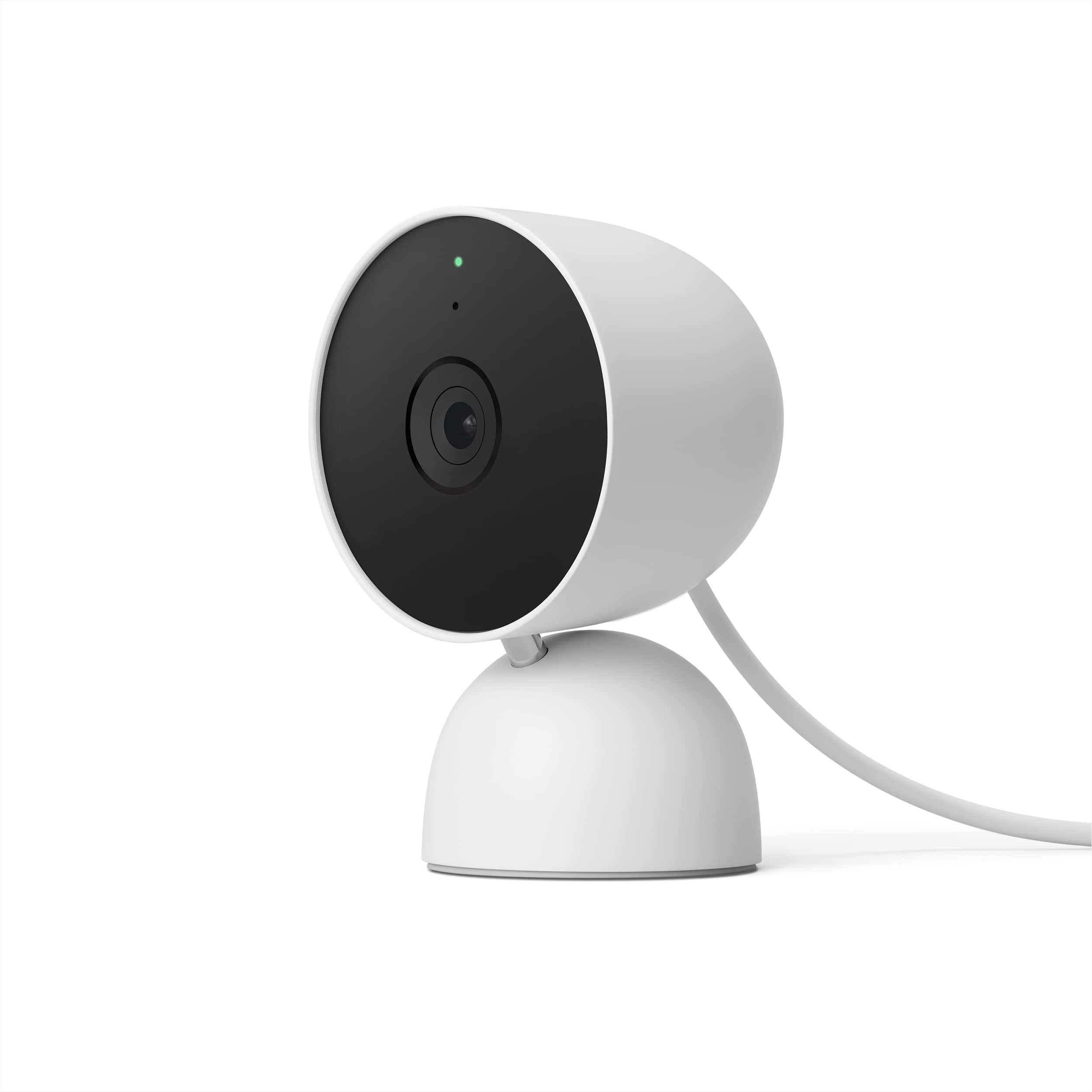
A:AnswerGreat question, Ali. Sounds like you may be running into an issue with the Night Vision on your Nest Cam (Indoor, wired). Most Night Vision specific issues are caused by your camera’s infrared light that reflects off a surface near your camera, like a shelf, window, window screen, or wall. Here’s are some solutions:
1. Turn your camera so that any nearby surfaces or objects (like a wall) are out of view.
2. Move nearby objects that may reflect the infrared light.
3. Clean the lens with a soft cloth that’s made for cleaning optics. Dust, thumbprints and dirt can cause poor image quality.
Here’s a link with more information: https://support.google.com/googlenest/answer/9259738?hl=en
We’re just a click away if you need us: https://support.google.com/googlenest/gethelp?
A:AnswerIf you have someone monitoring the camera via the app, you can use 2 way audio to ask them about the weather, and goof restaurants in the area. They can then google it, and relay the information to you!
A:AnswerHi there, we understand your concern with your Nest Cam (indoor, wired) — To give you the help you need, we suggest contacting us: https://support.google.com/googlenest/gethelp?hl=en
A:AnswerHi there, r3nch. Thanks for your inquiry. The Nest Cam (indoor, wired) comes with 10 ft (3.0 m) power cable with USB-A connector that plugs into a power adapter. To know more about this, please visit this link: https://support.google.com/googlenest/answer/9259110
A:AnswerHey there, Shootfromleft! Thanks for your inquiry! The Nest Cam (indoor, wired) is compatible with 802.11a/b/g/n/ac 2.4 GHz and 5 GHz Wi-Fi. See the full technical specifications here: https://support.google.com/googlenest/answer/9259110
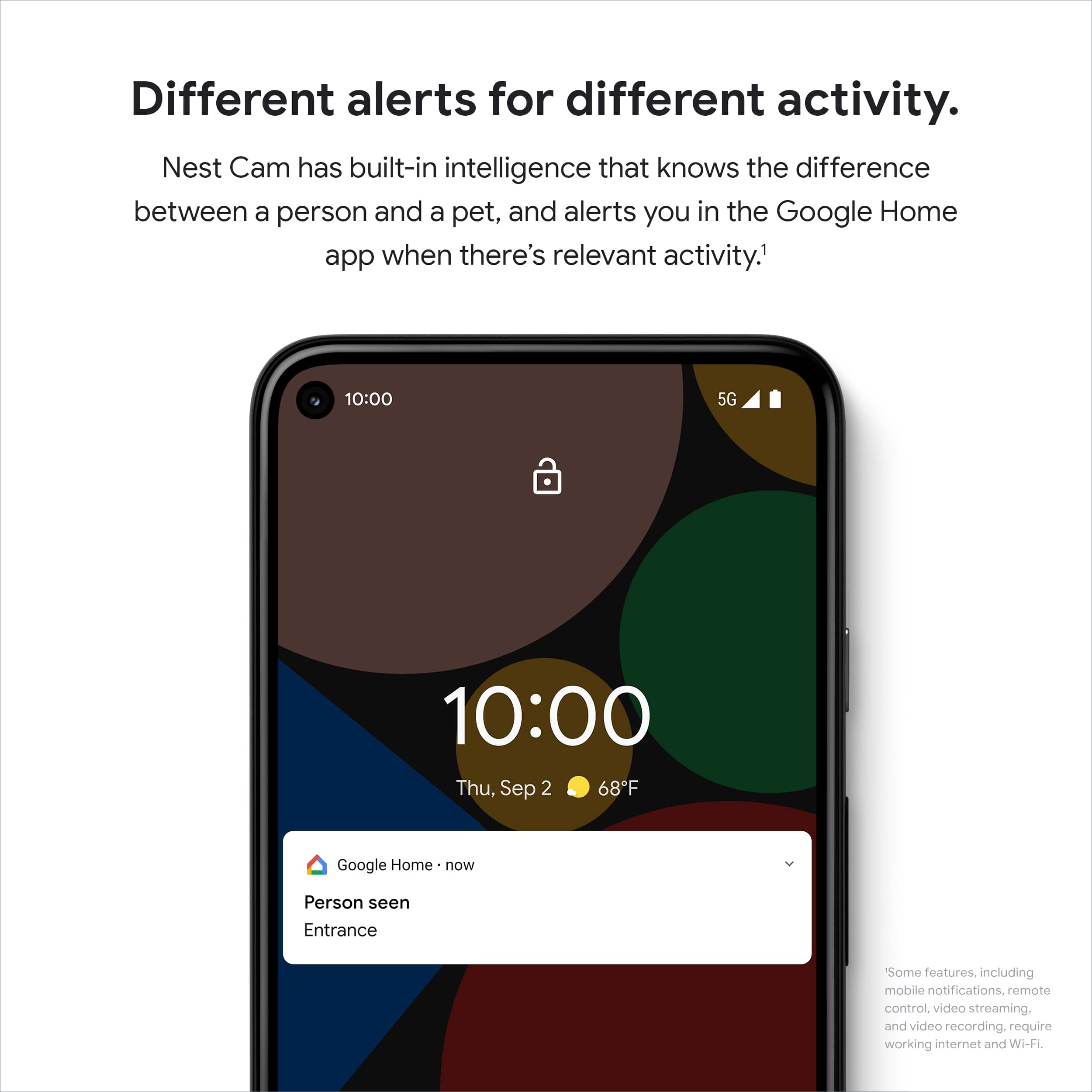
A:AnswerHi there, TBone! Thanks for your inquiry. With a Nest Aware subscription, sound detection is available on Nest Cam (indoor, wired). However, the phone notifications you can get are limited to smoke or carbon monoxide alarms. Sound detection recognizes certain important categories of sounds. It can distinguish between these sounds and other loud sounds you might hear. This link can help: https://support.google.com/googlenest/answer/9233159
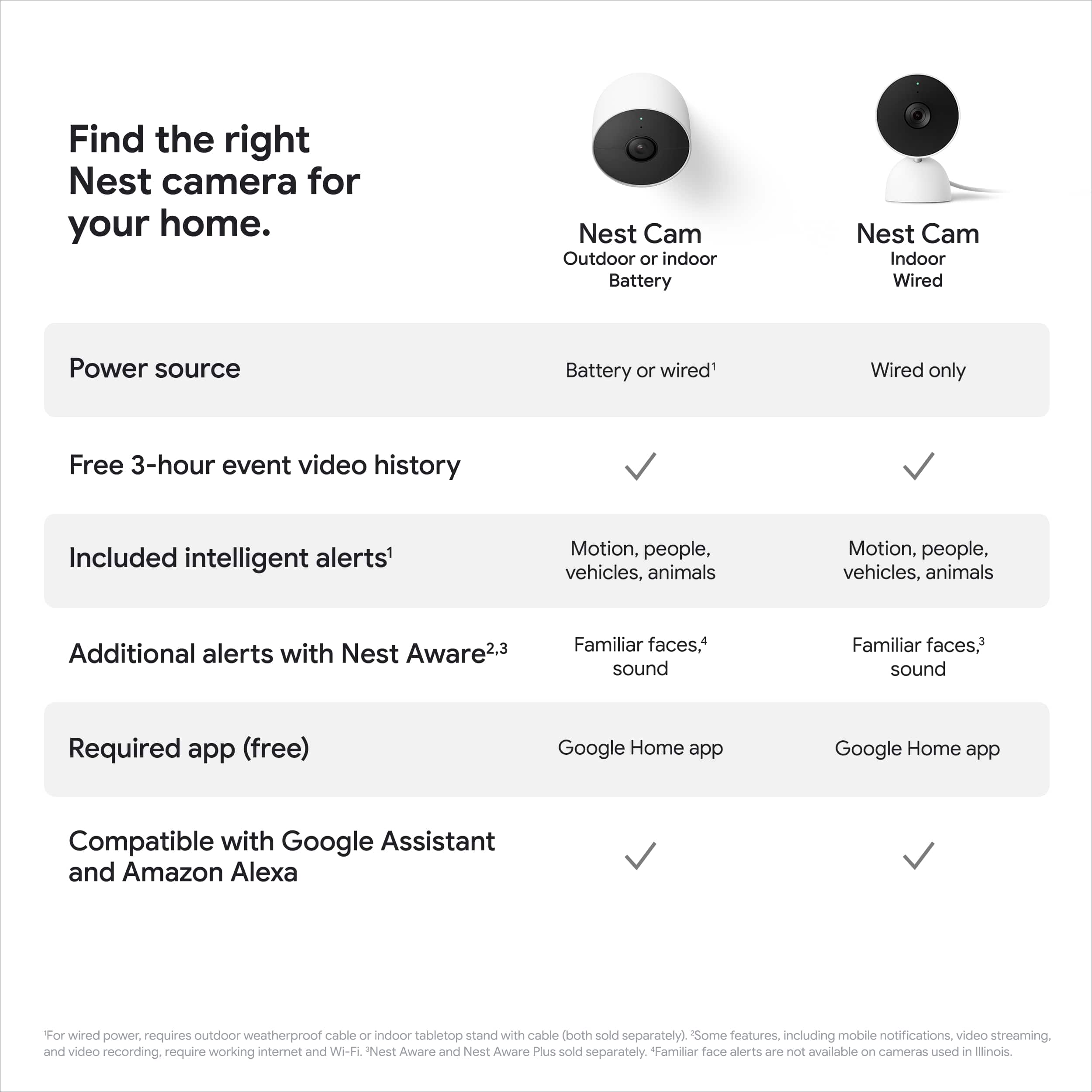
A:AnswerHey there, KC! Thanks for your inquiry. The maximum length for event video recording is up to 3 mins while the minimum is 10 seconds long. The Nest Cam (indoor, wired) comes with three hours of event history right out of the box, and on-device processing also gives our customers smart alerts and Activity Zones, which historically have required a subscription. With event video history, we wanted our products to help our customers understand what’s going on at home easily and highlight the important activity for you. Learn about Nest camera or doorbell settings here: https://support.google.com/googlenest/answer/9231819
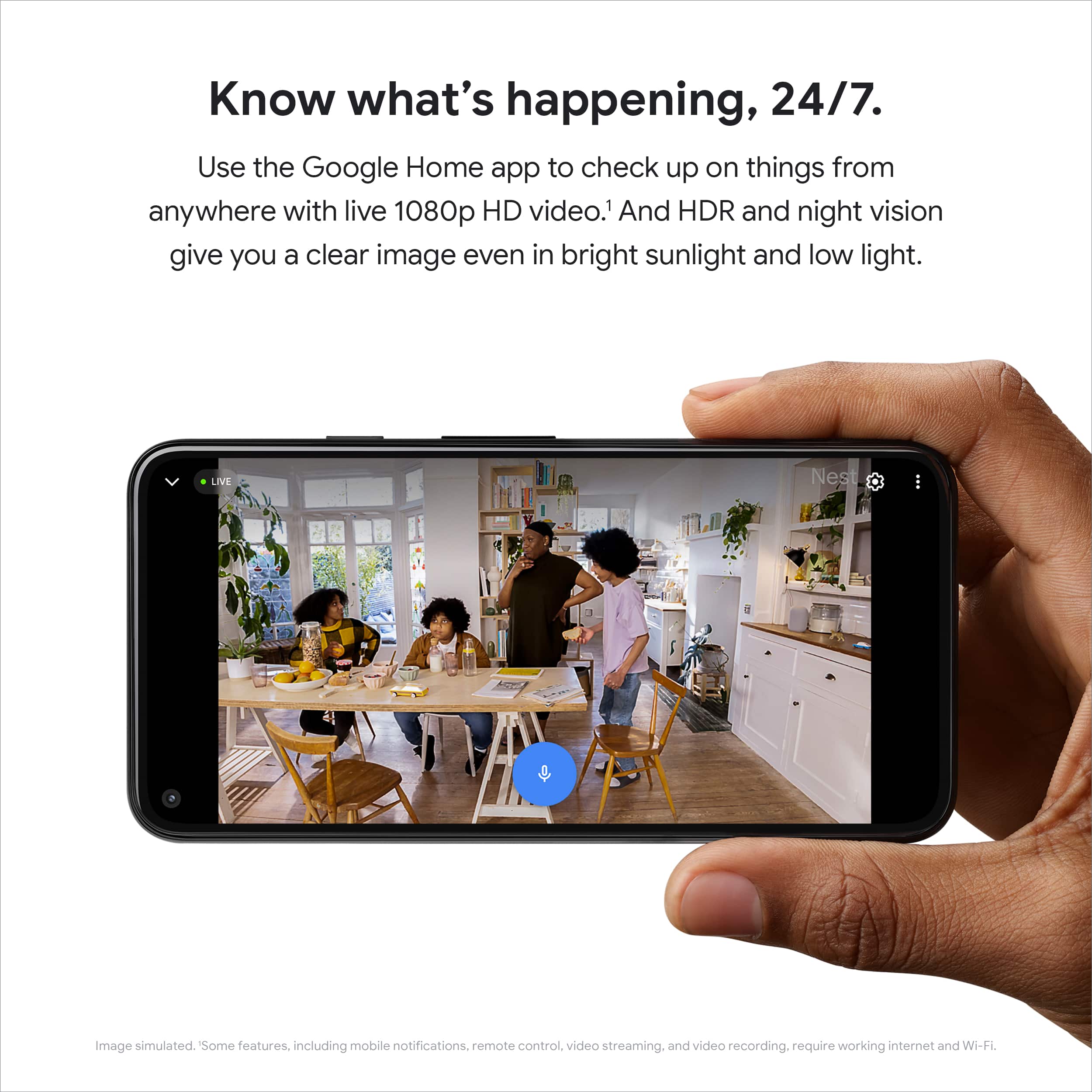
While there's no fee to stream full resolution live video as long as your camera is connected to the internet, you’ll need a Nest Aware subscription to receive advanced features. We also offer 10 days of 24/7 video recording with 60 days of events history for wired cameras with Nest Aware Plus subscription. Learn more about what you can get with the Nest Aware subscription here: https://support.google.com/googlenest/answer/9233159
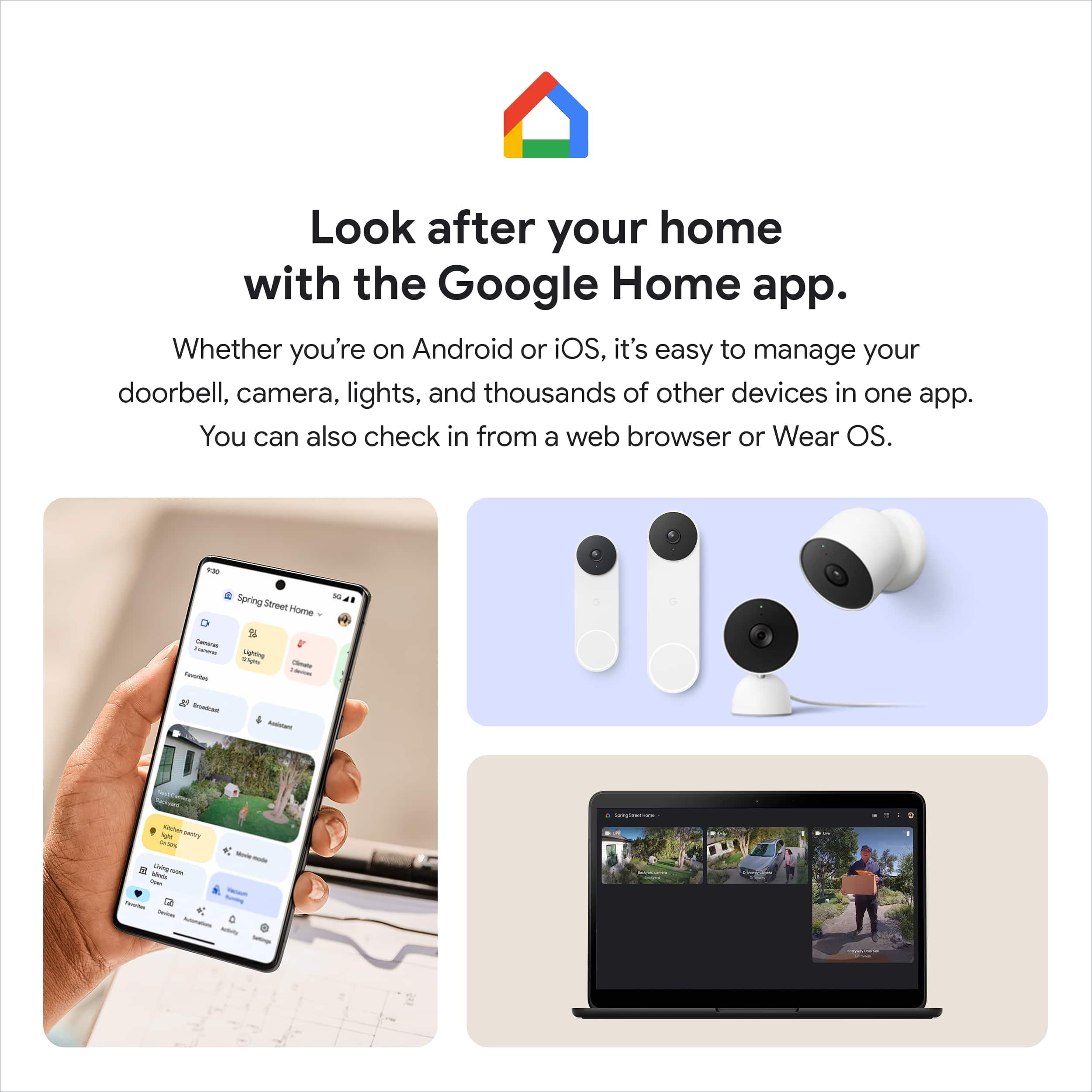
A:AnswerHello there! Thanks for your inquiry! You can have up to 10 cameras/doorbells per home structure and up to 5 homes in the Home app. Don’t assign Nest products to the same home in the app if they’re physically installed in different homes, as this can cause problems when your products are trying to sense whether someone’s home or not. Please visit this link to learn more: https://support.google.com/googlenest/answer/9293015
A:AnswerHi, NorthTX! Google and ADT have partnered to provide Google Nest devices and services as a part of ADT systems. The following article includes steps for how to connect your ADT account to the Google Home app, and all other information about the partnership: https://support.google.com/googlenest/answer/11512937