A:AnswerThere are indeed a lot of Nest products on the market.
The Nest thermostat is for controlling your HVAC, to replace your old "dumb" thermostat. The Nest thermostat connects to your wifi if you want it to be controlled from your phone, laptop, or voice assistants like Amazon Alexa, but it doesn't have to connect to wifi if you just want basic thermostat functions (but why would you not utilize that value).
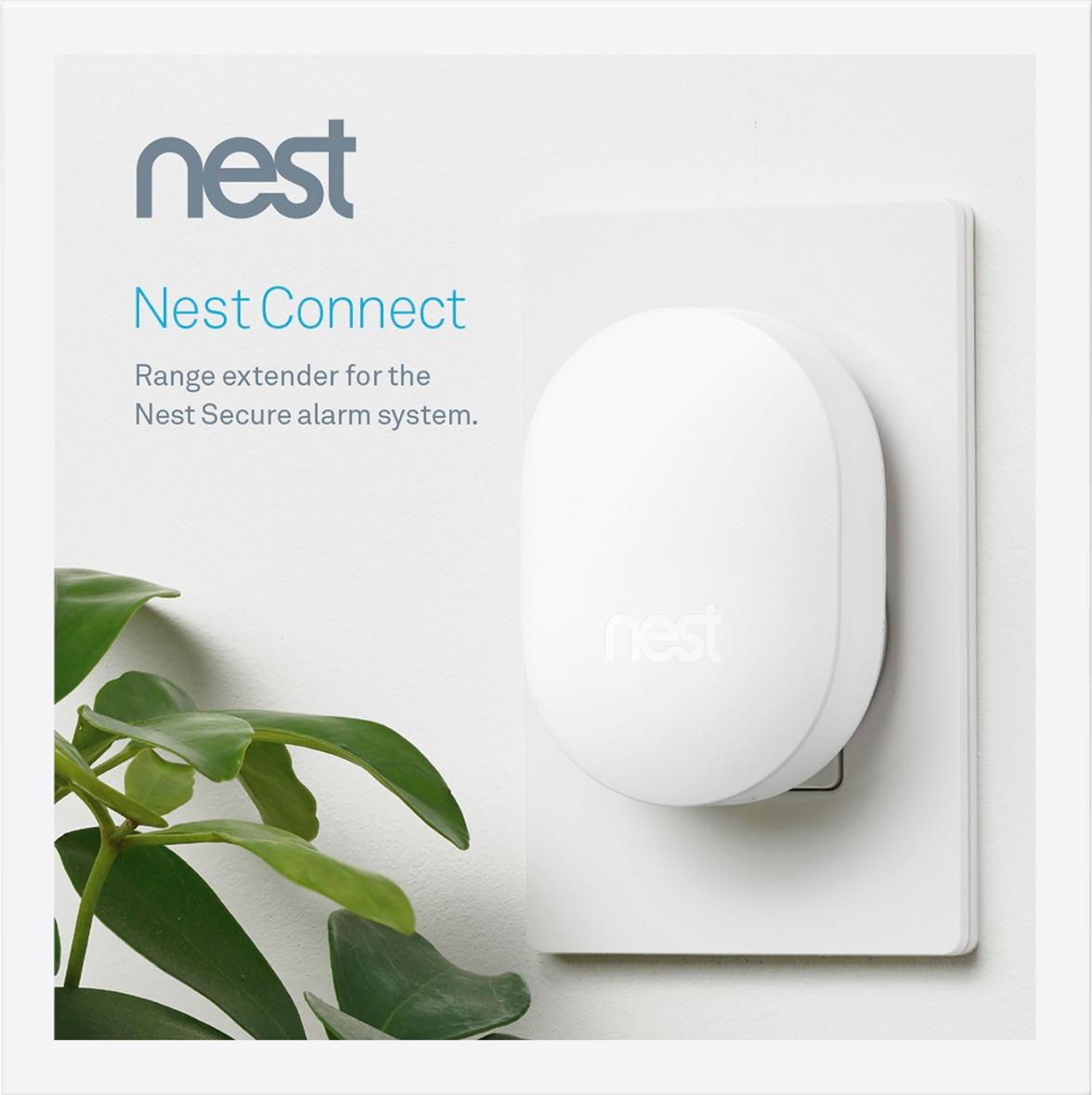
The Nest connect is for extending the range of Nest secure devices, which are motion detectors and open/close sensors that you can put on windows, doors, etc to protect your home. It's a lot like an ADT-style home security system, but DIY and doesn't require wires as it's all WiFi and battery operated. When those devices are too far away from the central hub (the Nest guard), the Nest connect helps extend range to widen the coverage and make those devices work better.
The Nest camera are for recording video around the house (inside or outside).
The Nest door cam is a doorbell with a camera.
A:AnswerSensor talks to the Smart Things Hub which talks to original Google WiFi mesh which is what I use. Smart things hub is required and must be purchased separately.
A:AnswerGoogle Nest does not sell or manufacture chimes. We recommend contacting a local Nest Pro or trained electrician to recommend a chime and transformer that will work with the current wiring of your home.
A:AnswerThe Nest Connect is an extender, but is only used with the Nest Secure alarm system. It is not a WiFi extender for your router or other Nest products in your home. The Nest Connect will only offer WiFi extensions for the Nest Secure alarm system. Most homes may not need a Nest Connect, but you might if your floor plan necessitates placing Detects more than 50 feet from your Guard, or if building materials or existing devices create greater-than-average interference. You may want to consider adding a Nest Connect if any of these instances may cause a problem with the Nest Secure in your home.