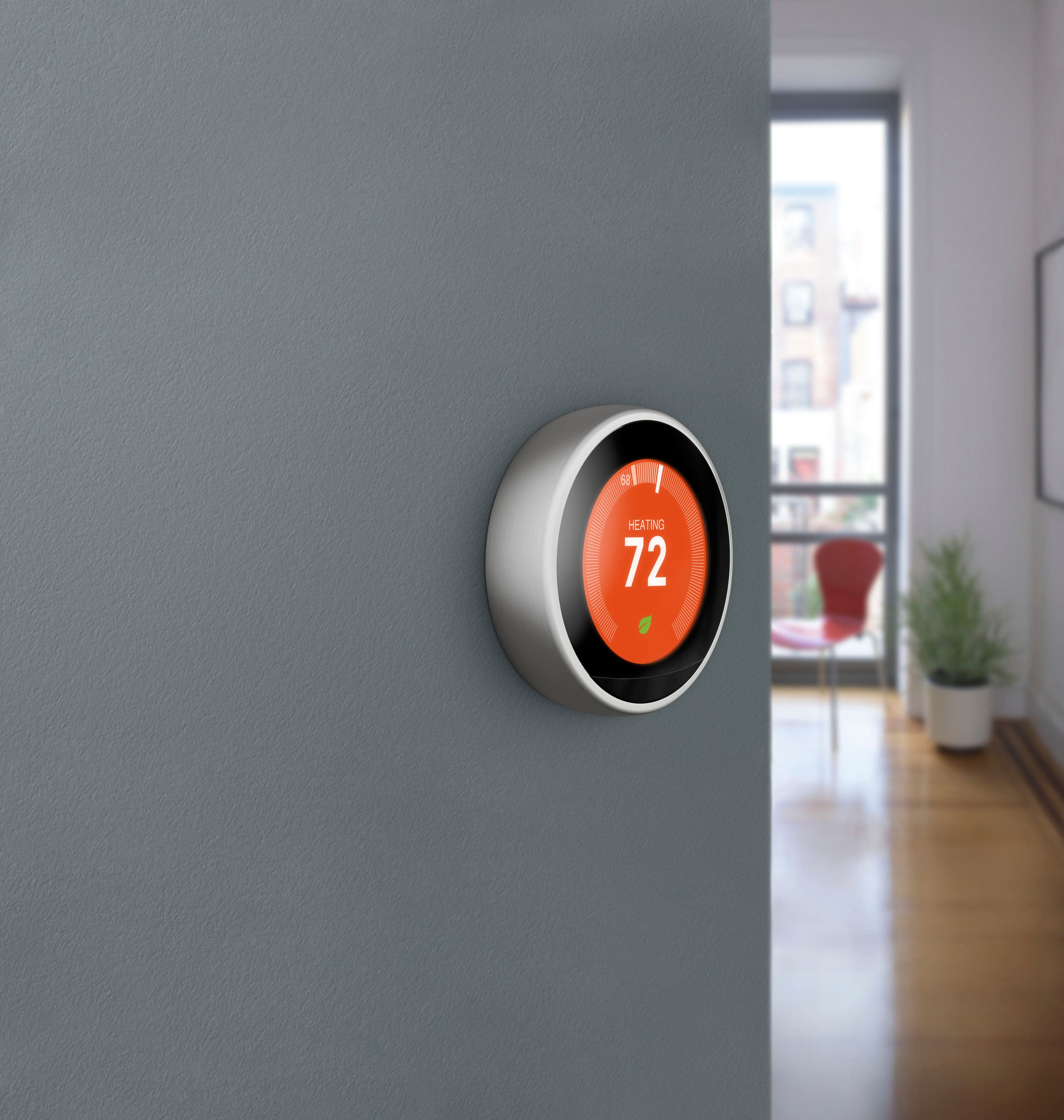
A:AnswerYes, it works in a similar manner to other programmable thermostats. When the ambient indoor temperature goes above or below the current setting, e.g., 55 degrees, then the Nest thermostat will turn on the furnace, keeping the temperature at 55 degrees.
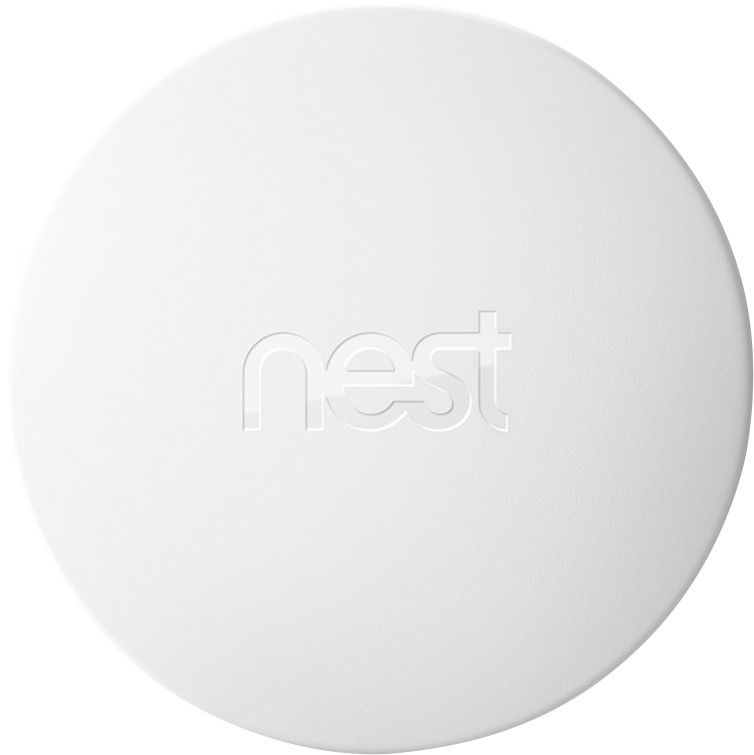
A:AnswerYou have settings that you can change. You can have it set to heat, cool, or heat and cool. Heat and cool will keep the temperature in an adjustable range so you can set the minimum for the heat to warm it up and the max for the AC to kick on. There are also sensors you can purchase that you can place in different rooms and use them to control the thermostat versus where it is mounted.
A:AnswerThe Nest is designed to prevent battery usage when not in use by keeping the display off until someone approaches it, so there isn't currently an option to keep the display on at all times.
A:AnswerDepending on where you live you wouldn’t want it to turn off completely. It is programmable to your preferences but it has worked well for me to set it to my needs
A:AnswerIt has a minimum temp setting to avoid freezing pipes regardless of WiFi connection and loss of power I have mine set to 50 degrees which happens to be the default
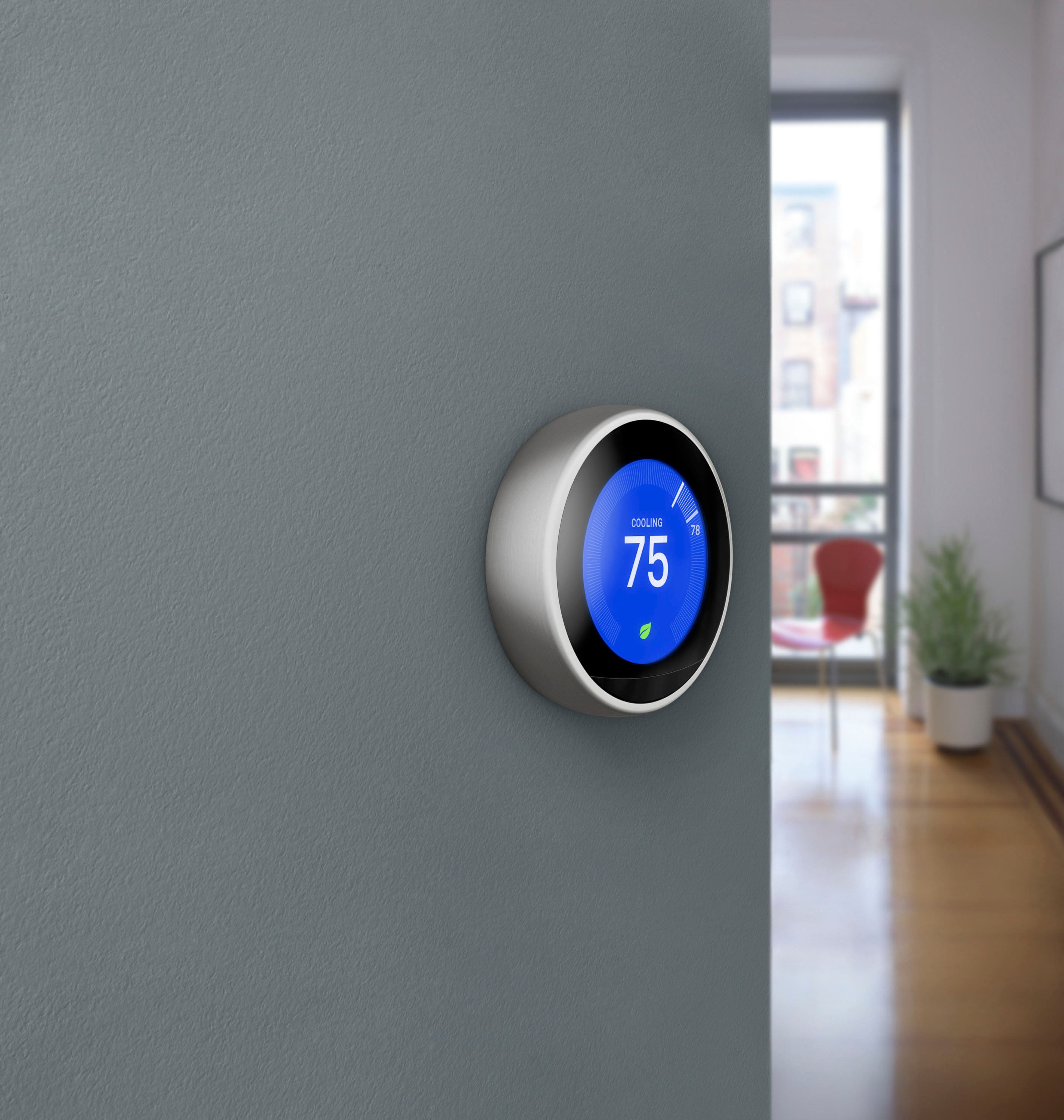
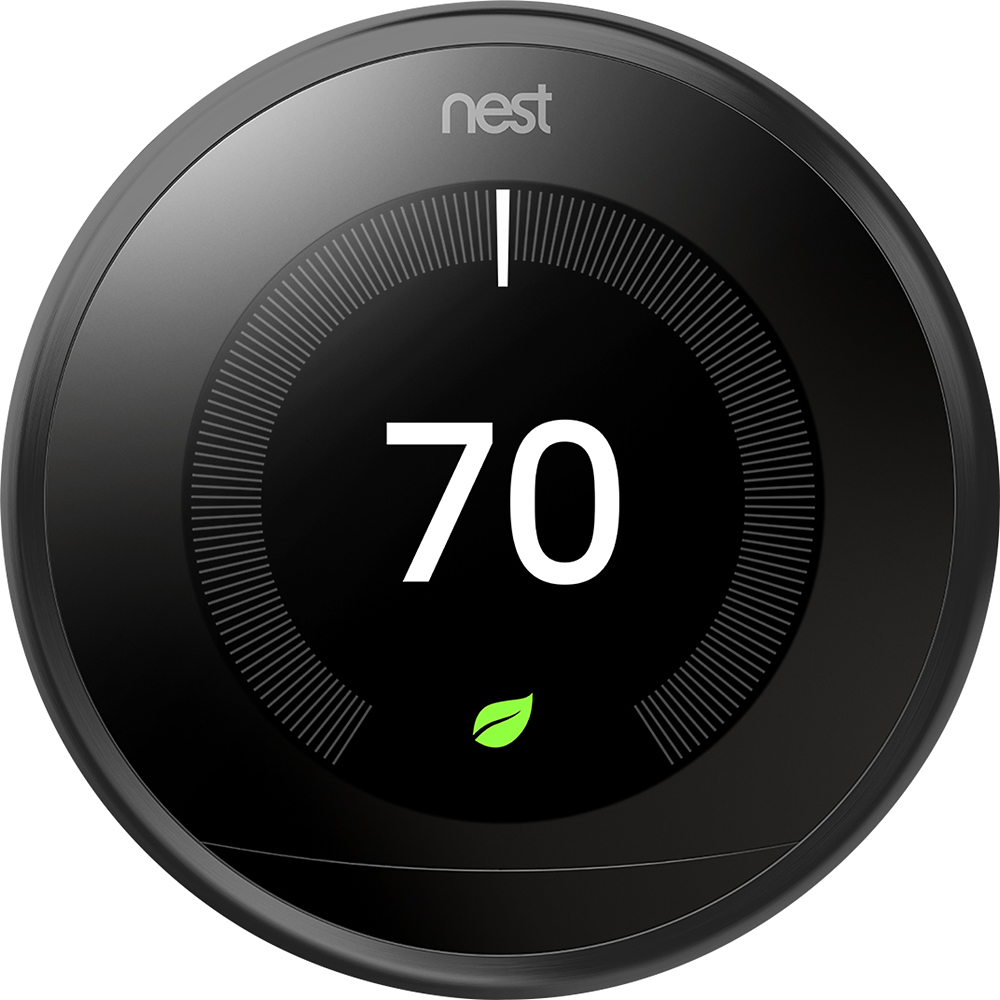
A:AnswerYou can set it up to change temp at bed time to save you plenty. With a few sensors, you can set it up to turn off when doors or Windows are open. If you turn it so the eco leaf shows on the display, you can save much more. There really isn't a dollar amount that is set, but it can pay for itself very quickly in terms of time saved and money.
A:AnswerPush down on the outer ring twice, then turn to the air conditioning (cool) setting. Push outer ring again, turn to cool, then push one last time to exit.
A:Answeri'm sure they could if there are no wiring or power supply issues from your furnace. But just as easily, anyone can install it if they are able to use the provided screwdriver to remove and insert 4 screws. If there are unusual issues causing the wires from your furnace not working right (as I encountered) Geek Squad won't be able to do it -- you will need to call a HVAC (Heating/Air Conditioning) specialist, or some plumbers may be able to handle it. Try it first yourself before spending money on Geek Squad or another source. You may be surprised by how easy it is.
A:AnswerYou do not have to buy a home security system to use the Nest. It hooks into the wires of your currently existing thermostat system, assuming it is compatible. For compatibility questions, the Nest website is excellent at helping you figure out if your configuration is compatible
A:AnswerSo the support ending is for nest secure, this doesn't include the thermostat. I know Google has been nudging users to add nest equipment into the Google home and they will be adding features through there instead of the nest app itself. But to answer your question there is no mention of getting rid of support for the thermostat.
A:AnswerIf there is a wire in your Nest thermostat’s G connector, you can run your system’s fan independently of heating or cooling. So your system doesn’t need to be actively heating or cooling to run the fan. However, you can only run the fan when your thermostat is set to a temperature mode (like Cool mode, for example). You cannot run the fan if your thermostat is set to Off. You can set the fan to run a fixed schedule or manually set it to run. It can’t be set to automatically run or switch off when you leave or come home.
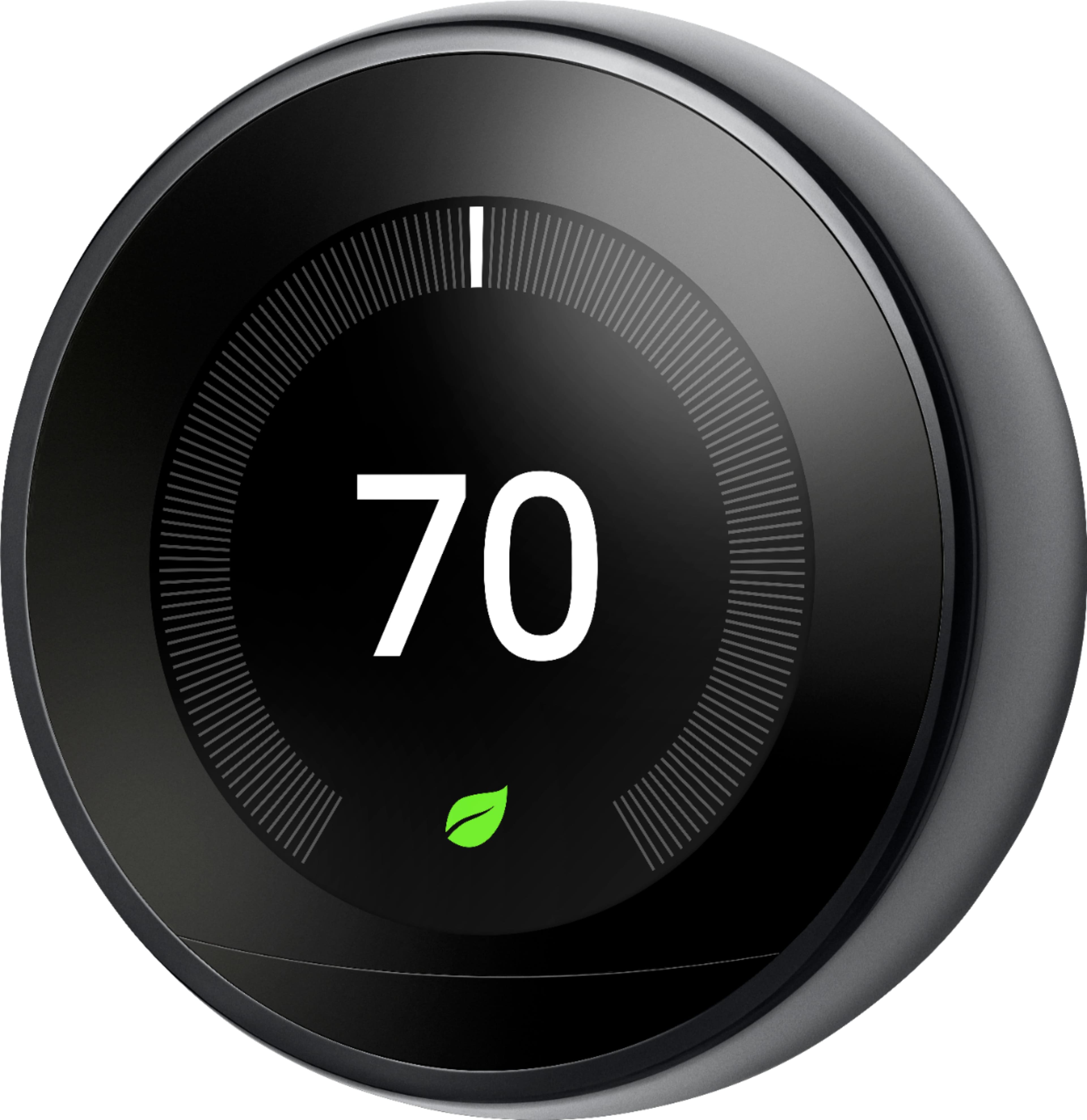
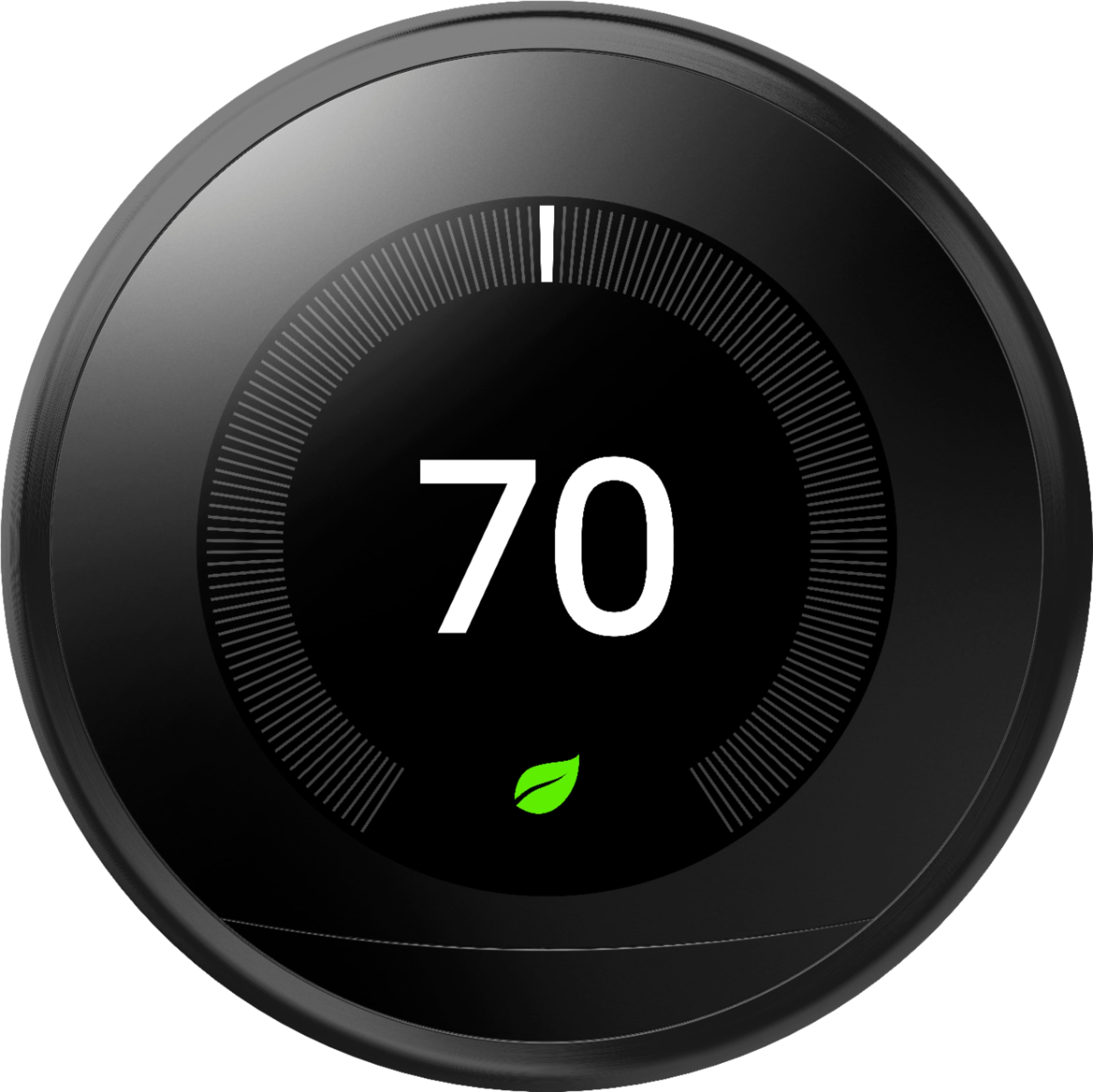
A:AnswerJust got it in the mail today - assumed it was black (matte) which is what I wanted and they simply did not have mirror black available. Unfortunately for me, what I received was mirror black. They really should update the listing.
A:AnswerYes, you just need to download the Nest app on your Android phone or tablet running Android 5.0 (Lollipop) or later. For more details, you can visit our support page here: https://support.google.com/googlenest/answer/9266423
A:AnswerYes, you can lock your Google Nest thermostat from Settings menu on your thermostat or with the Nest app. You can find out more about how to lock and unlock your Nest thermostat here : https://support.google.com/googlenest/answer/9247319
A:AnswerNest Learning Thermostat doesn't use Z Wave protocol. Nest Learning Thermostat requires a Wi-Fi network for connectivity and it can be managed on the Nest app, and can be added to Google Home to create a connected home. You can check out this link to learn more about Nest Learning Thermostat : https://support.google.com/googlenest/answer/9230098
A:AnswerIt was easy for me to install. Made sure to match the wires from my old thermostat to the new one and everything hooked up nicely on my 1st time. I turned the power off on my furnace to be on the safe sade before installing. :-)
A:AnswerYes, however you can't do it in the settings. Google it and you'll find a youtube video from someone explaining exactly the steps needed to turn off learning permanently. Basically it is starting over and clearing the history so it won't learn.