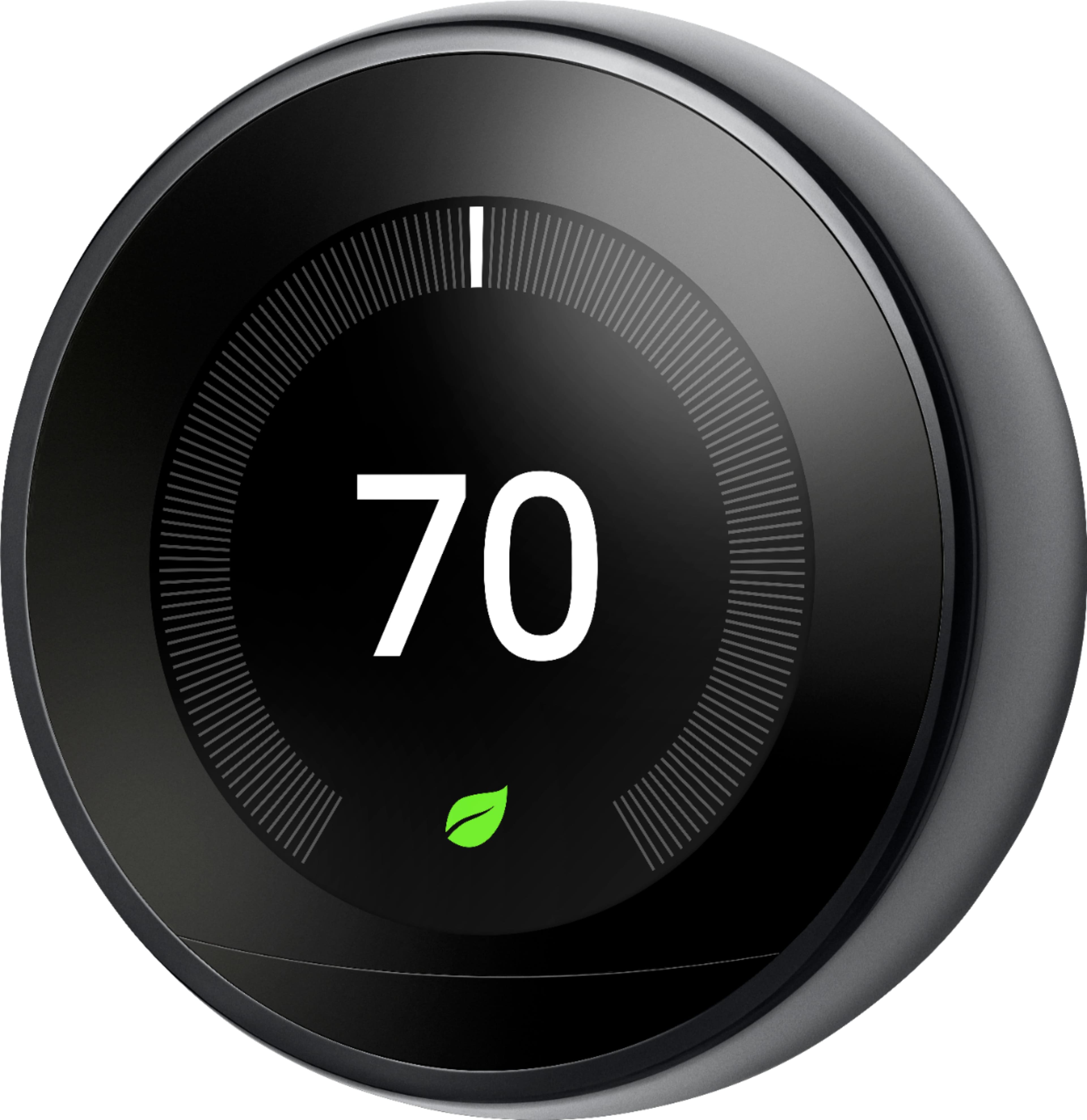
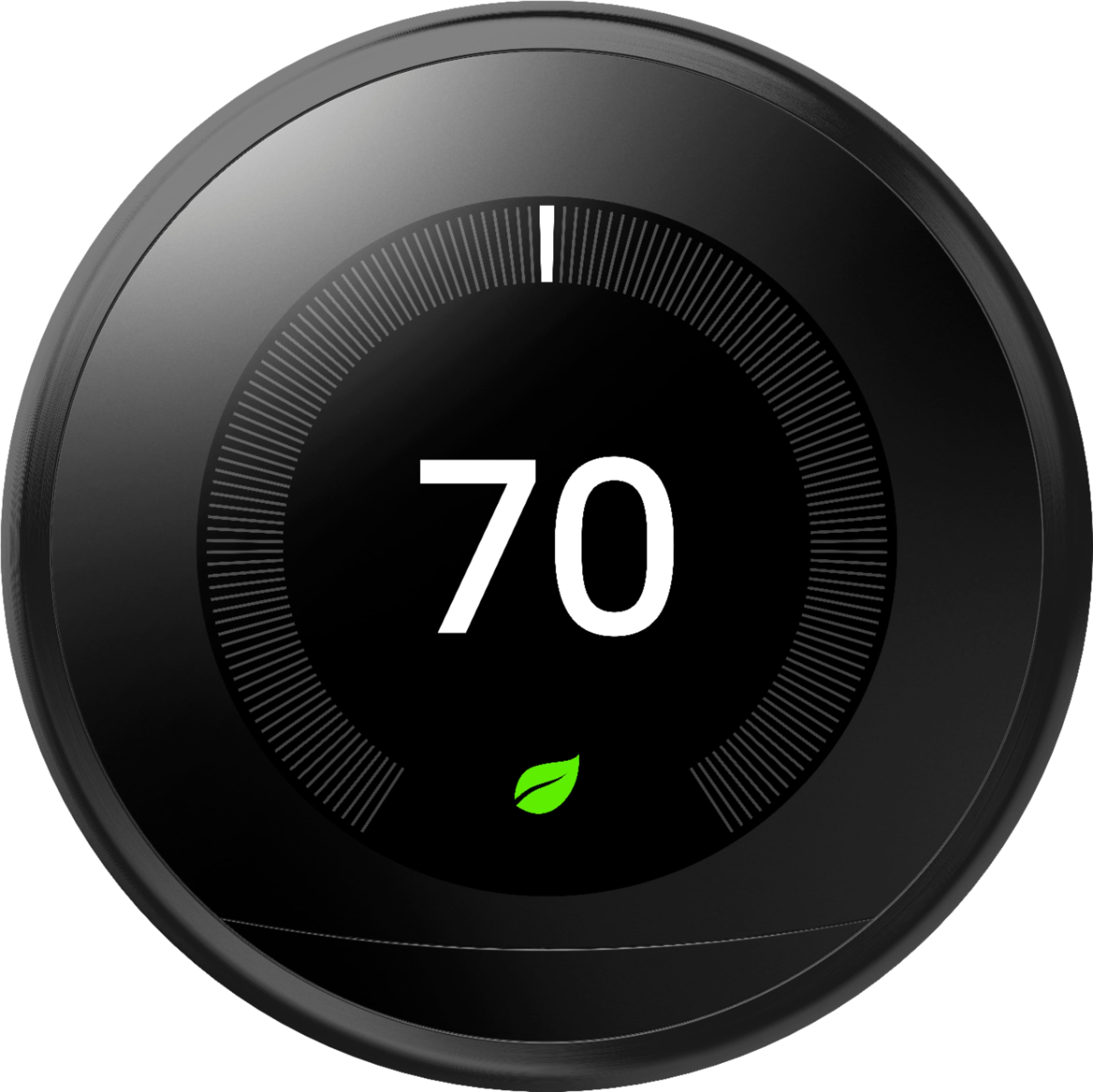
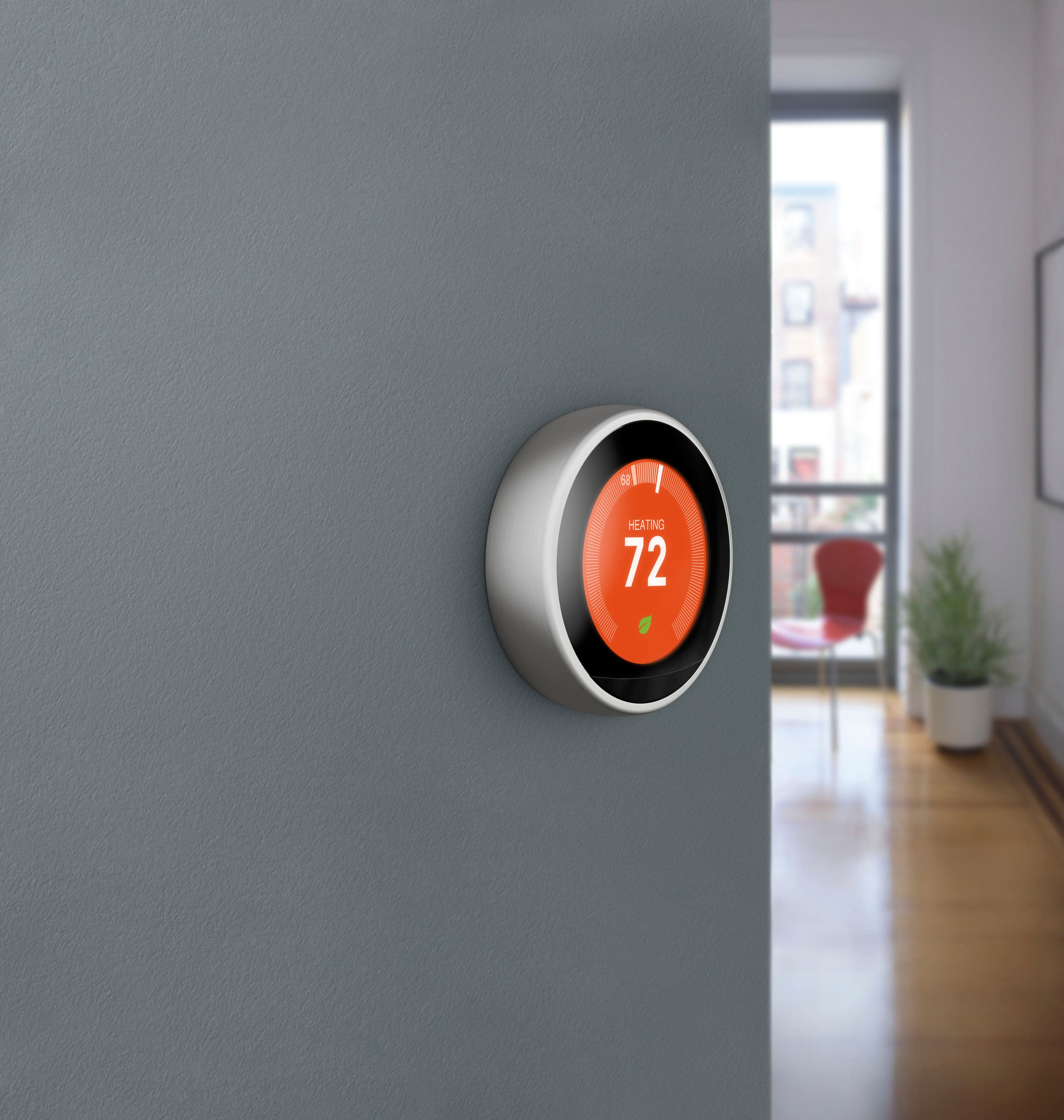
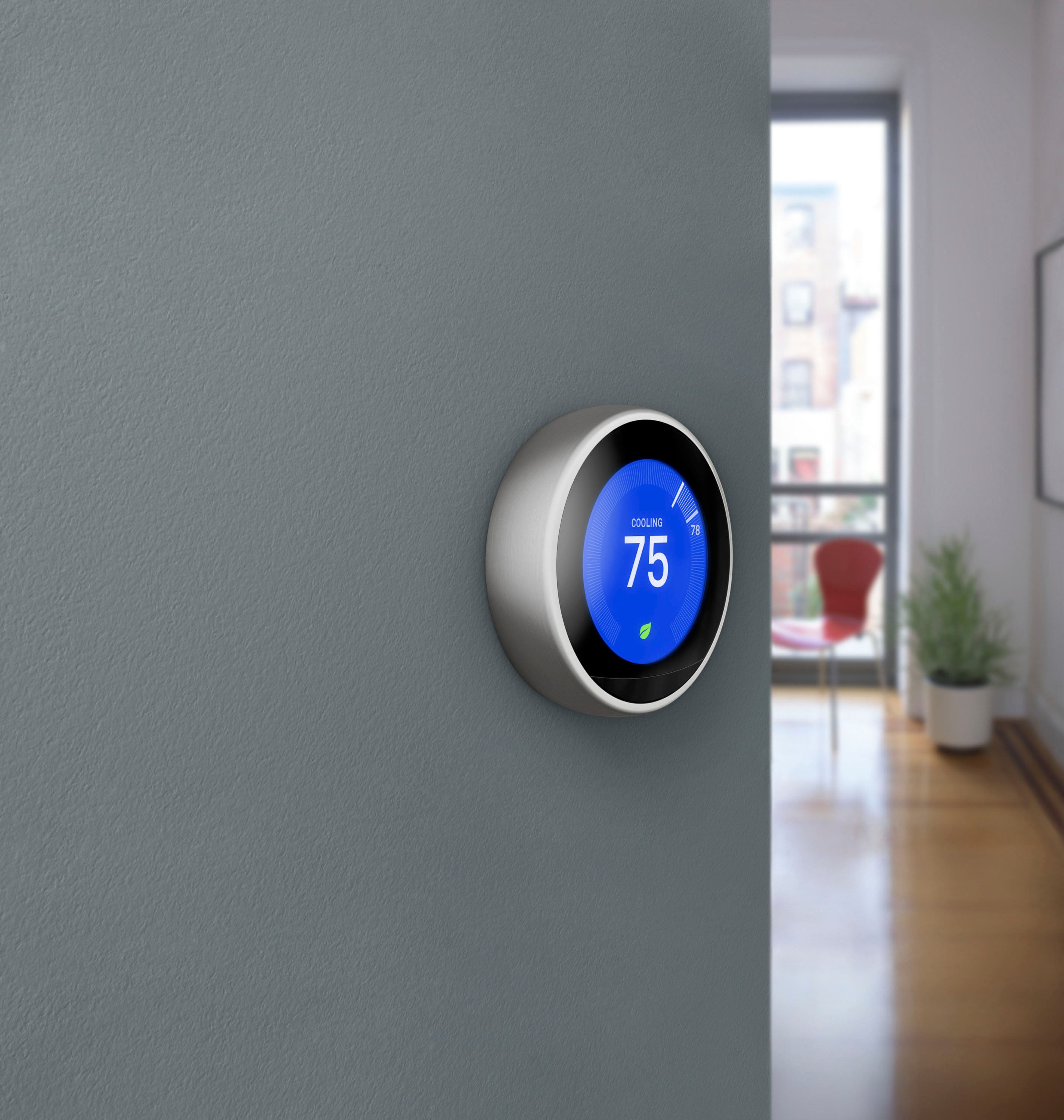
A:AnswerAbsolutely! This can be disabled under Settings > Display on the Nest Learning Thermostat itself by changing the selection from "Wake on approach" to "Wake on press."
A:AnswerThe Nest Learning Thermostat requires existing solid copper HVAC wiring providing 20-30 volts to the base of the Nest. Details here: https://nest.com/support/article/How-to-tell-if-your-heating-and-cooling-system-will-work-with-the-Nest-Thermostat
A:AnswerTo determine compatibility, we'd suggest using our compatibility checker found here: https://nest.com/support/article/How-to-tell-if-your-heating-and-cooling-system-will-work-with-the-Nest-Thermostat
If the Nest will work with your current wiring, then you would be able to connect the Nest to your Wi-Fi, and control it from anywhere through the app as long as you have access to Wi-Fi or Data.
A:AnswerThe Nest Learning Thermostat is able to control humidifiers depending on how they're currently wired. Details here: https://nest.com/support/article/How-do-I-set-up-Nest-to-work-with-my-whole-home-humidifier-or-dehumidifier
A:AnswerYou can disable this option within the settings to prevent the Nest from activating until you physically interact with it. Full details here: https://nest.com/support/article/How-does-my-Nest-Learning-Thermostat-decide-when-to-turn-on-the-screen
A:AnswerYou can use the Nest thermostat in this case but only one thermostat without a C wire. If you have a second thermostat, you will need to run a common. The charging cycle of the Nest thermostats may draw too much for more than two 2 wire thermostats.
A:AnswerI do not believe you can. I use Nest thermostats for the hot water heating system and Honeywell smart thermostats for the Central Air. This isn't because of a defect in the nest, it is that each requires a dedicated thermostat. You could add two nest thermostats and name each one for the system it controls to enable simple control from your smart phone.
A:AnswerI'm assuming yes. So I have the app on my phone. All I had to do was send an invitation to my moms iPhone and it sent a link for her to download the app and create an account with her email. And now we can both control the nest, I have an android and she has an iPhone.
A:AnswerFrom what I've read there is no compatibility with Nest and Apple Home Kit. I don't think there is any plan for that, either. It's unfortunate, but if it's true from what I've been reading it's a territorial battle that leaves two companies/products that don't "play with each other." I could be wrong, but that's the short answer to your question.
A:AnswerHey there. The Nest Thermostat receives power from your HVAC system. It also uses 2 AAA alkaline batteries as a backup, or to supplement if your system can’t deliver enough power. Check out this link for more information: https://support.google.com/googlenest/answer/9297548
A:AnswerHi LBinTX. That is an excellent question. Yes, if you'd prefer to disable learning you can turn off Auto-Schedule. You can then edit the existing schedule manually. Check all the details here: https://support.google.com/googlenest/answer/9209007