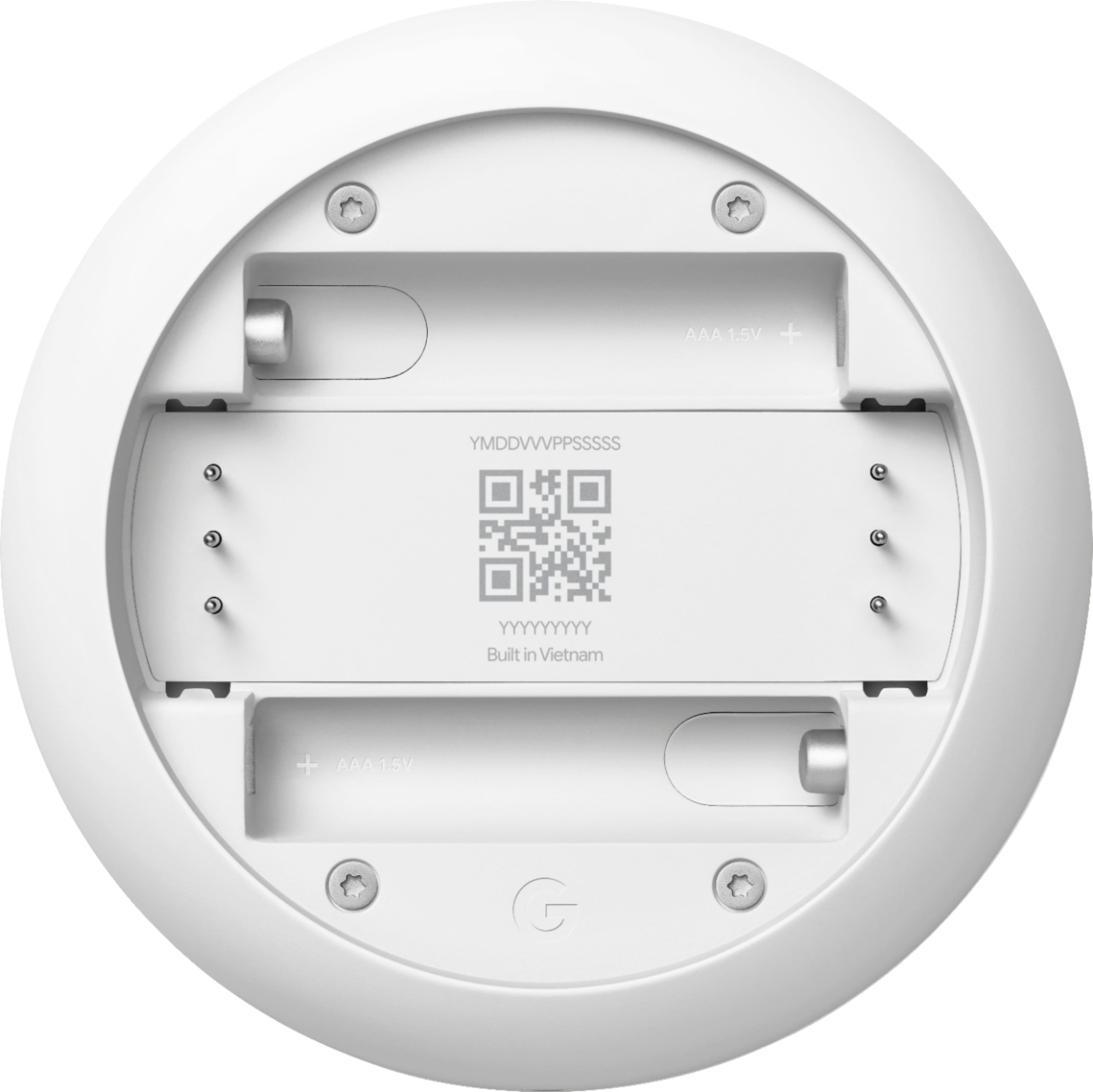
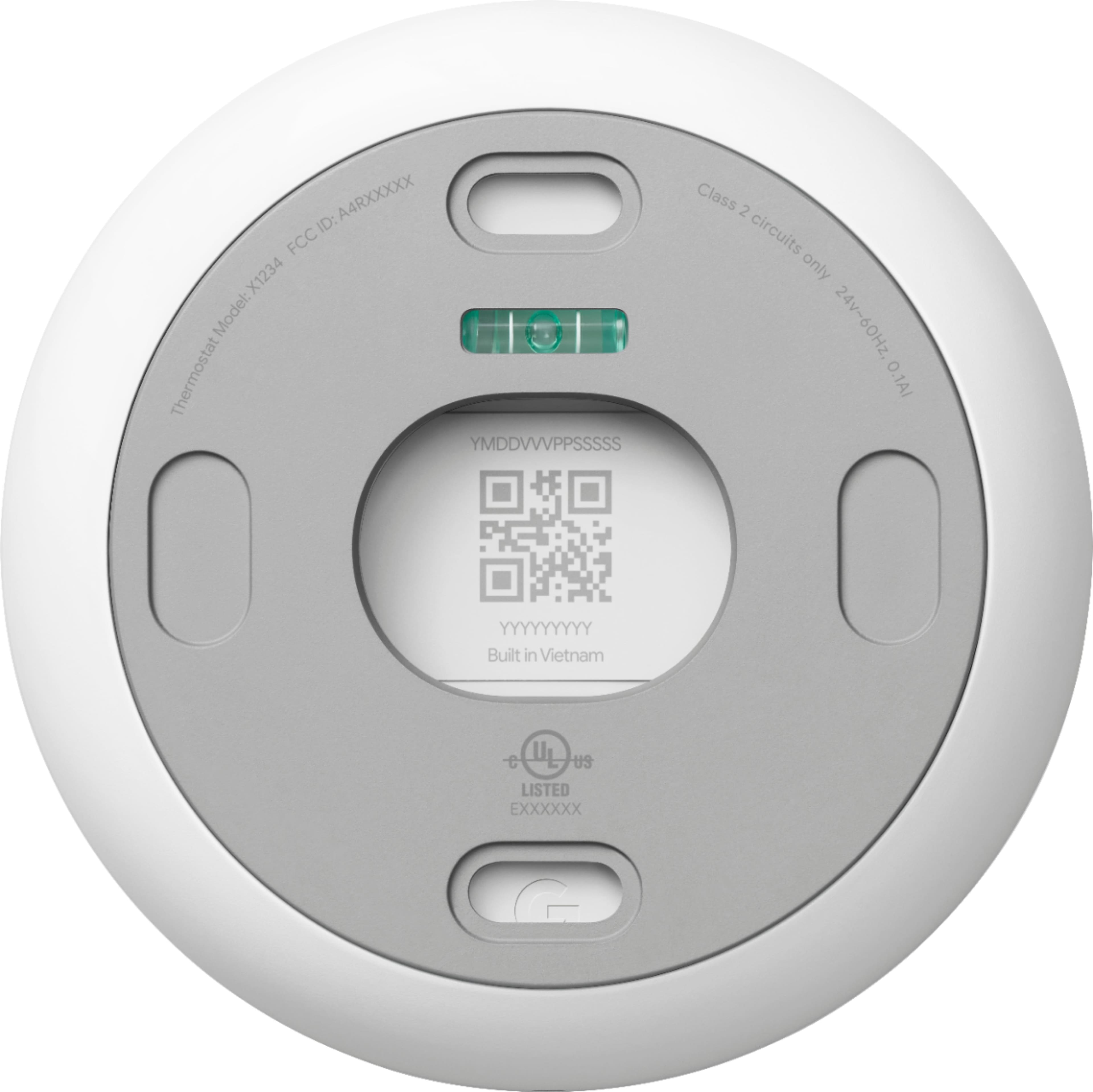
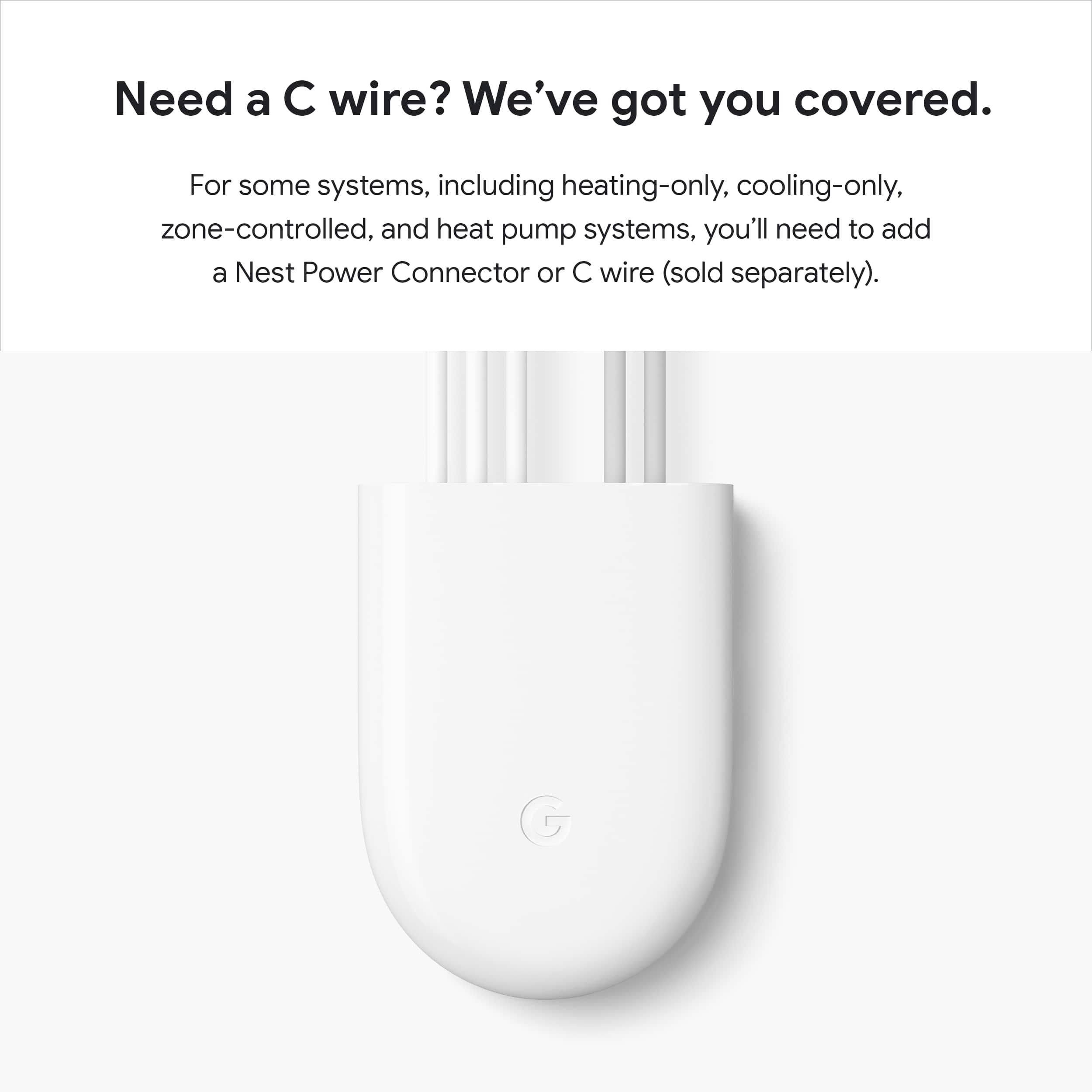
A:AnswerNest Thermostats can usually power itself by using the wires from your heating and cooling system, with the batteries acting as backup power. However, when your heating and cooling wires are not able to deliver the needed power for your Nest thermostat, you may need to connect a common or C wire since it helps deliver enough consistent power to your thermostat. Learn more about Common wire by checking the help article on this link: https://support.google.com/googlenest/answer/9251212
A:AnswerYes it does! I was shocked to find that out, as we have a dehumidifier in the house, and when I passed by it showed the humidity in the house as well with fair accuracy compared to the dehumidifier.
A:AnswerNest Thermostat is a stand-alone device. It doesn't need an "assisting device" to connect to the internet because it has it's own Wi-Fi chip. You can check this link to see Nest Thermostat's tech specs: https://support.google.com/googlenest/answer/9230098
A:AnswerPlease reach out to our support team via Google Nest help page so we can further troubleshoot the humidity sensor issue for your Nest Thermostat here: https://support.google.com/googlenest/gethelp
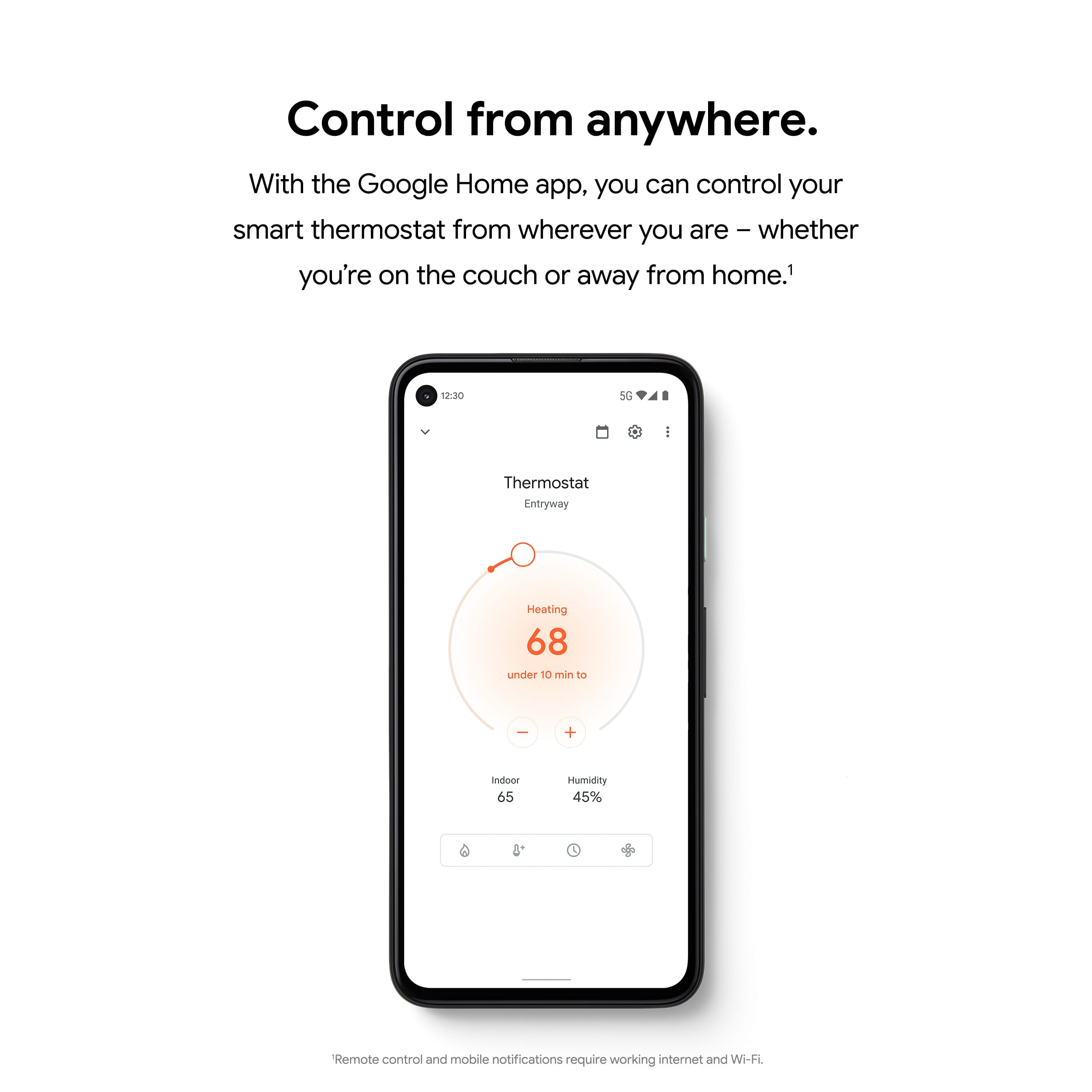
A:AnswerOnce you have successfully added your Nest Thermostat to the Home app, you can easily control it even when you’re not at home. Take a look at this link for more details: https://support.google.com/googlenest/answer/9249866
We recommend checking your system's compatibility first with the Nest Thermostat. You can use our Compatibility Checker tool on this link to verify if your system is compatible: https://support.google.com/googlenest/answer/9246656 or you may reach out to us for assistance with your new Nest Thermostat here: https://support.google.com/googlenest/gethelp
A:AnswerYes. The new Nest Thermostat Works with 85% of 24 Volt heating and cooling systems and it can support dual stage heating and single stage cooling systems as well. We recommend cross checking the wiring for your heating and cooling system with the Compatibility Checker tool on our help page to verify if your system is compatible. Check out this link for the tool: https://store.google.com/us/widget/compatibility/thermostat
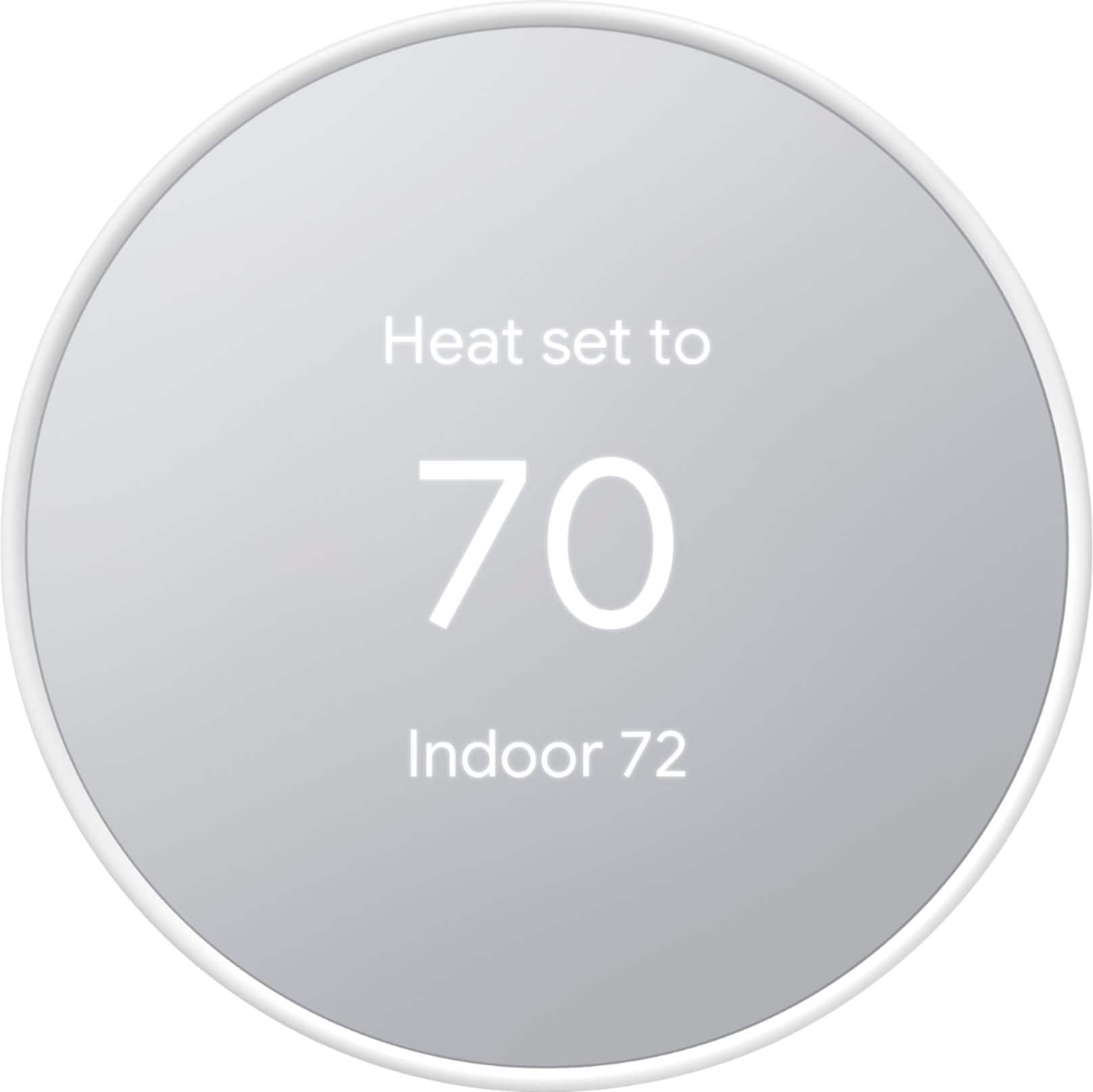
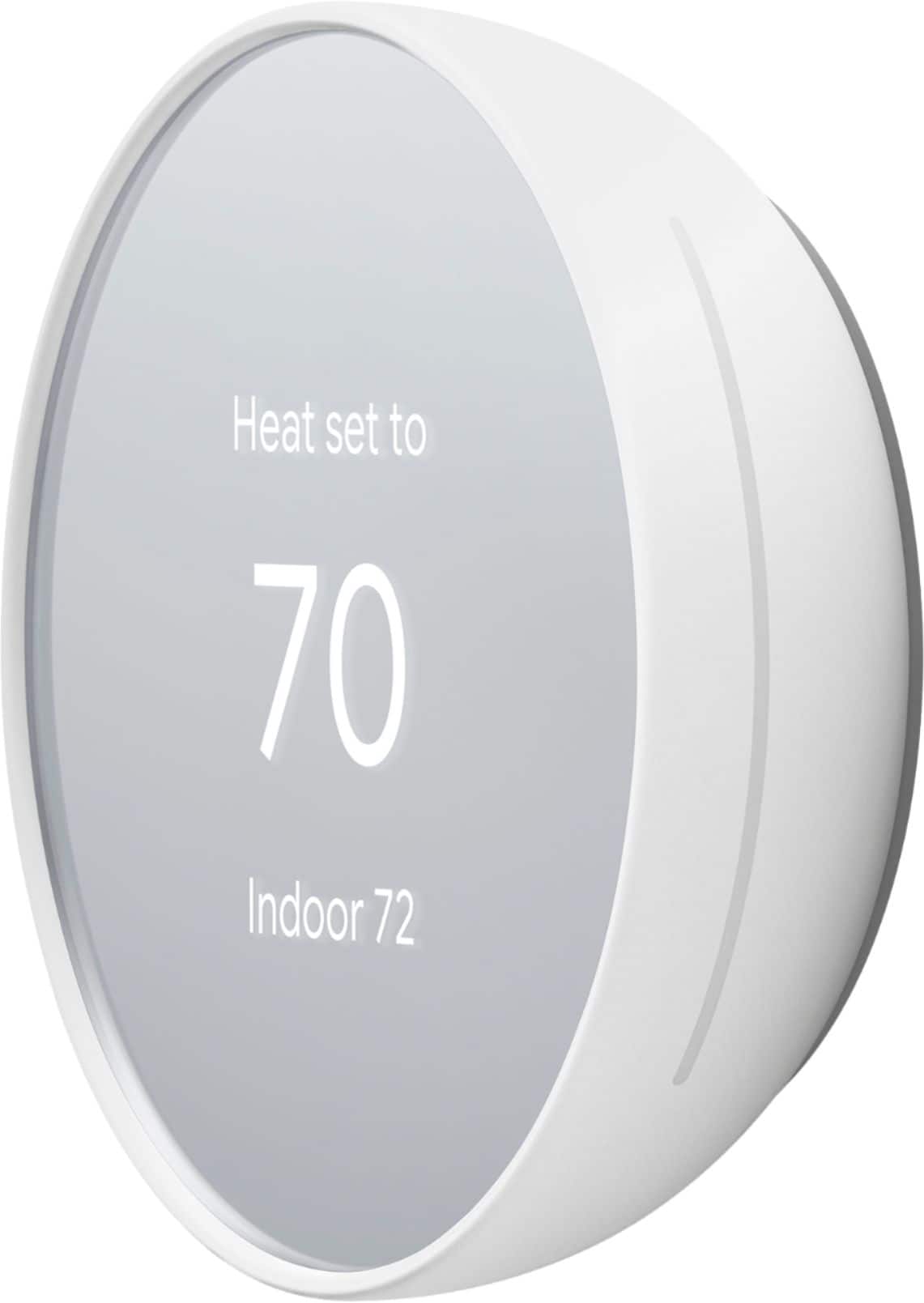
A:AnswerI wish I could help you with this. I just recently purchased this Thermostat for my 85 year old dementia mother and the larger temperature as you stated is the one it is set at and the smaller temperature as you already know is the indoor temperature. I wish it was the other way around and maybe it can be. It's a good question that we might need to ask the Best Buy Geek Squad and if it can't be changed, then maybe we need to be on the Company Board of the creator of this Smart Thermostat because we know what it is like with our elder parents that we love dearly. I purchased this Thermostat to not have a lot of info and to be simple and for my mom not to see a lot of stuff. Also, that I can control from my App to make sure she is comfortable. All my best to you, as we look out for our loved one.
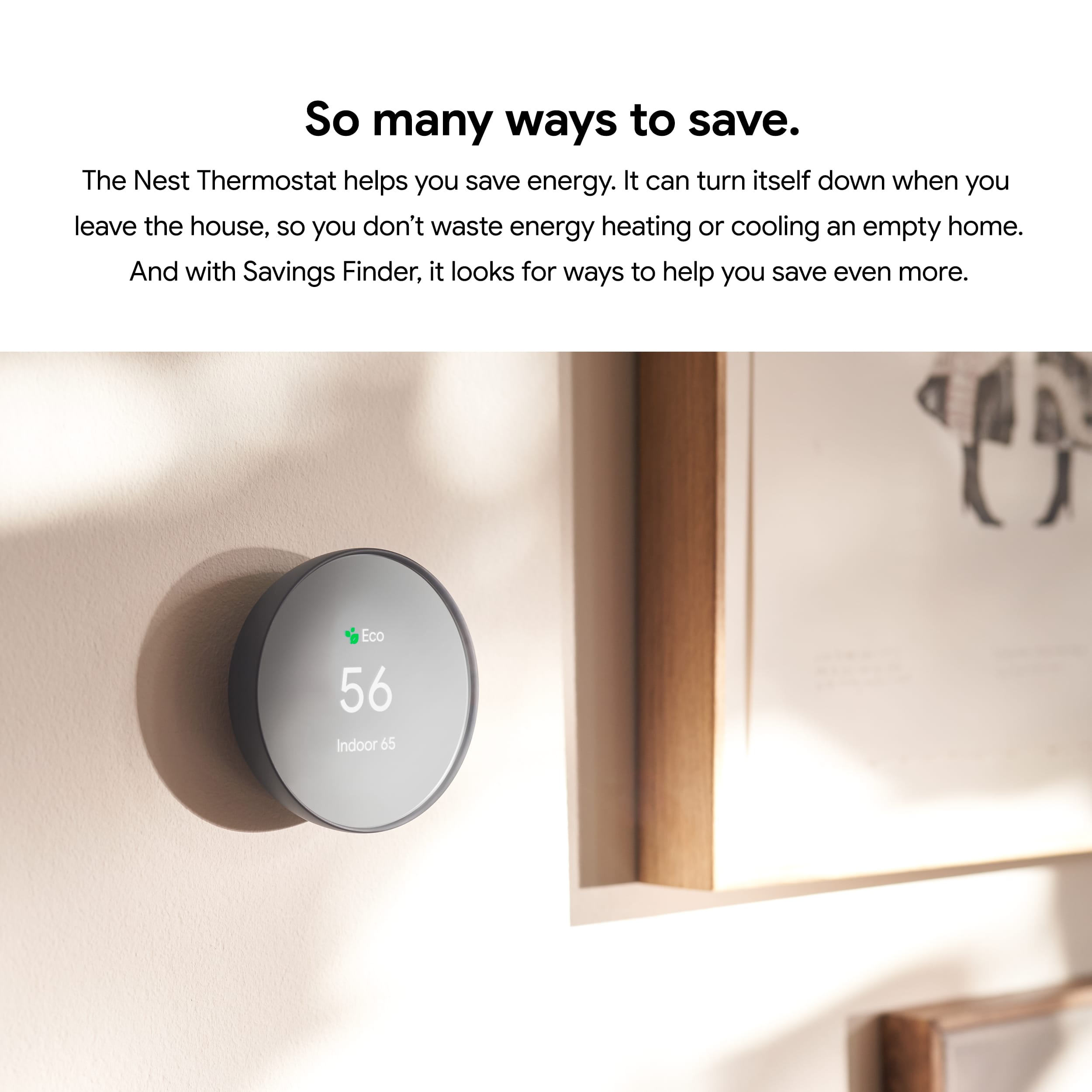
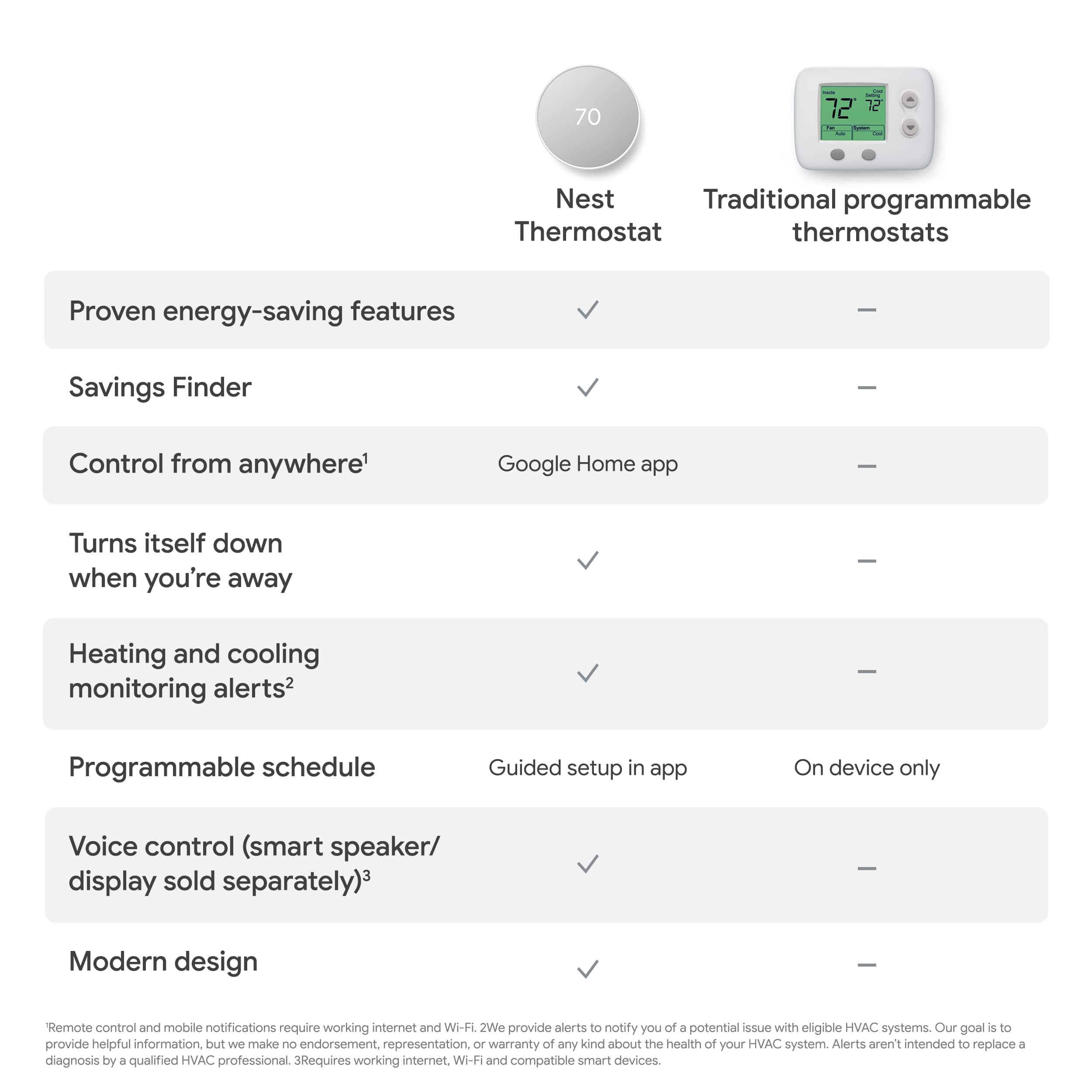
A:AnswerNo. Nest Thermostat is a programmable smart Wi-Fi thermostat but is not a learning thermostat. Take a look at this link for all Nest thermostats technical specifications for better comparison: https://support.google.com/googlenest/answer/9230098
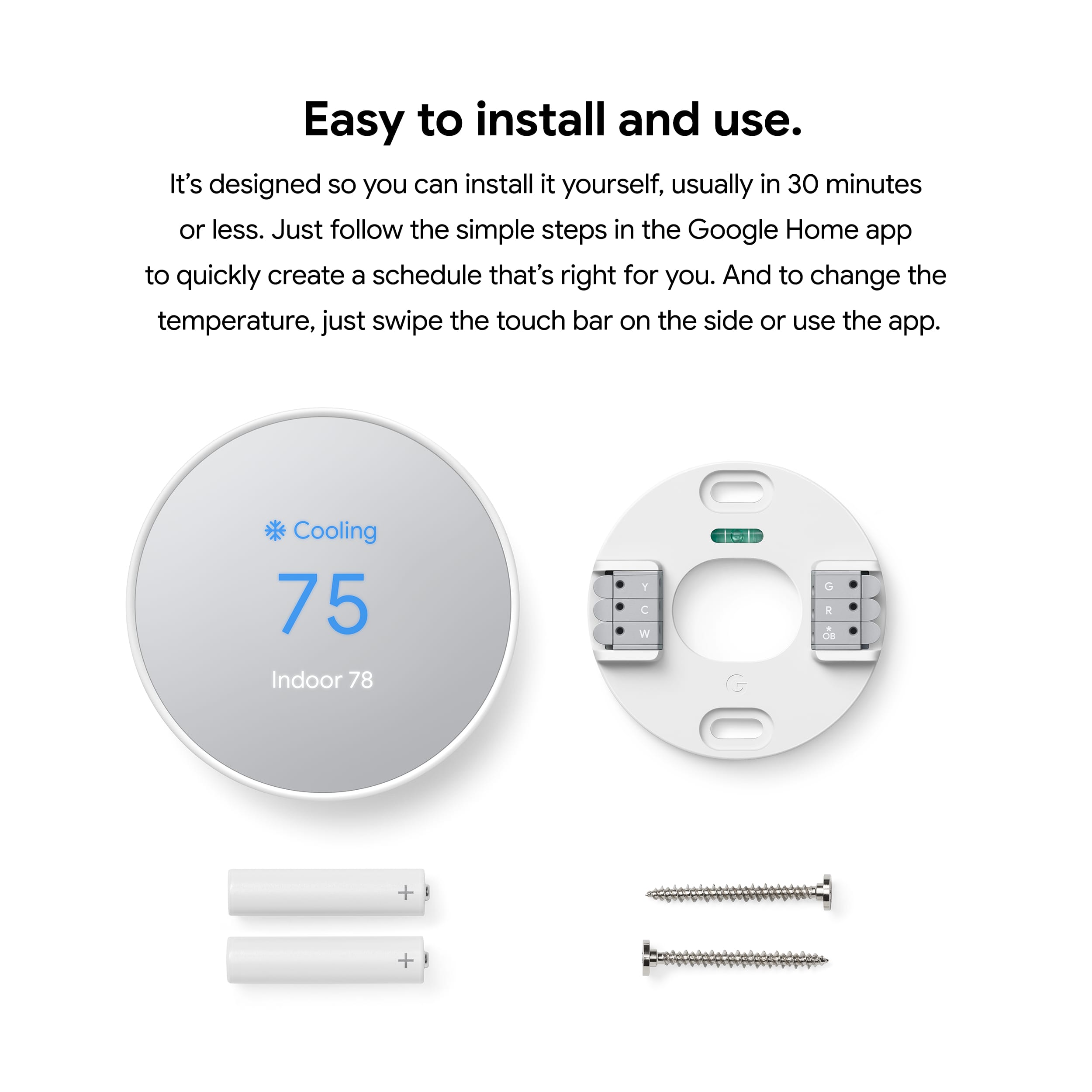
A:AnswerThe new Nest Thermostat won't be able to support the other wires for your heating and cooling system since it can only support up to 6 wires. We recommend using the Compatibility Checker tool to verify if your system is compatible with any of our Nest thermostat models: https://support.google.com/googlenest/answer/9246656
A:AnswerThe new Nest Thermostat works with most 24V heating and cooling systems. This includes gas, electric, forced air, heat pump, radiant, oil, hot water, solar and geothermal. We recommend using our Compatibility Checker to see if your system is compatible with the Nest Thermostat. Here's the link: https://store.google.com/us/widget/compatibility/thermostat
You can also contact one of our specialists to help you check the compatibility here: https://support.google.com/googlenest/contactflow
A:AnswerYes. Nest thermostats are compatible with Alexa. You can check the following link for more details on how you can control Nest Thermostat with Alexa: https://support.google.com/googlenest/answer/9325080
A:AnswerNest thermostats are designed to work with most 2-wire 20 - 30V systems. You need to check what the color of the wire is for before you connect it on your Nest Thermostat. We recommend using our Compatibility Checker tool on this link to verify if your system is compatible: https://support.google.com/googlenest/answer/9246656 or you may reach out to us for assistance with your new Nest Thermostat here: https://support.google.com/googlenest/gethelp
A:AnswerYou can control heating and cooling remotely with this device . I think you are correct and will probably need 3 separate units for 3 zones, but I recommend checking with Google/nest tech support to be certain.
Good luck!