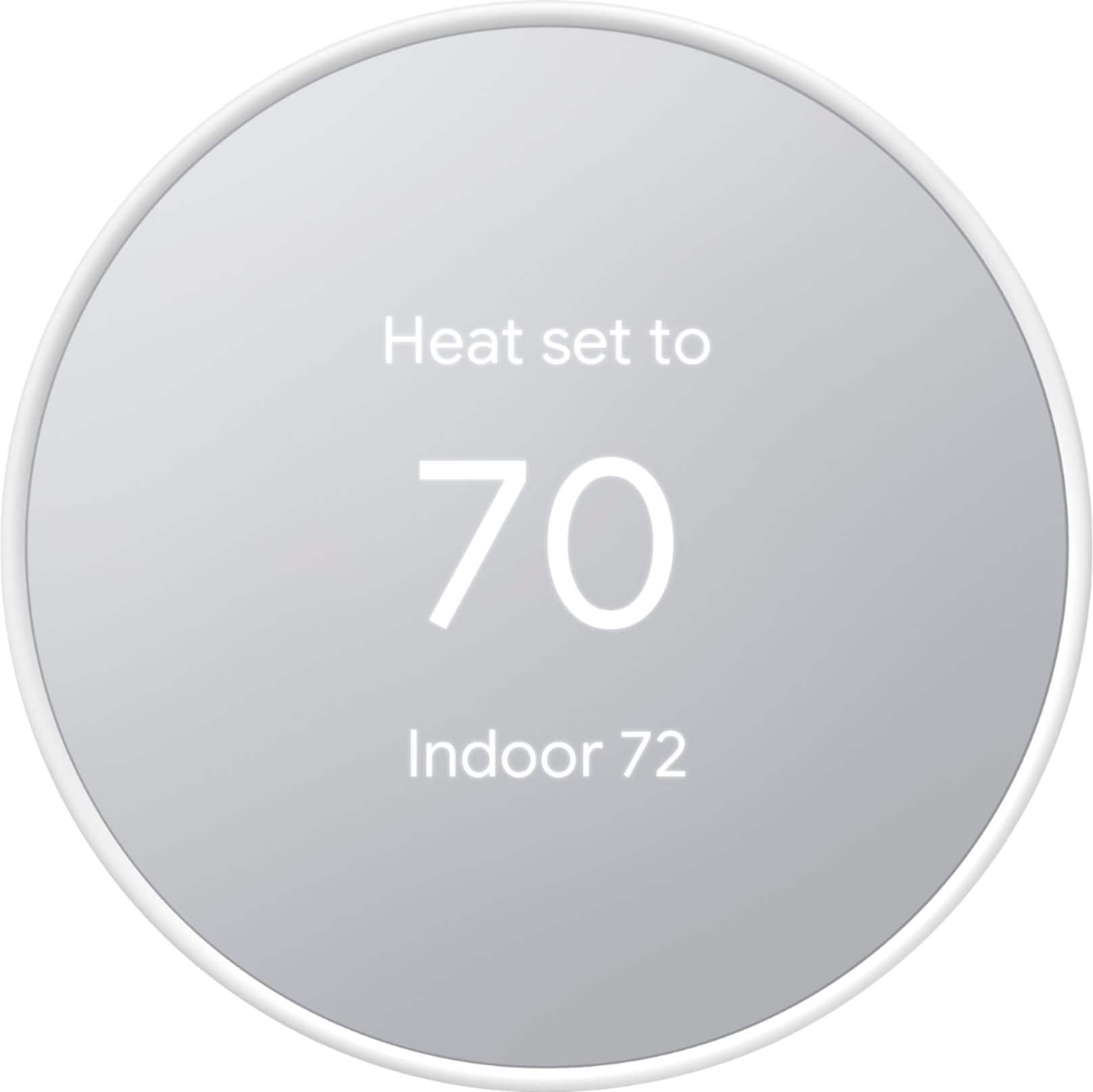
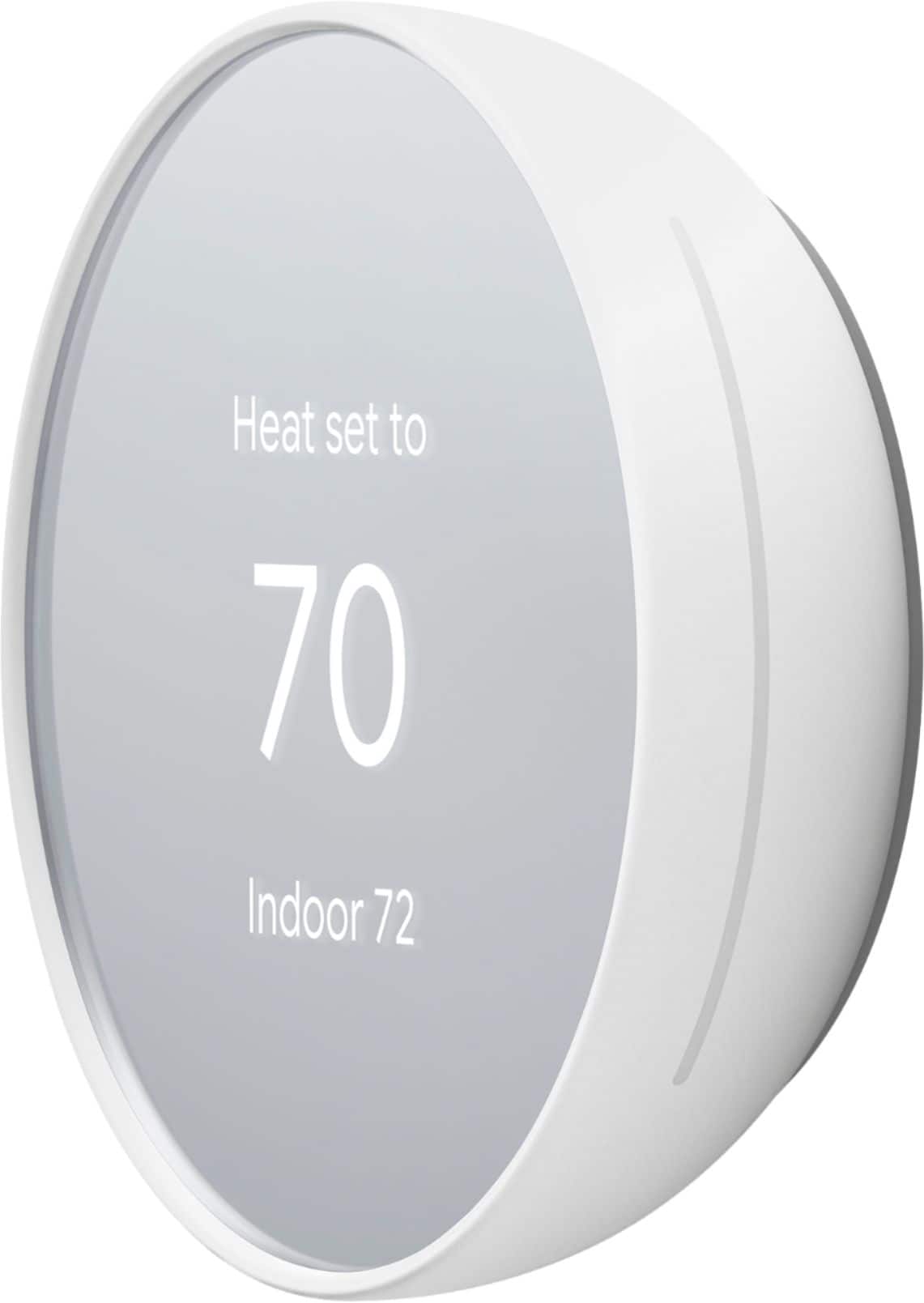
A:AnswerWe highly recommend that you contact support so we can better assist you with the Nest Thermostat settings. Please contact us directly by visiting this link: https://support.google.com/googlenest/contactflow
A:AnswerYes but it's not entirely intuitive. There are no buttons. You swipe and tap the right side of the unit to scroll and select from the menu options. It's kind of weird and takes some getting used to.
A:AnswerNest thermostats are designed to work with most 24V systems, including furnace They work with all common fuel types including natural gas, oil, and electricity. Check this link for more details and to check compatibility with your system: https://support.google.com/googlenest/answer/9246656
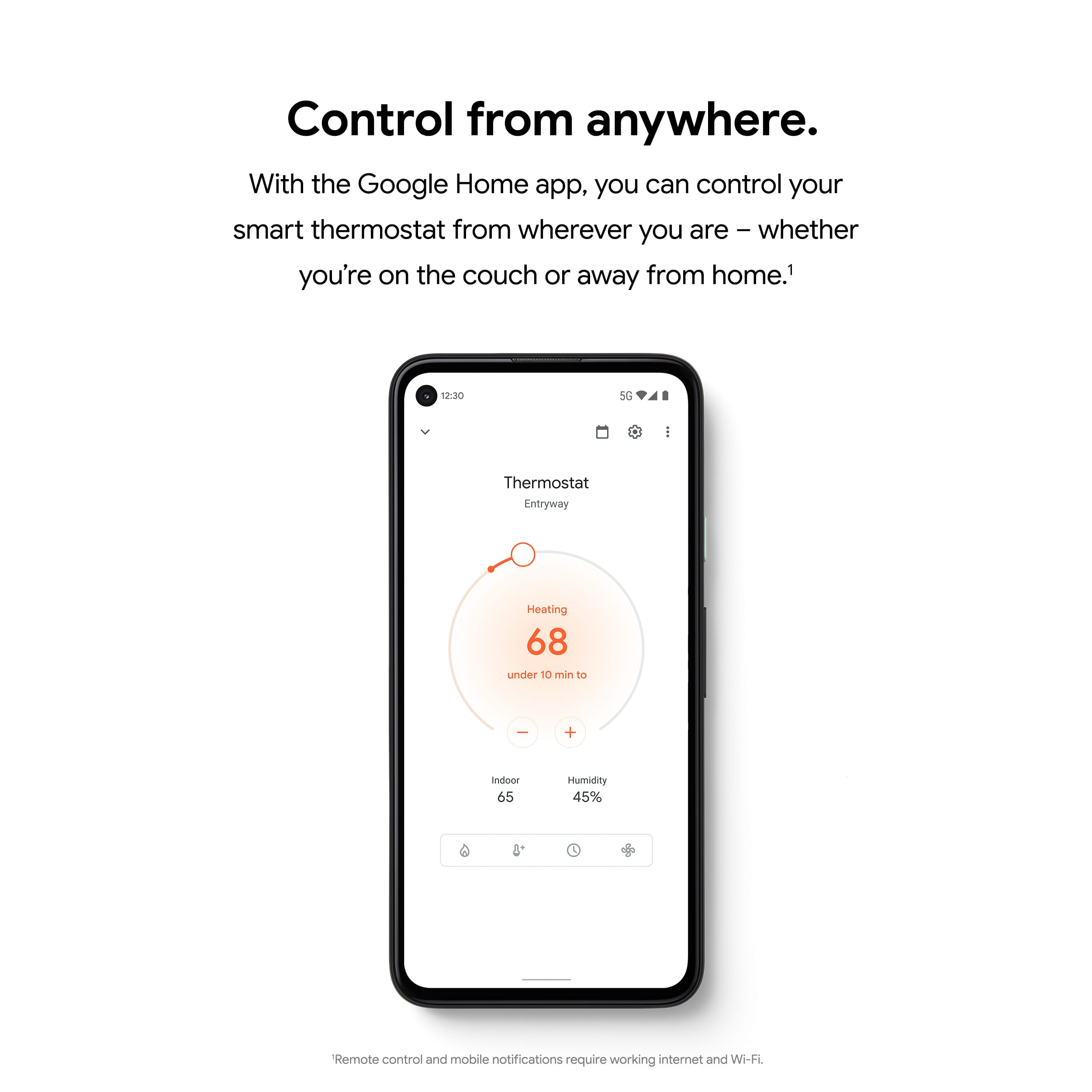
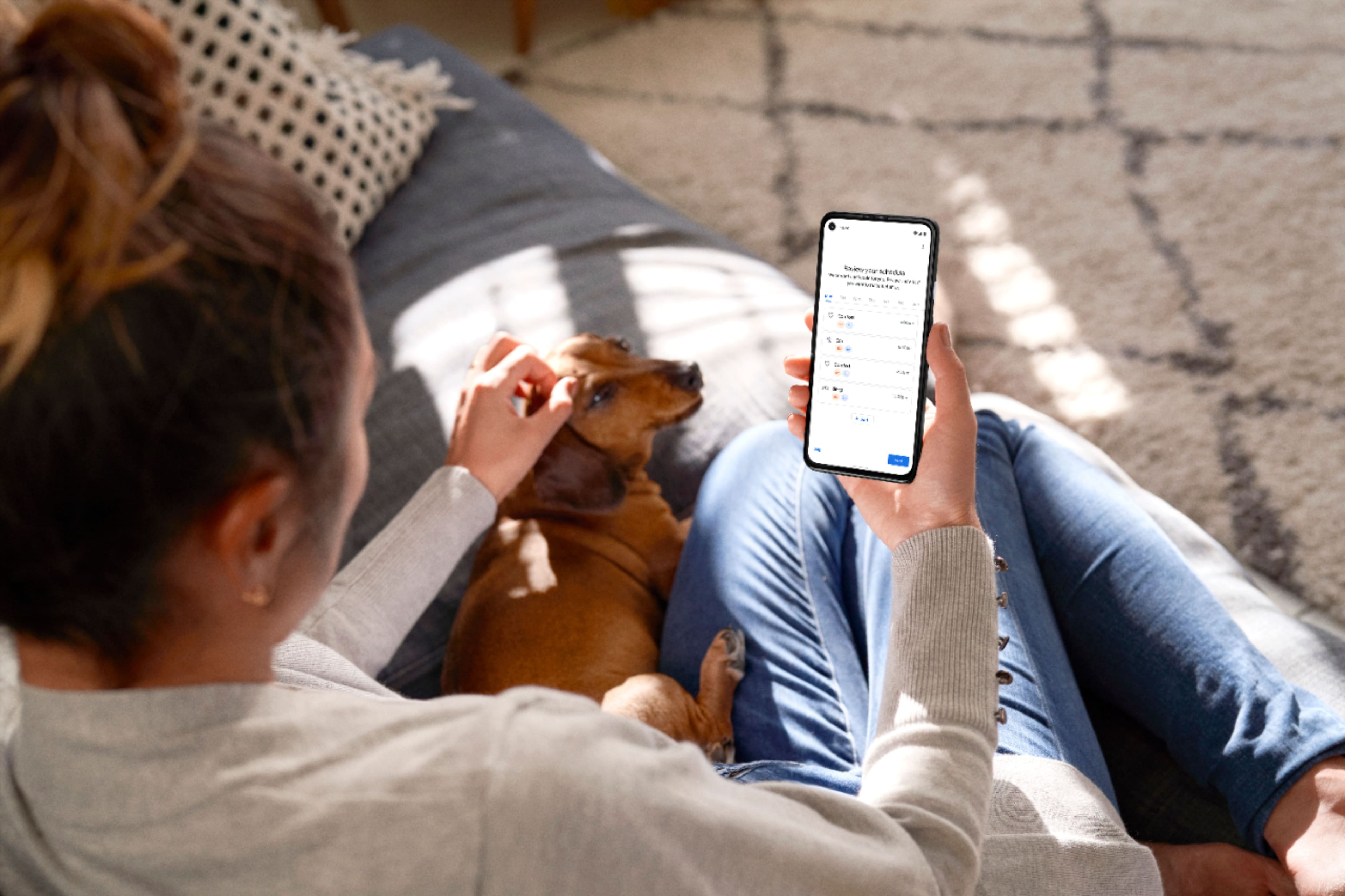
A:AnswerNo. You can set up, manage and control your Nest Thermostat with the Google Home app. Learn more about using Google Home app with your Nest Thermostat here: https://support.google.com/googlenest/answer/10125150
A:AnswerNo. Farsight feature isn't available with the new Nest Thermostat, but it does maintain a local schedule and time clock. It also has the new Soli Sensor that detects occupancy and when someone is near the thermostat to light up the display. For more information on the sensors for your Nest products, click here: https://support.google.com/googlenest/answer/9330256
A:AnswerYes. The new Nest Thermostat works together with Nest Protect to provide you with the Emergency Shutoff feature. You can learn more about how Emergency Shutoff feature works here: https://support.google.com/googlenest/answer/9245889
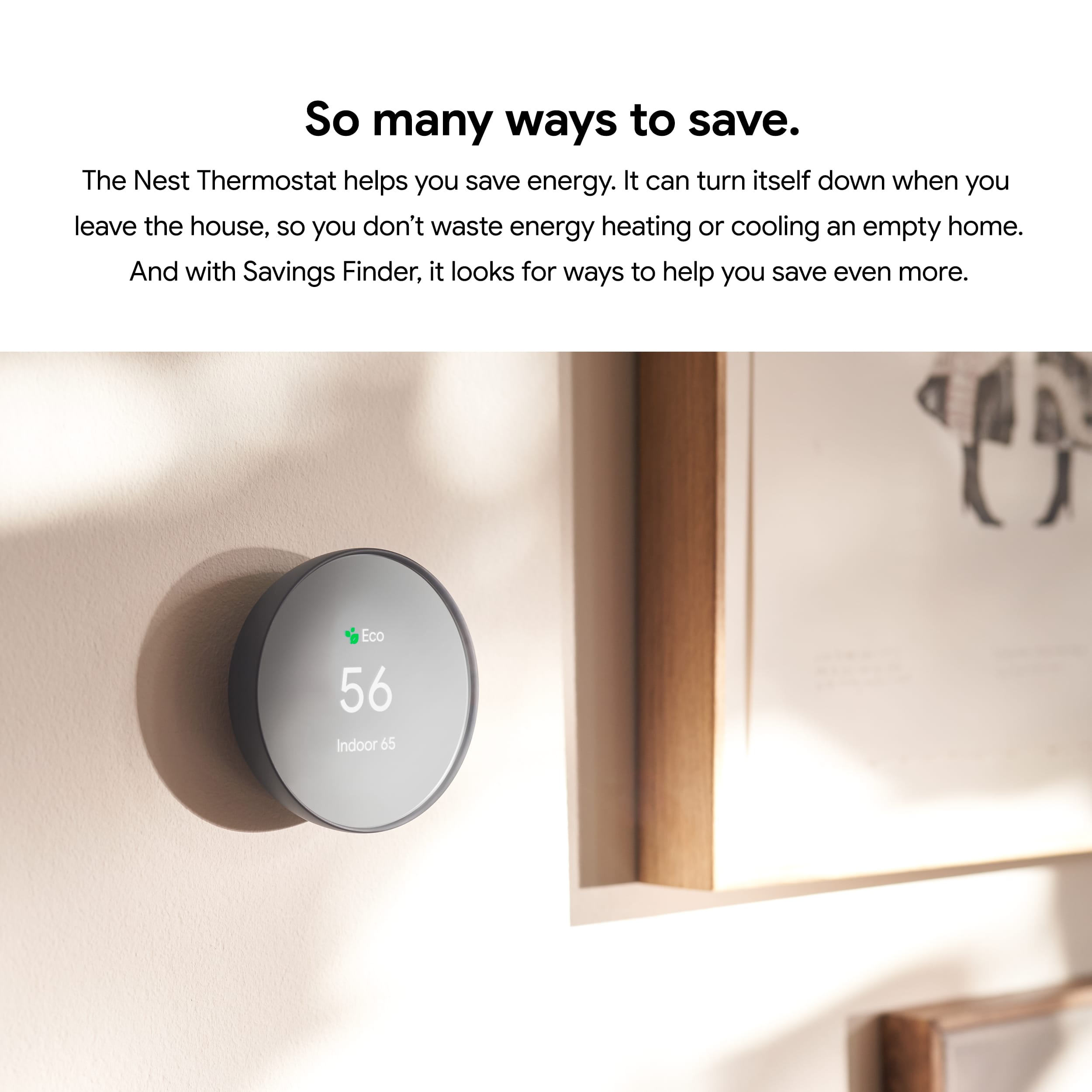
A:AnswerNest Thermostat Eco mode has been updated as part of the Home/Away Routines from the Home app, that turns the system down to the Eco temperature automatically when you're away. It still uses your phone location and occupancy sensor to sense motion but it's using a more advanced Soli sensor this time.
A:AnswerNot sure if this will help, but if you use the compatibility checker with Google, you type in the wires you have and it will tell you if it's compatible or not!
https://store.google.com/ca/widget/compatibility/thermostat
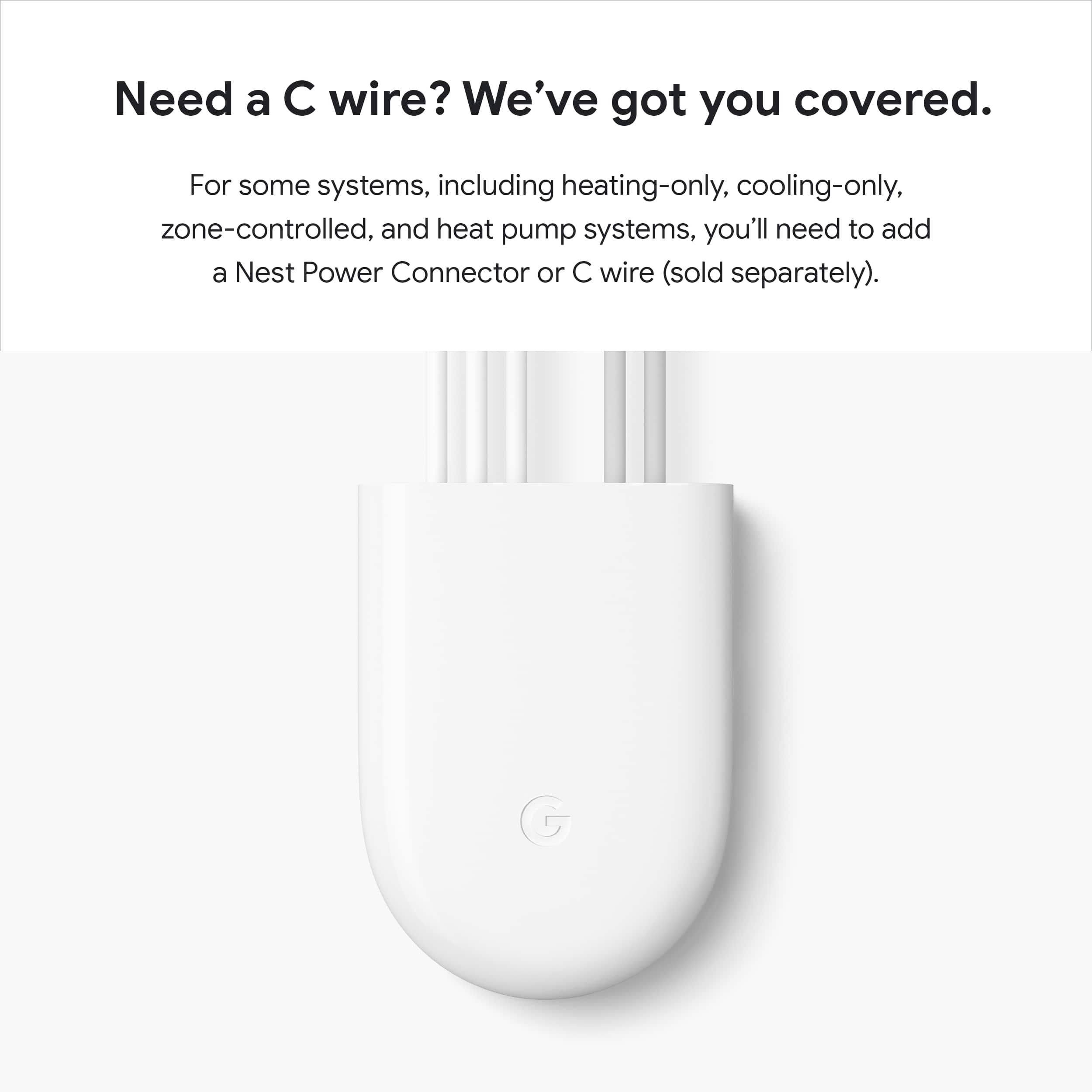
A:AnswerThe Nest Thermostat is designed to work if your home doesn’t have a common (“C”) wire. In some cases, particularly if you have a heating-only or cooling-only system or use a zone controller, a C wire or other power-supply accessory may be necessary. See g.co/nest/cwire for details.
We also recommend using our Compatibility Checker first to see if your system is compatible with the Nest Thermostat. Here's the link: https://store.google.com/us/widget/compatibility/thermostat
A:AnswerUnfortunately, the new Nest Thermostat is not compatible with the Nest Temperature Sensor. Nest Temperature Sensor is only compatible with Nest Learning Thermostat (3rd gen) and Nest Thermostat E for North America.
A:AnswerYes it can control a HVAC humidifier when I set up my Nest while you are going through the set up with Google Nest app it gives you several options. That option to connect HVAC humidifier is on the setting. I hope this helps answer your question.
A:AnswerYes. The new Nest Thermostat gives you an option to use the Wake on Touch feature that turns on the display instead of the Wake on Approach feature. Wake on Touch is enabled by default when you turn off the Wake on Approach on the Google Home app.