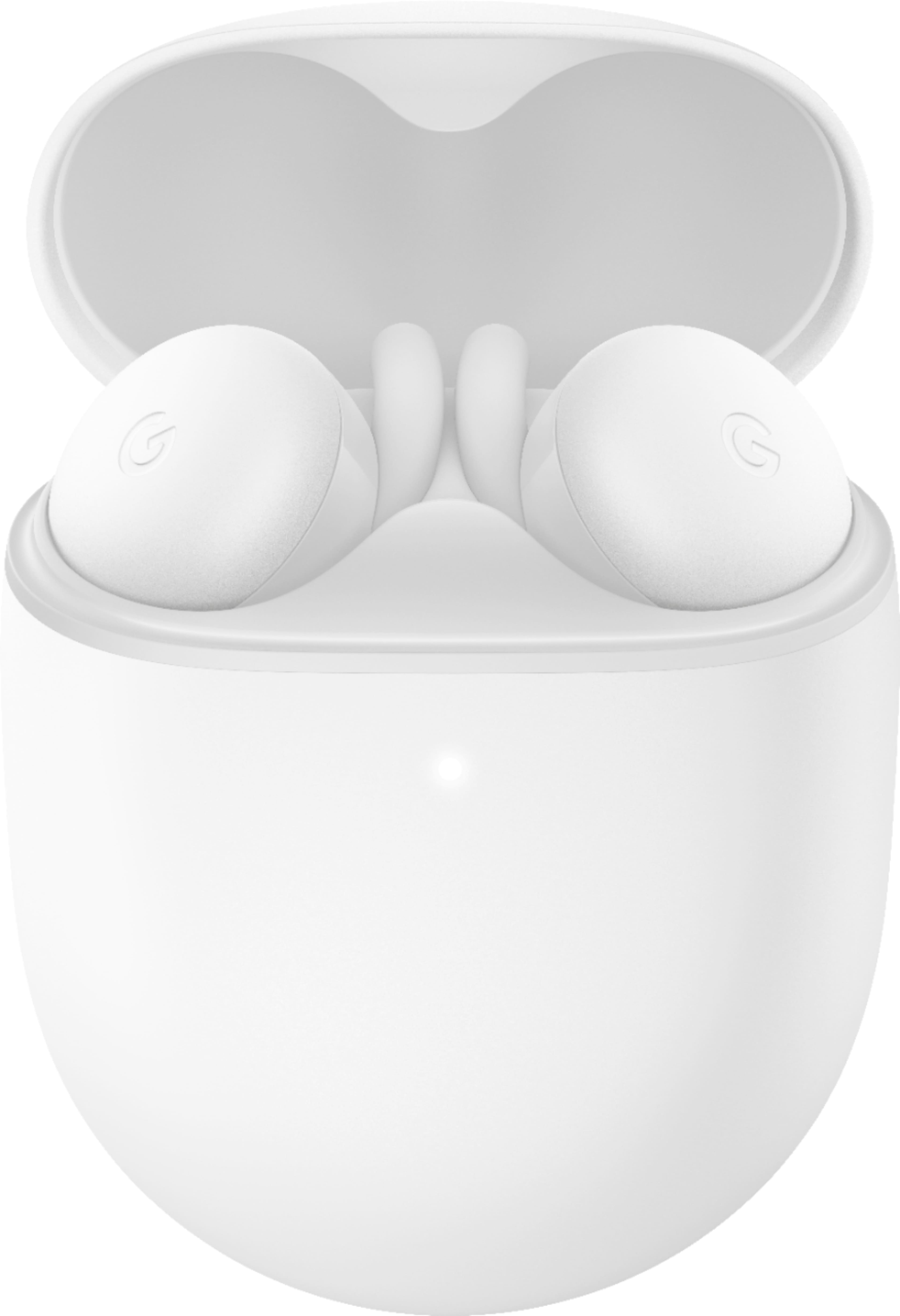
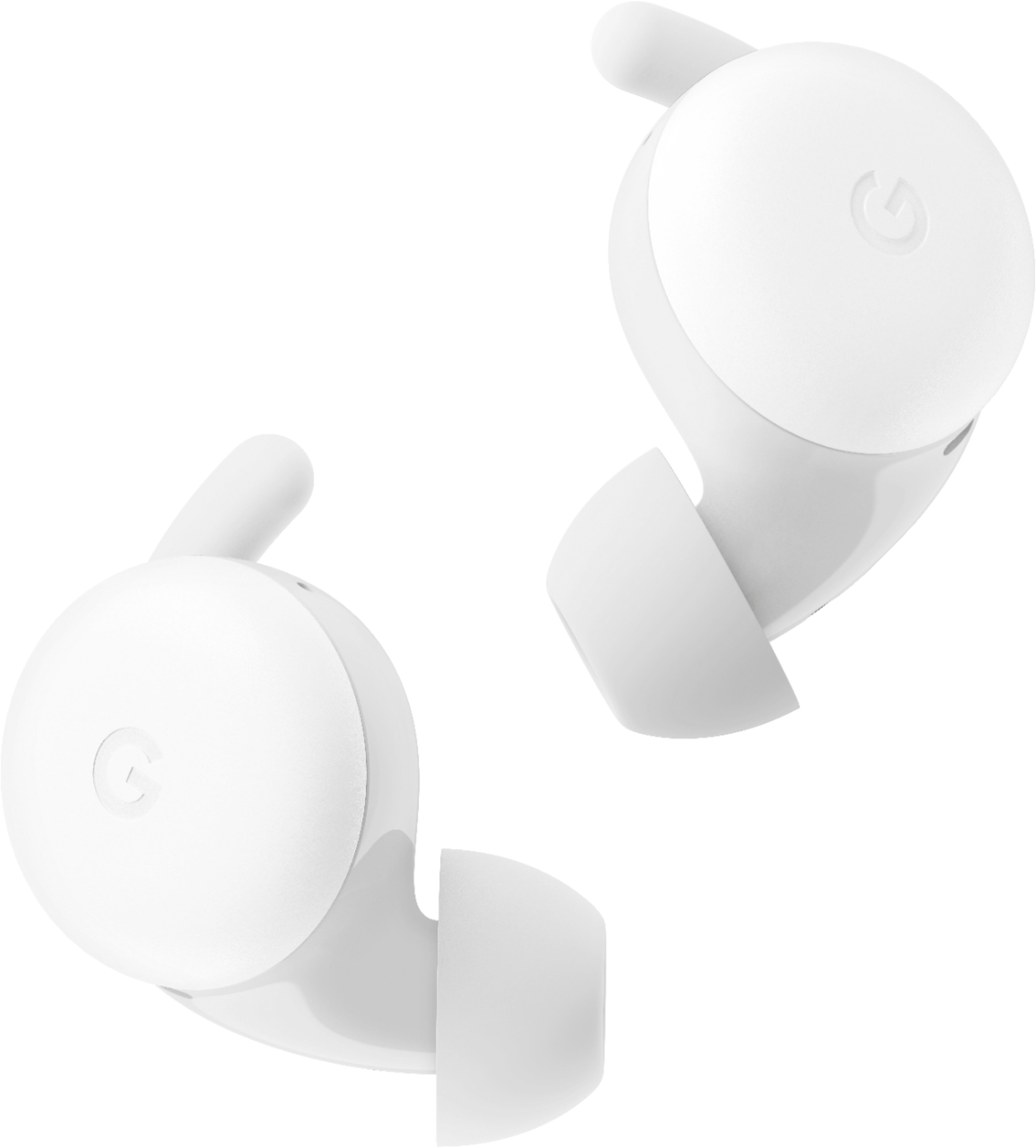
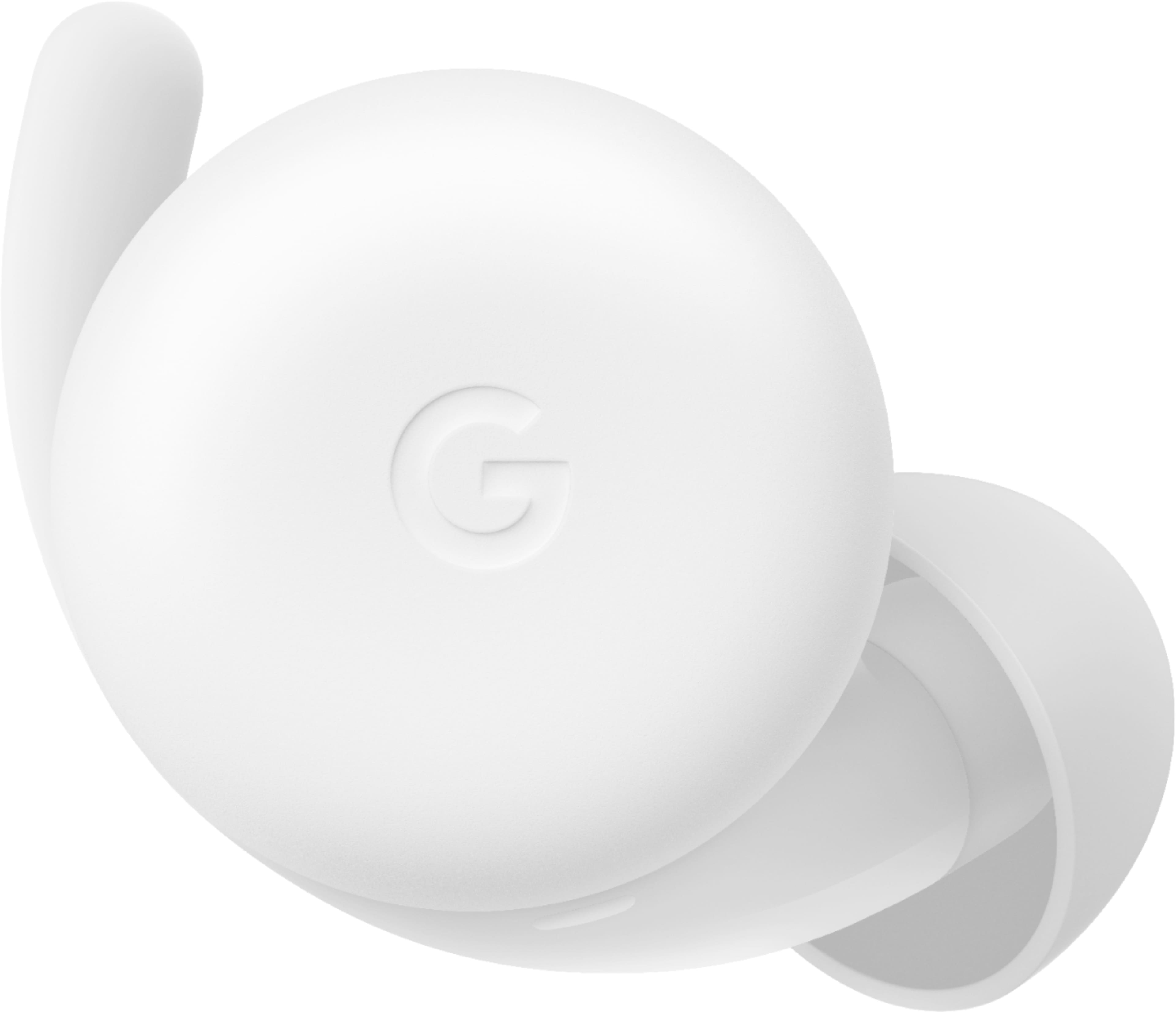
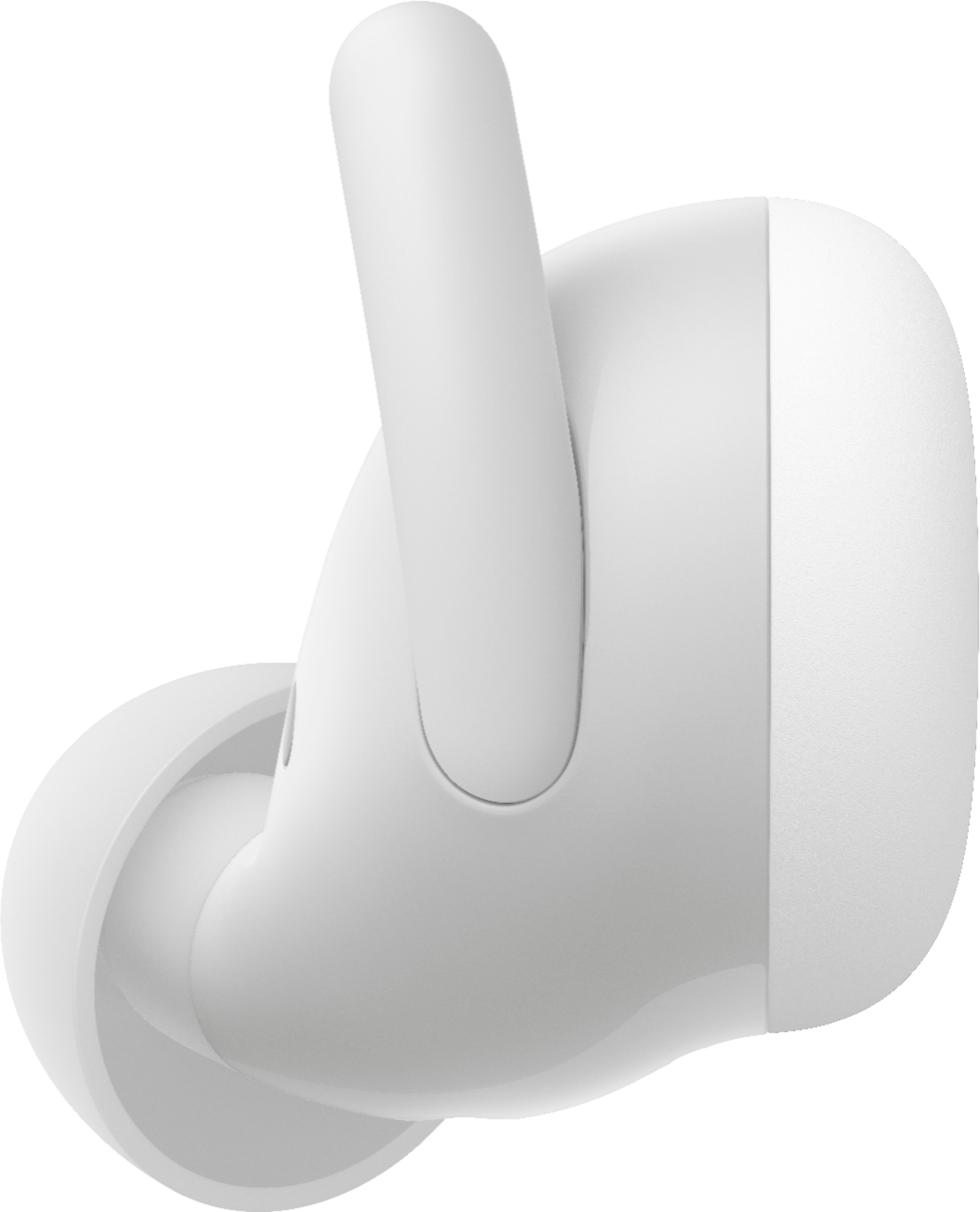
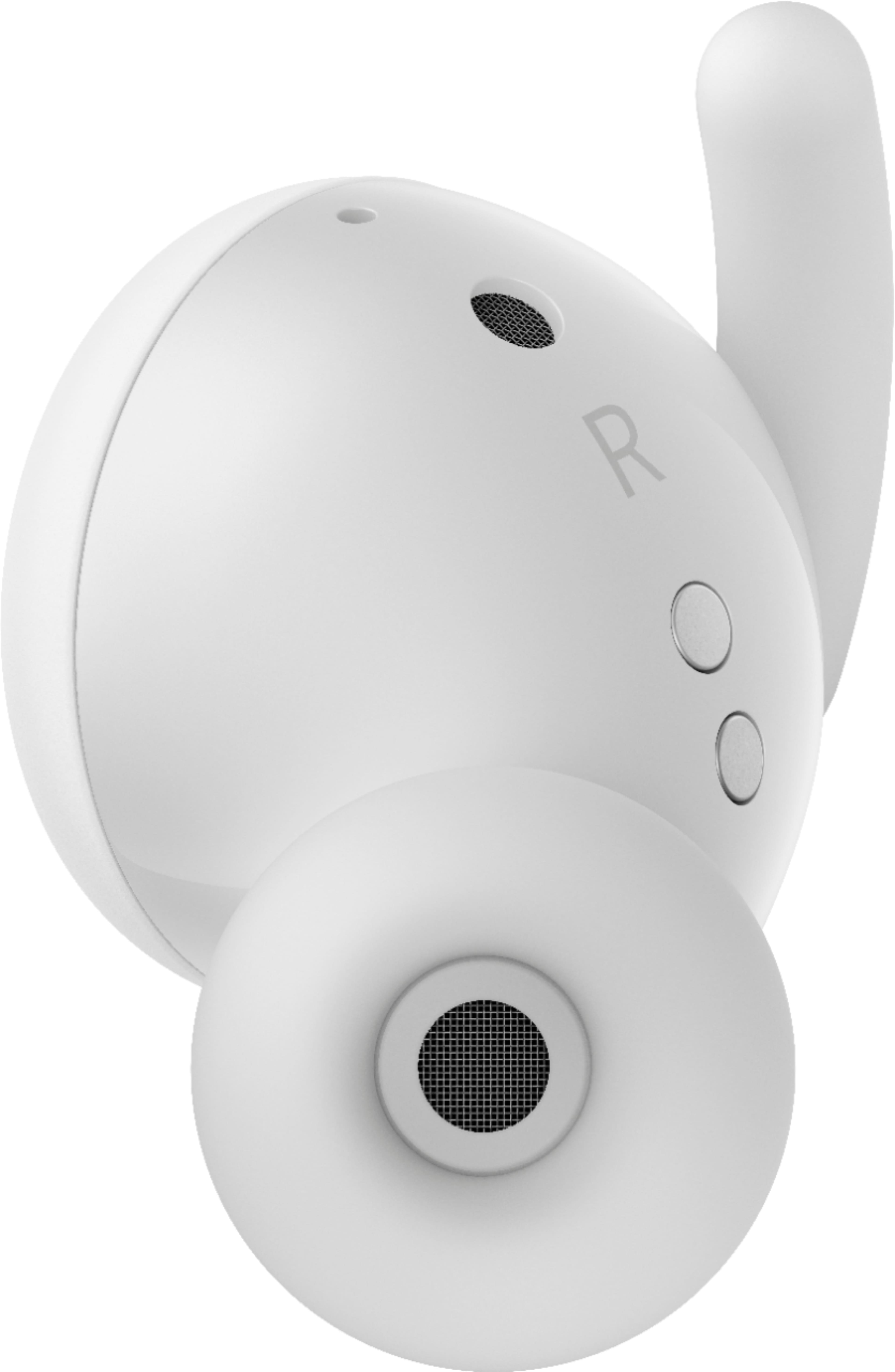
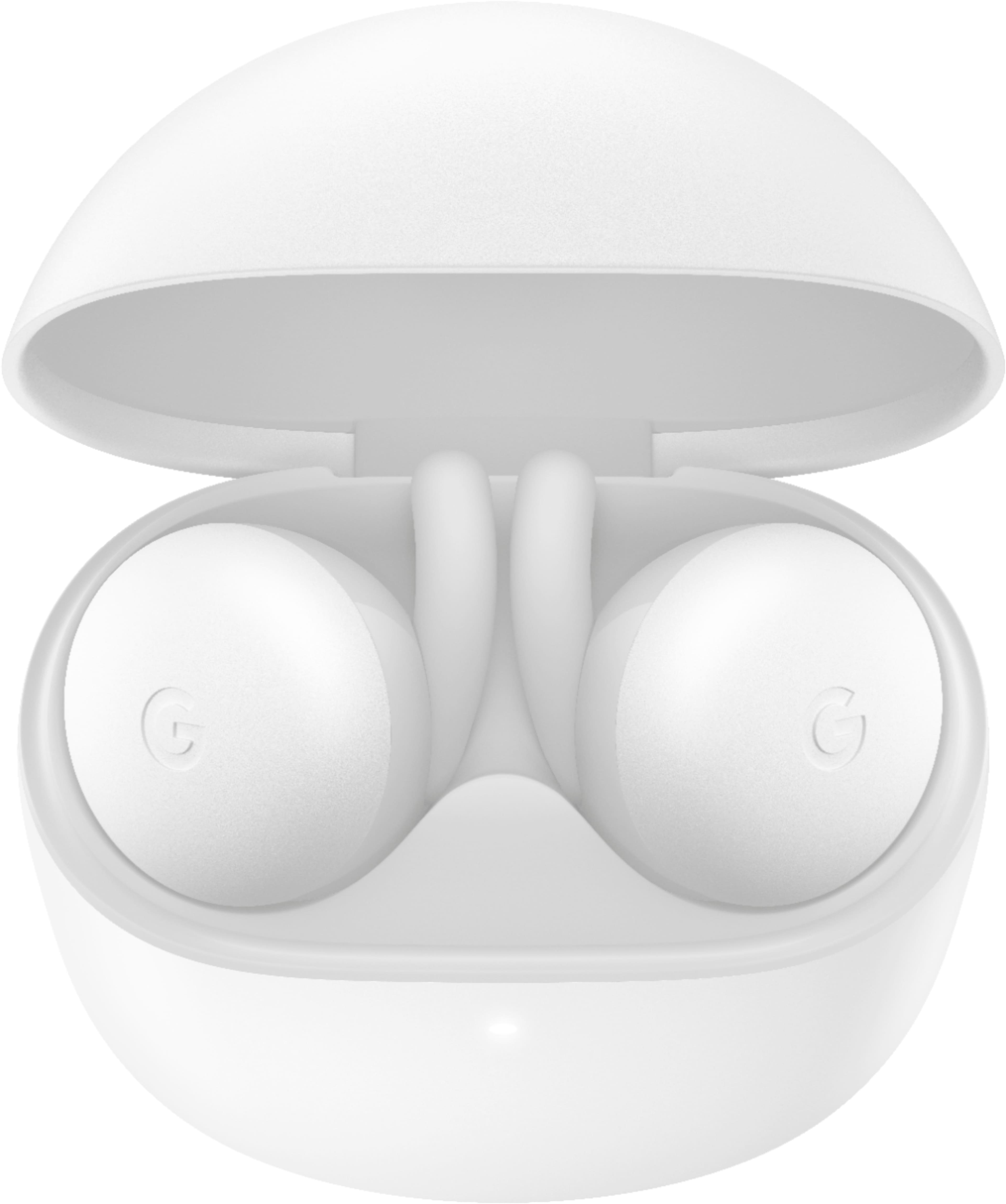
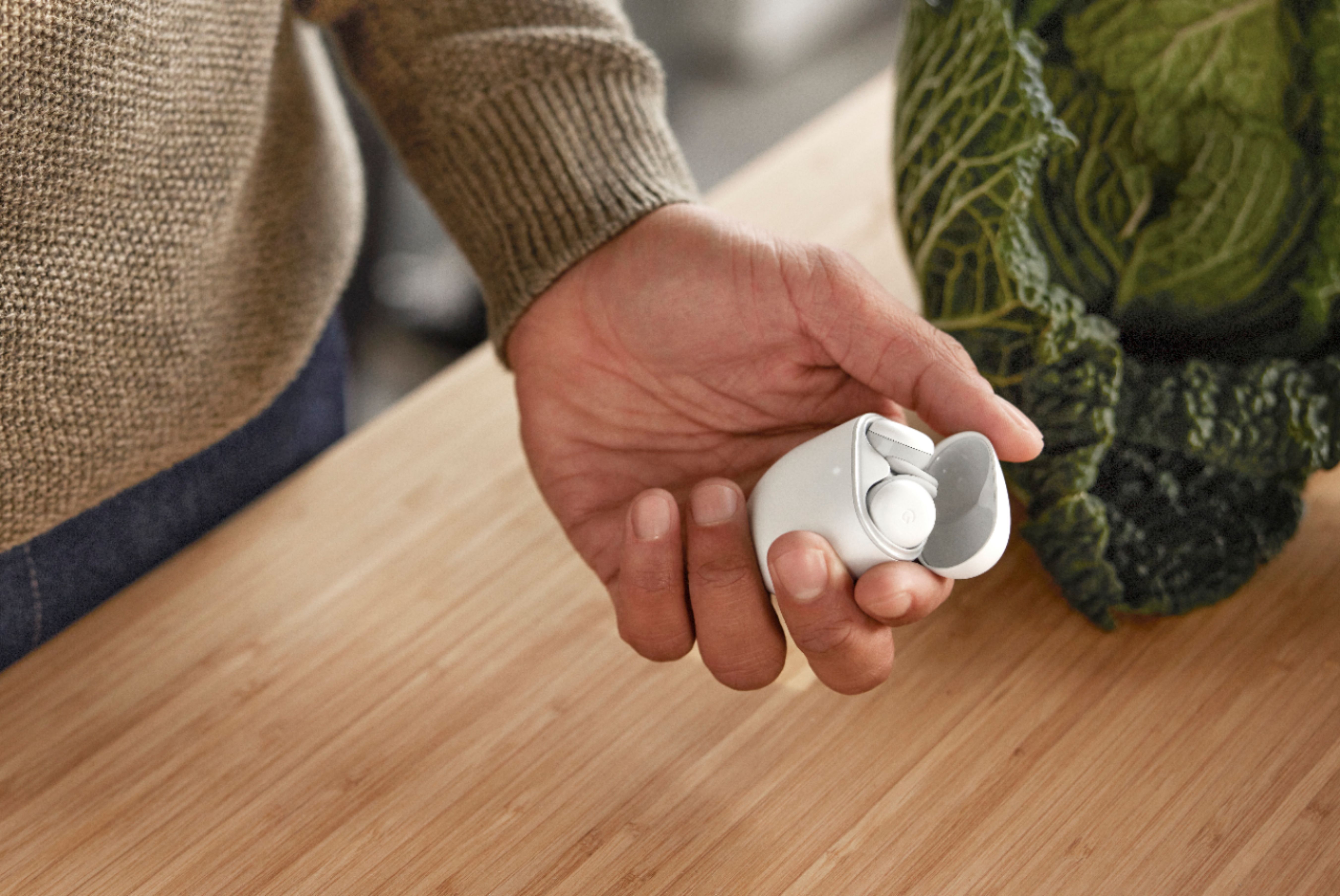
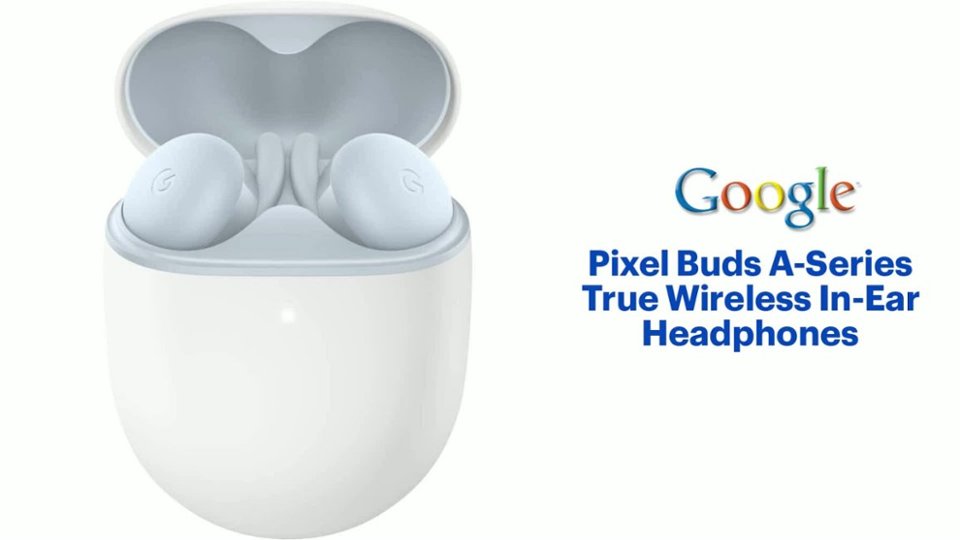
A:AnswerThey connect to your Apple devices like any other legacy Bluetooth accessory. Open Settings, go to Bluetooth, and select the Pixel Buds A. They will connect automatically when you put them in your ears like AirPods and will disconnect when placed in the case. Because they don’t have access to Apple’s more advanced pairing technology, they won’t automatically switch between devices. You’ll need to manually pair the Pixel Buds A to your other Apple devices.
A:AnswerYou can simply type total tech into the search bar and it should bring you to the main page. If you own totaltech you can from that screen then choose shop now and all of the offers will show up. If you don"t own totaltech add it to your cart and it will show you the awesome deals you can get with our totaltech membership.
A:AnswerI myself have not had a good time using these on other devices. They work sometimes but it's just not worth the hassle. They work well on Android phones and Google devices. I use mine primarily with my Pixel 5. For connecting with a PC I would recommend a different pair of headphones.

A:AnswerYour best bet is through third-party vendors to find replacement cases for these. I would suggest Mercari or eBay for an empty case. Also, get a case protector to help shield your buds from daily abuse.
A:AnswerThey do not, but they do include a feature that reduces the volume automatically based on things heard through the mic such as somebody walking up and talking to you.