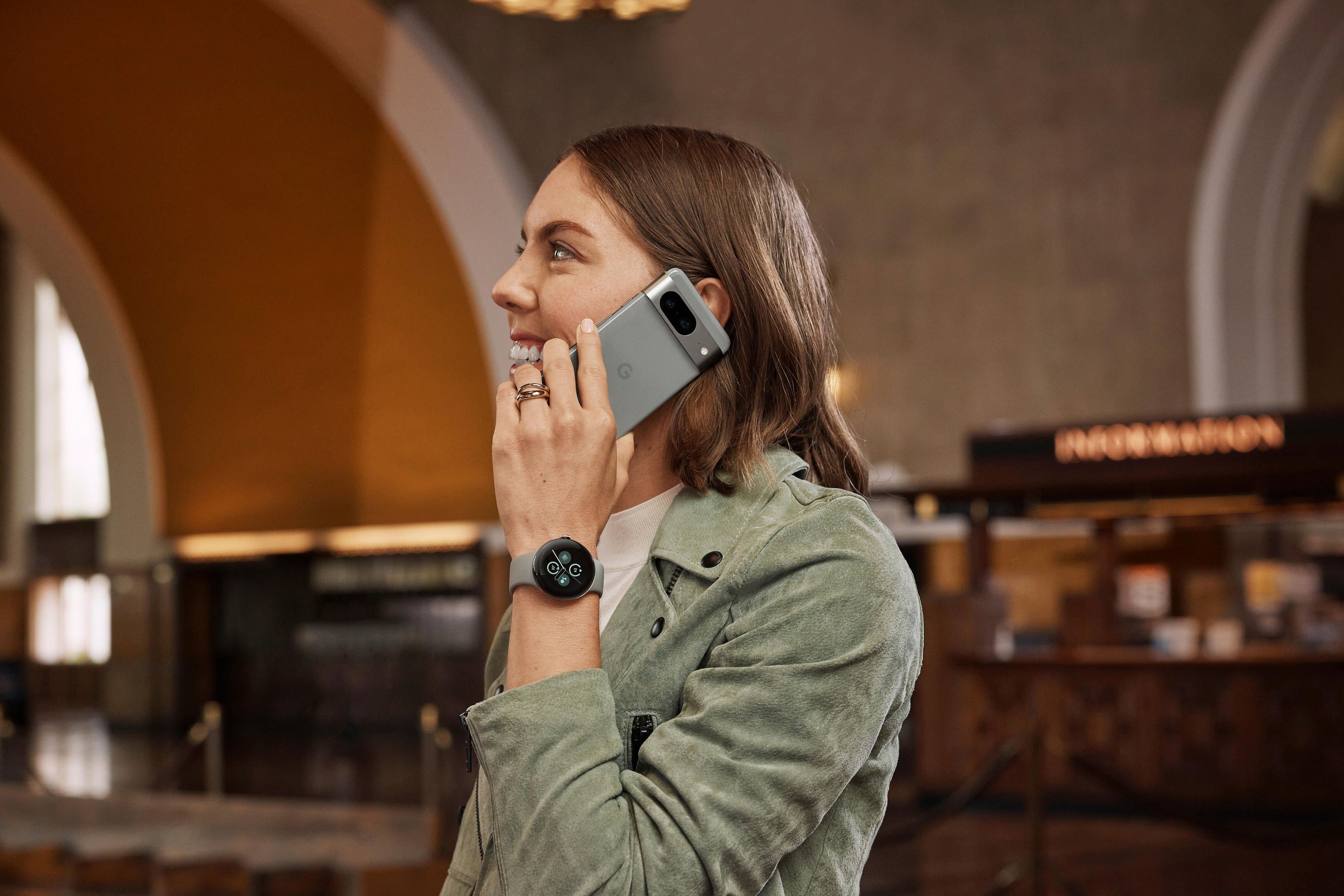
A:AnswerIf this is like the first generation (it should be), then yes. You can use it to take and interact with calls (you can hear and talk into it). Messages will work with most messaging apps to at least display them, sending a message though will be more limited. This is the Bluetooth/GPS only model, so your phone will need to be within Bluetooth range and actively connected with the Watch app on Android.
A:AnswerYep, I took a fall from about 2 feet high, it went off. Funny thing was it distracted me from the event of the fall trying to figure out what it was.
A:AnswerNo. I just got the one that connects through WiFi and Bluetooth and I can make calls with no issues. If you want to make calls without your phone in range you would have to do the LTE one.
A:AnswerI'm having the same issue. I went for a run and it restarted 7 times in a 45 minute period. The watch is only a few weeks old. So disappointed.
A:AnswerIt has better battery and some other new tracking features, like better HR monitoring. I think if you only need to spend $50, it's definitely worth the upgrade as it is a more polished product.
A:AnswerThanks for asking. The Pixel Watch 2 has a warranty of up to one year. Here’s a link with more details: https://support.google.com/googlepixelwatch/answer/12651869
A:AnswerHi there! Thanks for the questions. Here is a link that will take you to our store to compare all watches: https://store.google.com/magazine/google_pixel_watch_compare?hl=en-US
A:AnswerMy understanding is that that Facebook Messenger specifically does not work on Pixel Watch 2 and above. In researching for my Pixel Watch 3, I am seeing that Pixel Watch 1 users have it, but Pixel Watch 2 users do not, and there is no option to install it on the Pixel Watch 3.
A:AnswerHello Jenna. While the Pixel Watch doesn't currently offer a feature to buzz at specific times, we do have some other helpful features you might like: https://support.google.com/googlepixelwatch/answer/12759285?hl=en&sjid=15614905711451372750-NA#zippy=%2Cexercise-with-your-pixel-watch
A:AnswerYou can answer and talk through the watch but it has to be linked to your phone and you actually have to have your phone nearby like in your pocket or purse. But my watch stopped working after only 4 months of use.
A:AnswerHi there, thanks for your question. We want to let you know Fitbit Scales can sync directly with Fitbit, once you have your Pixel Watch 2 connected with your Fitbit app, you should be able to see it on your watch — Check out this guide to find more details on how to sync your data: https://support.google.com/fitbit/answer/14237221?sjid=14891247072217885408-NC#zippy=%2Cwhen-does-my-fitbit-scale-sync
A:AnswerHi Channy, great news, on Pixel Watch 2 you have the option to listen and download music from Spotify. Also, with Google Assistant, you can change the volume and what’s playing — Check out this guide to find more details about this feature: https://support.google.com/googlepixelwatch/answer/12662429?hl=en
A:AnswerHey there! That's an interesting question, the only way to charge your Pixel Watch 2 is with the USB-C fast charging cable that came on the box — Check out this guide: https://support.google.com/googlepixelwatch/answer/12742648?hl=en#zippy=%2Cstep-lay-the-watch-on-the-dock-of-the-usb-c-fast-charging-cable%2Cstep-use-the-usb-c-fast-charging-cable-included-with-your-watch%2Cstep-plug-the-cable-into-a-power-source-to-be-plugged-into-an-outlet
A:AnswerHello there! Thanks for your inquiry about the Google Pixel Watch 2. The Google Pixel watches are not supported on Xfinity Mobile. Different carriers and manufacturers use different network technologies, and as a result, not all devices are made for all networks. If you need any technical help in the future, please don't hesitate to contact us on our Google Pixel Help page here: https://support.google.com/googlepixel/gethelp
A:AnswerHey there, Nan. Thanks for the question.Thanks for your question about the Google Pixel Watch 2. In addition to Wi-Fi connectivity, the Pixel Watch 2 is likely to offer a range of other connectivity options to enhance its functionality. While specific features may vary based on the official product specifications. To know more about your concern, we recommend reaching out to our dedicated team of specialists on the Google Help Center "Contact Us" page here: https://support.google.com/googlepixelwatch/gethelp