A:AnswerThanks for asking. Yes, the Pixel Watch 3 has a Find My Phone feature that will ring the phone so you are able to locate it. Here’s a link with more information: https://support.google.com/wearos/answer/6166506?hl=en
A:AnswerThanks for asking. No, the Pixel Watch 3 is not compatible with any iOS devices. Here's a link with more details: https://support.google.com/googlepixelwatch/answer/12652073
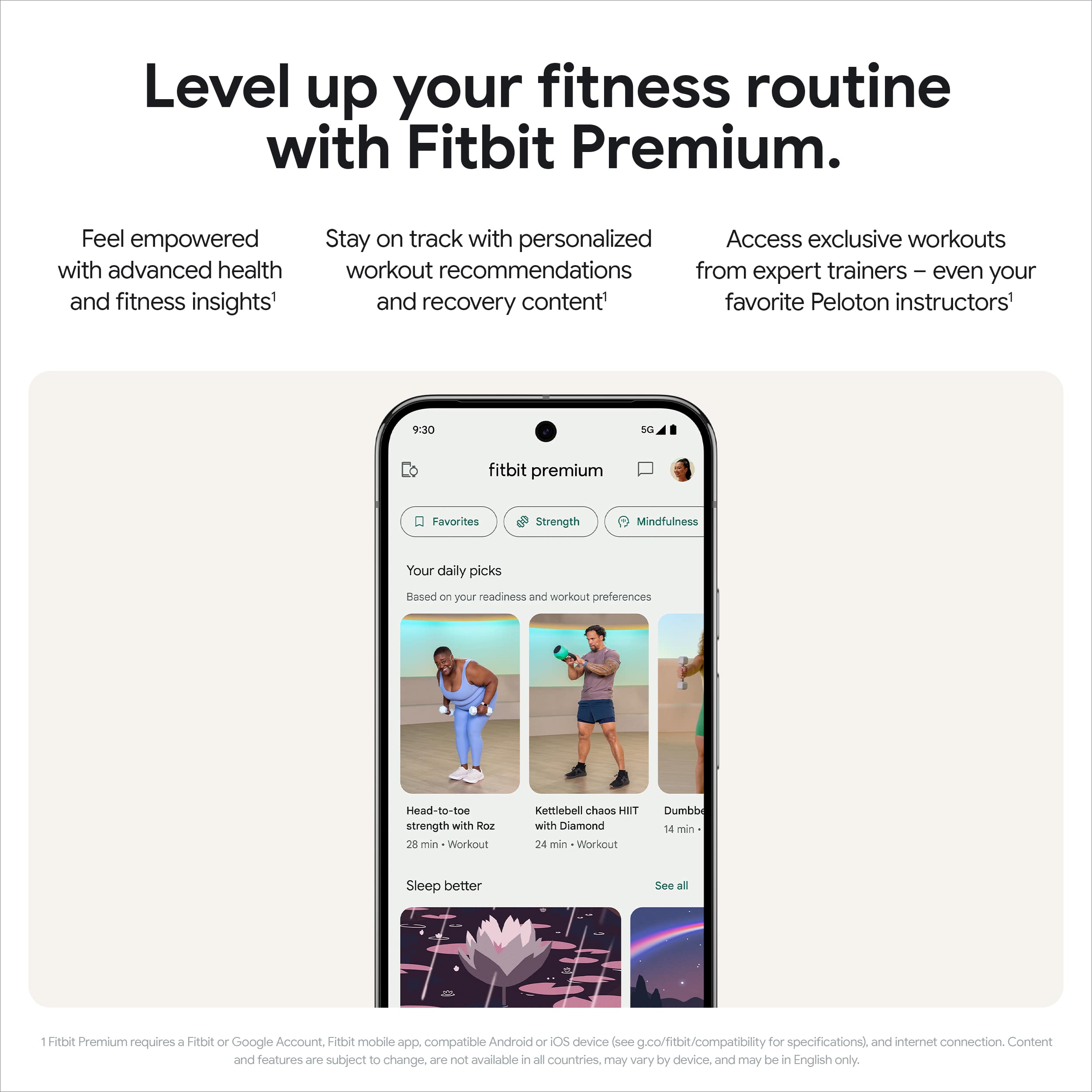
A:AnswerHi there, joey. No, you do not need Fitbit Premium on your Pixel Watch 3 to monitor and track information. If you're looking for advanced insights, personalized recommendations, and energizing workouts, the subscription might be worth considering. Check out this guide for more information: https://support.google.com/fitbit/answer/14237941
A:AnswerThanks for asking, GolferRG. No, the Pixel Watch 3 doesn’t use its GPS for golf courses and it doesn’t have a native golf app. If you use a specific app, check with the developers to see if they support the Pixel Watch 3. Here’s a guide with the features it does have: https://support.google.com/googlepixelwatch/answer/14121772?hl=en&ref_topic=12652071&sjid=6630049134977424167-NA
A:AnswerThanks for the question, Curious. Yes, you can send texts on your Pixel Watch 3 as long as your phone is nearby. If you have the Pixel Watch 3 LTE then you don't need your phone near you. Here’s an article with more details: https://support.google.com/googlepixelwatch/answer/12674814
A:AnswerHi there, Thanks for your question. At this moment, our Google Pixel Watch is only compatible with Android devices with Android OS version 10.0 or newer for Google Pixel Watch 3. iOS phones are currently not supported.
For more information visit this link: https://support.google.com/googlepixelwatch/answer/12652073
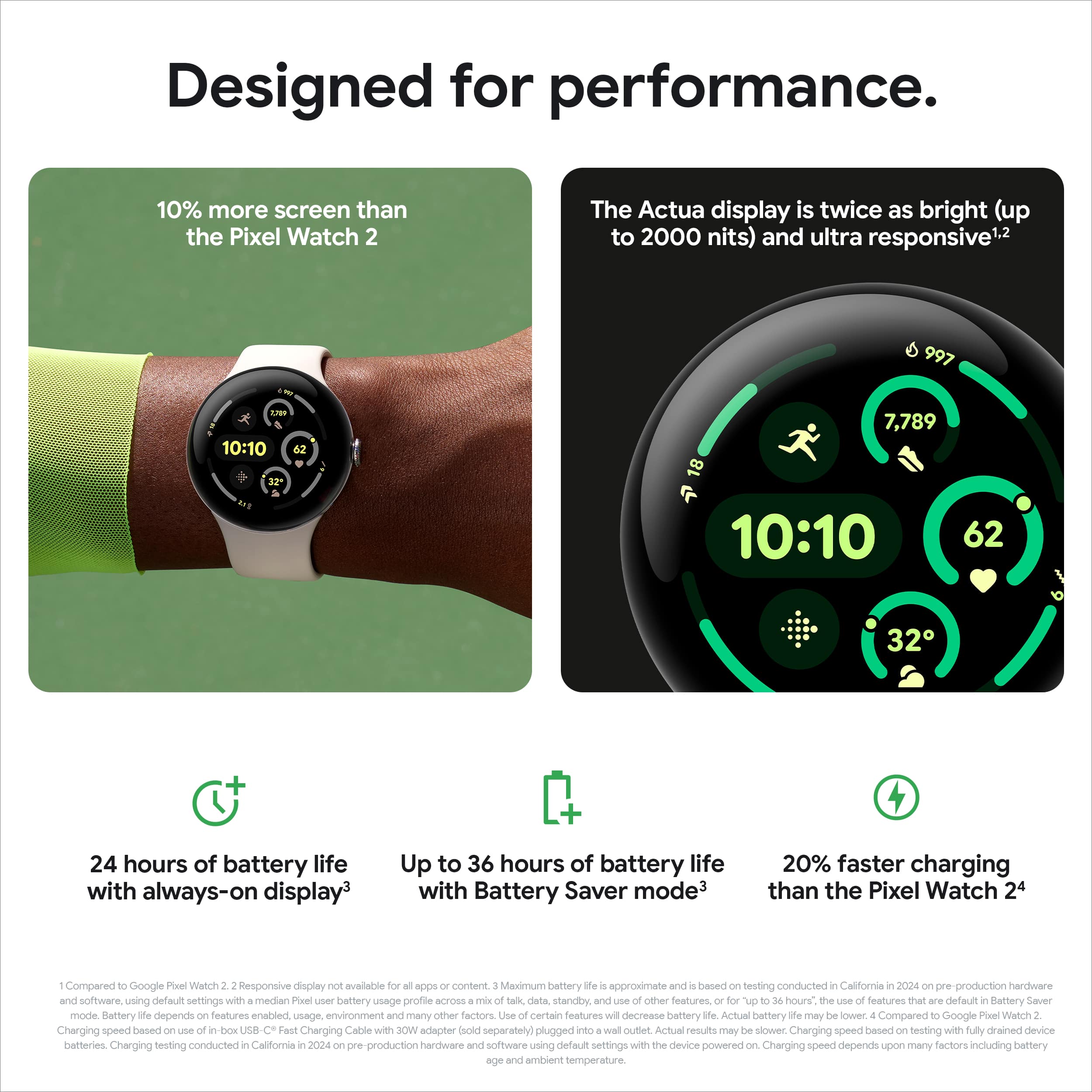
A:AnswerGreat question, Jack. The charging speed of the Pixel Watch 3 is about 24 minutes to 50%, 35 minutes to 80%, about 60 minutes to 100% with a USB-C cable.
A:AnswerHi there. Once you start setting up your Pixel Watch 3, you'll see an option to activate Fitbit Premium benefits. The watch will show you the steps on how to do it. Check out these links if you need more details:
https://store.google.com/product/pixel_watch_3?hl=en-US
https://support.google.com/fitbit/answer/14237107?hl=en
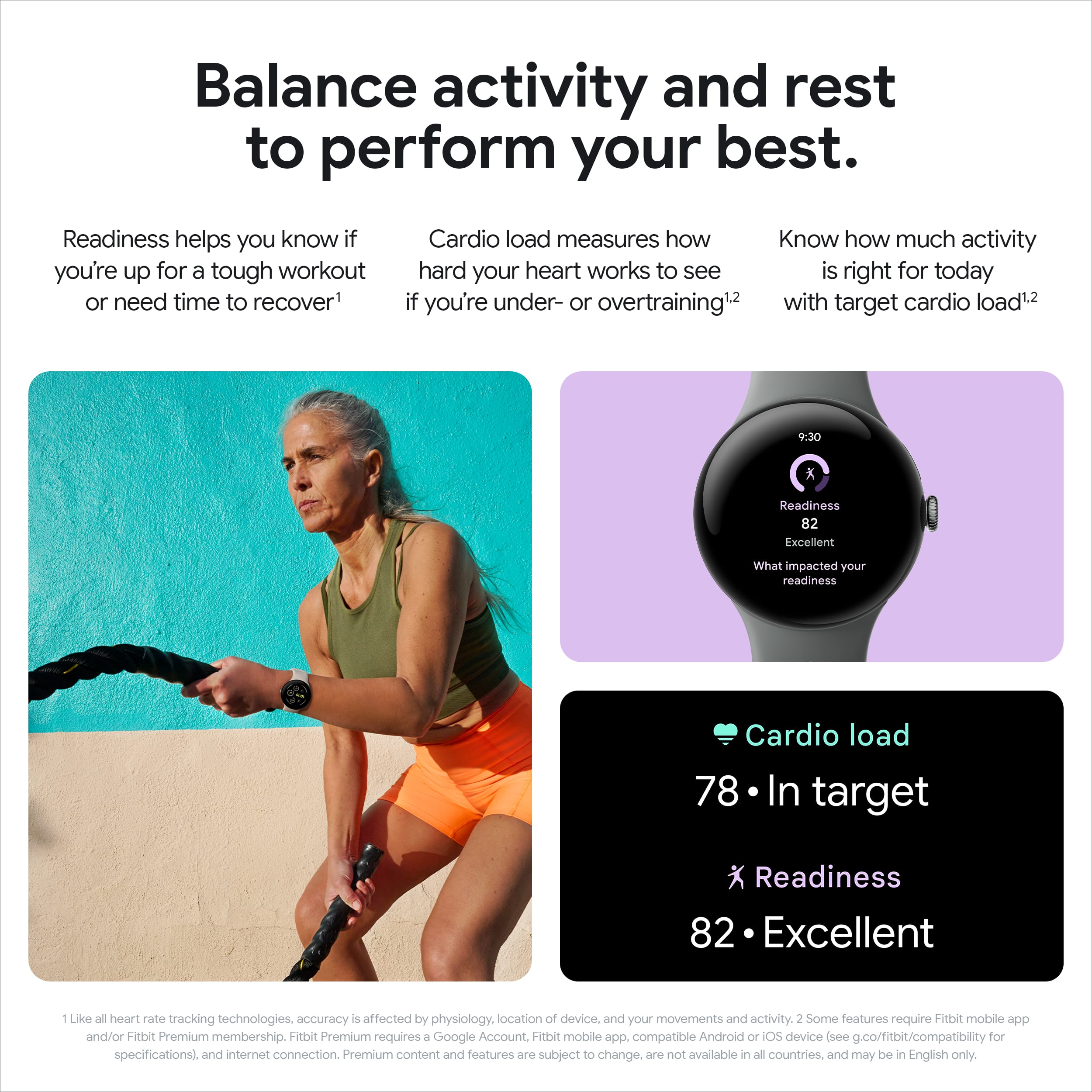
A:AnswerHi there, On Google Pixel Watch 3's ECG function is considered accurate and reliable. When you use the Fitbit ECG app, your heart rhythm data is analyzed for signs of AFib. While only a doctor can diagnose AFib, you can verify the information here: https://www.youtube.com/watch?v=YDcHJQfUdYg
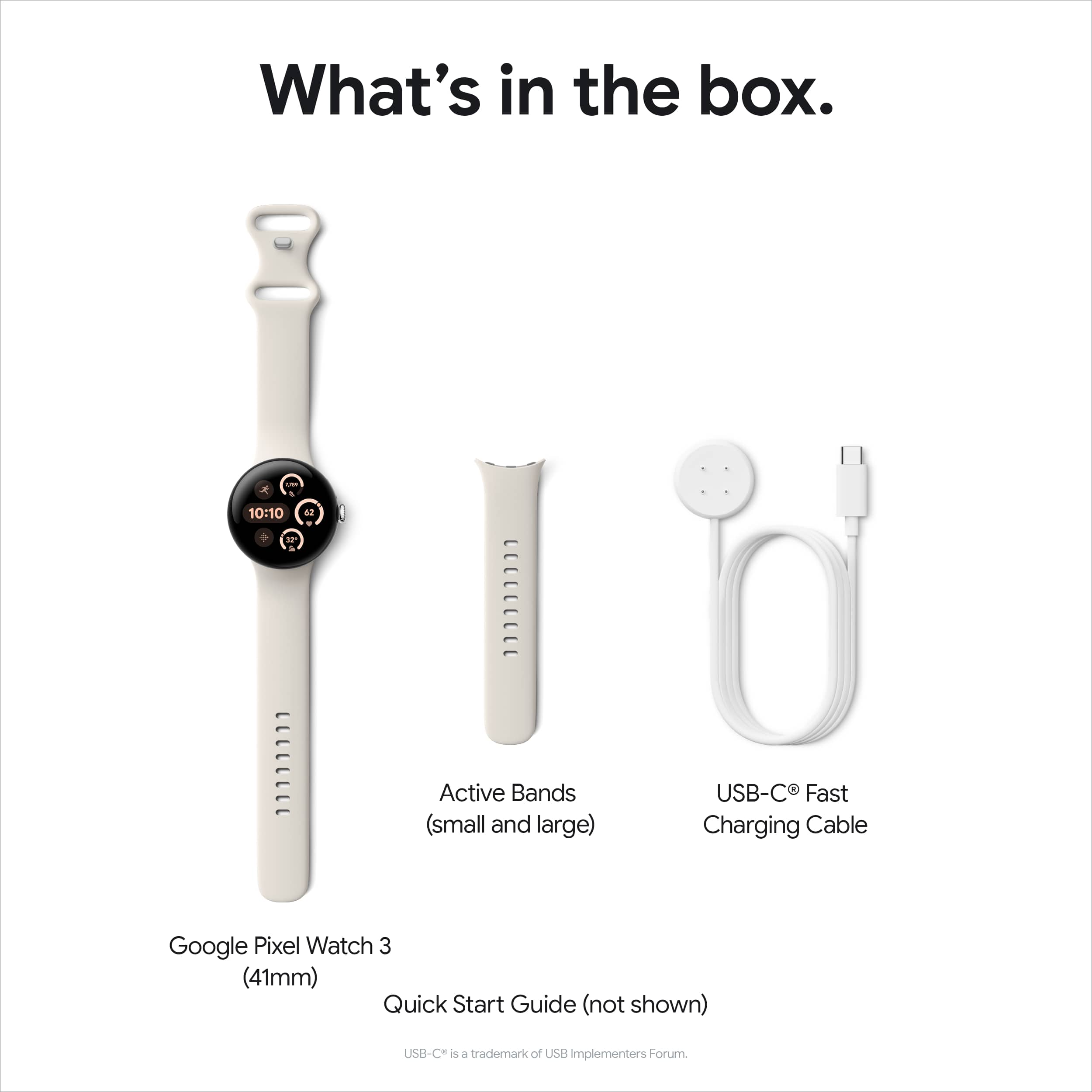
A:AnswerYes. Google sells various alternate bands. Going to get a leather one my self as I don't care for the feel of the included plastic one (for me it was too hot). I don't know if there are third party ones yet though.
A:AnswerHi Fallingdown. We appreciate your interest in our products.Yes, the Pixel Watch 3 does indeed support fall detection. You can also add emergency contacts to your device. Here are some helpful links to verify this information: Pixel Watch 3 Features:
https://fi.google.com/about/watches/pixel-watch-3?pli=1
Adding Emergency Contacts:
https://support.google.com/googlepixelwatch/answer/12663810
A:AnswerHi there, thank you for your inquiry. At this time, the Pixel Watch 3 is not compatible with iOS devices. To enjoy all the features of the Pixel Watch, please use a device with the Android operating system.
A:AnswerThanks for the inquiry, Sarge. Unfortunately, the Pixel Watch 3 cannot track your blood pressure. However, it can detect your heart rhythm. When you use the Fitbit ECG app, your heart rhythm data is analyzed for signs of AFib. For more information, here’s an article to view: https://support.google.com/googlepixelwatch/answer/13783955?hl=en&sjid=4984941481178094170-NC
A:AnswerThanks for the question, Flower. Unfortunately, the Pixel Watch 3 does not work with Dexcom G6 or G7 glucose sensors. That said, the watch can receive notifications from the Dexcom app.