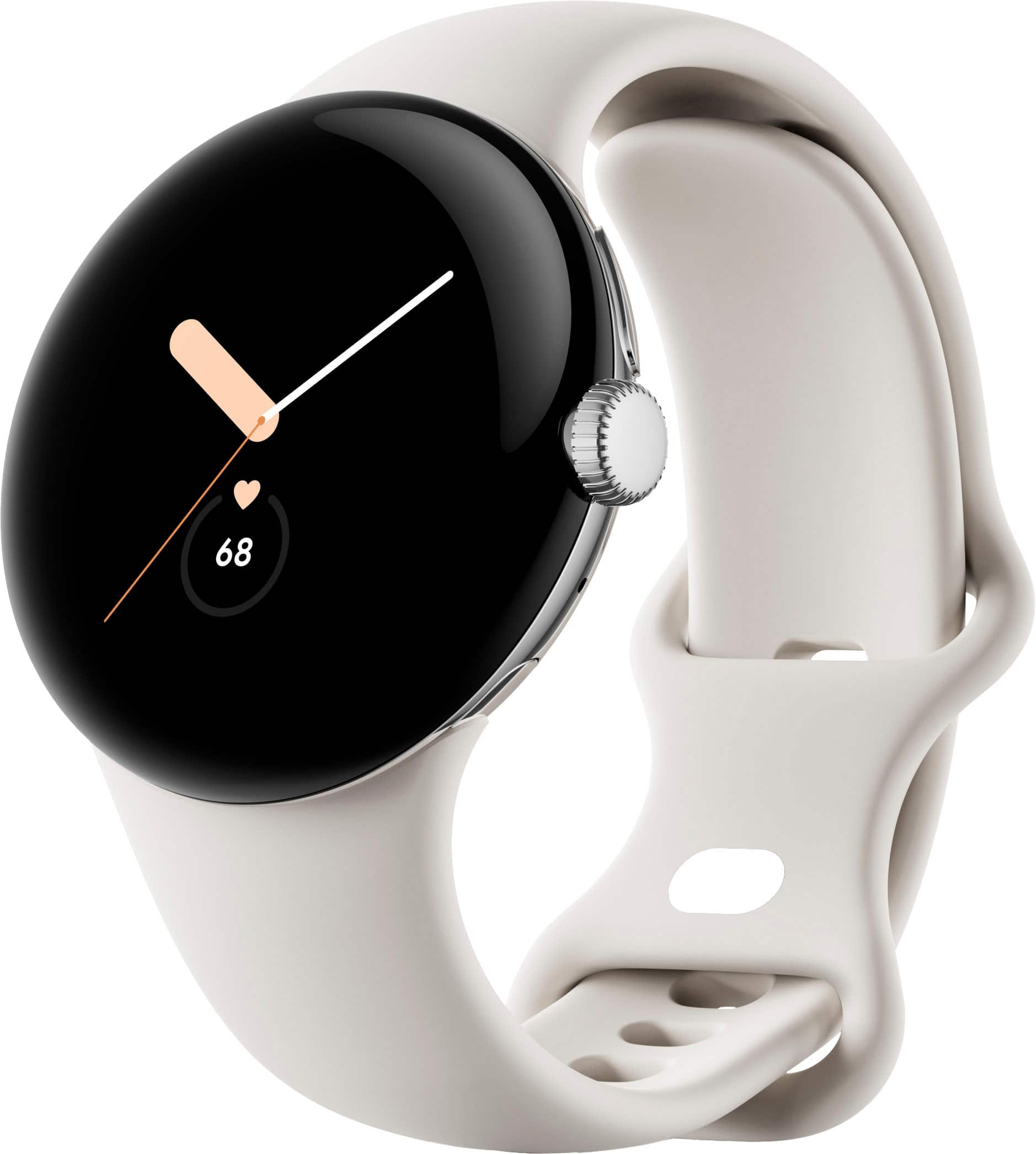
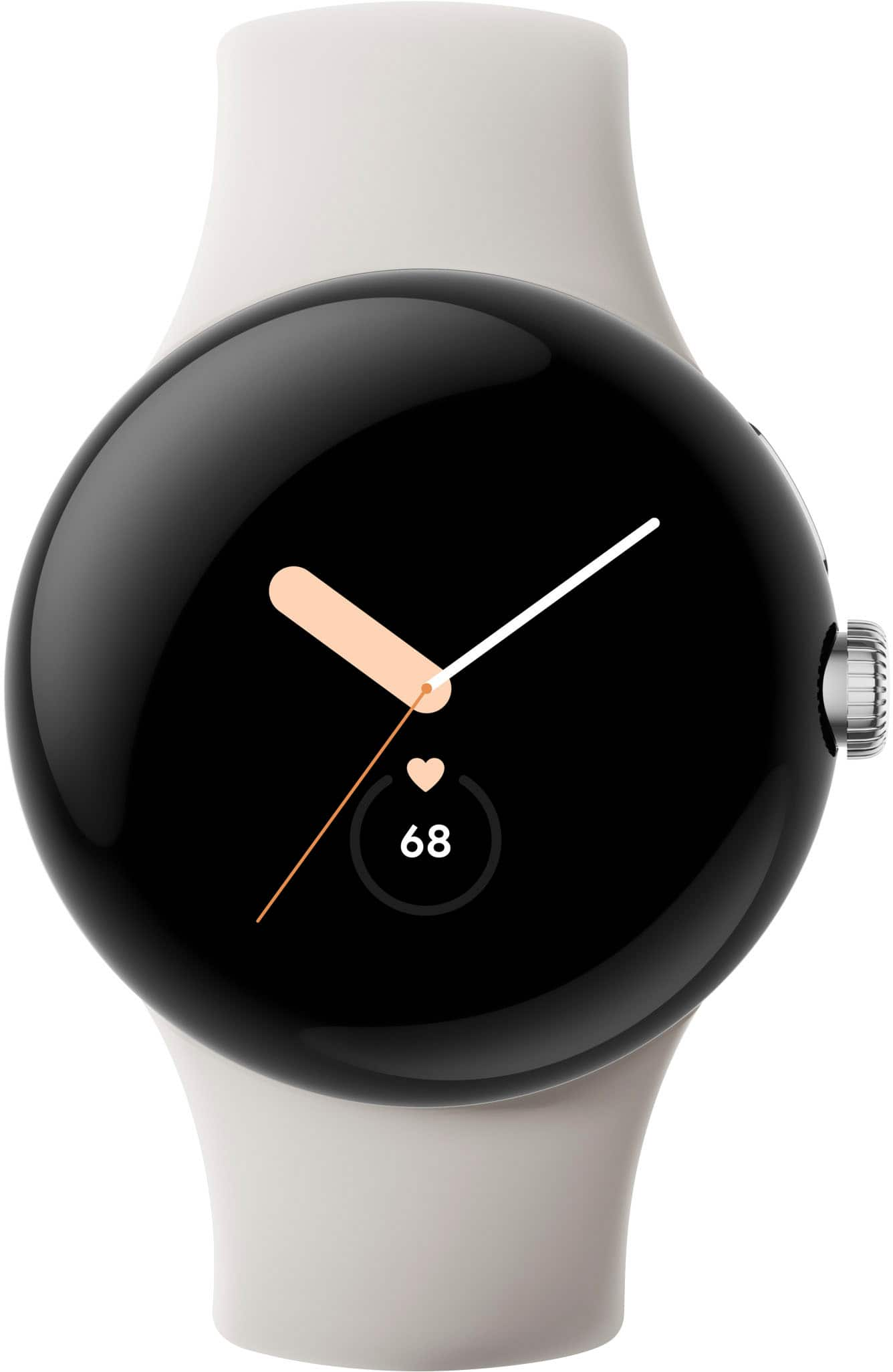
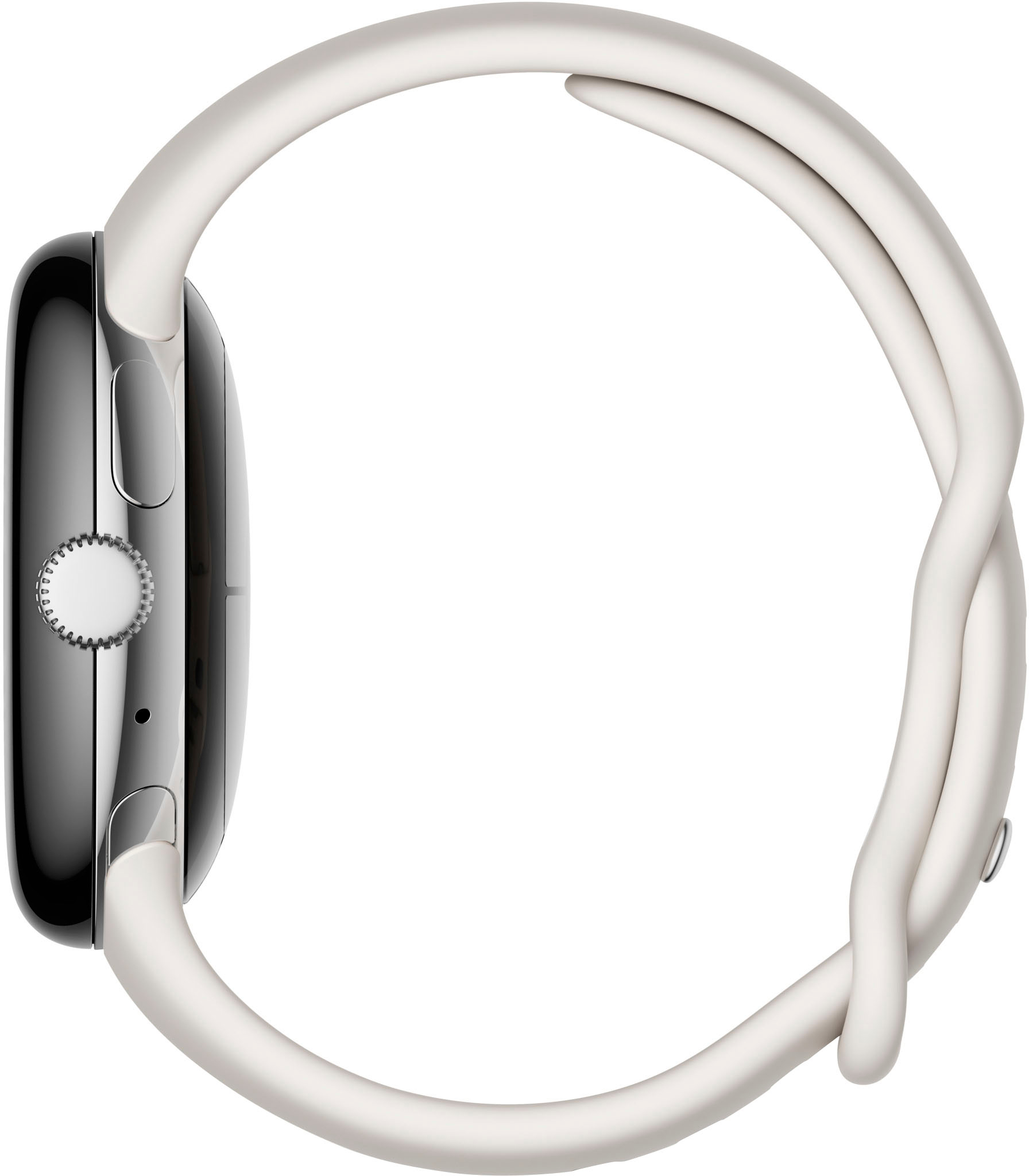
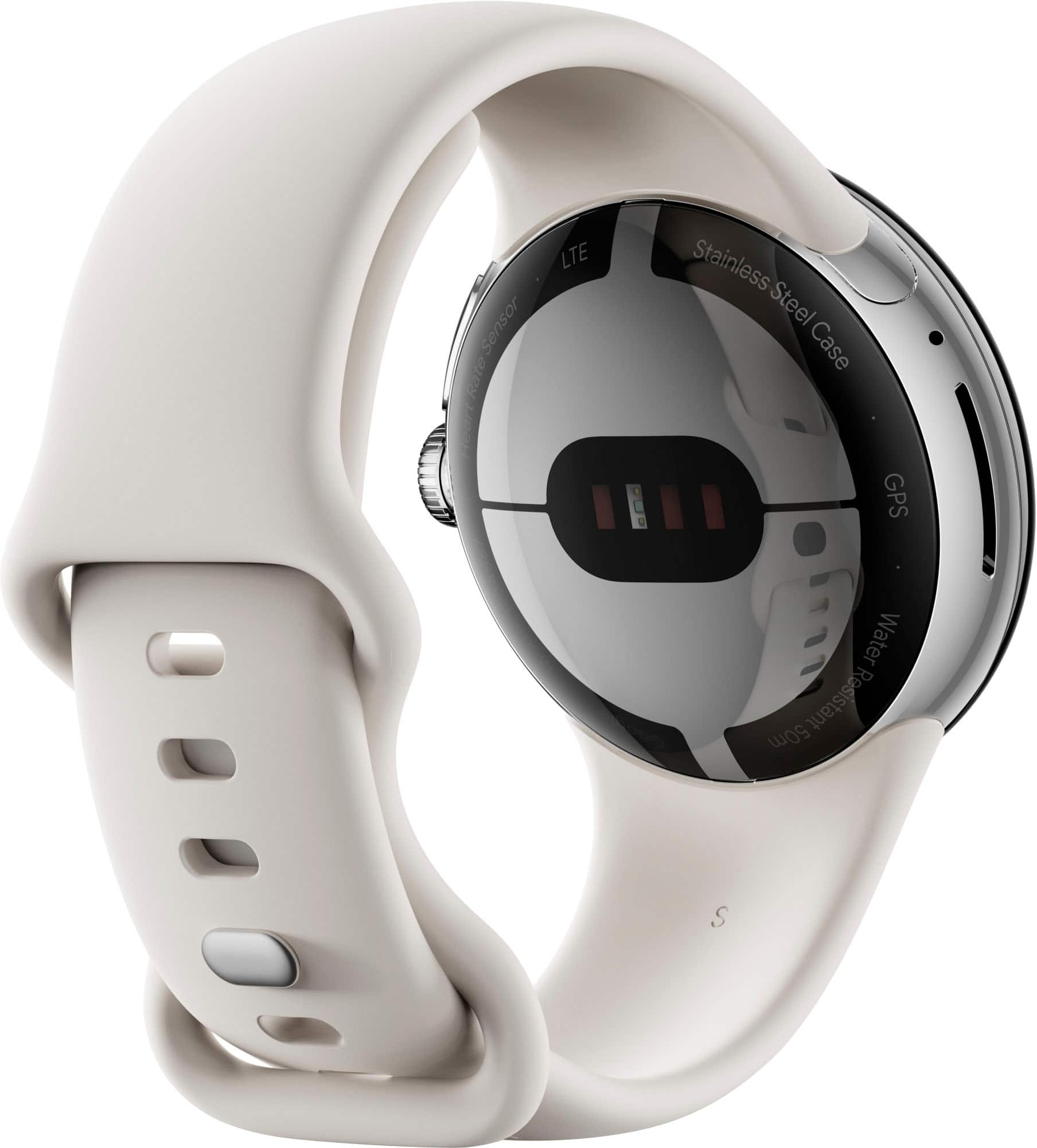
A:AnswerNo, you cannot watch video by default unless you side-load an app that allows you to. To be honest, it's not worth it with the small circular screen. This watch is for looks and function, not entertainment. You can also browse the web by side-loading an app that you to, and that is slightly more functional than videos, but barely.
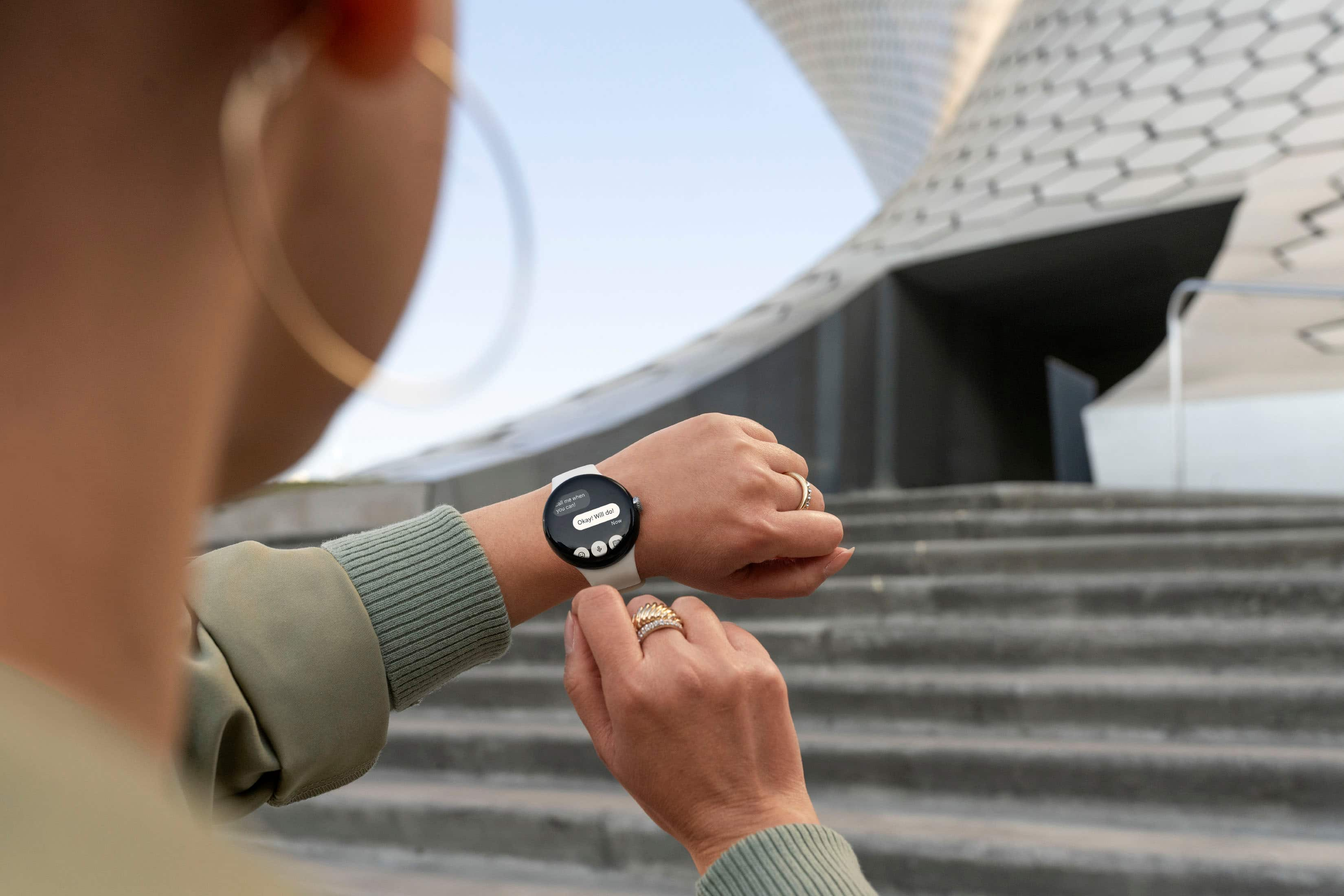
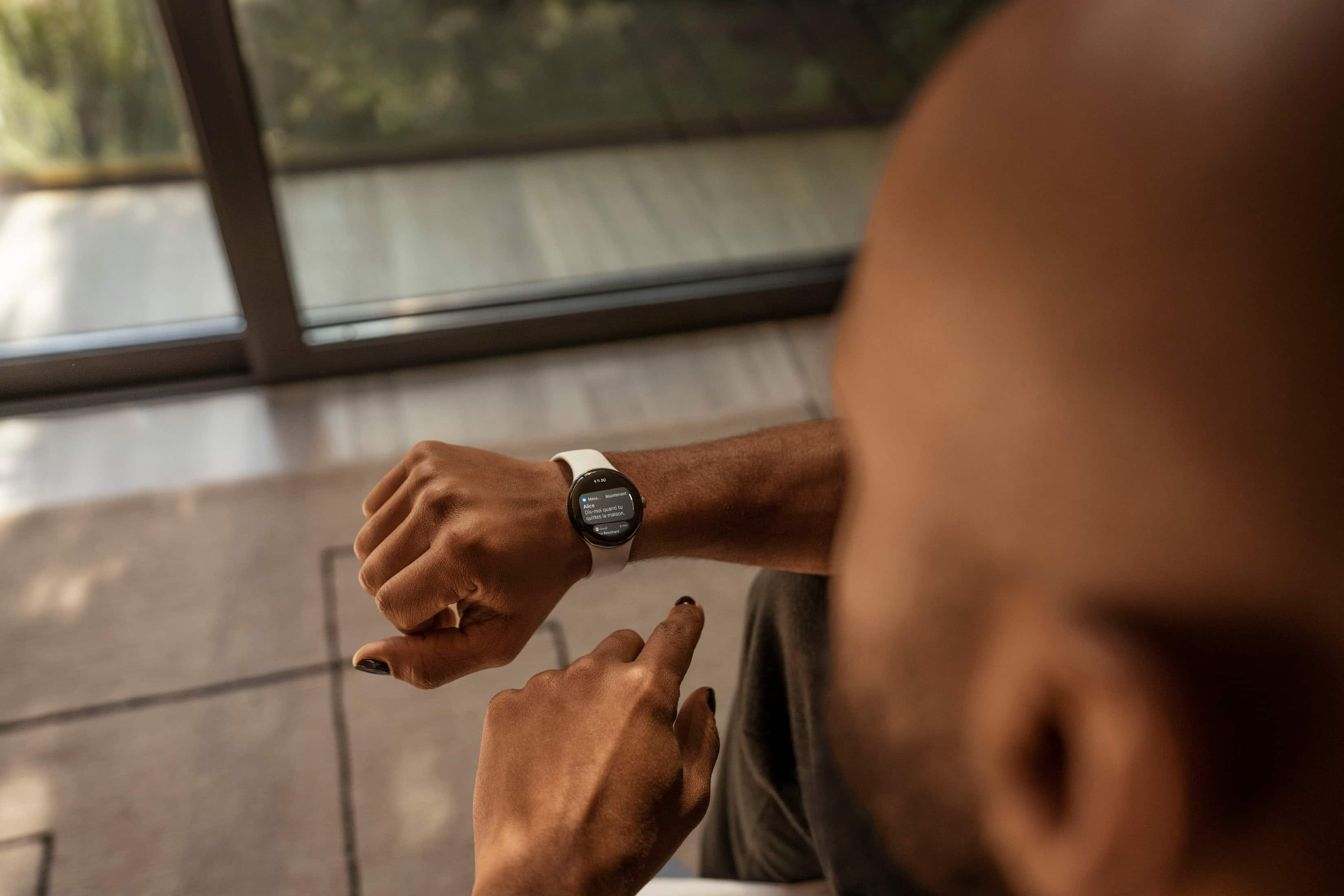
In terms of texting and emails, you can text easily using the messages app the comes on the watch, the same Google messages app that most people use on their Pixel phones. It even has swipe-typed and pretty good autocorrect. It also does voice-to-text. Emails are another story... There is no default app, but I believe there are some on the play store as well as some you could side-load.
All in all, this watch is for someone who wants style, health metrics, and to be able to leave their phone but still stay on top of notifications, most importantly texts and calls. You can take calls directly on the watch as easily as text. It's also useful if you use assistant a lot for home devices.
A:AnswerFrom the Google website: "Google Pixel Watch does not need its own line. Once you have paired with your phone and activated the 4G LTE option with a compatible carrier, Google Pixel Watch will share the same number as your phone."
A:AnswerThanks Steph, so your answer about fall & car wreck detection. Its a shame that Google didn't want to include these 2 features. It seems like I read they want a monthly subscription for them. I pay monthly for Google Fi Wireless Phone Plan, YouTube TV and have a yearly subscript to Google One/Back up and Store. Not paying for a watch subscription.
A:AnswerYes. Google Pixel Watch can connect you to emergency services if you need help. Check this link for more about Emergency SOS and fall detection on Google Pixel Watch: https://support.google.com/googlepixelwatch/answer/12663810
A:AnswerYes, it does. You have to turn the feature on manually through the options menu. It can also be set to contact emergency services, and it can detect some types of cardiovascular problems.
A:AnswerYes. The new Google Pixel Watch can track swimming activities using the Fitbit app, but it will only log the duration. It is designed to be sweat and water resistant up to 50 meters (5ATM), for swimming in shallow water, working out, and more, but it is not waterproof. The information of that exercise log will be approximate to a regular swimming session. For more information, please visit this help page: https://help.fitbit.com/articles/en_US/Help_article/2087.htm
A:AnswerI'm not sure it should be $100. Watch being the fact that it only has a 4-year-old processor in it. Pixel watch should be worth only 70 bucks. It's like trying to buy a watch from 2018.
A:AnswerThanks for your interest. We recommend contacting your retailer to inquire about compatible screen protectors. Or you may also check for the ZAGG InvisibleShield® Ultra Clear Screen Protector for Google Pixel Watch.