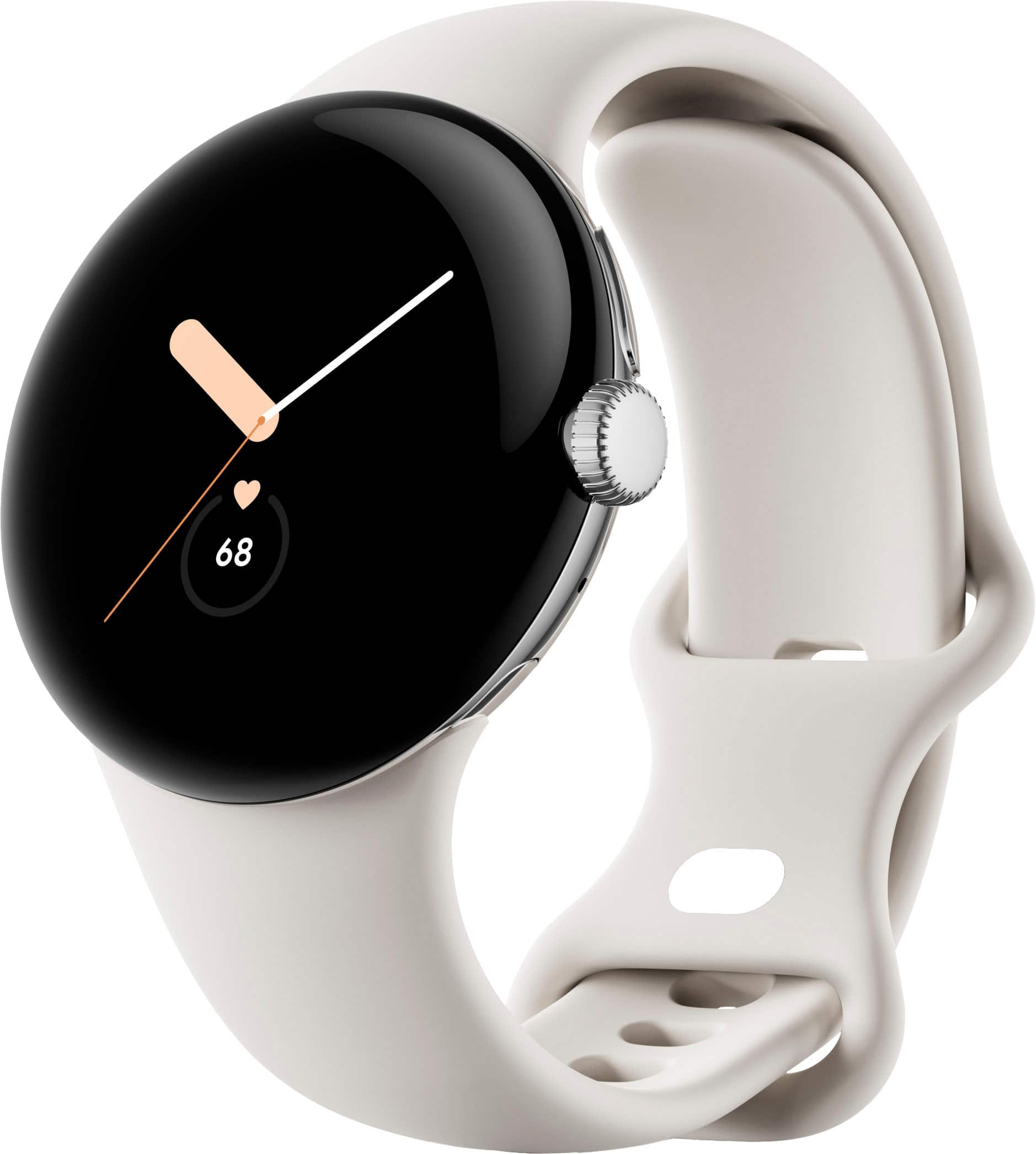
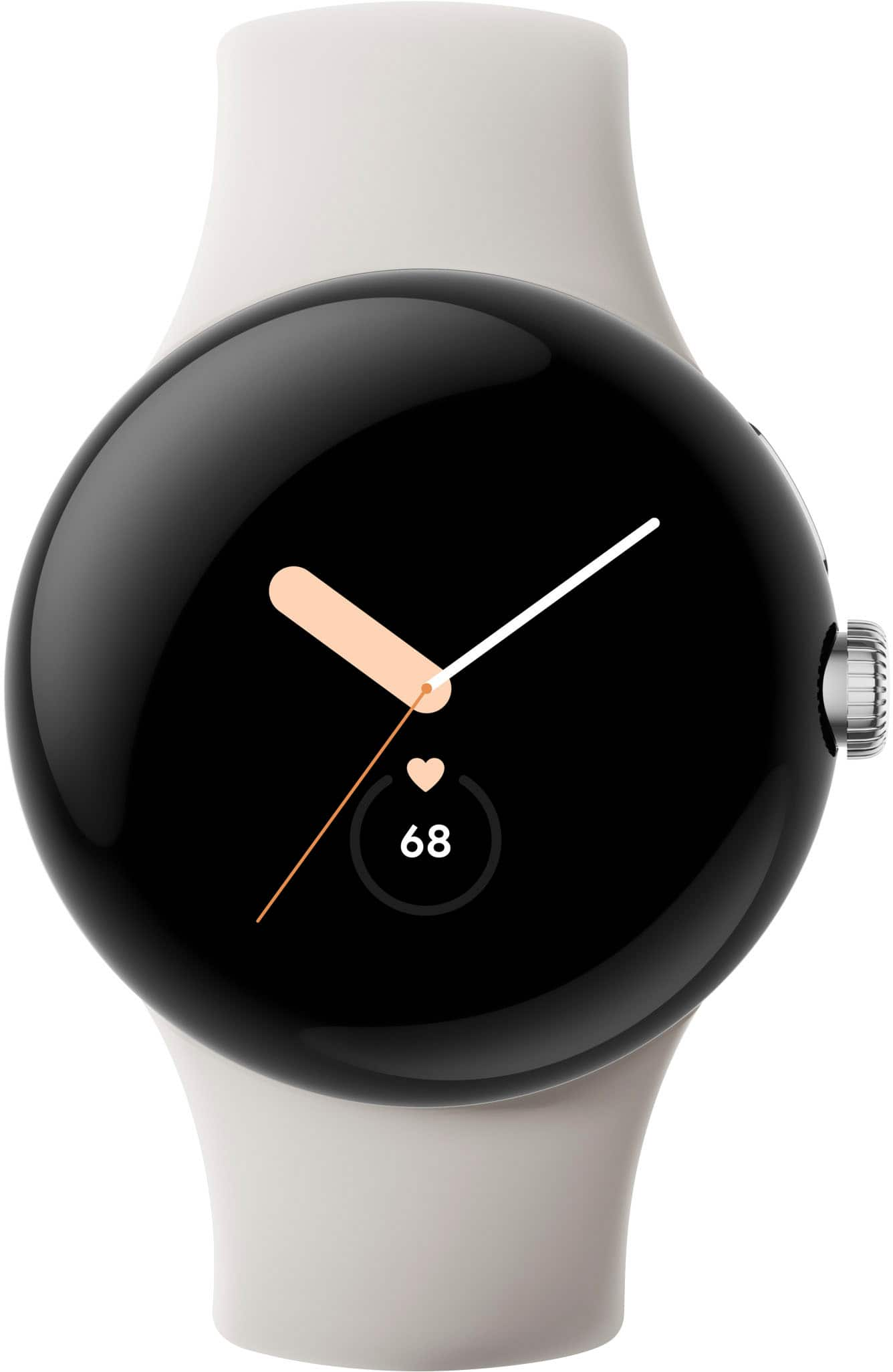
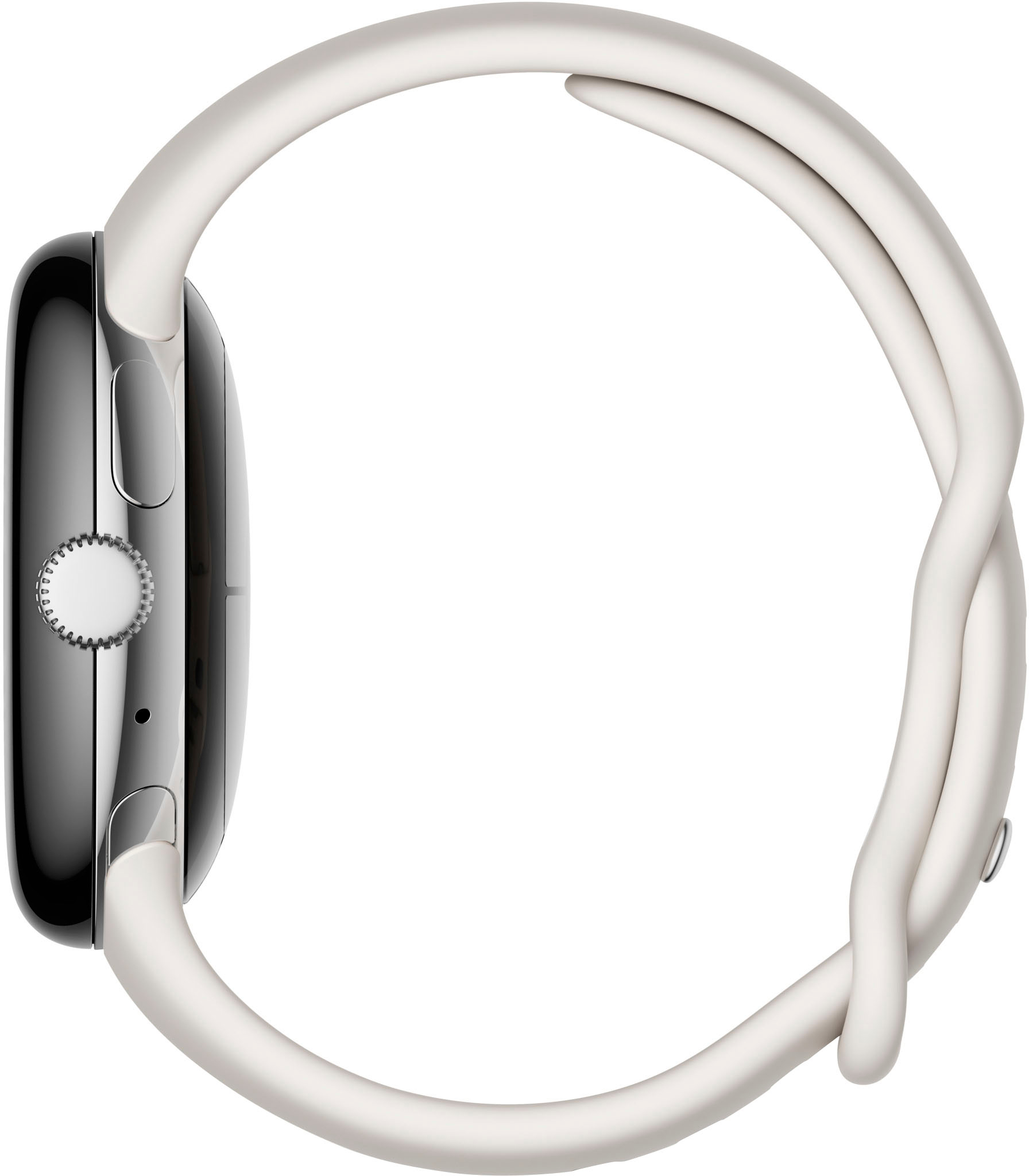
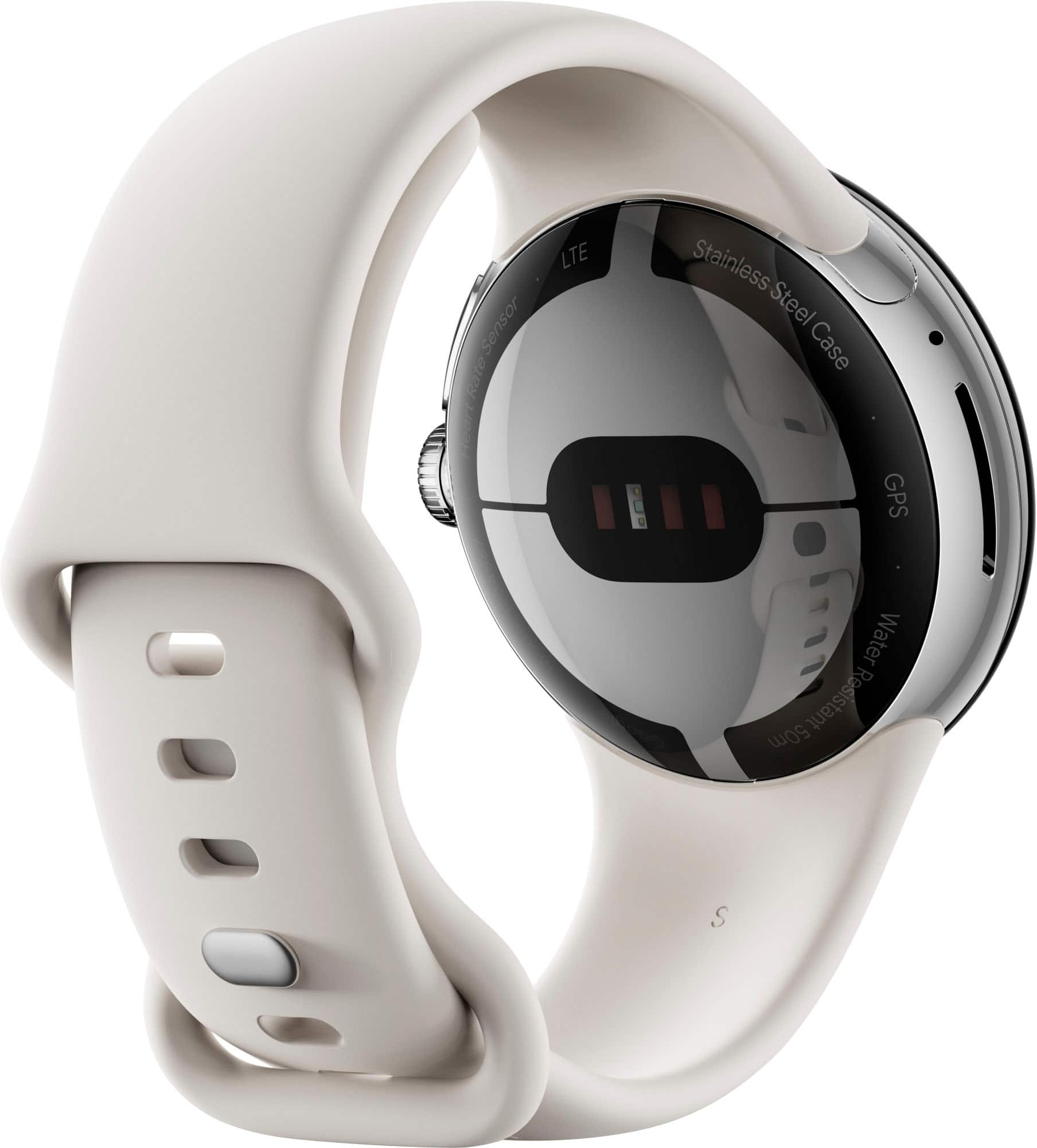
A:AnswerHi Z! The Google Pixel Watch dimensions consist of a diameter of 41 mm, and a display size of 1.2 inches. For further reference, check this article: https://support.google.com/googlepixelwatch/answer/12651869
A:AnswerHi, Archi. Thank you for looking for information about our Pixel Watch. Here are some helpful resources:
You can download music if you're using YouTube Music. For more information, see: https://support.google.com/googlepixelwatch/answer/12662429?sjid=11618580108870215715-NA.
You can find Google Pixel Watch Technical & Device Specifications like storage and memory here: https://support.google.com/googlepixelwatch/answer/12651869?hl=en&sjid=11618580108870215715-NA#zippy=
Yes, you can find your device with your Pixel Watch. See: https://support.google.com/wearos/answer/6166506?hl=en&sjid=11618580108870215715-NA
A:AnswerHello there, Marbay. Thanks for your inquiry about Google Pixel Watch. Yes, you can make calls and send text messages from your Google Pixel Watch. However, you'll need cellular service for your phone, the phone physically close to the watch, a Google Account and internet access. If you need any technical help in the future, please don't hesitate to contact us on our Google Nest Help page here: https://support.google.com/googlenest/gethelp
A:AnswerHey there, MBH123. Thanks for your inquiry about the Google Pixel Watch. The selected watch face is displayed and stays visible. If you are in need of any assistance in the future, please don't hesitate to contact us on our Google Pixel Help page here: https://support.google.com/googlepixel
A:AnswerHey there! We appreciate your interest in the Google Pixel Watch. Yes, the Google Pixel Watch is an unlocked smartwatch. This means it can be used with any compatible carrier. If you have questions or are in need of technical assistance, please reach out to our dedicated team of specialists on the Google Help Center here: https://support.google.com/googlenest/gethelp
A:AnswerAs long as it is within range, you can press the dial, scroll down to "Find my phone" and it will make your phone ring, even if it is on silent.
A:AnswerHi, ALEX! It only takes 2.5 hours to fully charge the Google Pixel Watch, and a full battery for the watch goes all day with a charge that lasts up to 24 hours to support sleep tracking and other features. Google Pixel Watch comes equipped with settings to care for and help extend battery life. You can turn on Battery Saver when your Google Pixel Watch battery gets low. Please note while Battery Saver is on, the "Always-on screen" and "Tilt-to-wake" feature will be set to Off. Learn some tips to help your Google Pixel Watch battery last longer here: https://support.google.com/googlepixelwatch/answer/12742648
Google Pixel Watch Technical & Device Specifications: https://support.google.com/googlepixelwatch/answer/12651869
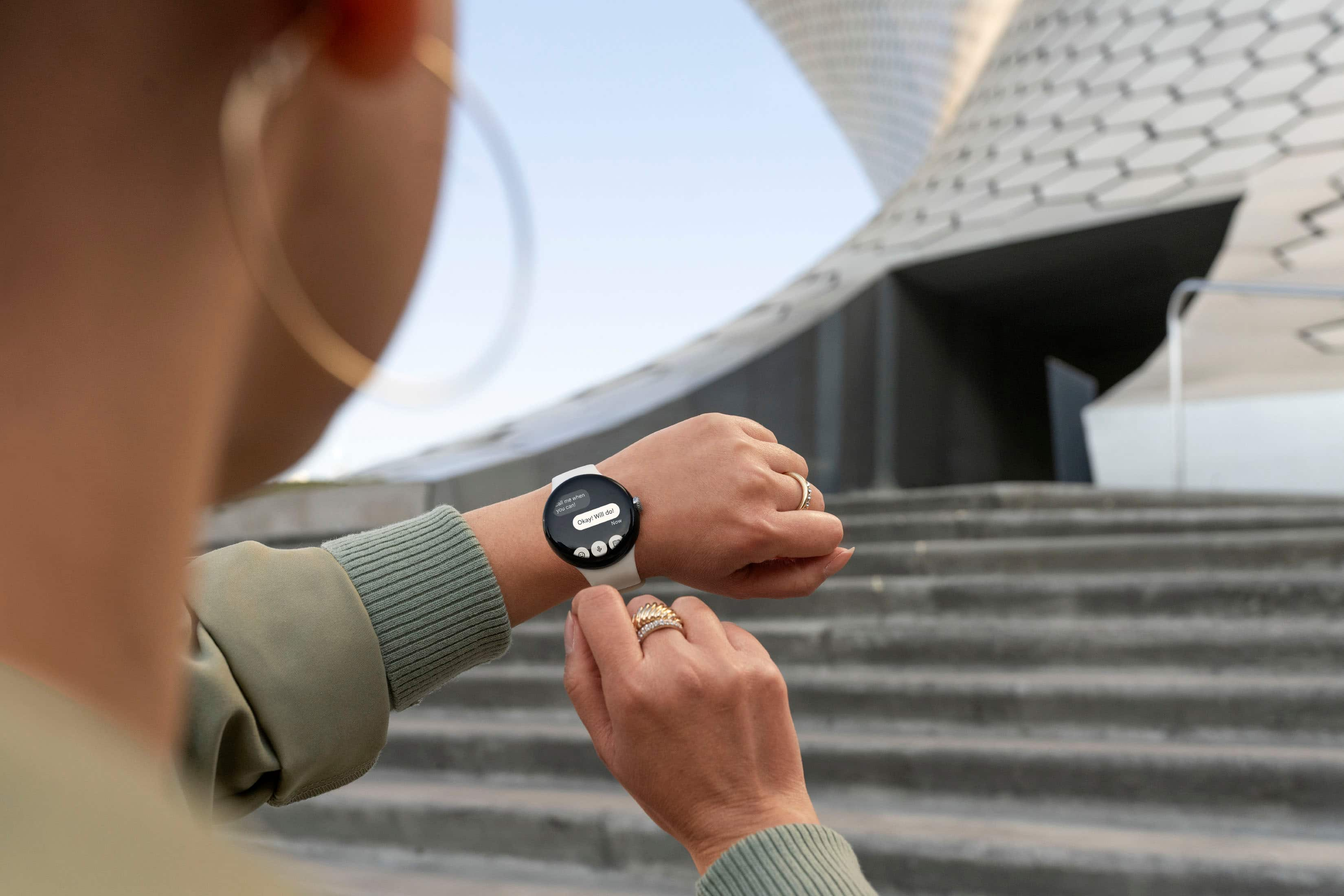
A:AnswerAbsolutely. The mic in this device makes it simple to reply to texts via voice, but you can also bring up a small keyboard on the device to type. Haven't tried that method, as my hands/fingers are too big to type on such a small screen.