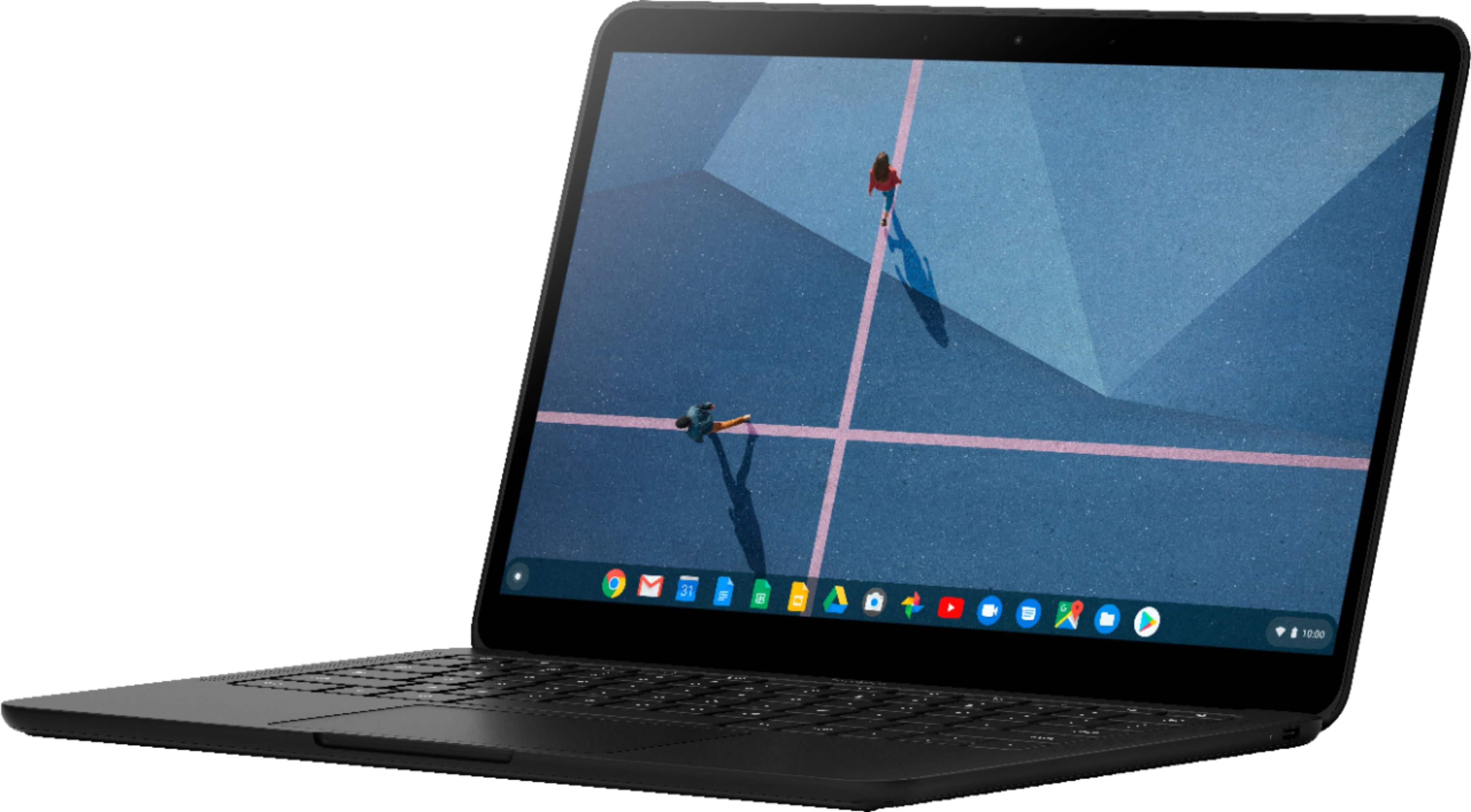
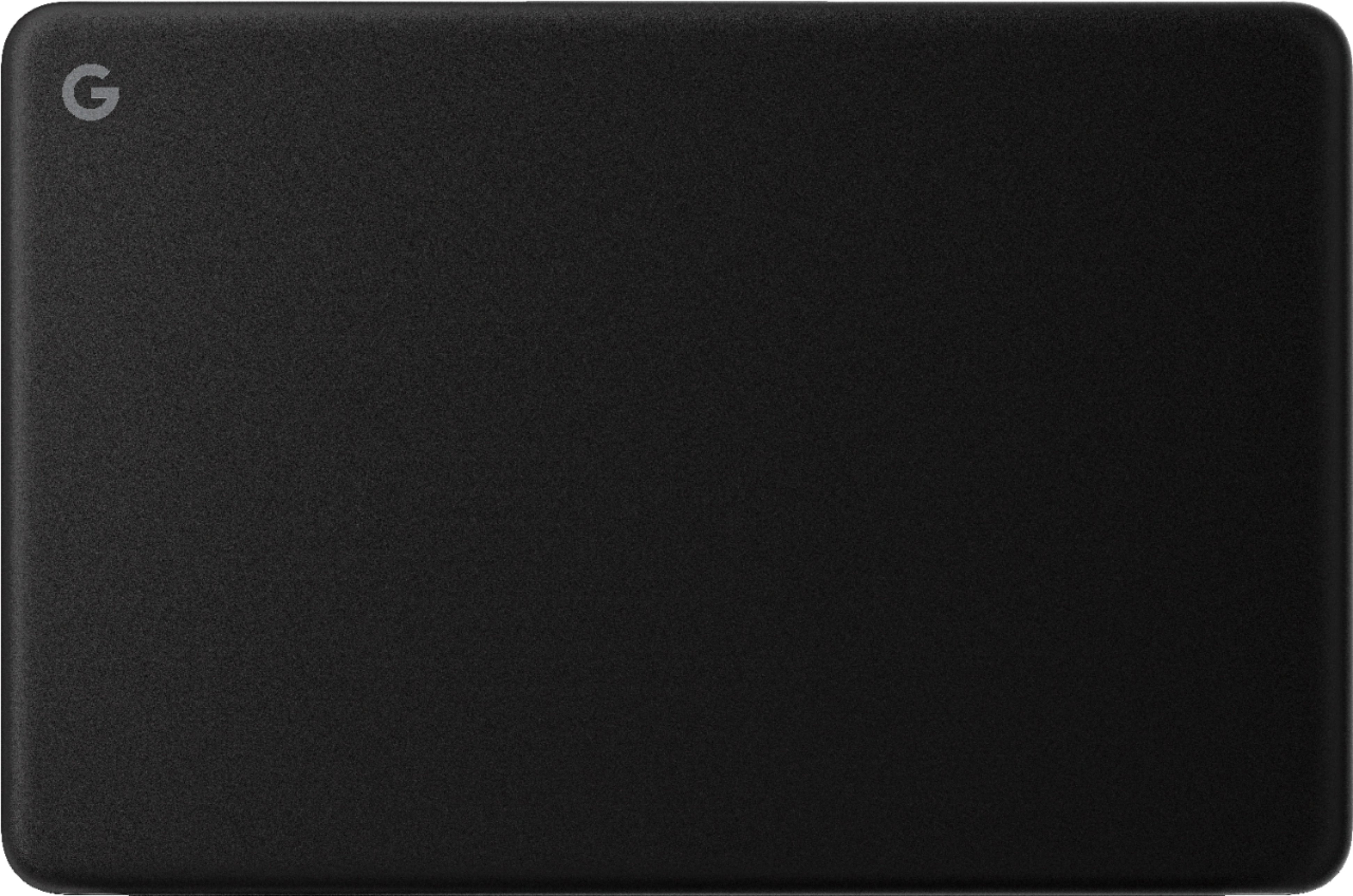
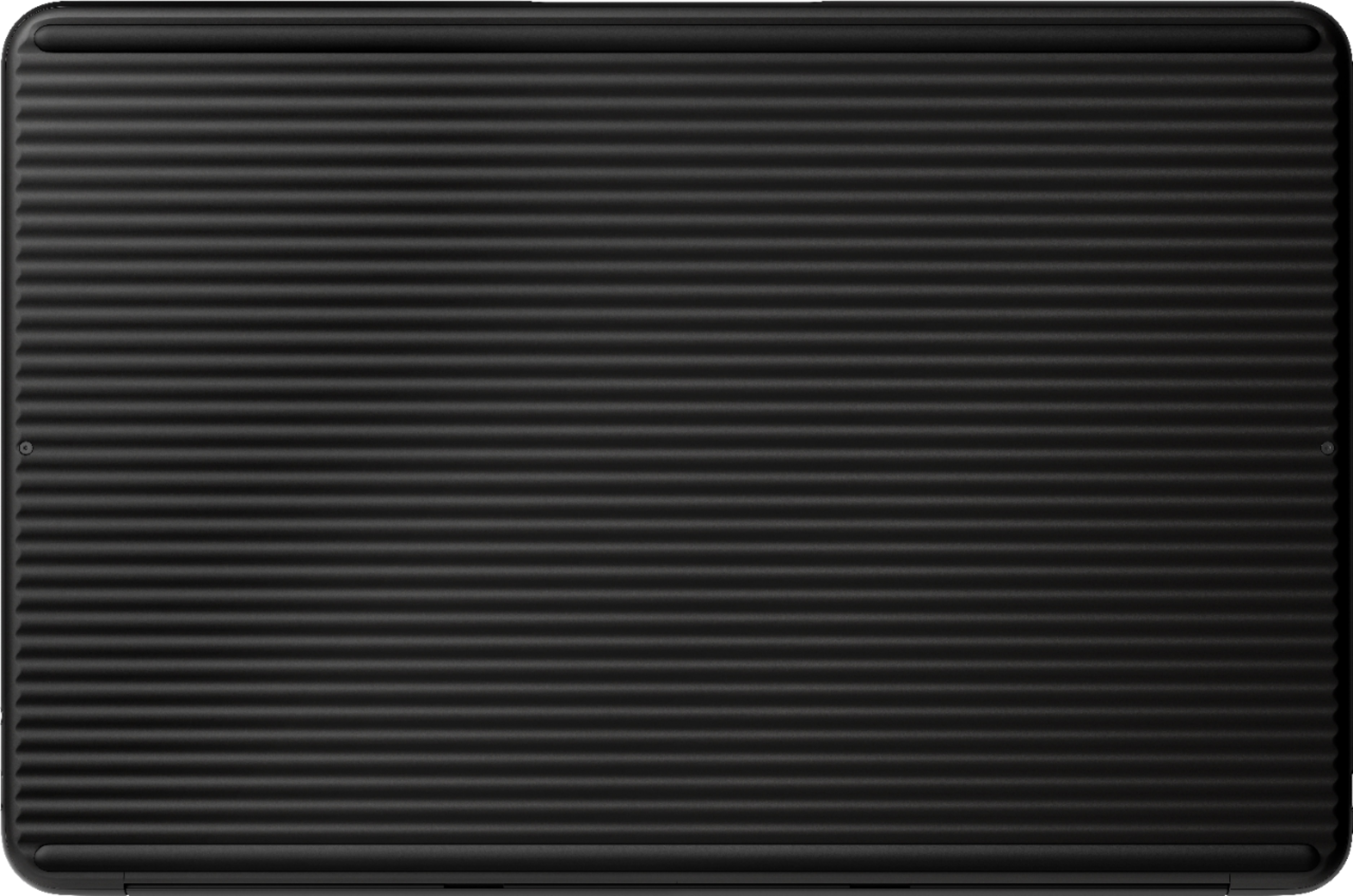
A:AnswerThe version of the Pixelbook Go with the 256GB of storage has a 4K Ultra HD Molecular Display™. Which means if you want to save video files with 4K resolution which uses a lot of storage, you can immediately save it on the Solid State Drive of the device.
A:AnswerFingerprint smudges may vary from one user to another. It's best to keep your Pixelbook Go clean by using a dry soft cloth or damp cloth if necessary.
A:AnswerWhile you can install apps from Google Play Store and Chrome Web Store, we recommend checking with the app developer if the app or software you're using for music production works on Chrome OS.
A:AnswerWhile you can install apps on your Pixebook Go from Google Play Store, we recommend checking with the app developer if an app or game works on Chrome OS.