A:AnswerYou sure can, using the file browser on the chrome book you can definitely access data on your external hard drive. Please note that the Pixelbook only has usb c ports so you might need an adapter to plug in a standard usb external hard drive.
A:AnswerYes. You can connect your Pixelbook Go to your phone's personal hotspot. As long as there's a good signal and enough bandwidth, then you're good to go.
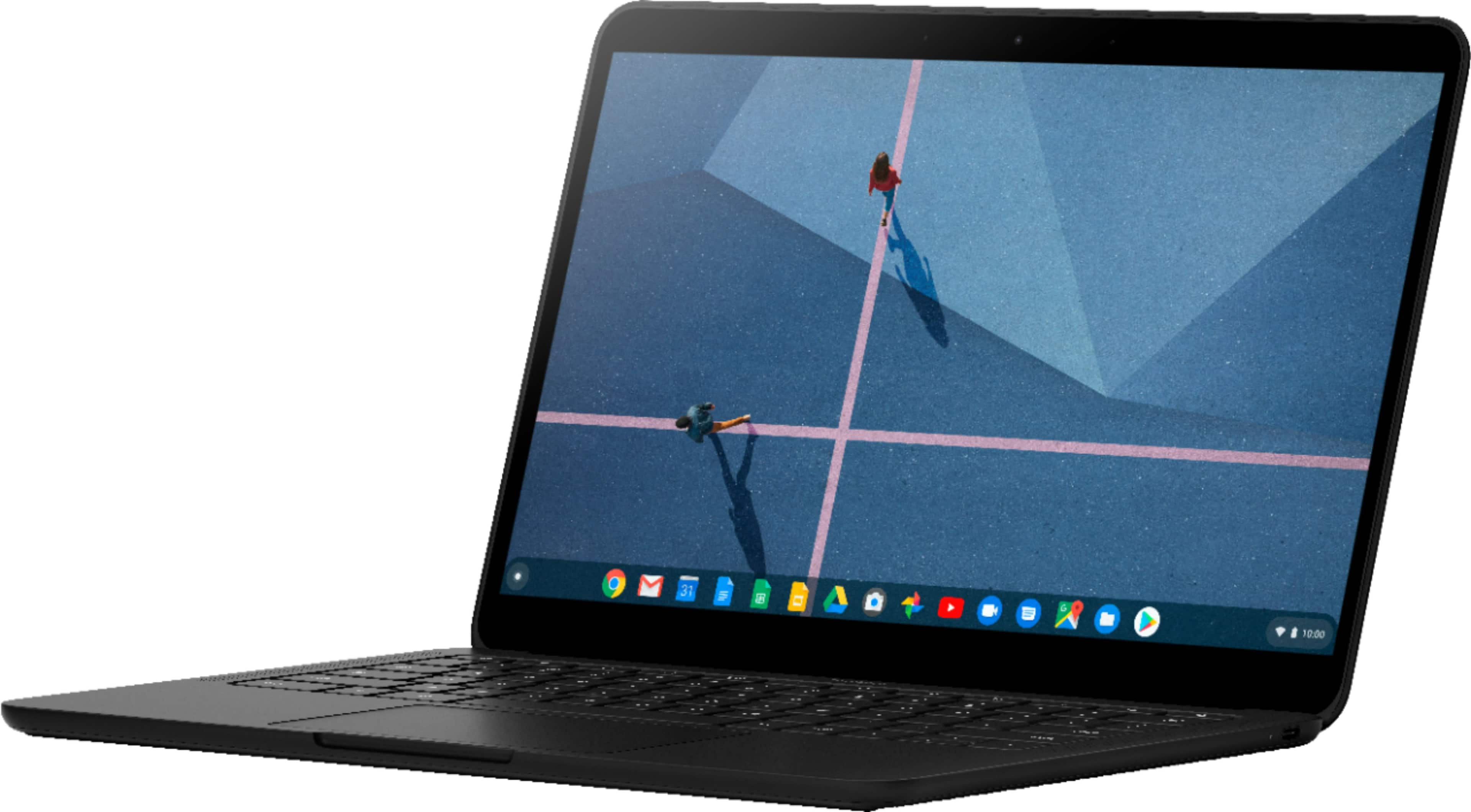
A:AnswerYes. It has 13.3" LCD touchscreen display and you can download and use Android apps from the Google Play Store on your Pixelbook Go. You can check the following link for the complete Pixelbook Go specifications: https://support.google.com/pixelbook/answer/9481398
A:AnswerNo. Pixelbook Go does not come with Microsoft Office programs. However, if you have a Microsoft Office online account, you can edit your files using the web version and the Android versions from Google Play Store. Take a look at the following link for more information: https://support.google.com/pixelbook/answer/9134646
A:AnswerPixelbook Go is a Bluetooth-enabled device and can connect to any device that supports Bluetooth 4.2. We recommend reaching out to BestBuy about the Black Friday sale.
A:AnswerI really don’t know but when the lockdown first started I got my daughter one of those pair of glasses for people who have prolonged exposure to a computer screen
A:AnswerPixelbook Go doesn't have LTE support, but it does have Wi-Fi and Bluetooth capabilities. You can check Pixelbook Go's technical specifications here: https://support.google.com/pixelbook/answer/9481398
A:AnswerIt does not have a CD/DVD Drive, if that's what you are asking. However, you could buy a slim, ultra-portable external DVD drive for just $24.99 (like - https://www.bestbuy.com/site/lg-8x-external-usb-double-layer-dvdrw-cd-rw-drive-black/5852919.p?skuId=5852919), you could easily carry it and use with any PC, Mac or Chromebook. I hope this helps.
A:AnswerPixelbook Go is a Chromebook made by Google and runs on Chrome OS. Learn more about Pixelbook Go here: https://support.google.com/pixelbook/answer/9481824
A:AnswerYes, as long as you have a Google account, you can easily create content on Google Slides since it's powered by Chrome OS. It has a dual front-firing speakers for better surround sound and 2 mics for improved noise cancellation. Memory(RAM) is either 8 GB or 16 GB for seamless multitasking so it's ideal for doing distance-learning.
A:AnswerWe'd like to learn more about the issues you are having so we can offer a resolution. Kindly reach out to our Support Team by visiting this link: https://support.google.com/pixelbook/gethelp
A:AnswerYes, you can use the Android app version of the GoToMeeting app with your Pixelbook Go. We´re not sure how the app works with other devices not made by Google, but it should work on your Pixelbook Go.