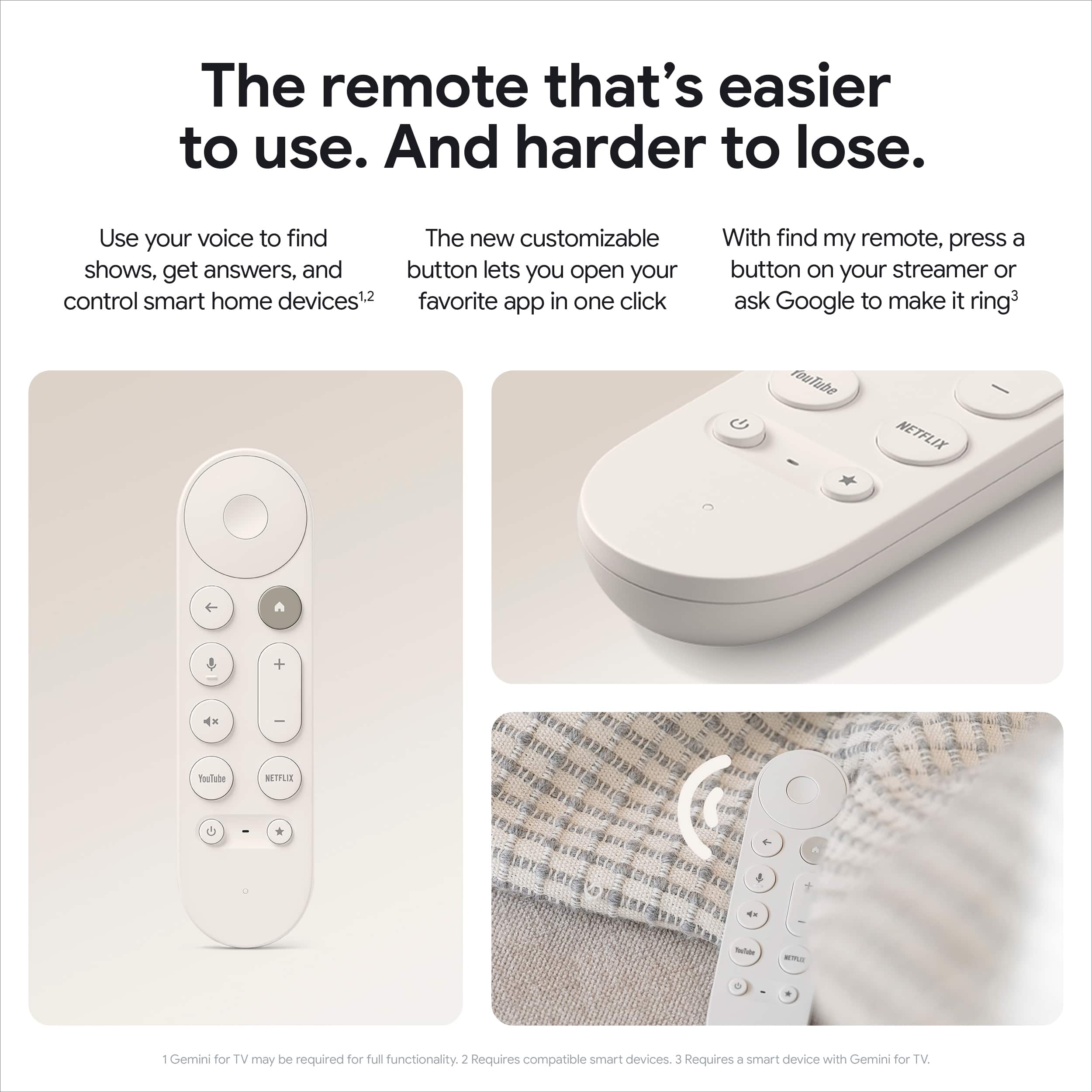
A:AnswerThanks for asking. Yes, you can use the Google TV app on your iOS device to control your Google TV Streamer (4K). Here's how:
1. Connect your device and your Chromecast or TV to the same wireless network.
2. On your phone or tablet, open the Google TV app.
3. Near the bottom right, tap TVs nearby.
4. Select the video or TV show you want to watch.
5. Tap Watch on TV.
Check out this link for more information: hhttps://support.google.com/googletv/answer/11136134
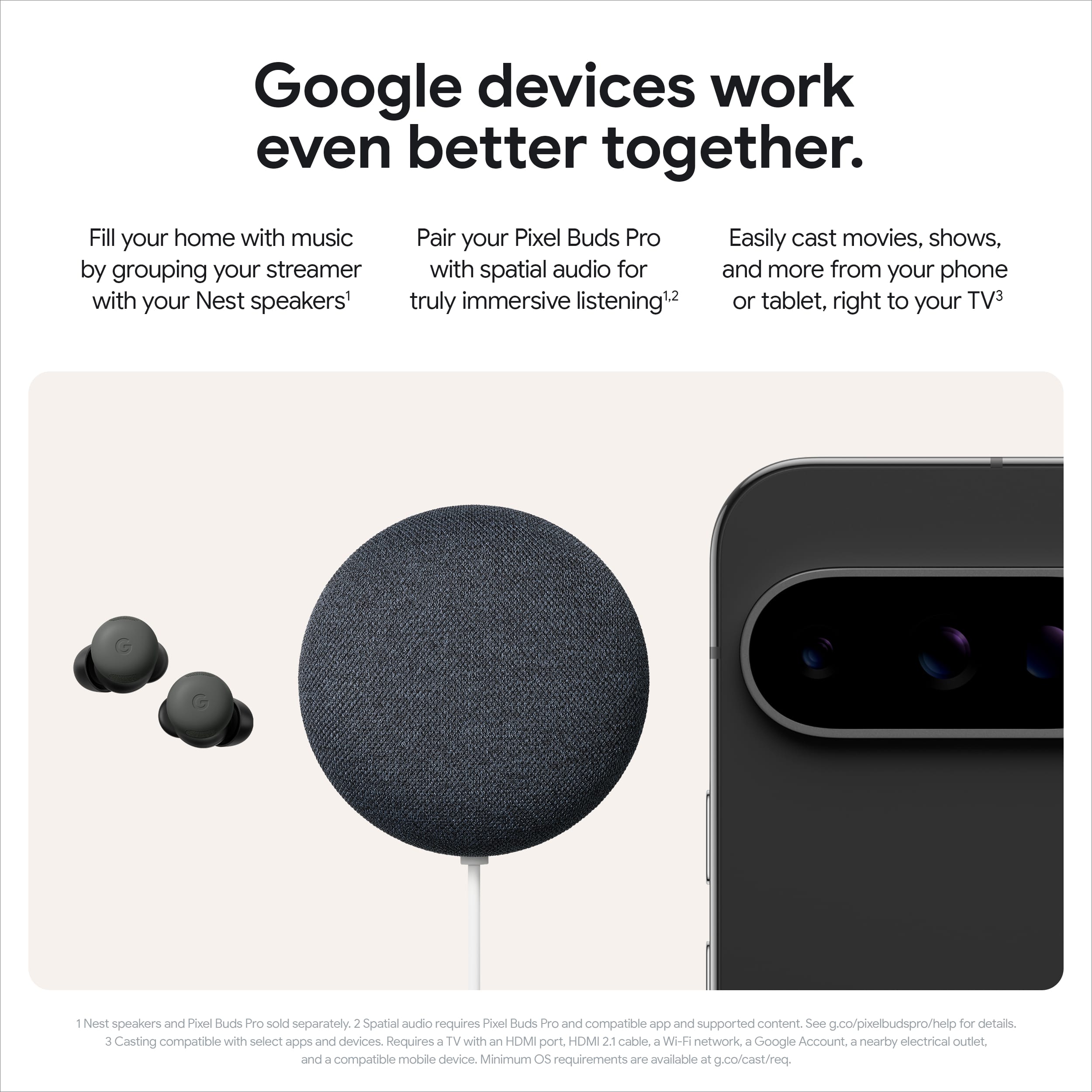
A:AnswerHey there, Chuck. Yes! The Google TV Streamer (4K) allows you to cast content directly from your phone to your TV. Here’s a link with more information: https://support.google.com/chromecast/answer/3006709?hl=en
A:AnswerHey there, Steve. The Google TV Streamer (4k) allows you to download compatible apps from the Google Play Store. You can check the store directly on your device to see if that specific app is available for download.
A:AnswerHey there, Mike. Yes, the Google TV Streamer (4K) supports SDR (Standard Dynamic Range) content. It will automatically adjust its output based on the content you’re watching and your TV's capabilities. Let us know if you have any other questions: https://support.google.com/googlenest/gethelp
A:AnswerThanks for your question, Matthew. The Google TV Streamer (4K) works with any TV or display that has an HDMI connection, even if the TV has a different resolution than the streaming device, but we recommend a 4K TV for the best experience. We’d be happy to help with any additional questions you may have: https://support.google.com/googlenest/gethelp
A:AnswerGreat questions. The Google TV Streamer (4K) works with any TV or display that has an HDMI connection, even if the TV has a different resolution than the streaming device, but we recommend a 4K TV for the best experience. We’d be happy to help with any additional questions you may have: https://support.google.com/googlenest/gethelp
A:AnswerWi-Fi Speed
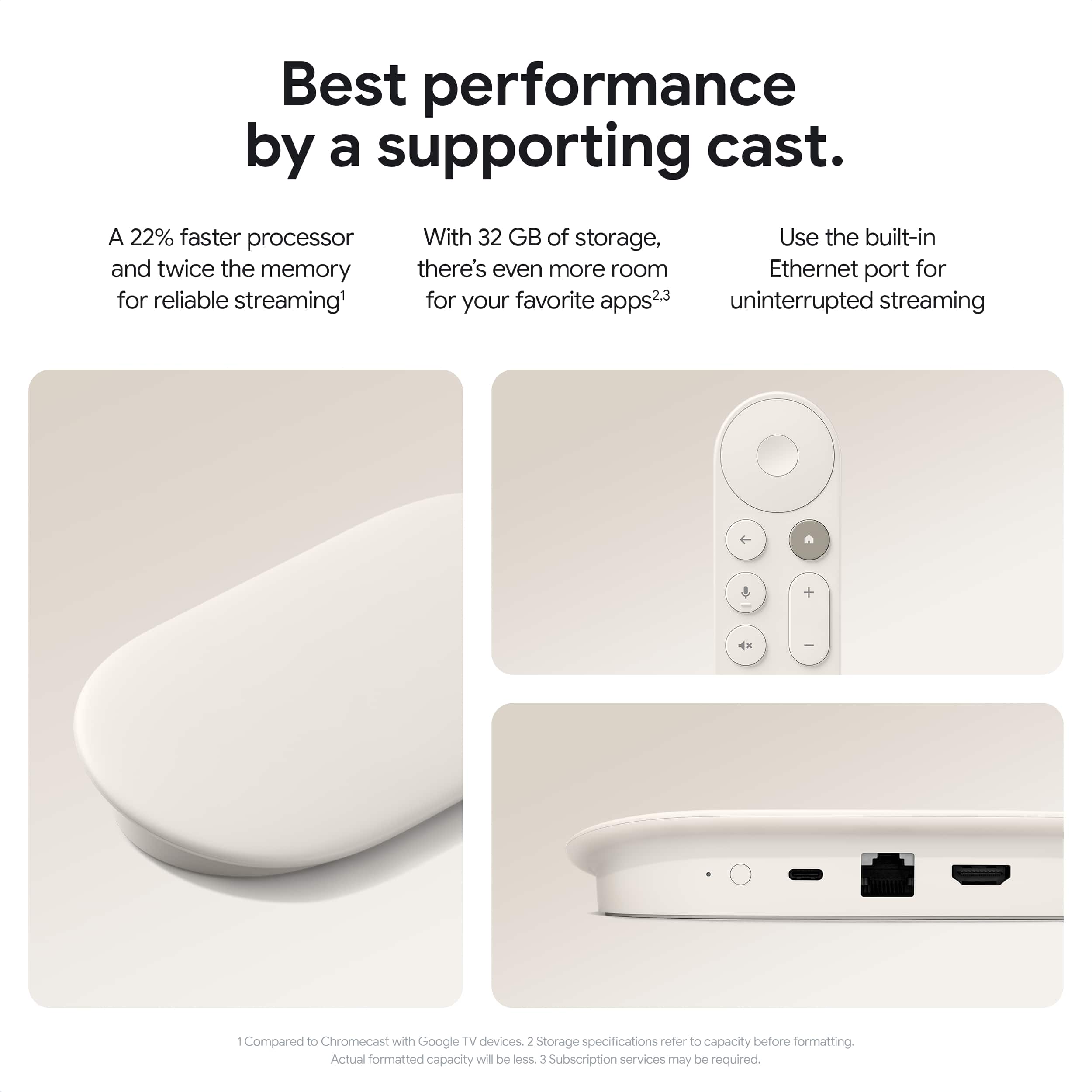
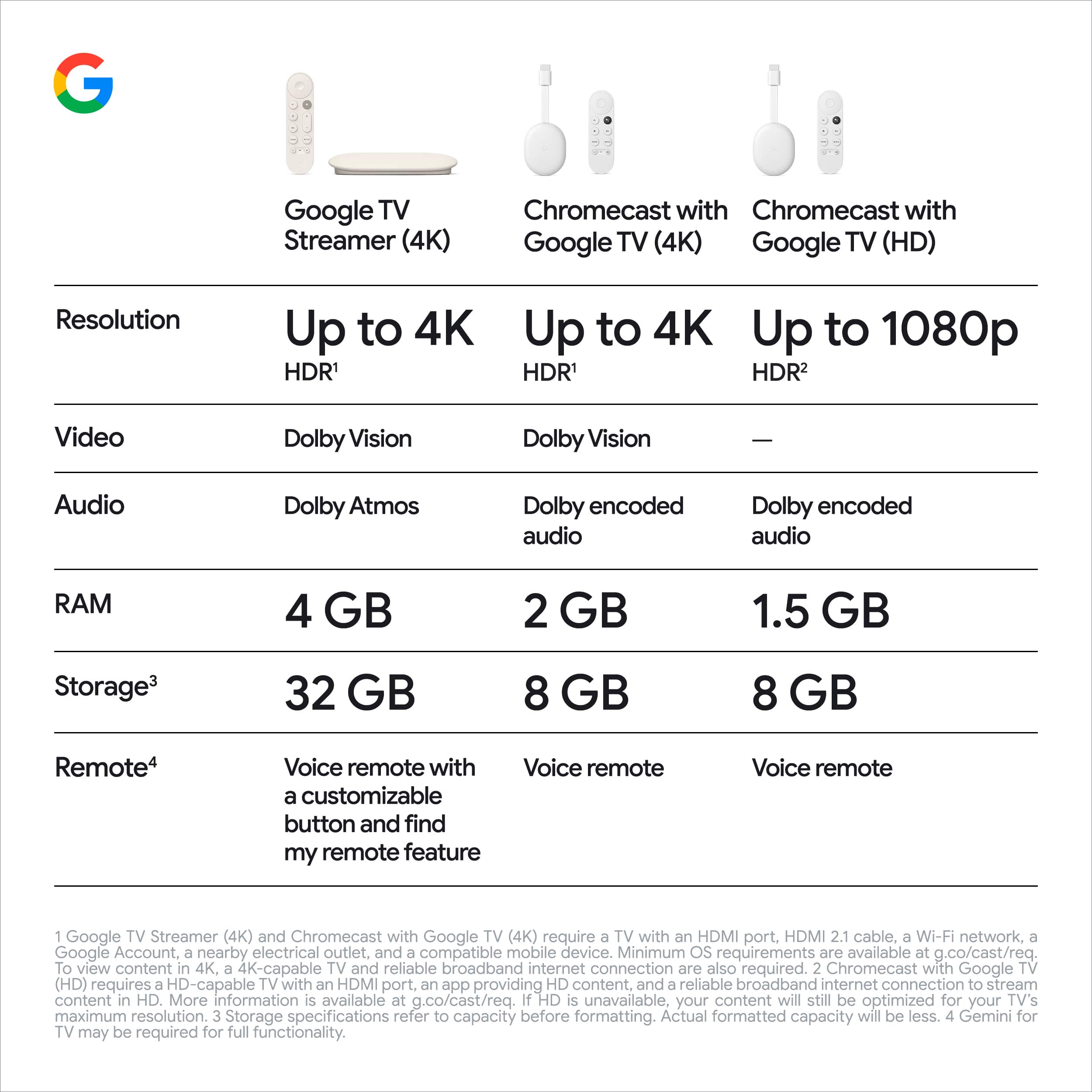
Wi-Fi 802.11ac (2.4 GHz / 5 GHz) — also known as Wi-Fi 5, capable of speeds up to 3.5 Gbps theoretically, though real-world speeds depend on your home router and internet plan.
Ethernet Speed
Ethernet port: 10/100/1000 Mbps (Gigabit Ethernet) — meaning a maximum wired connection speed of 1 Gbps (1000 Mbps), which is the fastest connection option available on this device.
Maximum Streaming Resolution
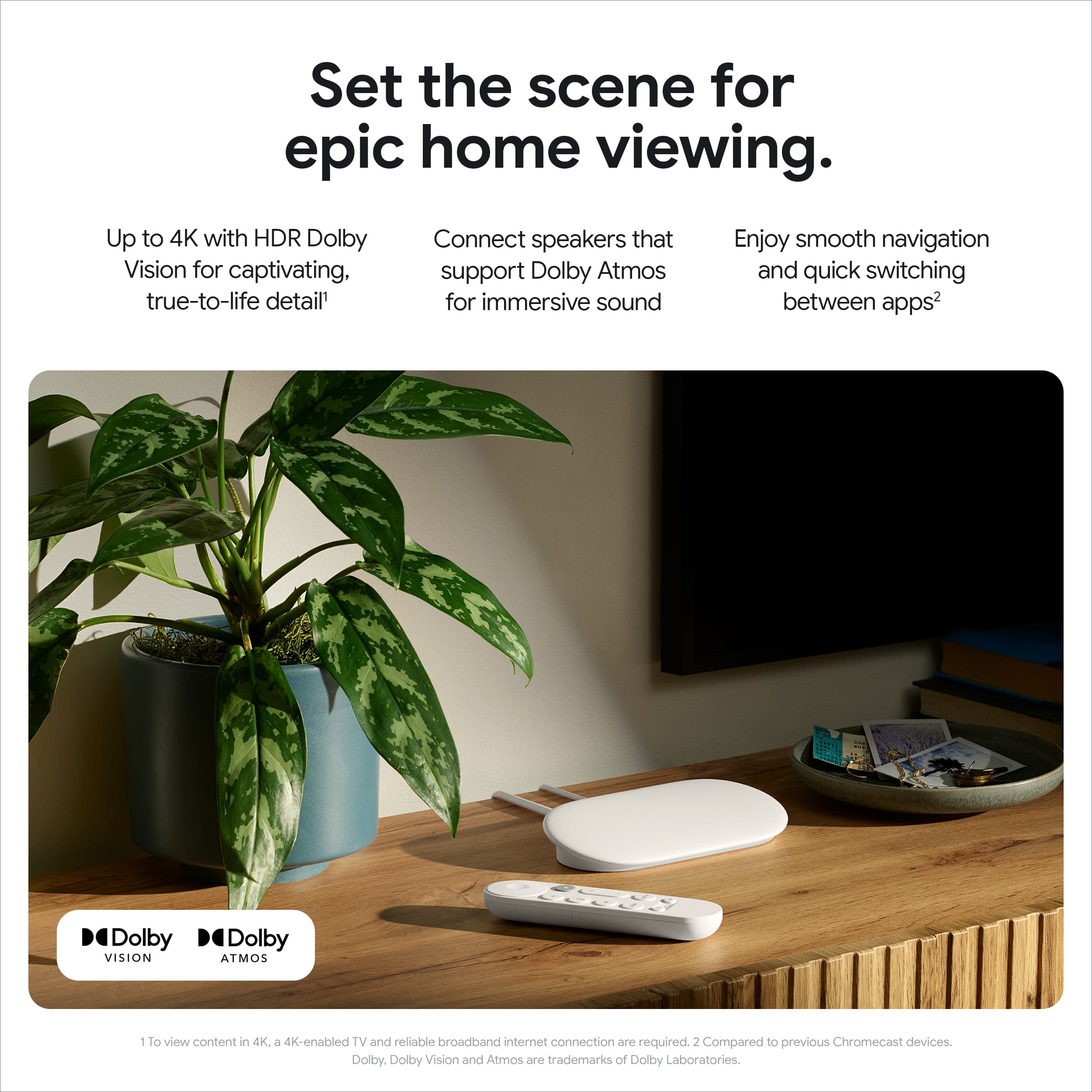
Up to 4K HDR at 60 FPS — the highest quality streaming experience available for home entertainment today.
A:AnswerWonderful question, Chris. The Google TV Streamer (4K) does indeed connect directly to your TV's HDMI port. While it's designed to sit on a surface, it requires an HDMI cable to connect to your display. Here is a link with more details: https://support.google.com/googletv/answer/15273676?hl=en
A:AnswerDepends on the warranty bought at the time. Best buy offers 3 different plans. I pay for the plus yearly to have most of my items purchased covered fully. Usually its a replacement or they will try fix it
A:AnswerHey there, Teev. Yes, you’ll need a Google TV Streamer (4K) for each TV that you want to have the dedicated streaming device on. Here’s a link with more information: https://support.google.com/googletv/answer/15273676?hl=en
A:AnswerHey there. We hear you on wanting your favorite apps to be on the Google TV Streamer (4K). App compatibility is up to the developers — we recommend reaching out to them for more information. Here’s the steps to contact them:
1. Open the Google Play Store app.
2. Browse or search for the app.
3. Locate and select the app from your search results.
4. Select Full Description.
We’re here for you 24/7: https://support.google.com/googlenest/gethelp?
A:AnswerTechnically you do not need a streaming device if you have a smart tv. However, a streaming device, especially this one, will be quicker and will receive more updates. If using a streaming device each TV will need their own streaming device. You could get a streaming device for your main TV and just use but in apps on the others