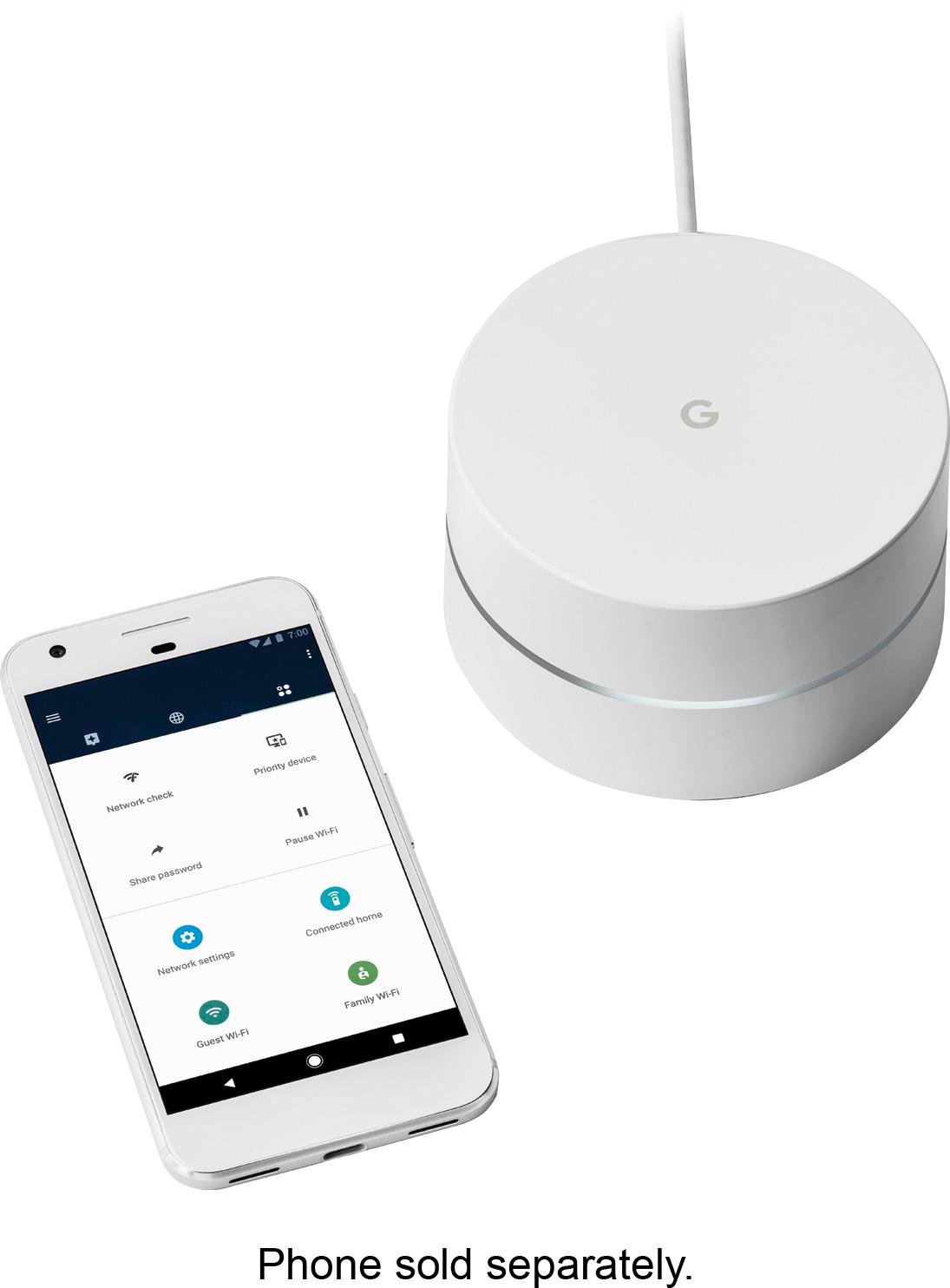
A:AnswerIt will give you faster access to devices in your house but will not change your internet speed. It does extend your wifi so devices farther away from your modem work better.
A:AnswerThere should not be any problem with that, unless The brigthoise e-mail servers only resolve (DNS) using their DNS. When you setup Google Wifi the first time, it uses Google name (DNS) servers...
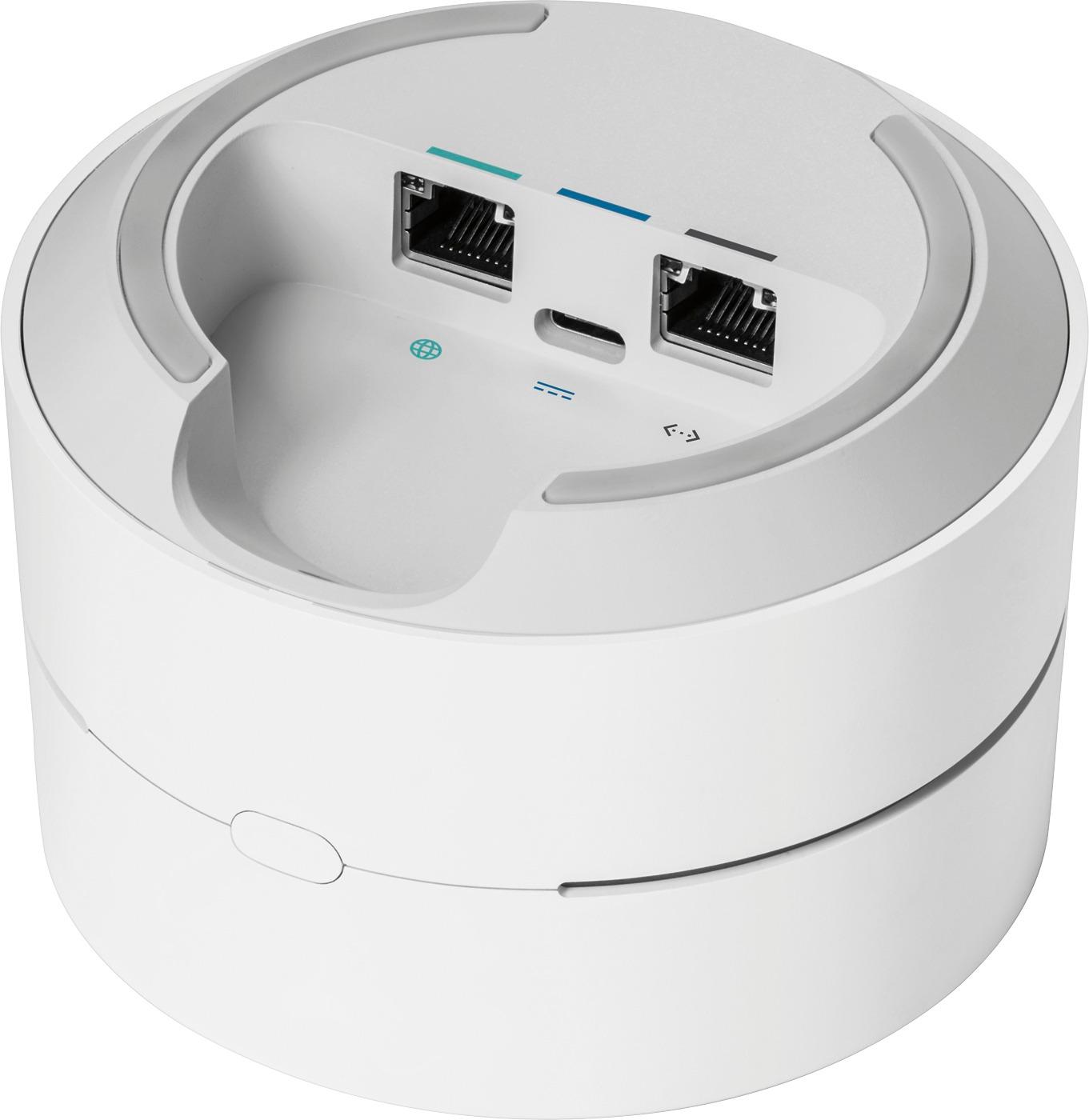
A:AnswerSo you have to connect at least one of the nodes to your modem or router for it to broadcast. Using a CAT5 cable is all you need.
Once you've connected at least one node, the rest can be wireless and placed wherever you desire.
I have my primary node connected via CAT5 to cable ISP provided modem through a wall jack, into another room. Then my secondary node is wireless and upstairs from the primary. My last node is about 250 feet down the hall in a bedroom with nothing else.
So to answer your question, yes I believe it will be able to do what you are asking.
This unit replaces your "router" and becomes THE ROUTER. You won't need to bridge them together with coax anymore.
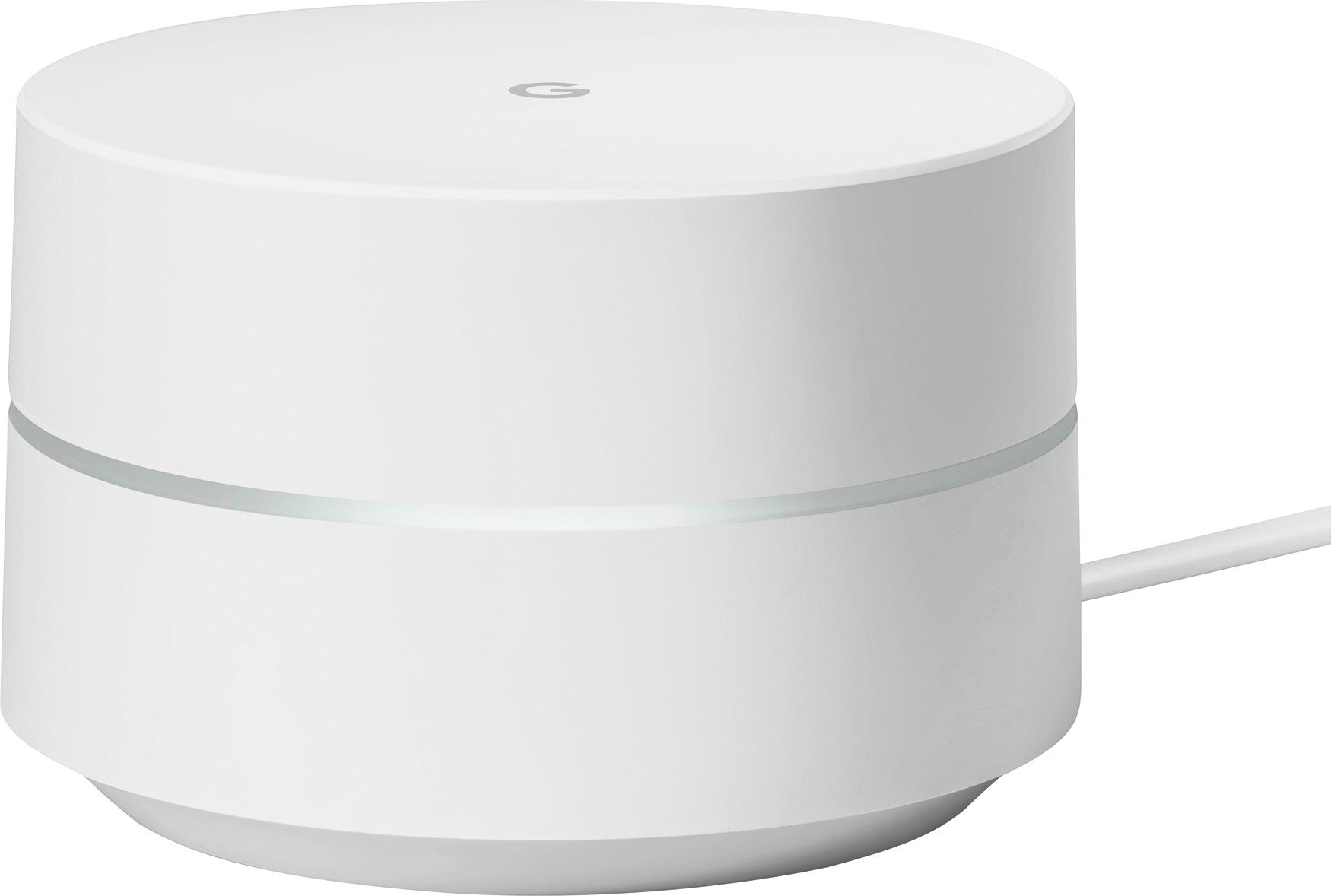
A:AnswerYou need to have your own Internet provider. This is only an access point / router; it is not a modem, and is not tied to a specific provider. When you sign up with an ISP, they'll give you a modem (sometimes with a router and access point built-in); this is almost certainly a better router and access point than what your ISP offers directly, but it will only provide Internet access in conjunction with an upstream connection from an internet service provider.
A:AnswerIt might work. But you'd be better off with at least 2. Depending on what is in your wall, and how thick, etc... the signal could get skewed in the L area.
A:AnswerBox says it is best for smaller homes 500-1500 sq ft. It might work if it is centrally located. For peace of mind, you might want to call them 844-442-3693.