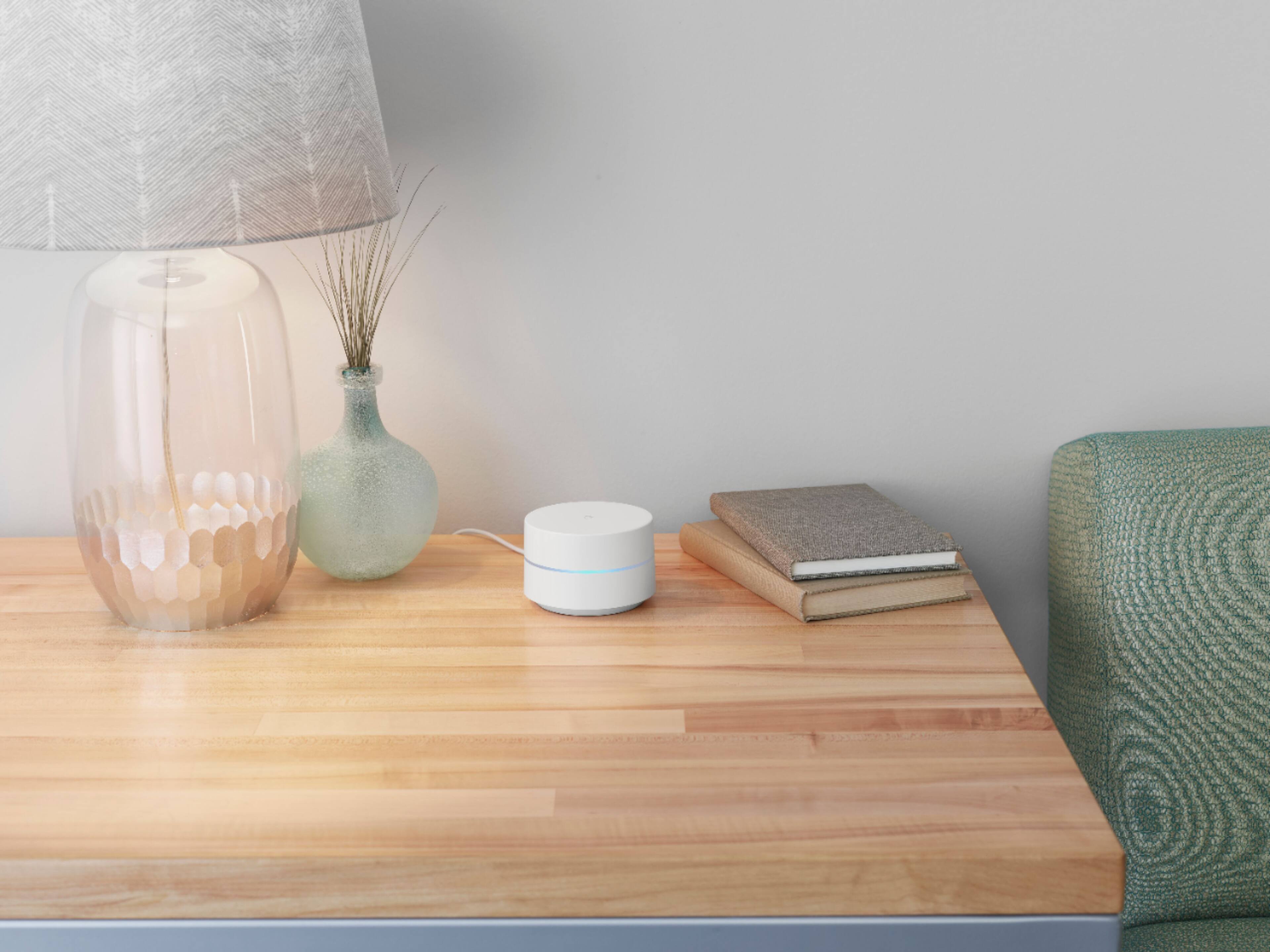
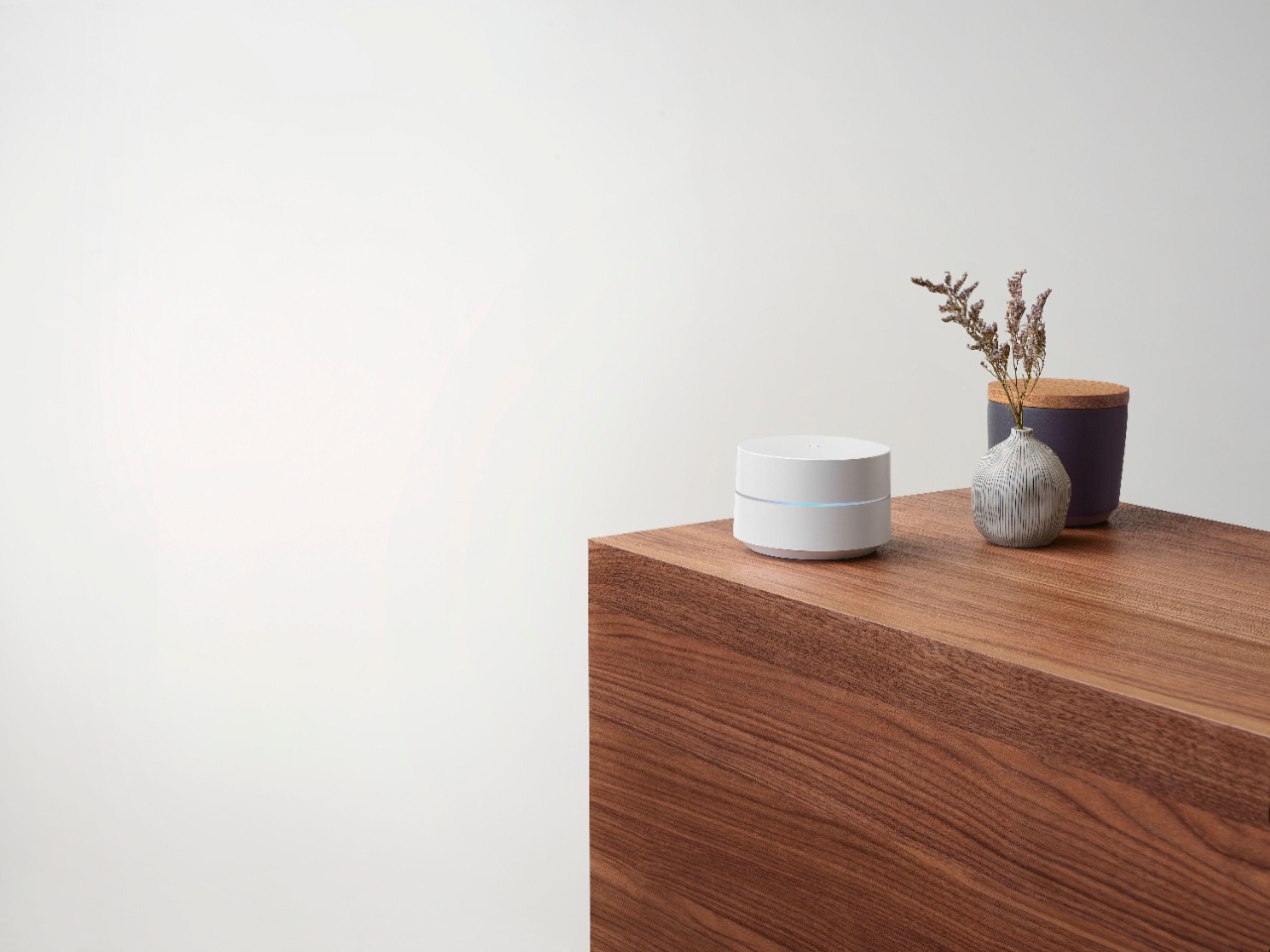
A:AnswerNot sure about your specific brand, but I do have a modem router. I plugged one nest into the modem with the ethernet, and then placed the other two throughout the house. There's an app to walk you through the process. I found it very easy, and I am not a very technical person. This system really boosted my wifi in some of the dead spots in my home. So glad I purchased it.
A:AnswerYou can plug this in and set it up in the Google Home app. Quite simple. But yes, you can plug your game console into it either with a dedicated cable or wireless (assuming your console is capable of wireless).
A:AnswerI would verify all the hubs are connected together. There is a setting in the google home app to test mesh connection. I would start there. If not that i would check the computer itself to make sure its Wi-Fi capable (not all of them come with it) and make sure the modem and Wi-Fi are connected. Then check a good connection into the modem and cable line
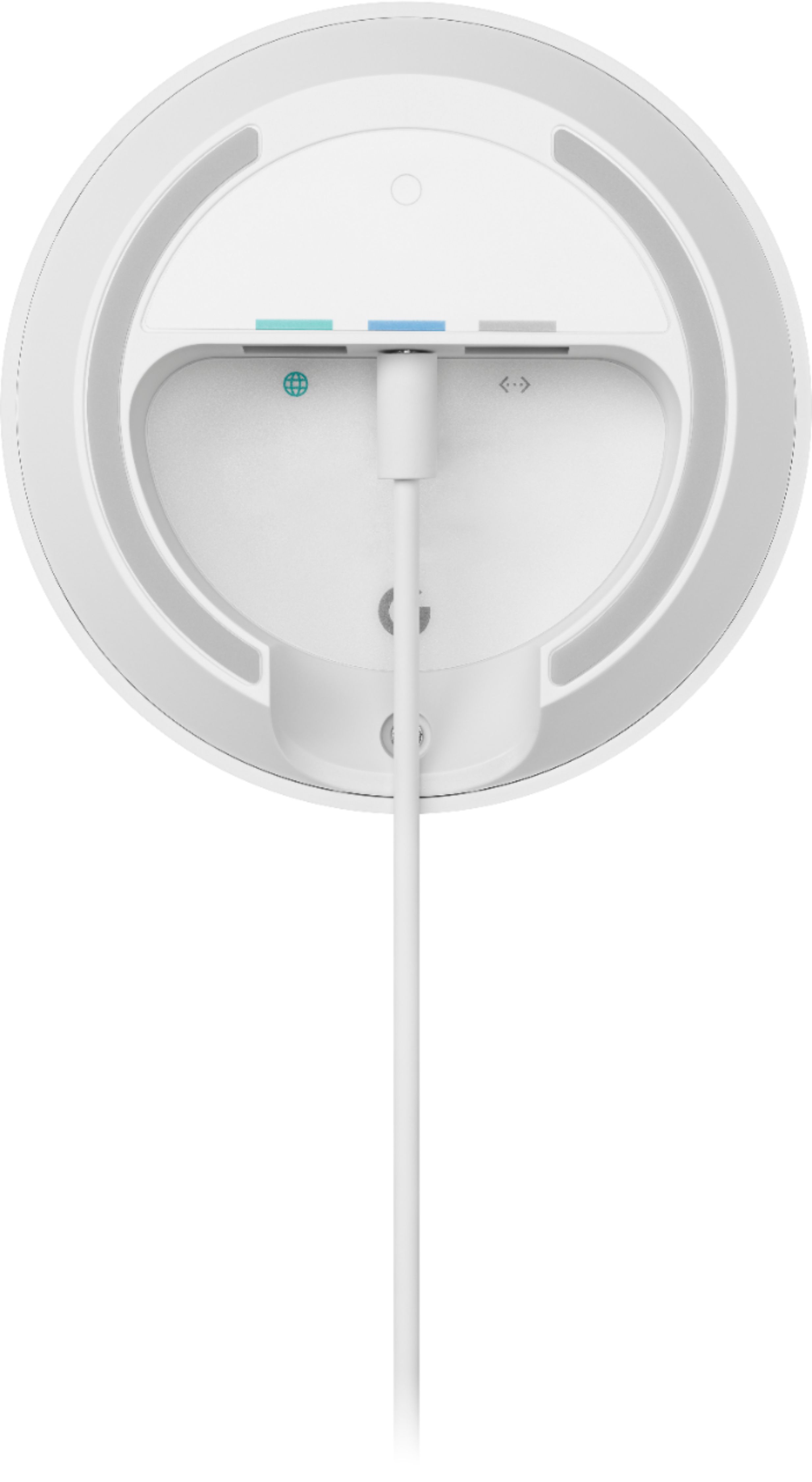
A:AnswerEach one of the three units has two ports.
The unit hooked up to the modem only has one extra port because it needs to be hooked up to the modem through the other.
The other four ports are wireless connected to the first hub with two extra free ports per unit.
Hope this helps
A:AnswerThe Google mesh plugs into your existing modem. The other two mesh routers are placed in separate parts of the house and wirelessly connect to the first through the wifi signal.
A:AnswerYes. Google Wifi needs to be connected directly to your modem using an Ethernet cable. For additional Wifi points, you can add it wirelessly to create a whole Wi-Fi mesh setup. Take a look at this link for the setup requirements and guide on how to set up Google Wifi: https://support.google.com/googlenest/answer/7183148
A:AnswerYes. The Google WiFi system each mesh point has an Ethernet port. On the Google Nest, only the main router has an Ethernet port (from my understanding)
A:AnswerThese are WiFi extenders, you still need a router to assign IP addresses to all your devices. Google only extends what you already have. The Modem translates the internet signal, the router sends it to the different devices and assigns an address so internet traffic can be routed properly and the extenders make it possible to have seamless WiFi throughout your house.
A:AnswerGoogle Wifi requires to be connected to a modem with broadband internet connection from an Internet Service Provider (ISP). Take a look at this link for the setup requirements and guide on how to setup Google Wifi: https://support.google.com/wifi/answer/7183148
A:AnswerYes. Ideally, one Google Wifi can cover up to 1,500 sqft. But where they are placed, the layout of your house, and physical obstructions like furniture can impact the total coverage. You may check this link for more info on where to place your Wifi devices for maximum signal strength, please check this link: https://support.google.com/googlenest/answer/7183150
For an estimate of how much Wi-Fi coverage you’ll get with Google Wifi and a guide to how many Wifi points you need check here: https://support.google.com/googlenest/answer/7182840
A:AnswerYes. Google Wifi works like any other Wi-Fi mesh system that can provide Wi-Fi connectivity for the devices in your home, including Ring Floodlight camera.