A:AnswerSame problem here. Never had problems using the CD in the past. Never had problem downloading and installing any software in the past, but HBlock wont download. HR support sucks. Automated. After answering a computer for several minutes you are place on HOLD for more than an HOUR, I FINALLY GAVE UP AS MOST PEOPLE WOULD. Paid by credit card, They took my money, now no product. Wont my money back. Will never use this crap again! DO NOT WASTE YOUR MONEY.
A:AnswerWe had this same frustrating problem (new Windows 10 computer) and tried the options that others have mentioned to no avail. However, we just found that using Google Chrome as the default internet browser resolved this problem and we were able to get a proper dialogue box and go through the normal installation process for the tax software.
If you do not have Google Chrome on your computer currently-- download that browser first. Then we changed the default internet browser to Google Chrome after downloading Chrome. You can change the default browser with these steps in Windows 10:
On your computer, click the Start menu Start menu.
Click Settings Settings.
Open your default apps:
Original version: Click System and then Default apps.
Creators Update: Click Apps and then Default apps.
At the bottom, under "Web browser," click your current browser (typically Microsoft Edge).
In the "Choose an app" window, click Google Chrome.
After these changes, go to where you saved the HRBlock_Launcher file and click on it as instructed. See if the dialogue box now shows up with text and you can continue with the install. It did in our case. Hope this helps.
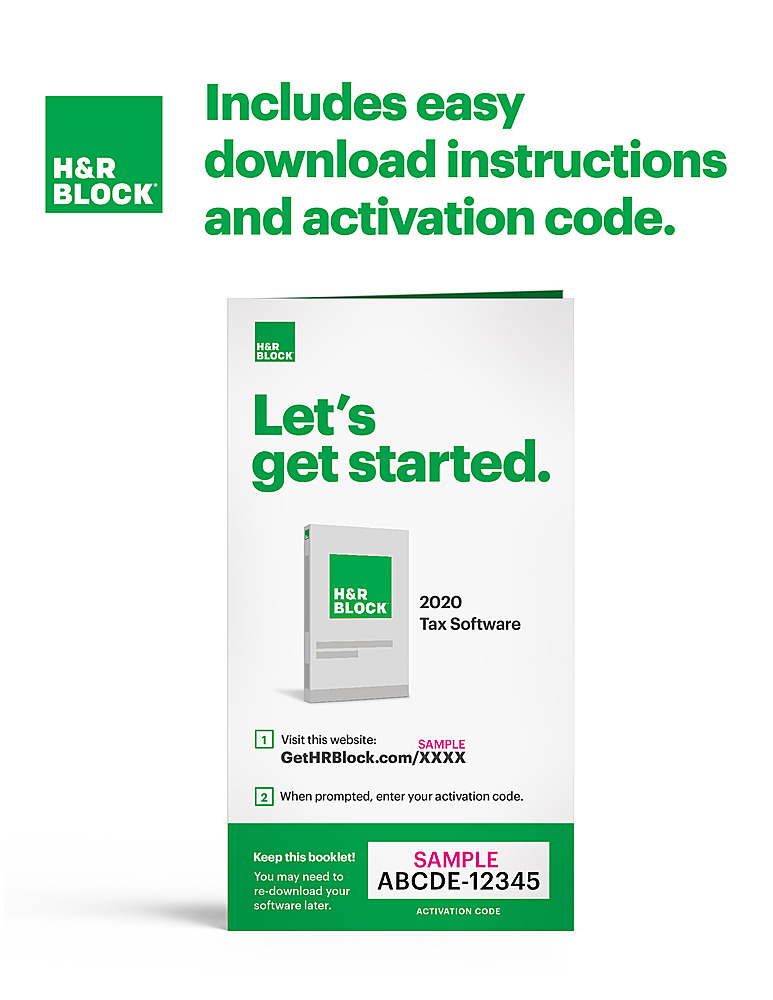
A:AnswerNo physical copy, just activation code and website. takes only a minute to download fed and state programs. I think up to 5 dif file returns per license. Very easy to use and appears to have been accurate and money saving for me.
A:AnswerWhen I tried to download the file, I received a serious message that the H&R site was blocked by my Malwarebytes antivirus. After several attempts to get into the site, I switched from using Microsoft Edge to Google Chrome. After the switch, I was able to access the site and get the download. The download execution prompt appeared on the bottom left corner of the screen. Hope this helps.
A:AnswerIf you want to be able to use the software on both PC and Mac - you will need to purchase the PHYSICAL ACTIVATION CODE DELIVERED BY MAIL. The electronic/digital versions of the software require you to choose PC or Mac.
A:AnswerYes, if you have the actual tax return file that H&R Block creates. The file extension is a "T" followed by the year. So if you did your taxes last year, the file would end with .T19. If you have that file, this years software will import that file from your flash drive.
A:AnswerThe link takes you to a table of all forms supported by H&R Block software, BUT it doesn't indicate which forms are included specifically in the DELUXE software. So it didn't really answer Jack's question.
A:AnswerI am wanting to find out the same answer. I ran into this problem a couple of years ago when doing taxes. I finished the 5 free federal e-files and needed to do more so I bought another program. I don't remember whether it even installed but I know that I was not able to get the 5 free federal e-files. I even tried creating another profile to use it with but no luck. I eventually had to install it on another computer to get the 5 free e-files.
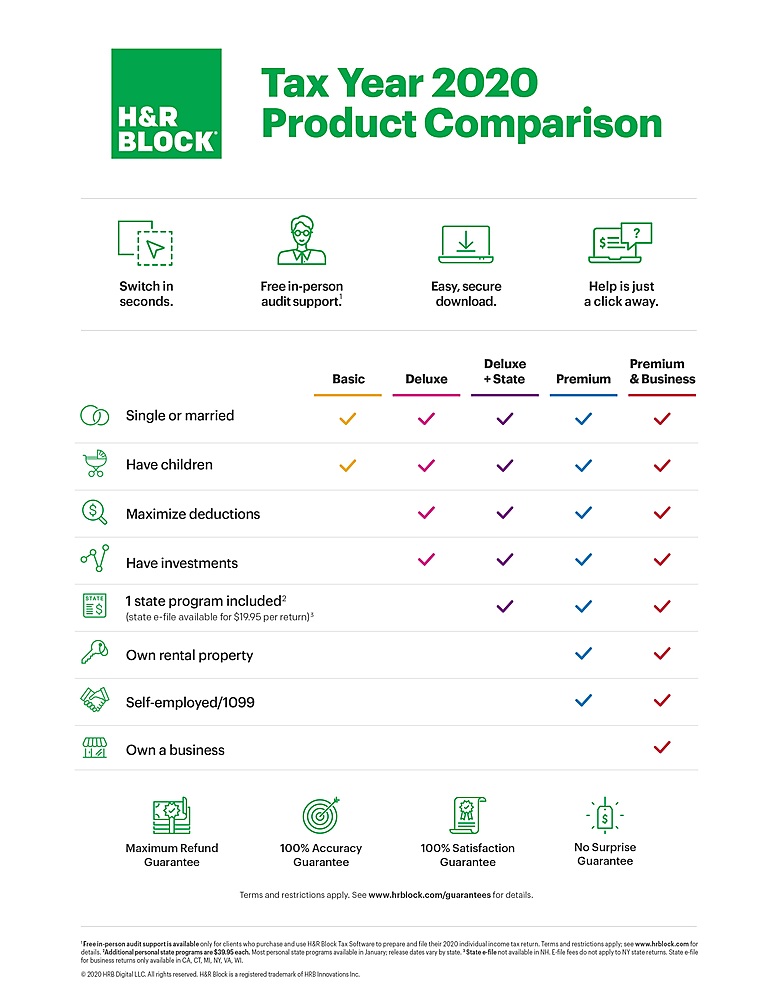
A:AnswerThe Schedule C is included in both the Deluxe and Premium versions. I have used Deluxe for Small Business with 1099 and filed Schedule C. Just moved up to Premium this year now that I have a Rental Property.
A:AnswerSchedule F must be filed with long form 1040... can not be filed with 1040EZ
The HR Block Deluxe will use the long form if needed, not sure of any of the other ones will. but the deluxe includes a state file, which some of the other ones do not