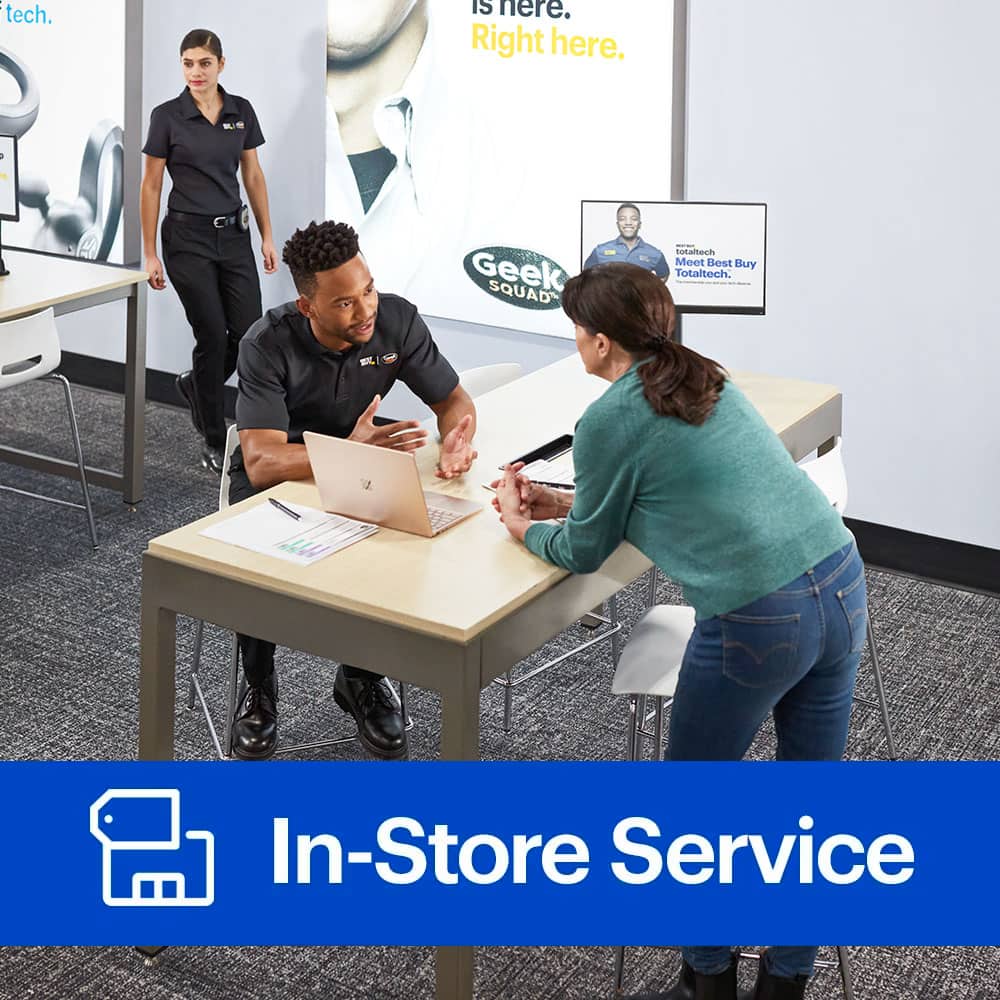
A:AnswerThey can upgrade certain components based on the laptop. You would need to talk with geek Squad to learn what’s upgradable. Might need to purchase their tech services program. Worth it.
A:AnswerI don't have an accurate answer for this question. My situation was that i purchased an additional SSD drive and needed to have it properly installed. I did the basics but needed a professional to complete the installation so that my system recognized the new drive and i could use it. I am sorry that I can not be of more assistance
A:AnswerYes they probably would. They installed more ram for me on my pc right there at the desk because I talked with a tech and scheduled an appt when he would be there.
I had to pay for the help but it was worth it.
A:AnswerIt depends on your computer if it’s one of the large name brands most the time they Sauter the parts on so you have to be careful of removing the parts. You won’t know to open up the computer. For me it wasn’t a problem because I purchased a gaming computer with non-soldered parts. So I’ve been able to upgrade my ram, my video card and add some stuff later but that’s not an option for all computers
A:AnswerWithout knowing more it'd be hard to guess your issue. Have your made sure the drivers for your network devices are installed or not corrupted? Try doing a windows update while tethered, you might have a bad driver or revert to a previous driver. Check for this under device manager. Right click on the windows logo on your task bar at the bottom and it'll show device manager as an option.