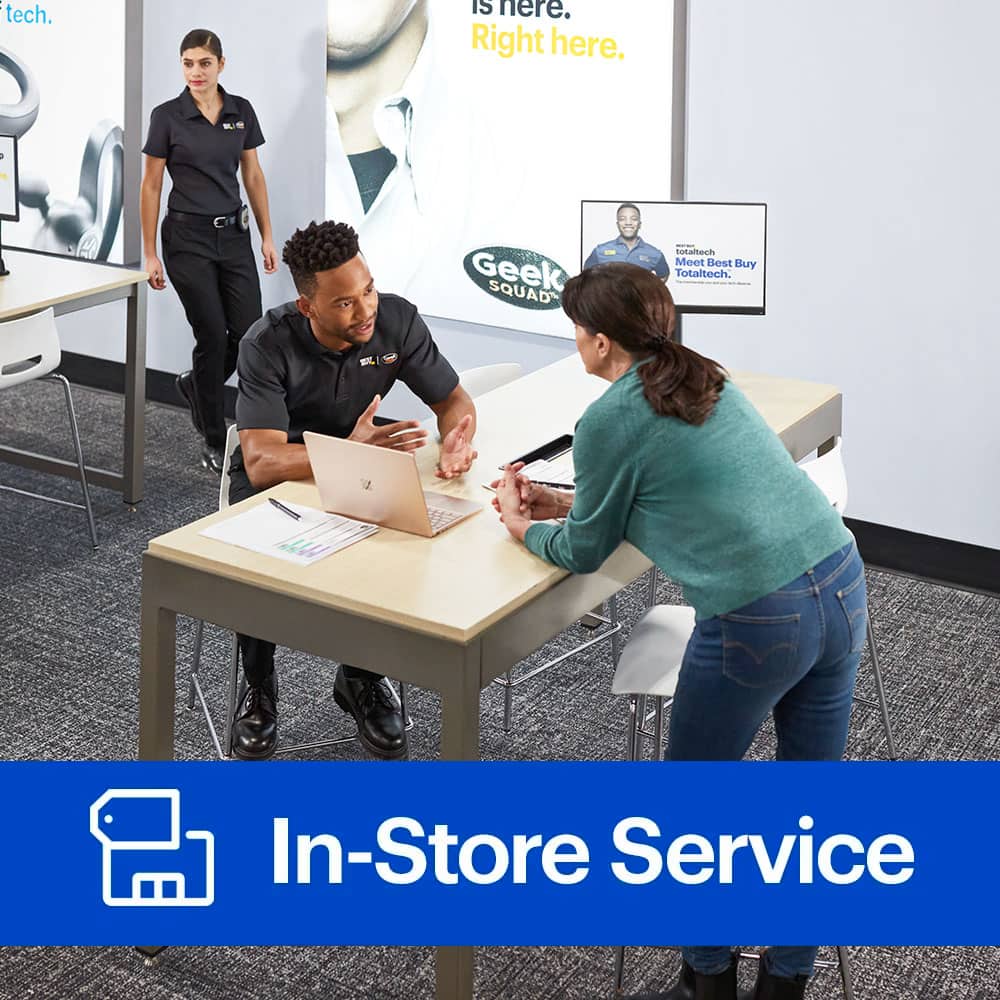
A:AnswerWe should have some options available to install many products into computers, but you'll need to call us over the phone at 800-GEEKSQUAD, or chat with an agent online at, www.GeekSquad.com/chat. We would like to make sure we're able to install what you're hoping for before scheduling an appointment for an in-store appointment.
A:AnswerWe should be able to assist with this. We recommend speaking with a Geek Squad agent either in-store or over the phone. For support with this, please give us a call at (800) GEEK-SQUAD or (800) 433-5778.
A:AnswerThe Geek Squad does very good work. I have used them for several difficult installs on laptops. A graphics card install is very easy and should not cause any issues to your system. I would contact them for a consultation prior to getting the work done. You may need to upgrade your power supply prior to getting a new graphics. *Depends in current, specs, etc.*
A:AnswerThanks for reaching out! While the Chrome OS is meant to stay on a Chromebook, you can schedule an appointment with your local Geek Squad to discuss what options may be available to help you get the capabilities you’re looking for from your Chromebook. You can visit us online at www.geeksquad.com/schedule to schedule a time to speak with an Agent at the store about this.
A:AnswerYou certainly can, but I would not recommend it.
In my experience, the best way to upgrade the OS (this is not limited to just Windows OSs) is to :
(1) Make a copy of all documents (and settings as appropriate) on a secure external device
(2) Format / initialize the boot device (usually HDD or SDD)
(3) Install the new OS from the installation media onto the newly initialized boot device, properly registering the new OS and configuring it as required
(4) Install application software as required on the newly installed OS
(5) Restore documents and settings as required from the copy made in step (1)
NOTE : I highly recommend having a good data backup policy in effect to protect your documents and settings in case of system failure. I recently suffered a HDD failure on my laptop but since I routinely backup my Windows user profile to external HDD media, I replaced the (failed) 500GB HDD with a new 1TB SSD followed steps (2) - (4) above and recovered everything. I restored my Documents from the last backup, which is performed daily and is my first Scheduled Task. During this event, I upgraded from Windows 7 Home to Windows 10 Professional. I have a clean installation and everything works fine. Total down time was less than 8 hours including Geek Squad replacing failed HDD with SSD.
A:AnswerOur typical computing pricing for services can be found by visiting us at https://www.bestbuy.com/services/totaltechsupport/pricing#computing, please note exact prices will vary on your unit and what you’re looking to have installed. You’re welcome to visit your local Best Buy to get a better quote. Thank you for thinking of Best Buy for your new graphics card installation.
A:AnswerEvery computer is a bit different but you can get some basic pricing estimates here https://www.bestbuy.com/services/totaltechsupport/pricing#computing. You can make an appointment with a Geek Squad agents here http://www.geeksquad.com/schedule to get a better estimate for your computer.
A:AnswerYou most certainly can (with the right connection apparatus). As far as the applications go, you will have to re-install them under Windows 10 from the installation media in order to use them again (assuming they are supported by Windows 10), but all documents will be readily available. I have done just this many times under virtually every version of Windows and most versions of DOS. I have Parallel-to-IDE, USB-to-IDE, and USB-to-SATA connectors to connect the old drive as an external (removable) drive. I have also been known to mount the old HDD as a secondary or tertiary internal HDD - they work just fine like that also.
A:AnswerA quick upgrade on a computer can make it feel brand new. Our Geek Squad Agents will be glad to take a look at your computer to see how we can best assist you. You can schedule an appointment here http://www.geeksquad.com/schedule so we can take a look at this.
A:AnswerI always try to get the best and longest life out of my products and I'm happy know I'm not the only one. Best Buy always carries the latest and greatest, so please work with a Geek Squad Autotech at your local Best Buy to see what options may be available with your radio!
A:AnswerI purchased the total support option, so I only had to purchase the new hard drive and new software I needed. My device was a PC. I had to wait a little over a week and the scheduling system had some issues.. calling me into pick up my device when it was not ready.
A:AnswerWorking on a computer can be a tedious job, so I can understand wanting to know your options for services. Geek Squad is always a great option to consider. You can find out about service options, pricing, and scheduling, through this link
https://www.bestbuy.com/site/services/computer-tablet-services/pcmcat138100050019.c?id=pcmcat138100050019.
A:AnswerWe should be able to assist with this, and would be happy to help you find the right graphics card! We recommend speaking with a Geek Squad agent either in-store or over the phone. For support with this, please either visit your local store or give us a call at (800) GEEK-SQUAD or (800) 433-5778.
A:AnswerThank you for considering Geek Squad for your required services. There are many options that our teams can provide, and we are always happy to help. You can learn more about the services we provide, as well as the cost, by working with an Agent. Feel free to send us an email at onlinesupport@geeksquad.com where we can further assist you.
A:AnswerWe may be able to do that, but we'd want to make sure by having you speak with a Geek Squad agent either in-store or over the phone. For support with this, please call us at (800) GEEK-SQUAD or (800) 433-5778.
A:AnswerNice choice wanting to upgrade your computer! A new SSD is a fantastic way to do so. We would be happy to provide you with any pricing information we are able, you can visit us online at www.geeksquad.com/schedule to schedule a time to speak with an Agent at the store about this.