A:AnswerOne of the reasons I chose this set was for my kids to be able to use their game platforms on it. They so far have tried their ps4 with no problems. They not yet tried their xbox though. We really like the set. It is a brand new Hisense design so we expected possibly some issues. We had a problem with the sound cutting out with programs on Netflix. We reported the problem and Hisense sent a serviceman to our house who replace the motherboard and speakers. After doing a factory reset the problem has not reoccurred but now we sometimes have the set enter Safe Mode. This can be cleared though by rebooting the set. Again, this seems to only happening when watching Netflixs. The serviceman thinks they have a software signal processing issue. We expect that they will fix it in a future software update.
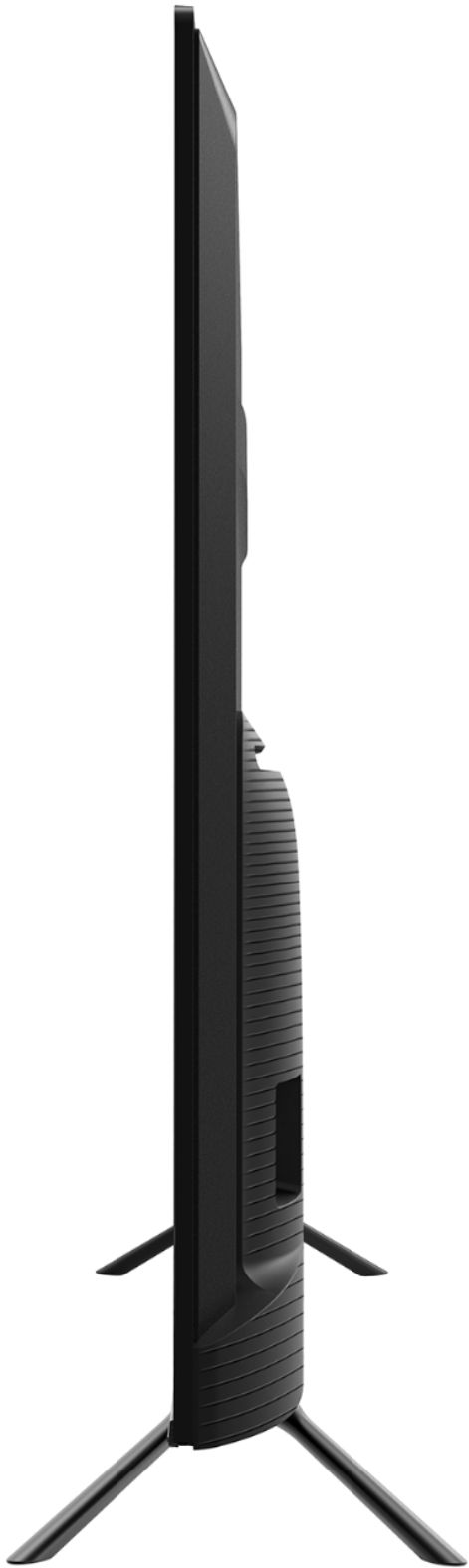
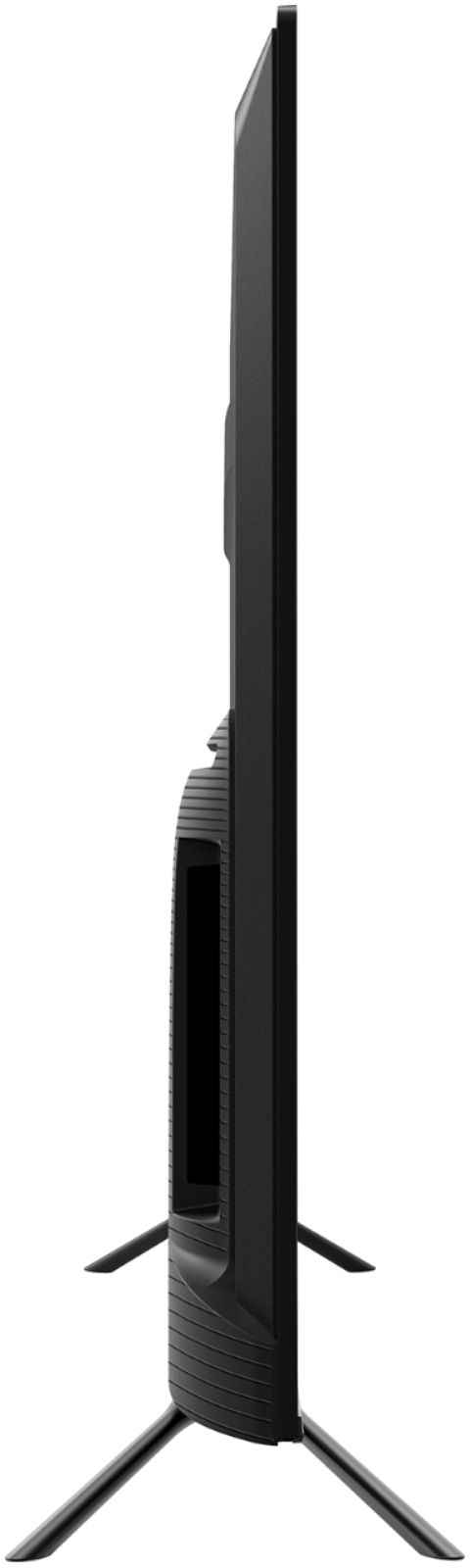
A:AnswerIt’s funny, I had the same concern and couldn’t find the answer online without measuring it myself. I believe the legs are about 39 inches apart. I purchased a stand for this tv that’s 42 inches wide and it’s a tight fit but it works. Therefore a 41.5 inch wide stand should be wide enough.
A:AnswerThank you for your interest in the 50H8F. The unit has 32 zones for local dimming. If you have any further questions please give us a call at 1-888-935-8880 or email us at [email protected].
Thanks Again,
We look forward to hearing from you!
Harley with the Hisense Support Team
A:AnswerThanks for your reply.
Neither of the apps that I watch most can be added. I'm glad that I noticed that Hisense is no longer using Roku before I bought it.
A:AnswerThank you for your interest in the Hisense 50H8F. This television has 8GB for the Android TV App store and its currently running on 8 OS but it will be updated to OS of 10 via over the air software update. Thank you for your interest in Hisense USA if you have any further questions or concerns please give us a call at 1-888-935-8880 or email us at [email protected]. Thanks Again, Harley with the Hisense Support Team
A:Answeryou may need to purchase a new high speed HDMI Cable to get the fastest connection from your PS4 Pro to your new TV, Also make sure that you are using the HDMI port that is marked (HDMI/ARC), this port is set up for high speed 4k signals.
A:AnswerHi Liz Web Browsers are not directly supported by Hisense USA but may be available in the Google Play store for download. If you have any further questions give us a call at 1-888-935-8880.
A:AnswerMost current TVs support this, and I am currently using it as a PC monitor. Note that you need to enable enhanced HDMI in settings to achieve that, which is not the default setting.
A:AnswerSo far all I can locate are those standard choices under picture mode. Still getting used to this TV...along those lines, I'm finding from the side the picture becomes lighter than viewing directly in front of it...not sure I like that but maybe that's part of these new TV picture experiences?
It was on sale and seemed like a great choice, I'm not totally dissatisfied yet.
A:AnswerHello Mohammad, Thank you for your interest in the 50H8F. There are a few steps that you can take to set your HDMI input to “Enhanced”.
At your earliest convenience, please reach out directly to our support team at [email protected], 1-888-935-8880, so we can find the appropriate solution.
We look forward to hearing from you!
Harley with the Hisense Support Team
A:AnswerHello Ronin, Thank you for your interest in the 50H8F. You will notice a bit of motion blur with whatever device you have connected to the unit. If you have any further questions please give us a call at 1-888-935-8880 or email us at [email protected].
Thanks Again,
We look forward to hearing from you!
Harley with the Hisense Support Team
A:AnswerHello Boo, Thank you for your interest in the 50H8F. No the television does not support Apple devices. If you have any further questions please give us a call at 1-888-935-8880 or email us at [email protected].
Thanks Again,
We look forward to hearing from you!
Harley with the Hisense Support Team