A:AnswerYes you can. But if you aren't bilingual I don't recommend it. Did it once to myself and couldn't figure out how to revert it back. Listened to an angry Chinese guy tell me the weather for weeks before I just reset it LOL
A:AnswerYes, you can play Apple Music using Bluetooth. You tell the Google Nest Hub "Hey Google, pair Bluetooth" and it will tell you what to do. It is fast and easy. I have streamed Apple Music via Bluetooth to my Google Nest Hub and it works fine.
A:AnswerYes, you say "Hey Google, pair Bluetooth" and it will pair with your Bluetooth device. If you are looking primarily for a Bluetooth speaker, however, this *may* not be your best choice, mainly because while the speaker is quite good, it's not the best at this price point. If you want an all-in-one device with a screen and a speaker, though, the Google Nest Hub is hard to beat.
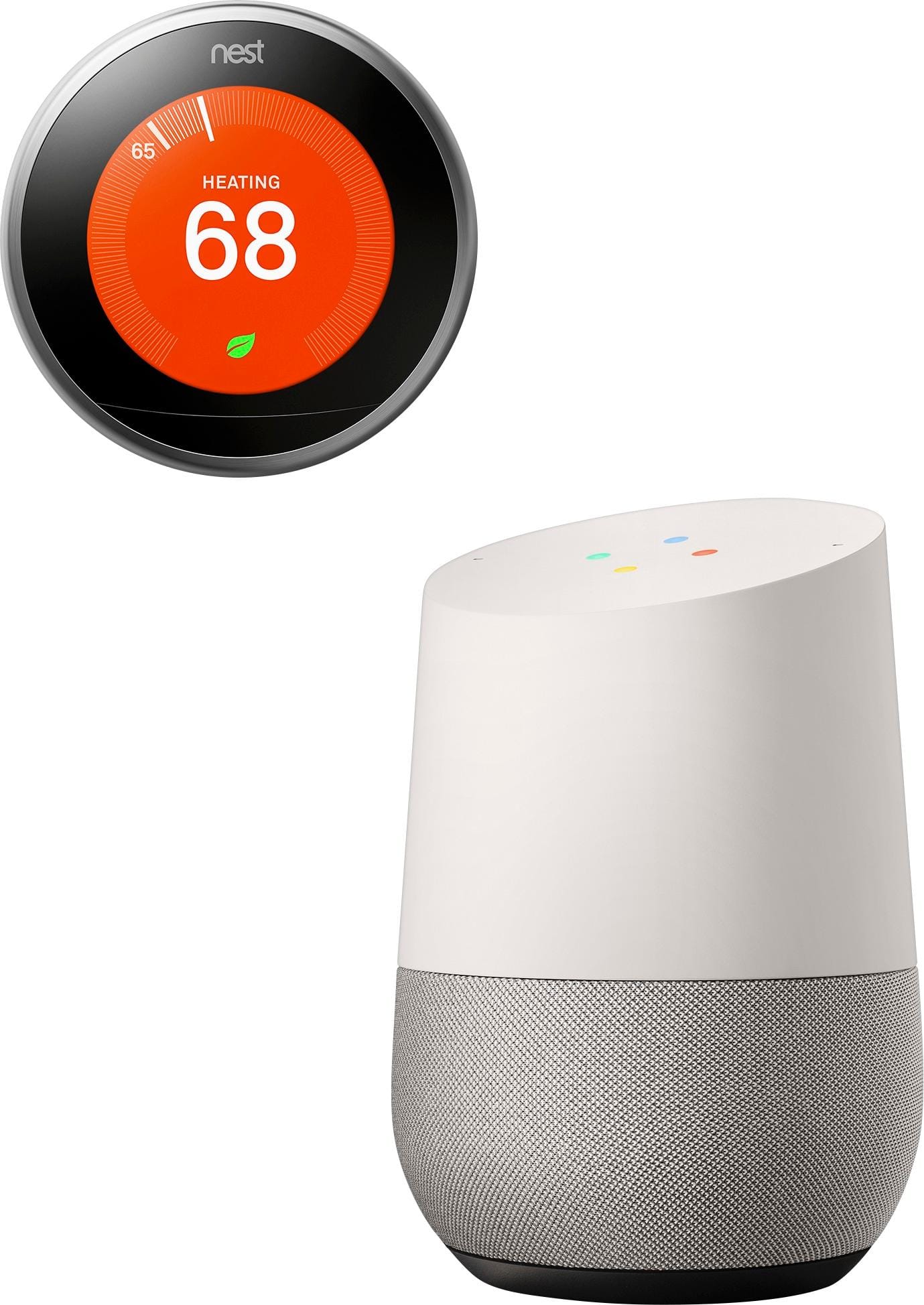
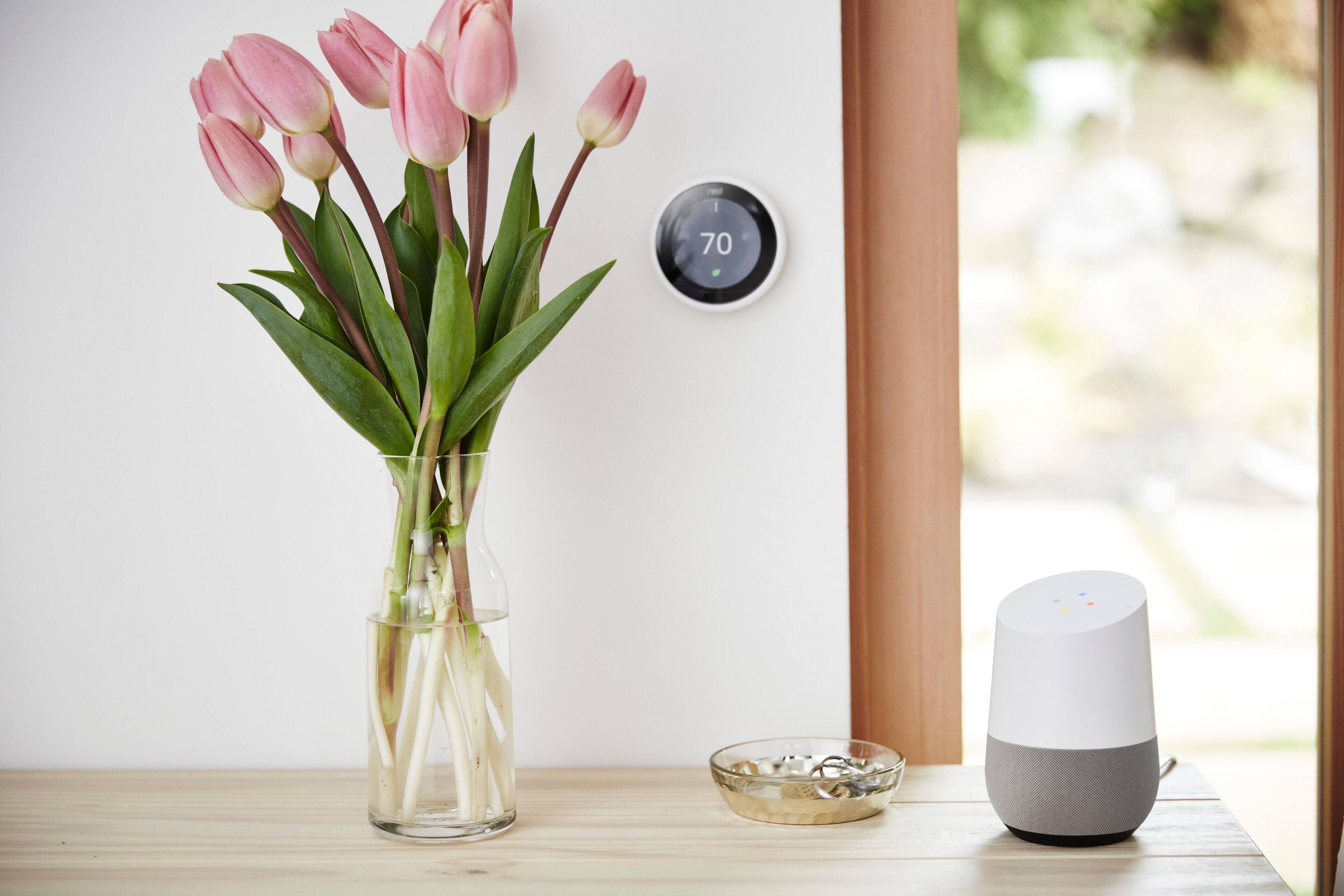
A:AnswerYes, it offers full control of your Nest thermostat. Since getting the Google Nest Hub, that's the way I usually control my Nest. You can use voice commands or control it using the display.
A:AnswerI have had to deal with this issue numerous times, and I handled it by re-installing Google Home as a new device. You may have to delete the old contents of the Google Home app.
A:AnswerIt does not have bluetooth. There is however a way you can play your MP3 from your computer. Go to http://music.google.com, set up a your own "Music Library" by clicking from the menu on the left hand side of screen. Upload your MP3 to the library folder. Then say, "ok, google. play my music library".