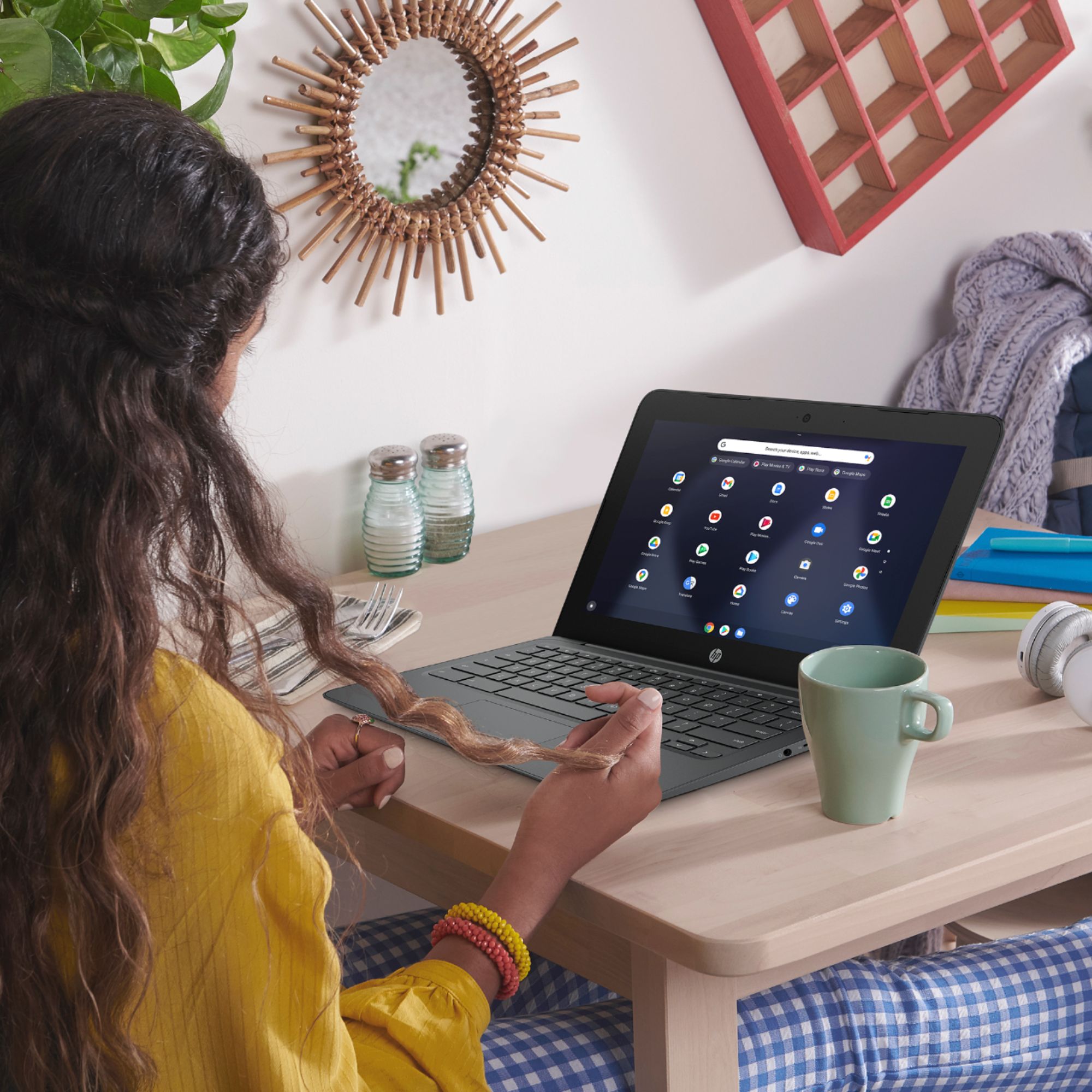
A:AnswerBecause this is a Chromebook, you can't download or install any of the Office components like Word. However, there is an online version that your son can use with the Chromebook at office.com
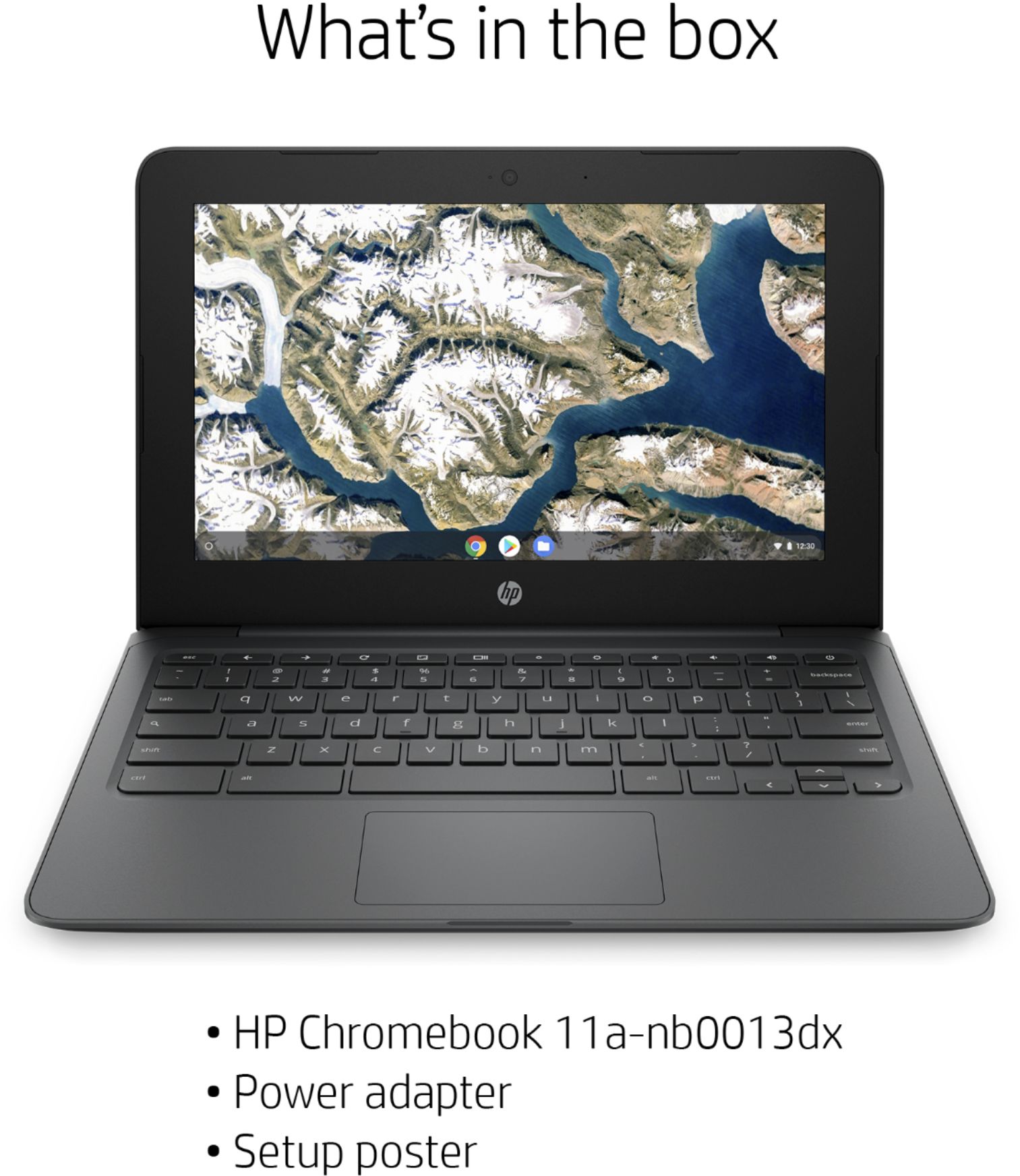
A:AnswerYes, there is a charger included with this Chromebook. You can also use this Chromebook when it is fully charged without the charger since it does have a battery.
A:AnswerFacetime is proprietary to apple and can't be used on this computer. You can use Google Meet, Hangouts and other similar apps. You can also use Zoom, Teams, or other video conferencing software.
A:AnswerYes you can play games, do online banking and google with this Chromebook. There are many games available for Chromebook and Android that you can play with a Chromebook.
A:AnswerYes you can play games, do online banking and google with this Chromebook. There are many games available for Chromebook and Android that you can play with a Chromebook.
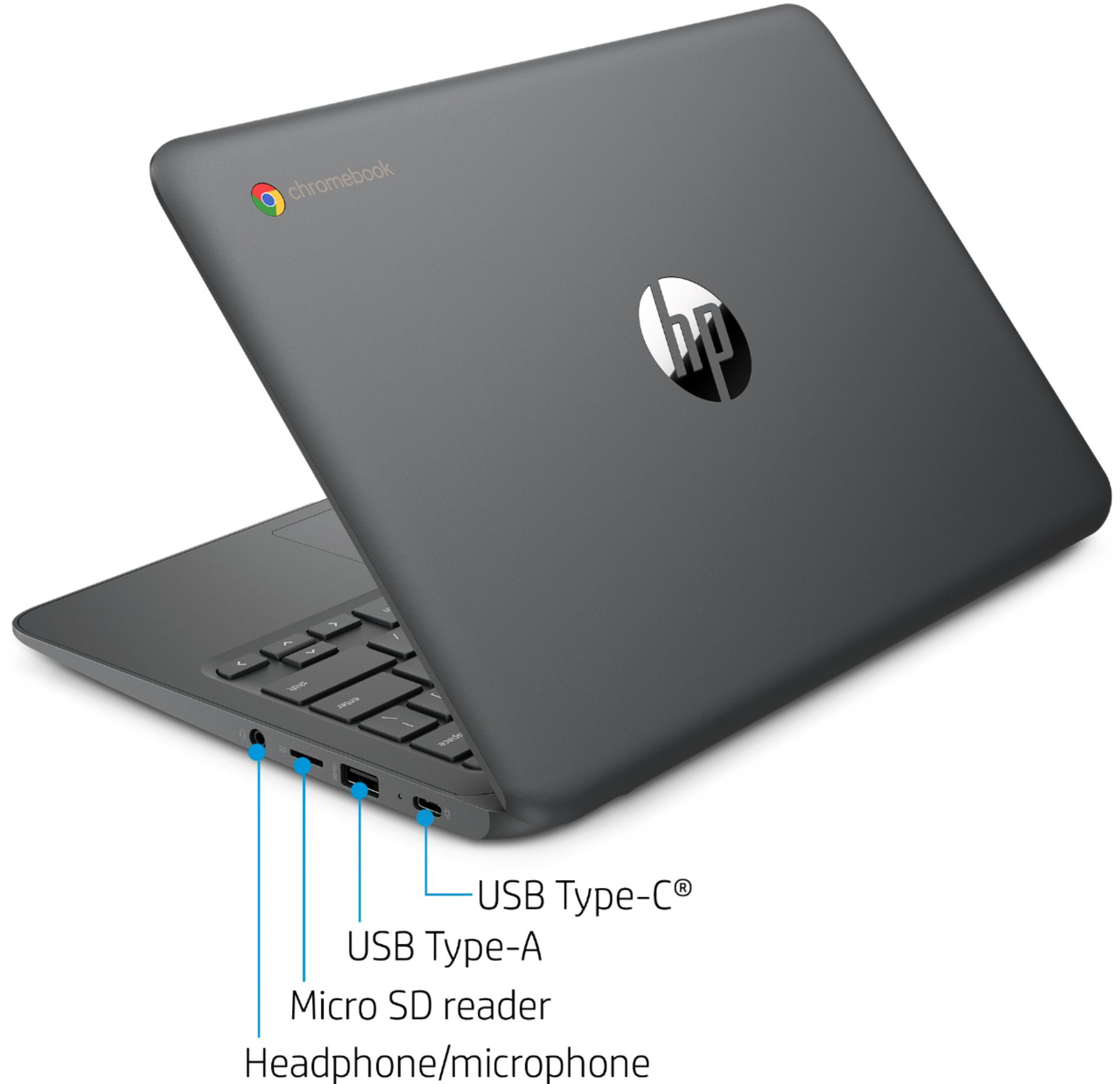
A:AnswerHi Rusty! To answer your question as best I can, the maximum capacity is determined partly by the SD card technology (SD, SDHC, SDXC) and the firmware. It looks like while our Chromebooks can accept larger microSD cards, it is typically recommended to stick with 256GB or less.
A:AnswerBecause it's a Chromebook, you'd need to use the online version of PowerPoint. And given the processor memory, and storage, I'm not sure you could run them simultaneously without having serious slowdowns.
A:AnswerYes, you can. Once you connect the printer to your wireless connection, follow these instructions: https://support.hp.com/us-en/document/c04122530
A:AnswerYou can install the Adobe Photoshop and Illustrator apps from the Google Play Store. If you want to download the full software, you will need a Windows 10 Home computer. You need at least Intel i5 or Ryzen 5 processor or better with 8 GB or 16 GB of RAM and a discrete graphics card with 2 gigabytes or more of video memory to run the Adobe programs. They are big programs that require a lot of processing power to run.
A:AnswerI'm not sure what you mean by "the gray thing". If it's the film that protects the screen during assembly and packaging, you should be able to to slowly peel it off by working one corner of it loose and slowly pulling.