A:AnswerUnfortunately, iTunes is not available for the Chromebook. However, if you save your music files as mp3 files, you can upload and play them with Google Music.
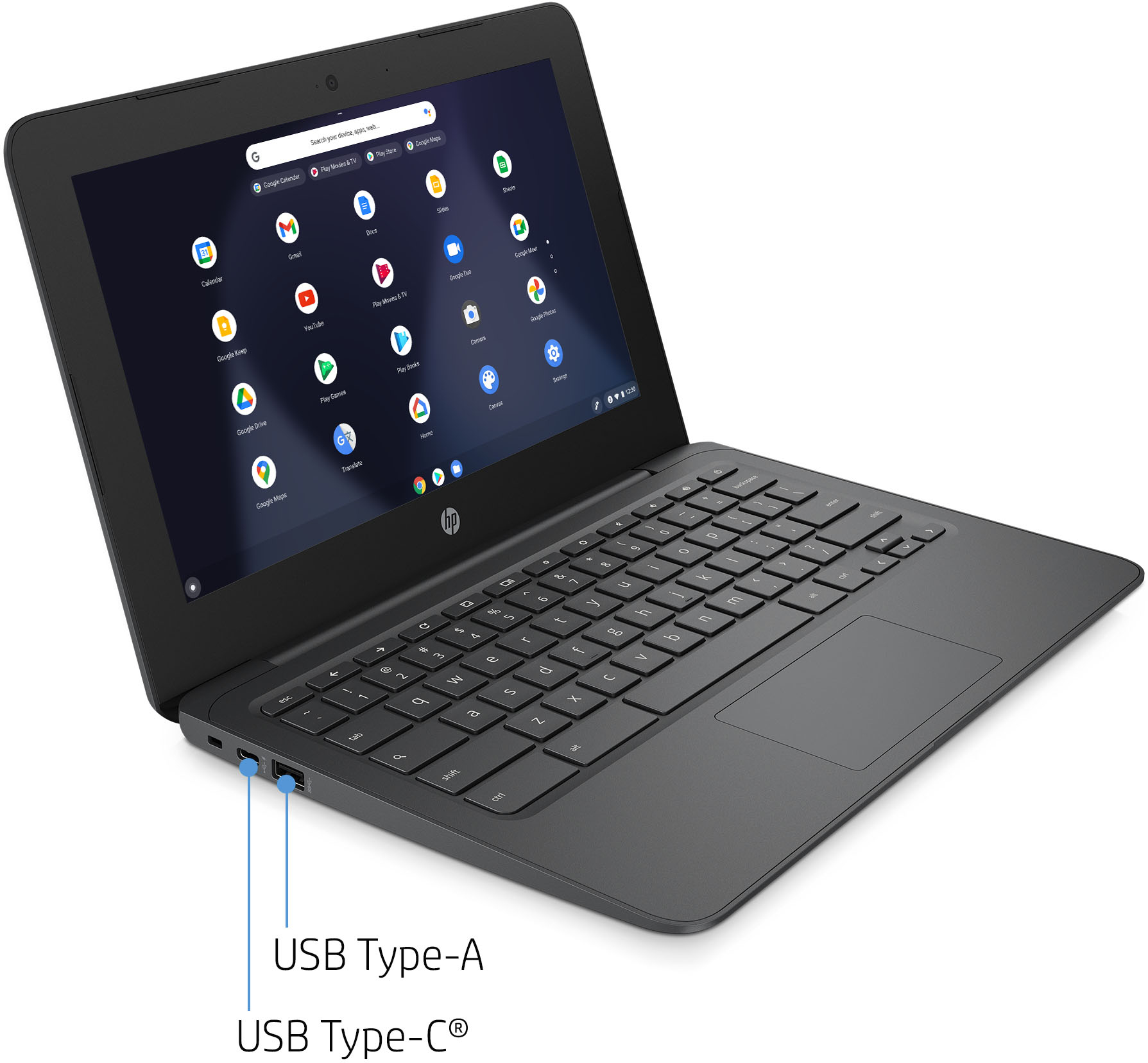
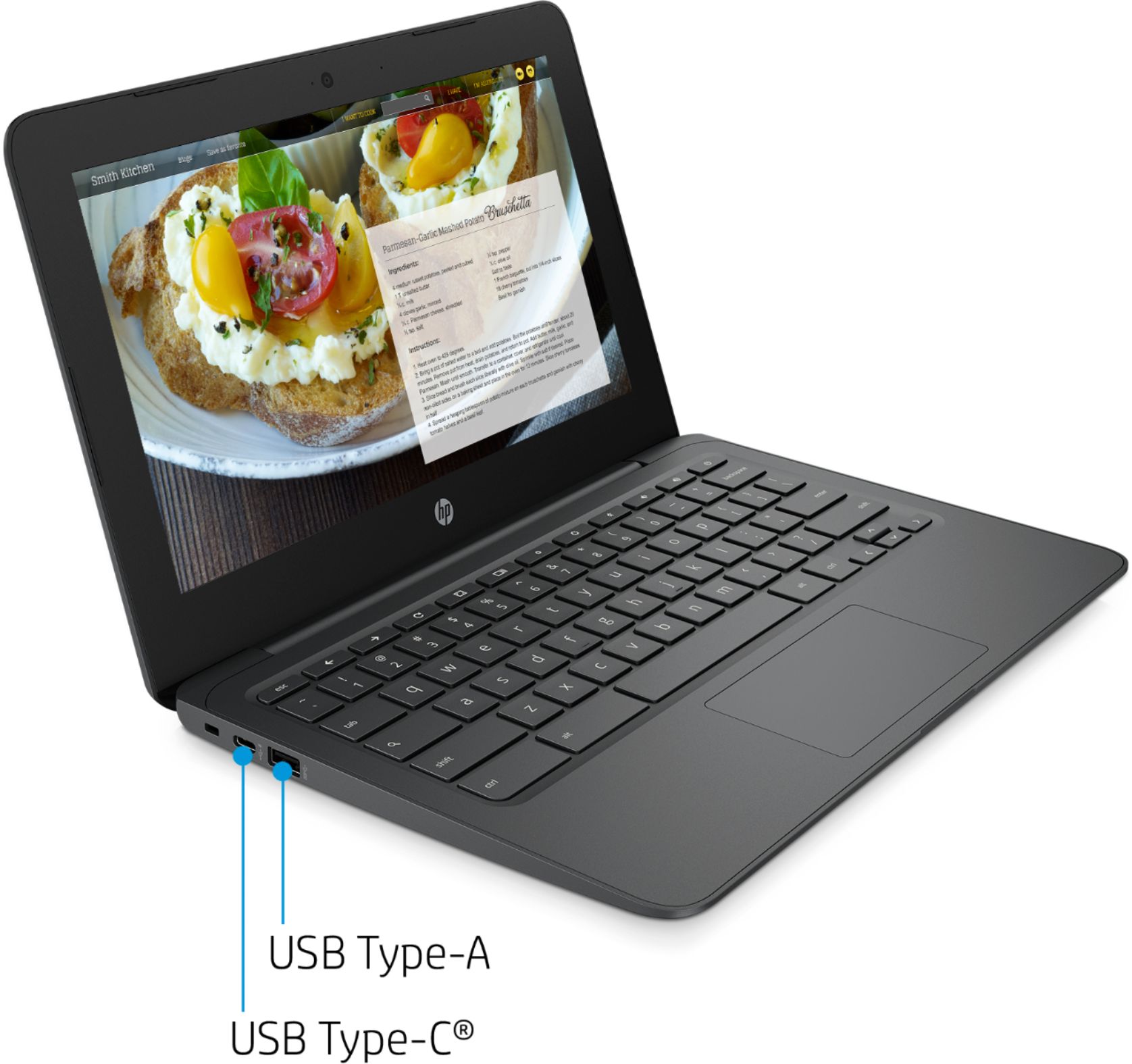
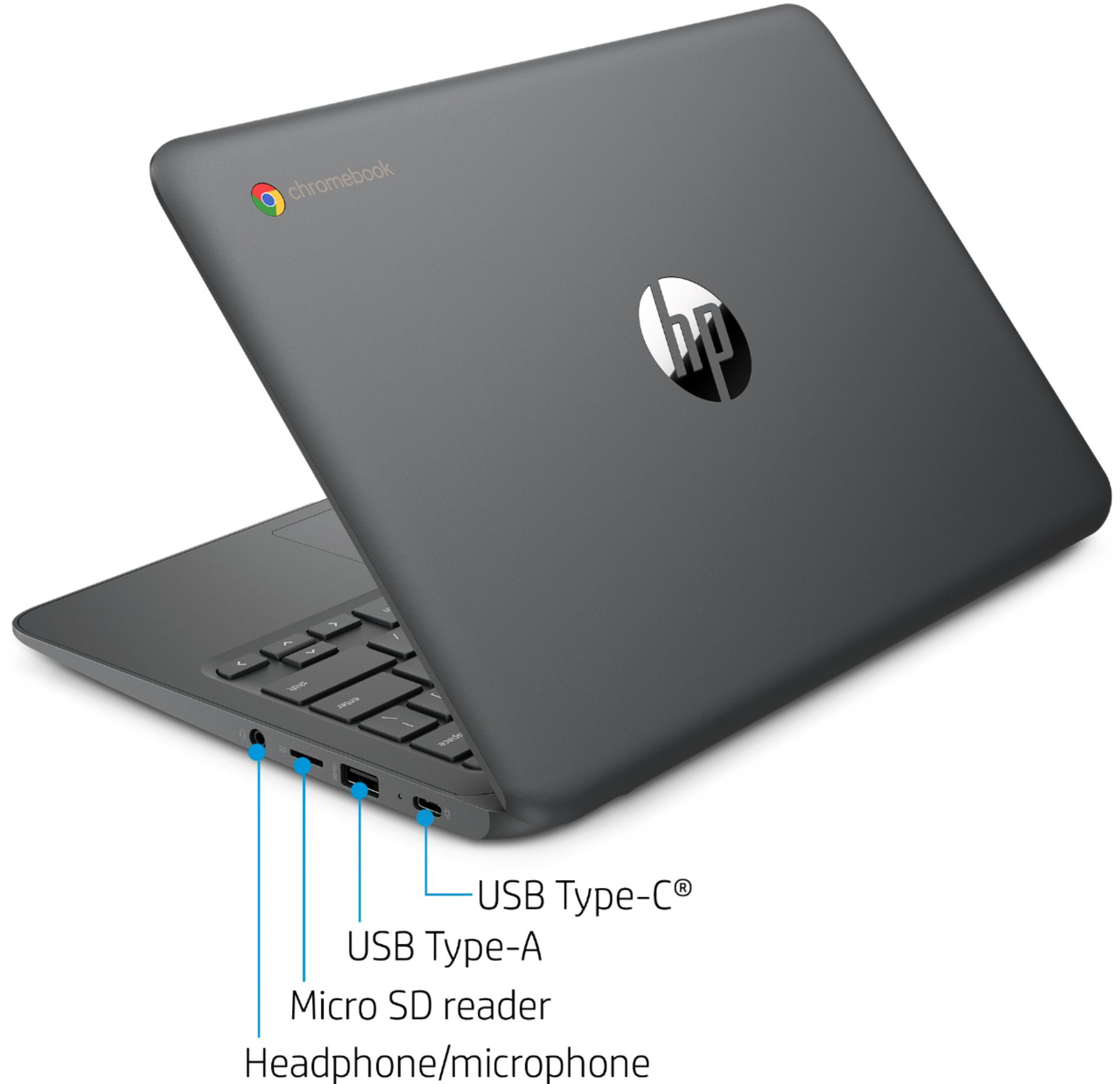
A:AnswerYes-you can add a mouse using one of the USB ports. (Some kids don't like to use mice and prefer the track pad--it's more a matter of personal preference than anything else.)
A:AnswerThe battery life for this Chromebook is up to 10 hours. Battery life will vary depending on various factors including product model, configuration, loaded applications, features, use, wireless functionality, and power management settings. The maximum capacity of the battery will naturally decrease with time and usage.
A:AnswerYes on Google Drive: Google Docs for word processing. You can open any doc in Google Docs. Once changes are made you can download the doc as a word document or pdf, etc. All the Google drive programs are cloud based so very fast. The chromebook has memory hard drive for downloads. Hope this helps!
A:AnswerYes, you can use the Android version of Zoom for the Chromebook and I believe there is now a Chrome version. Here is something from Zoom about this:
https://support.zoom.us/hc/en-us/articles/213298746-Getting-Started-On-Chrome-OS