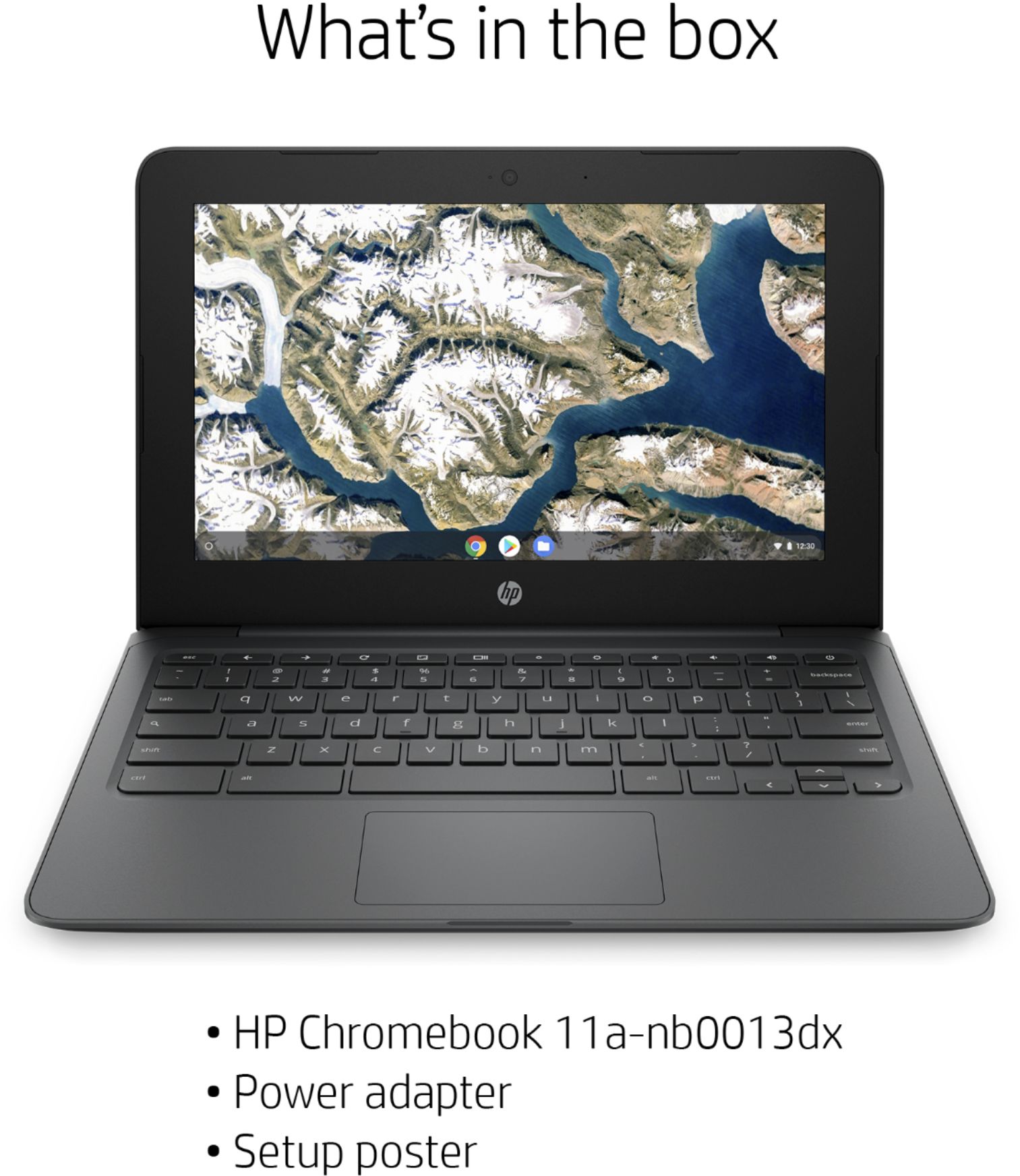
A:AnswerThe smart charger can use between 100 - 240 volts. You may need an adapter for the US 3 prong plug depending on the receptacles of the country you will be using it in.
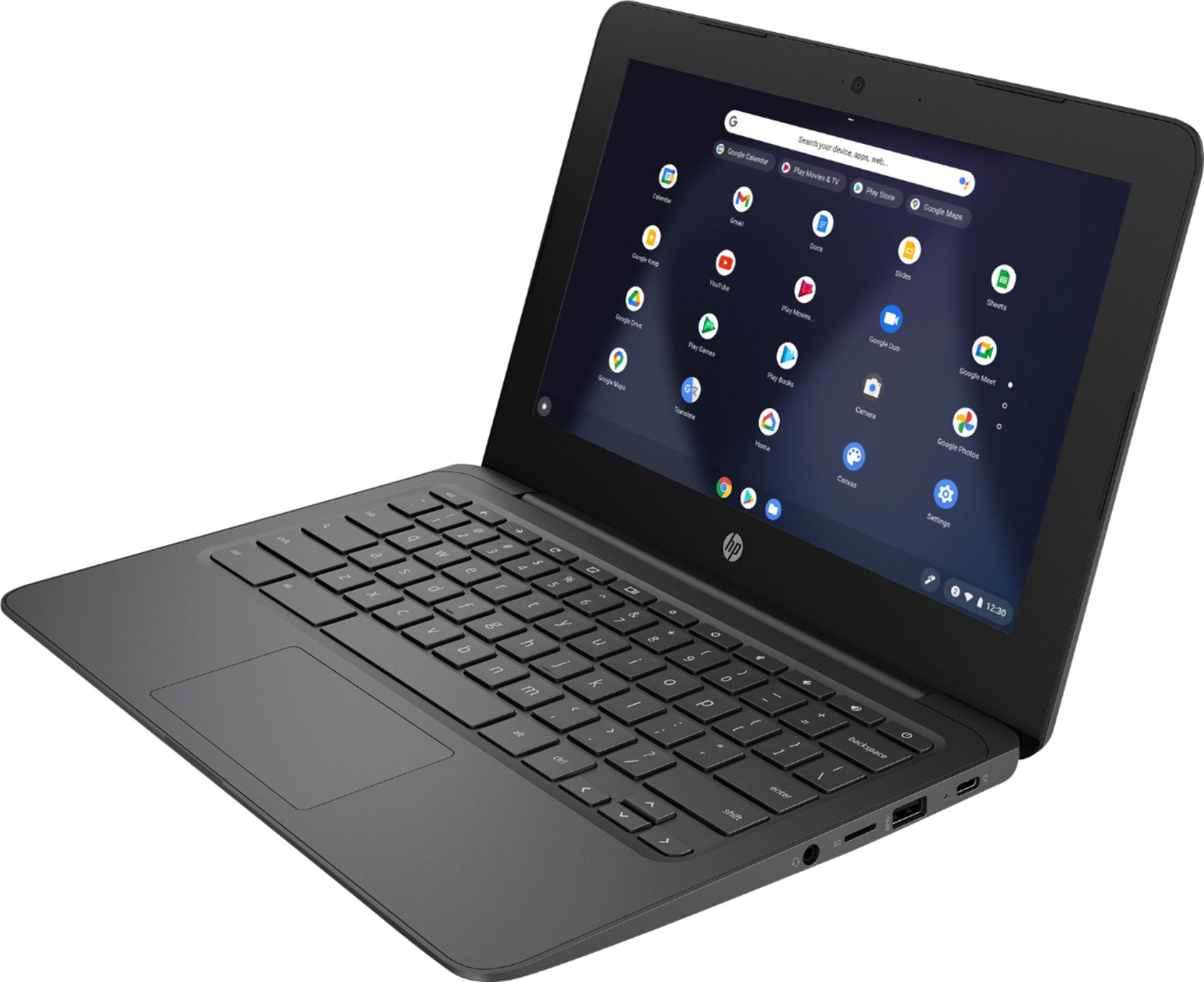
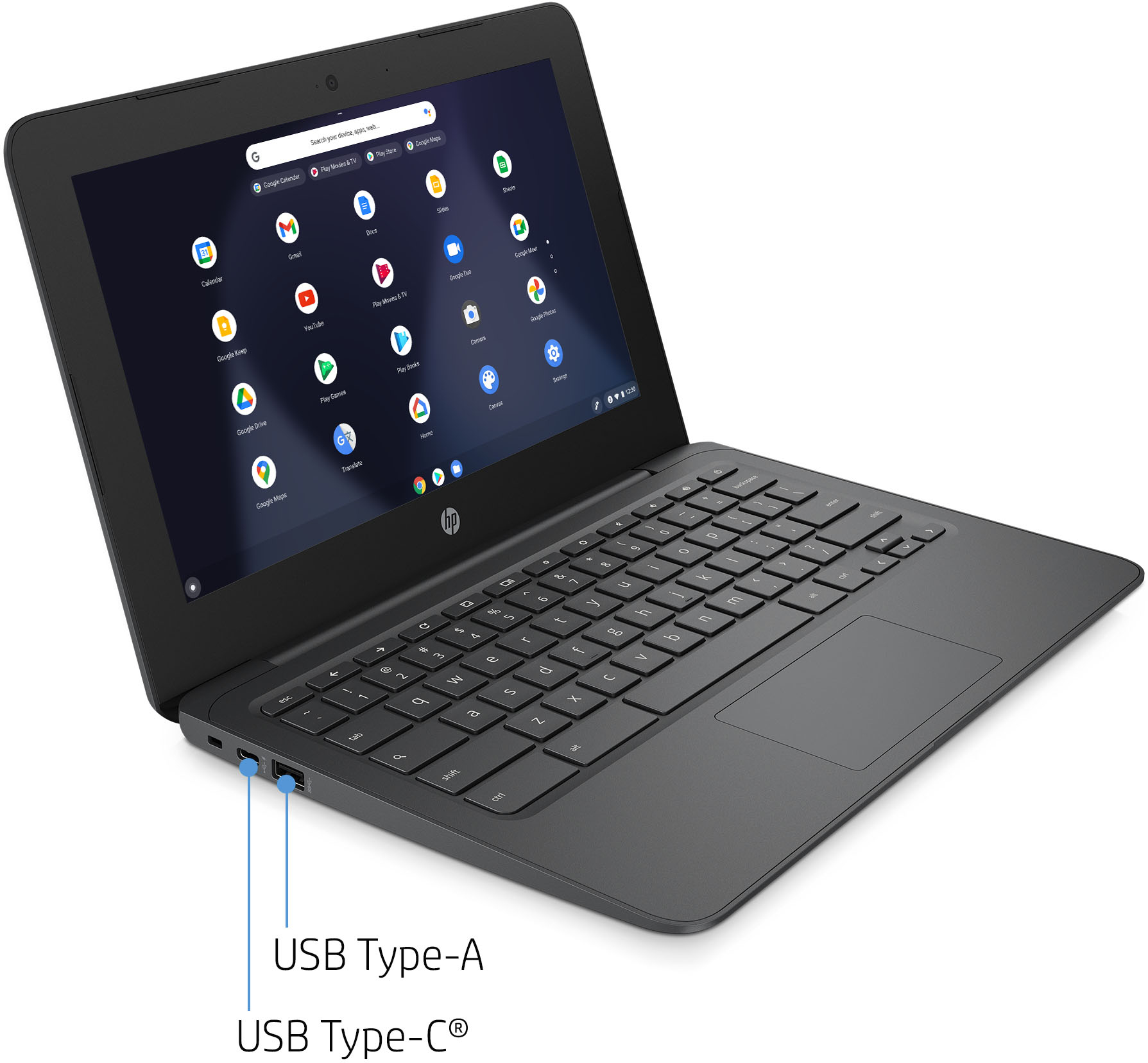
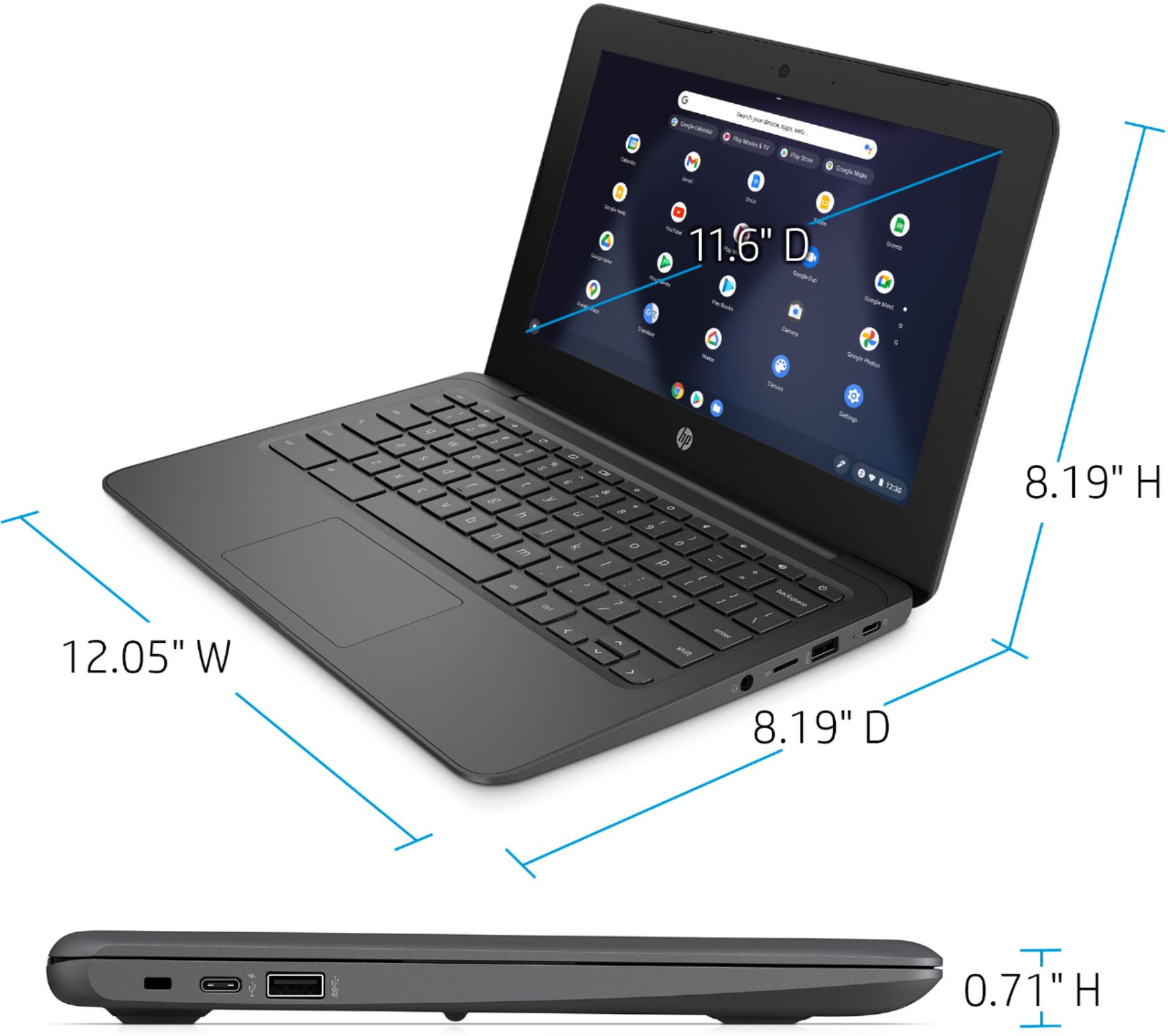
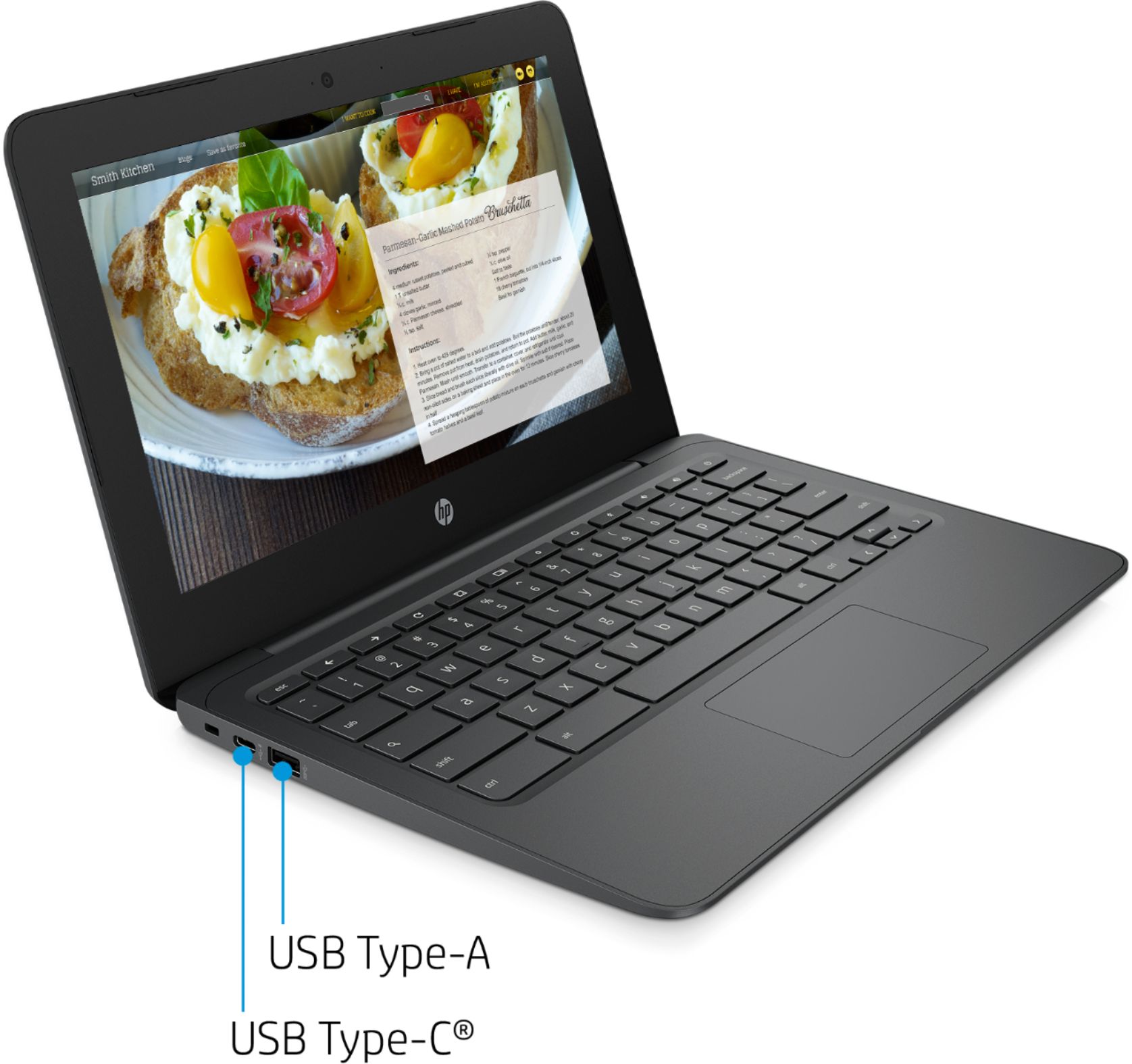
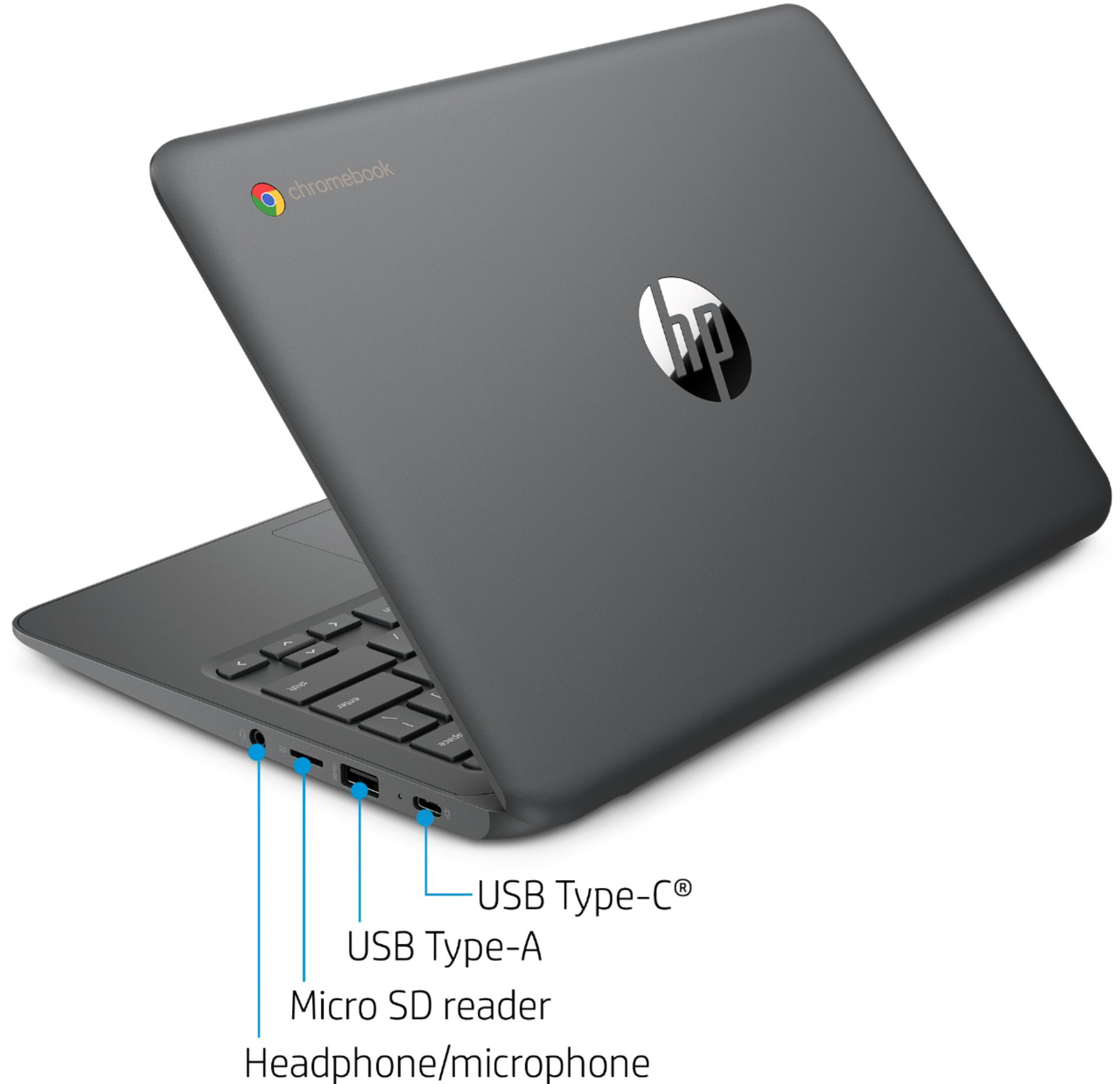
A:AnswerThe computer has two USB-C ports, so if the monitor has a USB-C input you can connect them directly. If it has an HDMI or other type of input, you'll need an adapter to connect them.
A:AnswerYes, this will come with a one-year manufacturer's warranty for the hardware and 90-day phone tech support for the software. This does not cover accidental damage or damage as a result of a power outage/surge. For further details, this link covers the Warranty and Support guidelines: http://h10032.www1.hp.com/ctg/Manual/c00747726.pdf
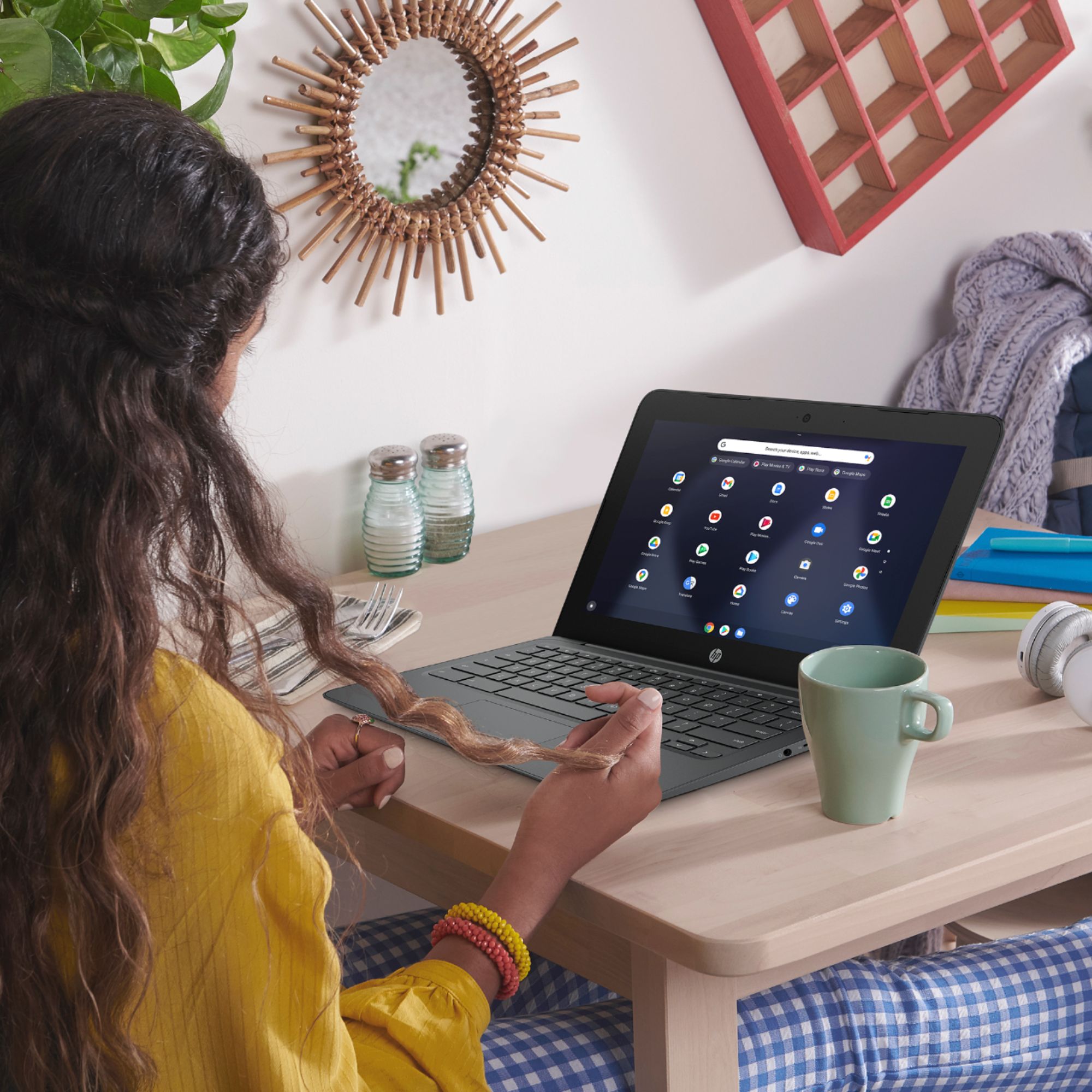
A:AnswerIt should work just fine. My school uses Chromebooks in the classroom, and I purchased this for my middle schooler to use for full-time remote learning. I've been using it constantly myself for about 3 weeks and I'm finding it very easy to use.
A:AnswerSince it's a Chromebook, it uses Google products and should use Classroom just fine. I haven't actually tried that yet, but have had no issues with other Google applications. I've used it successfully with Zoom myself. I can't speak to the other programs you ask about.