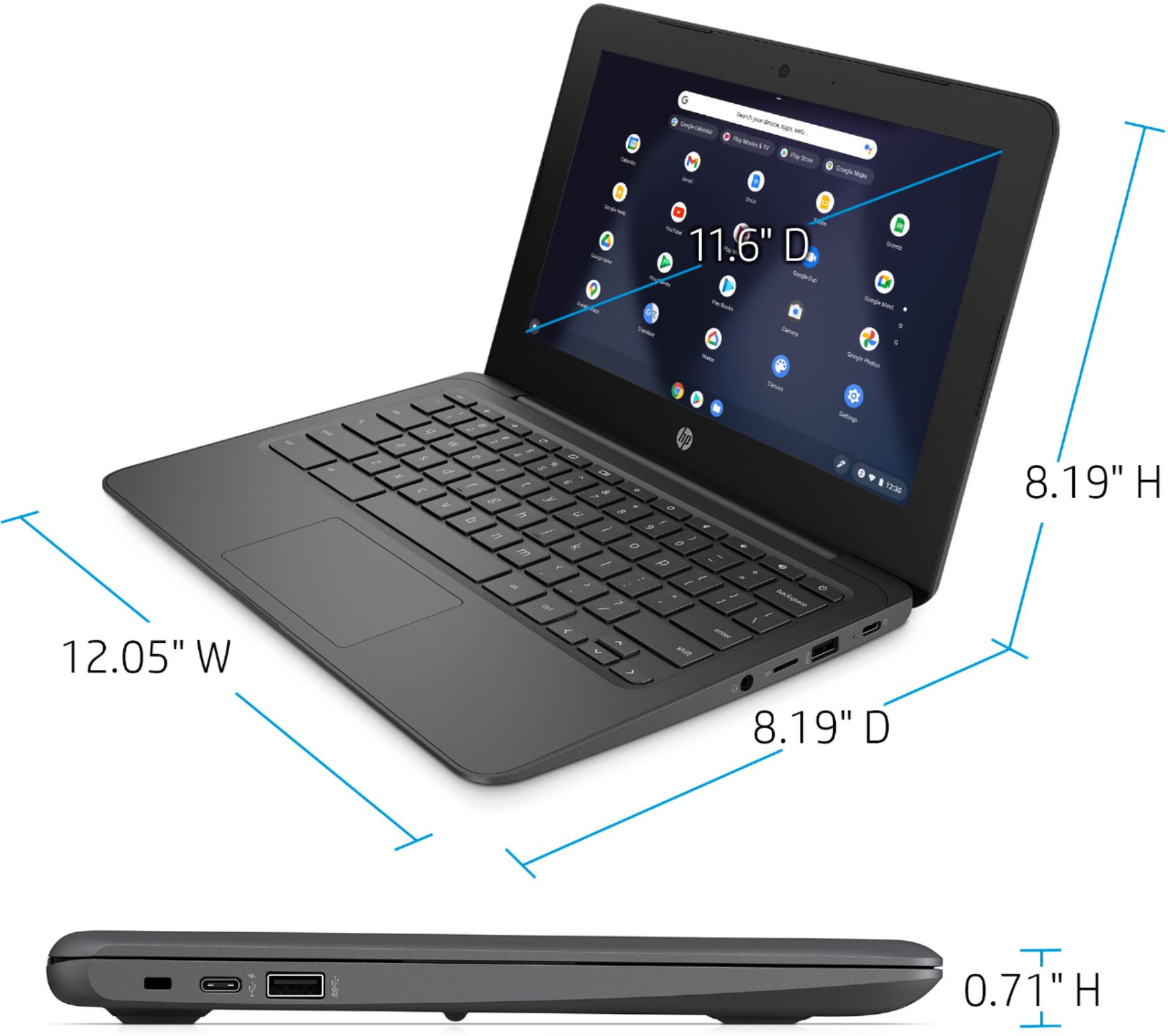
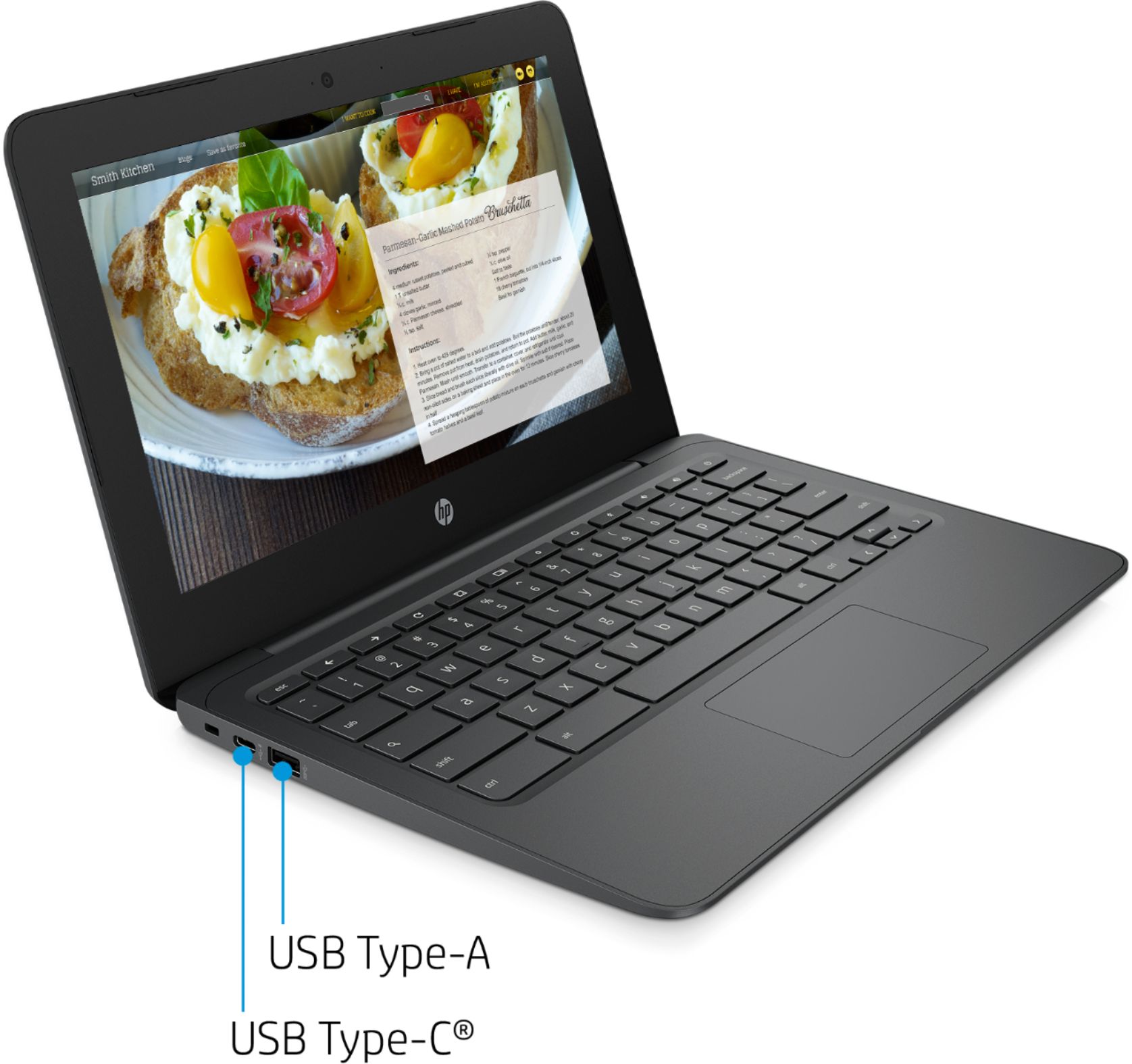
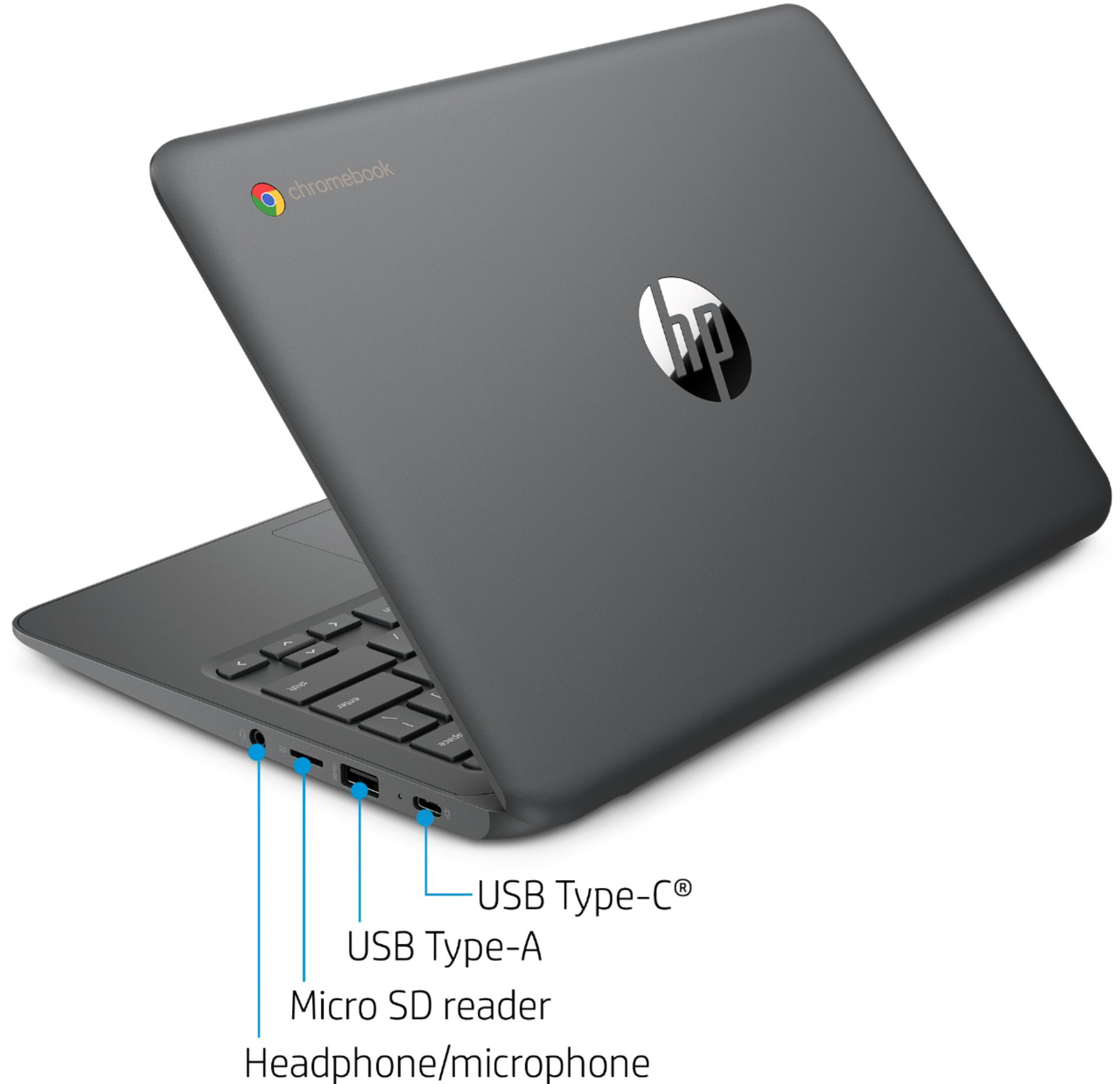
A:AnswerIt's going to depend on whether you need to install specific software to do your job. If you don't, and are using to access a company webserver or do online meetings, this computer will be fine for that.
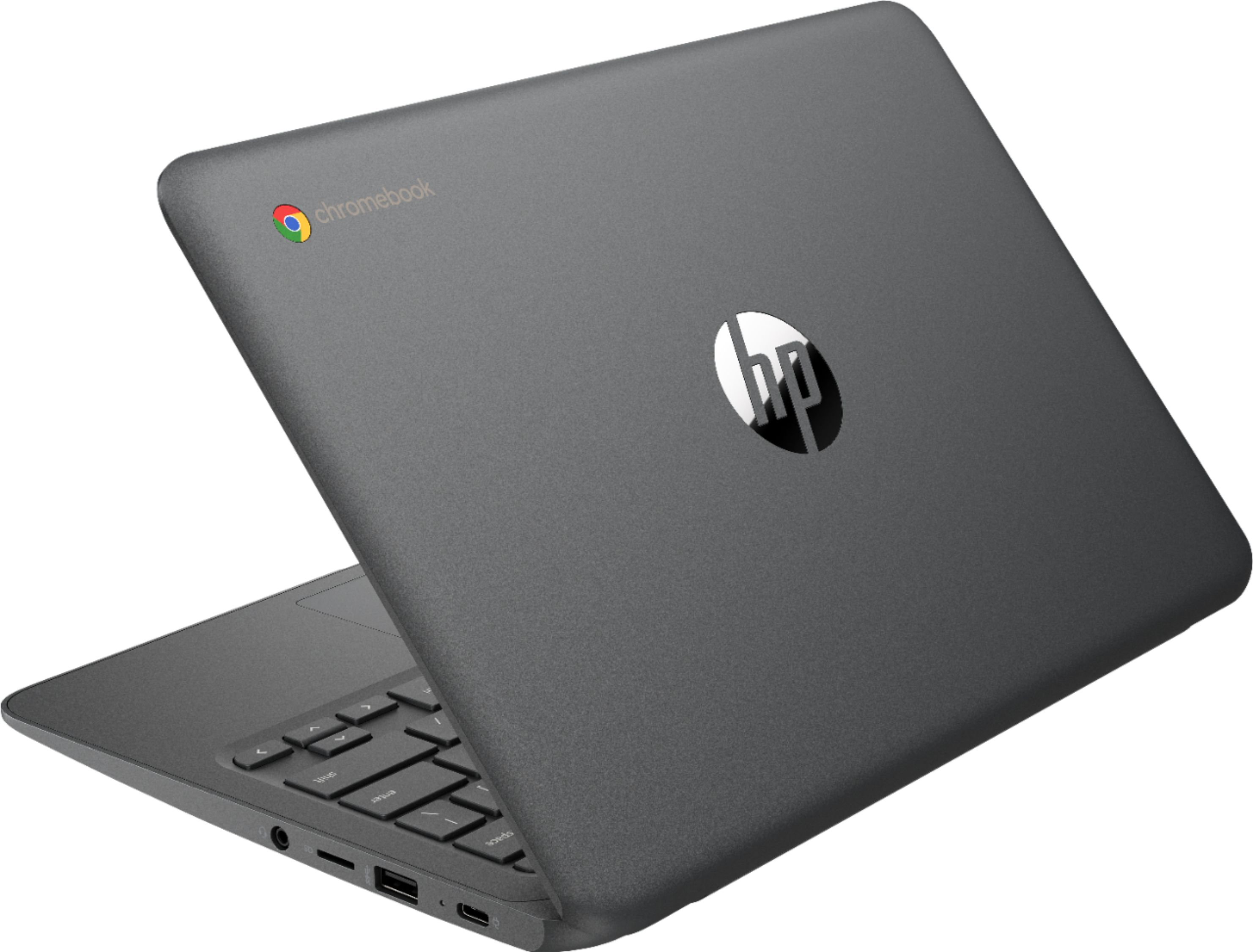
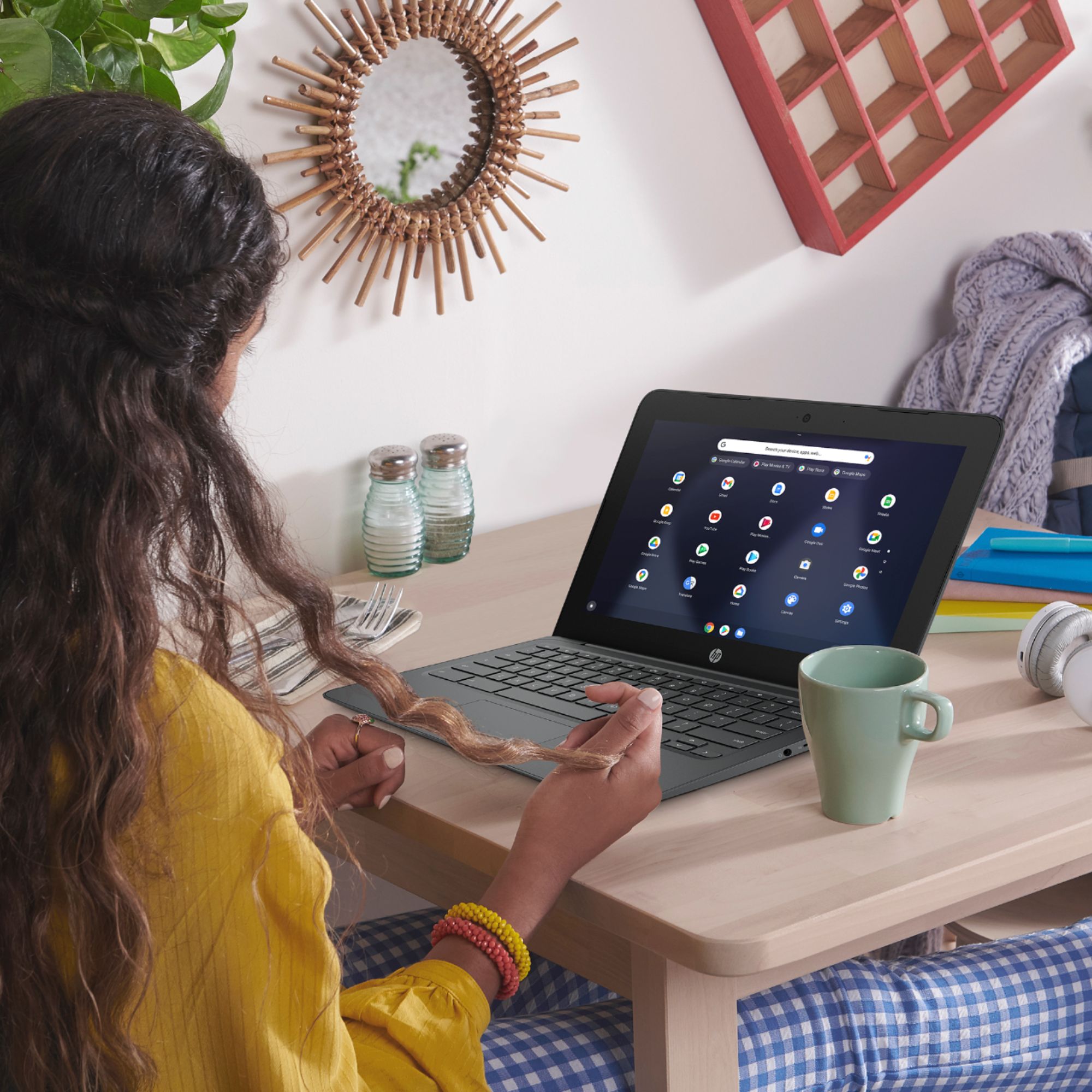
A:AnswerThis is a Chromebook, which runs the Chrome OS not Windows. It can use the android version of Microsoft Office, but it cannot run windows programs. Most work at home computers will be Windows based.
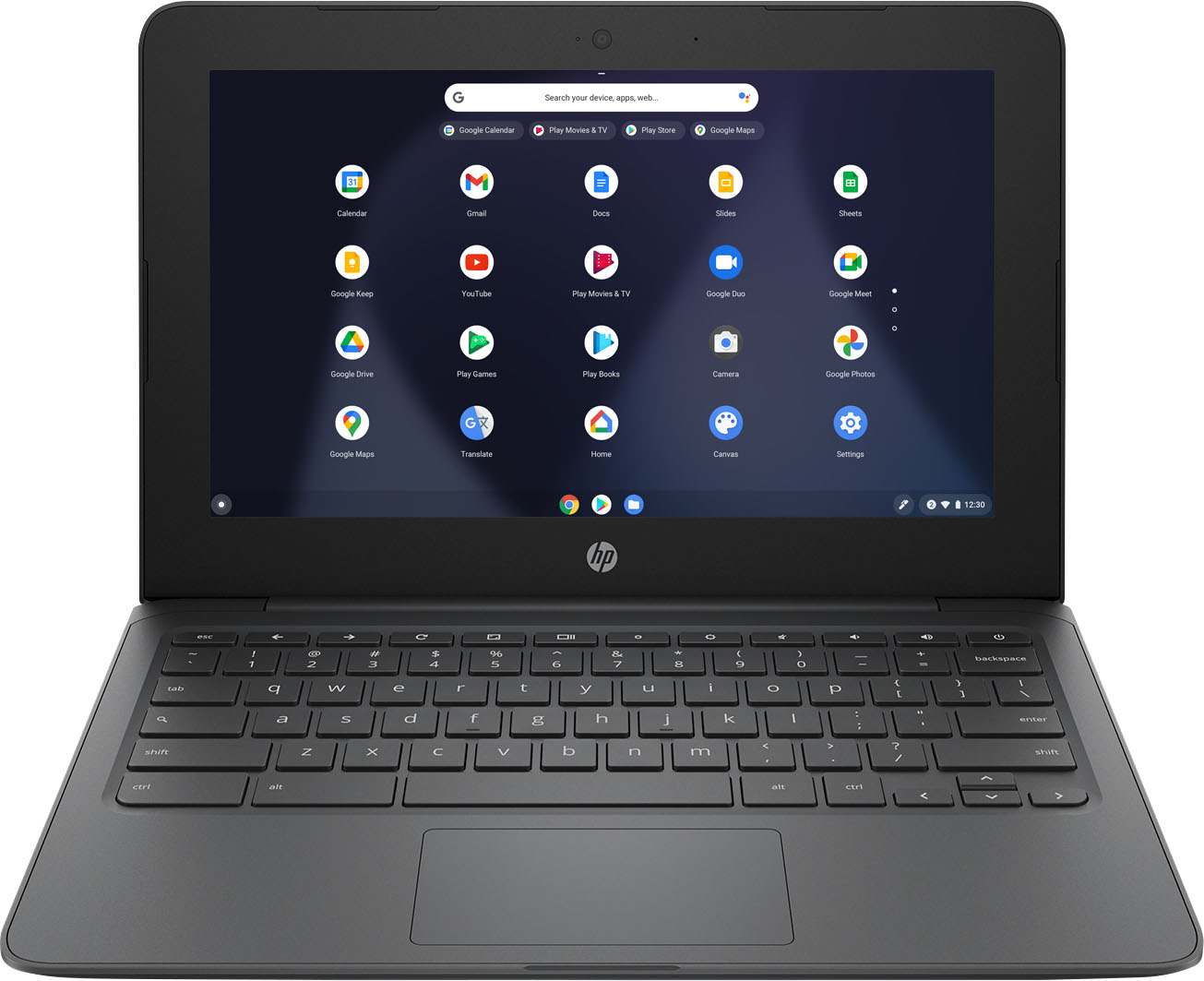
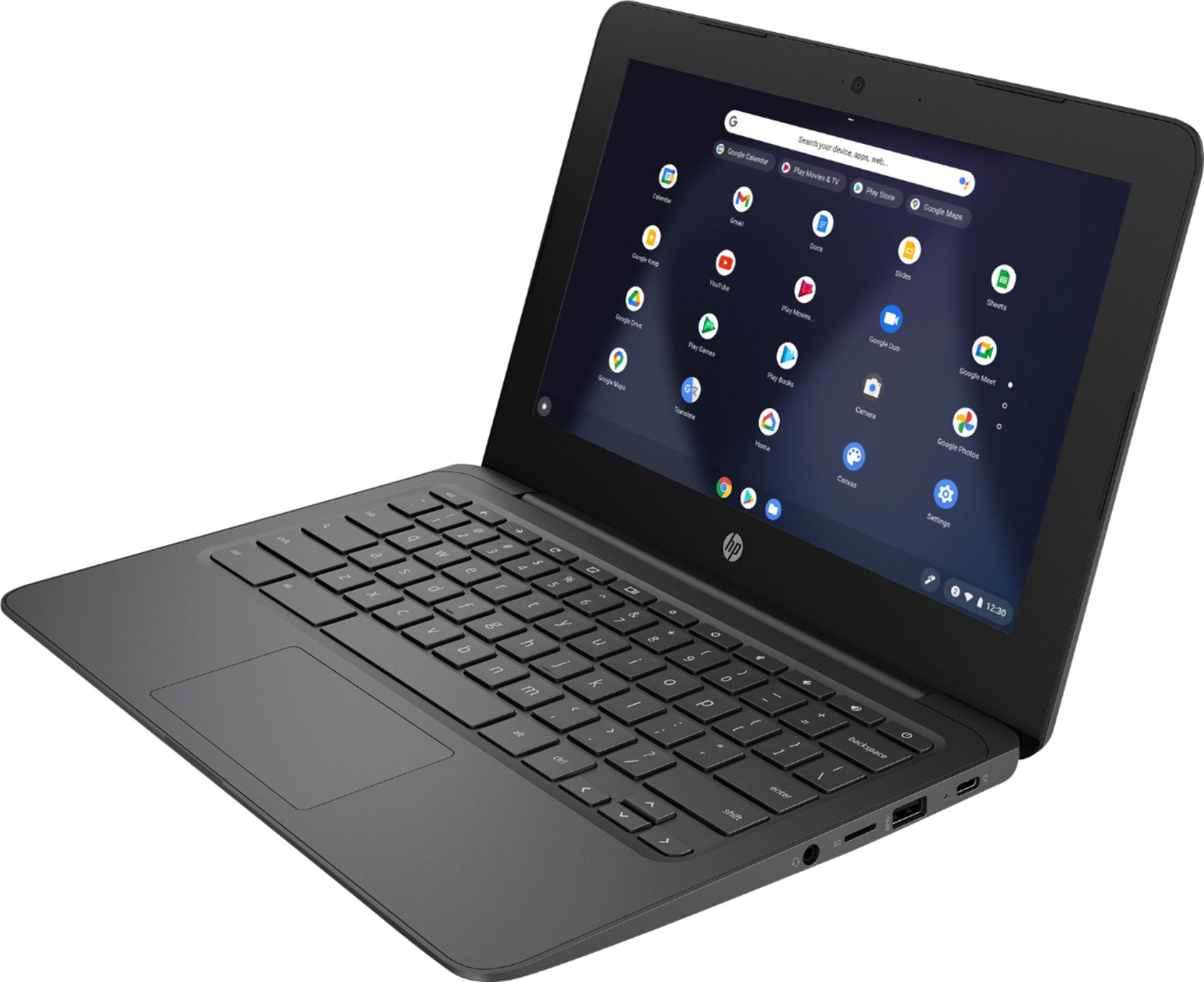
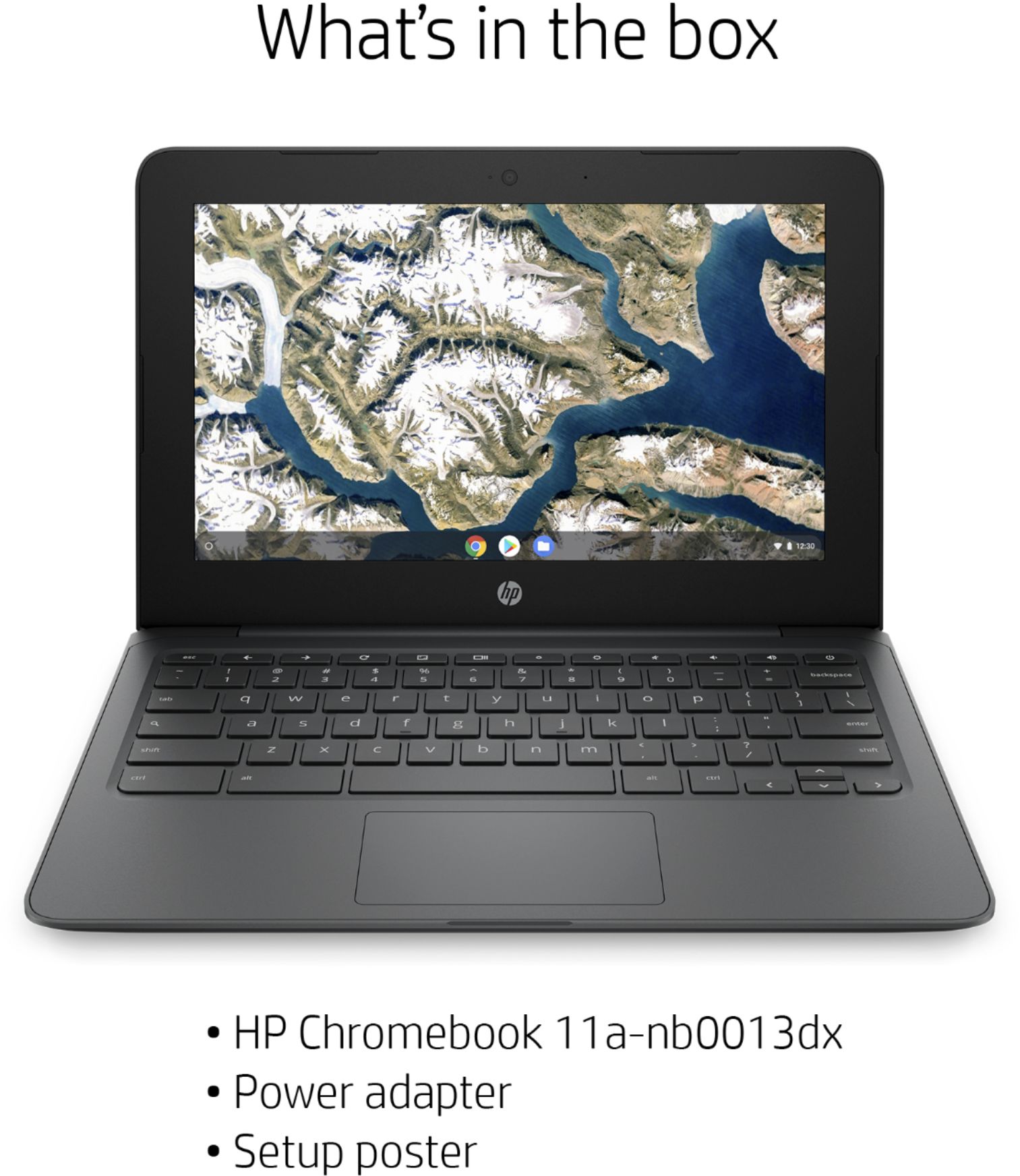
A:AnswerThe HP Chromebook - 11a-nb0013dx is not a touchscreen laptop. It does have a built in webcam and microphone for use with video conferencing such as Zoom.
A:AnswerYes the Chromebook allows dictation. To enable 'Enable dictation' open the 'Accessibility Settings' on your Chromebook by clicking or tapping once on the status area in the bottom right corner of your screen. ... Click or tap the on/off toggle switch for 'Enable dictation (speak to type)'.