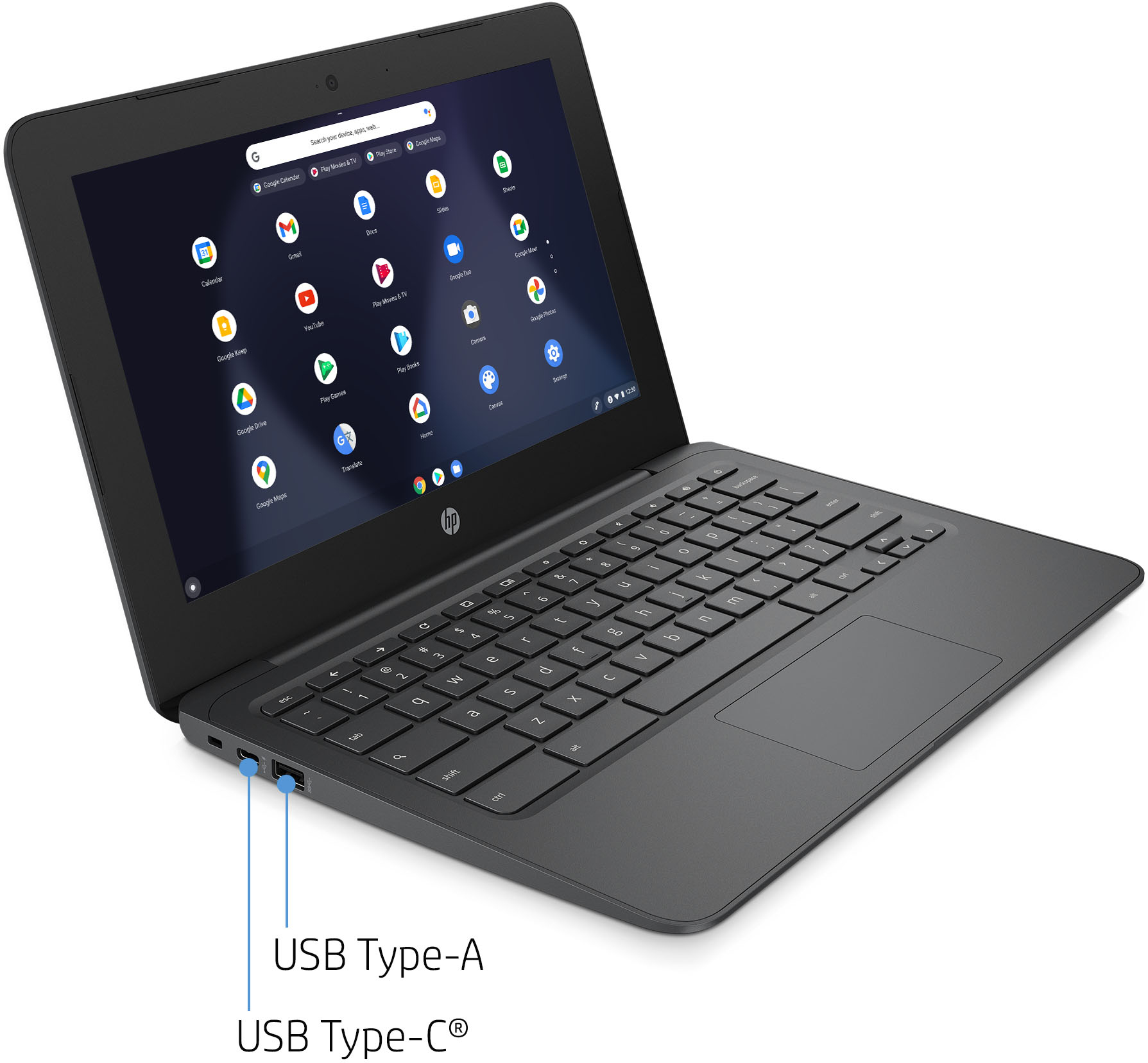
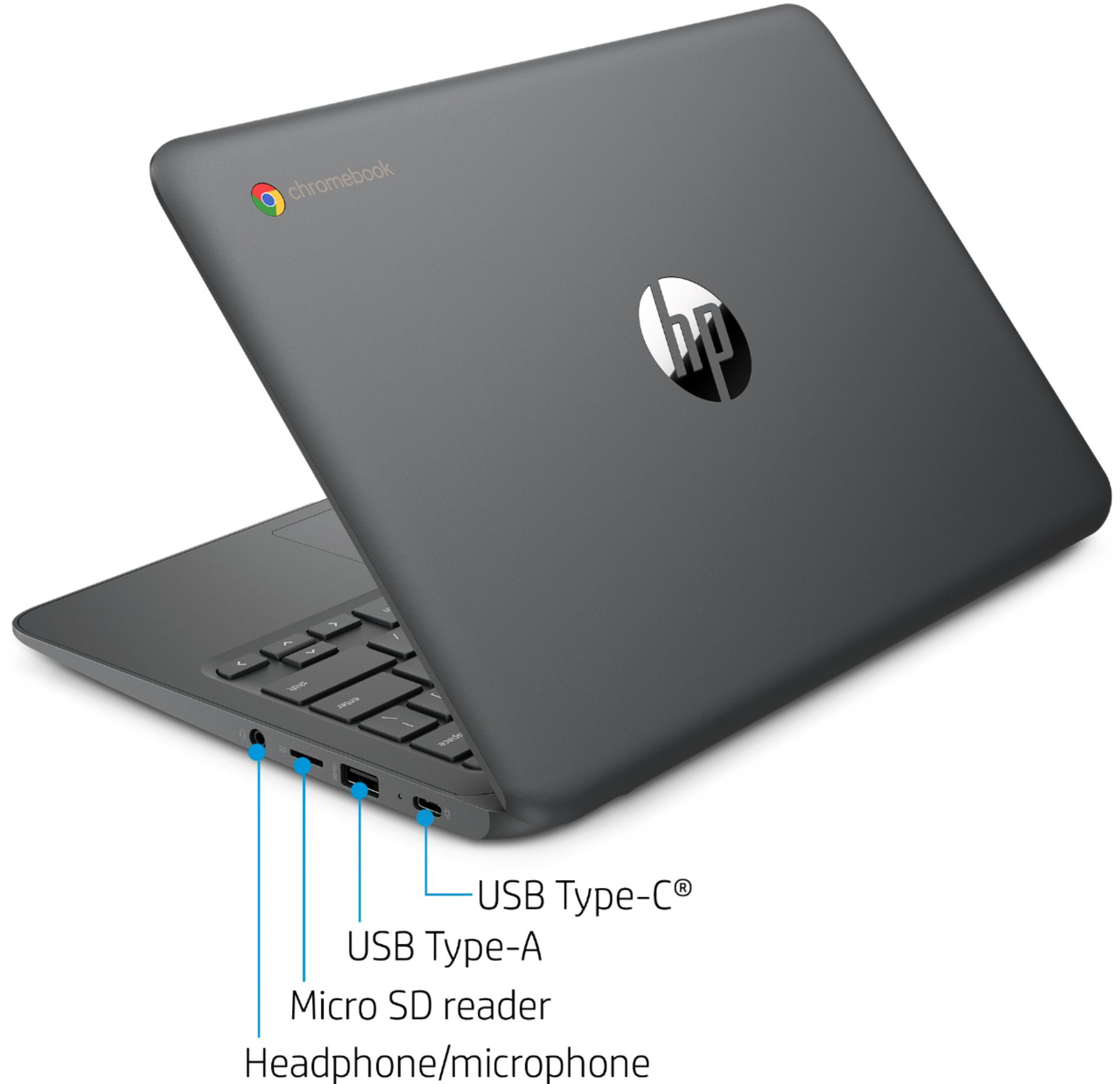
A:AnswerThank you for the question. You can't add memory, however, if you want to increase file storage, yoiu can use an SD card for saving files, save to the Cloud, or connect an external drive.
A:AnswerJust charge it in case battery is dead. Get your Google account info ready. It takes few seconds. Chrome browser is very easy to use if you are not familiar with it.
A:AnswerChromebook. So, naturally you are expected to use gmail. However, you can use any internet based email service with your browser. Just create a bookmark.
A:AnswerMy daughter uses iReady on it. Don’t know about other 2. I bought it for her when it dropped in price to $120 and it is well worth the money for her school work. It’s actually quite powerful for the price.
A:AnswerNope. You will never get Word and Excel installed in any computer. (free to use.) Windows laptops might offer you that on a trial basis.
You either download free programs from Chrome store to replace Word and Excel or subscribe to Microsoft software with a monthly fee.
A:AnswerThank you for your question! This is not a touchscreen model. Here is a similar 14" touch Chromebook that is available now: https://www.bestbuy.com/site/hp-14-2-in-1-touchscreen-chromebook-intel-celeron-4gb-memory-32gb-emmc-natural-silver/6455902.p?skuId=6455902
A:AnswerChromebooks work with smart phones' mobile hotspot capability. Speaking of a business computer, please do your homework and learn their shortcomings. Chromebooks are not work horses. They are light, inexpensive, ready to use as soon as you open them, You can still use downloaded software when you are offline. They get sluggish when you open too many apps at the same time.
A:AnswerBestbuy's policy is 15 days to return items. I imagine they expect you to pack everything neatly in the original box if you don't want any surprises. Check this site for more info:
https://www.bestbuy.com/site/help-topics/return-exchange-policy/pcmcat260800050014.c?id=pcmcat260800050014