A:AnswerThere are a number of possible causes. The HP Support website has great troubleshooting guides. Also, you can contact HP Support if you are within your warranty period or the Geek Squad if you have coverage with them.
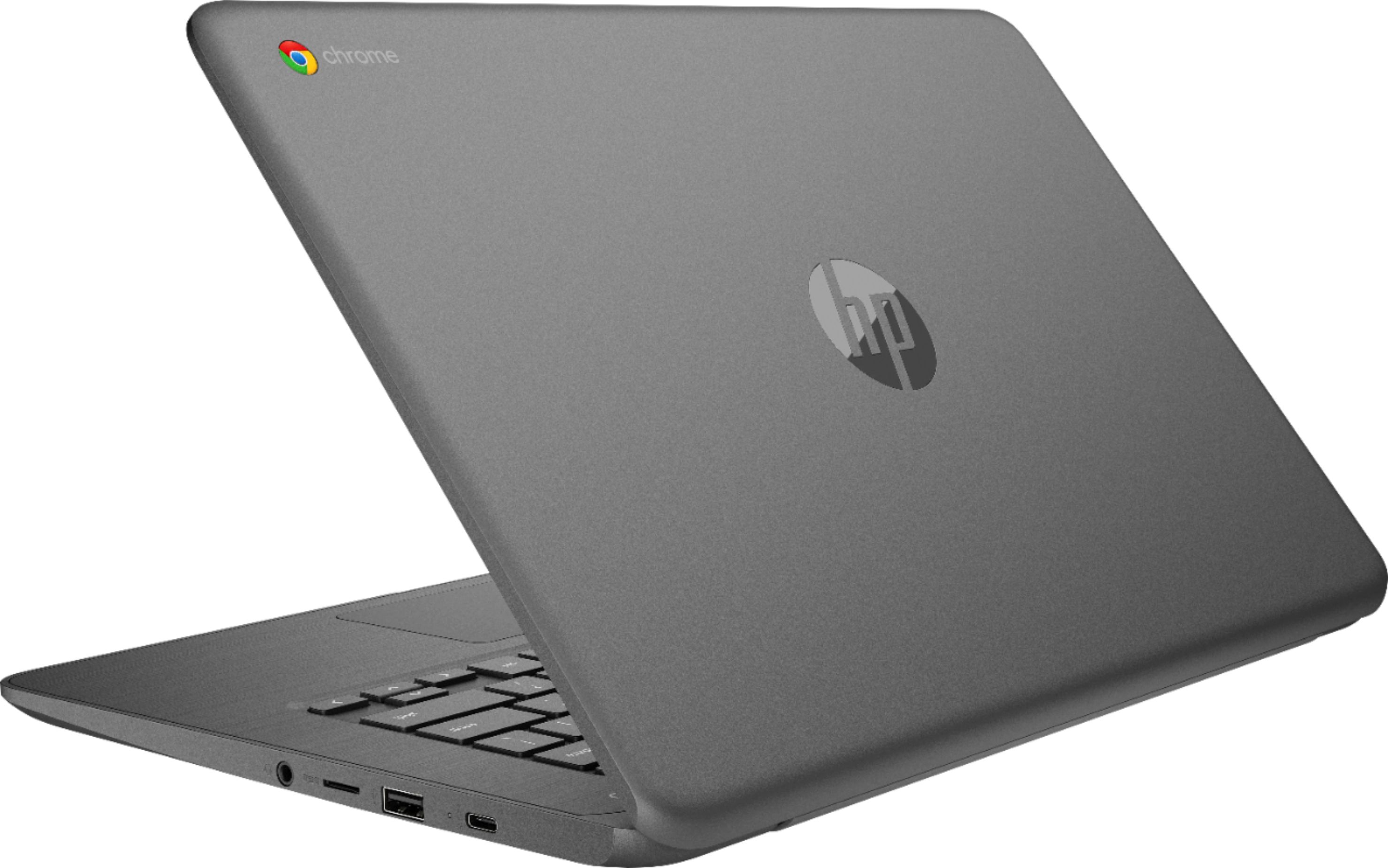
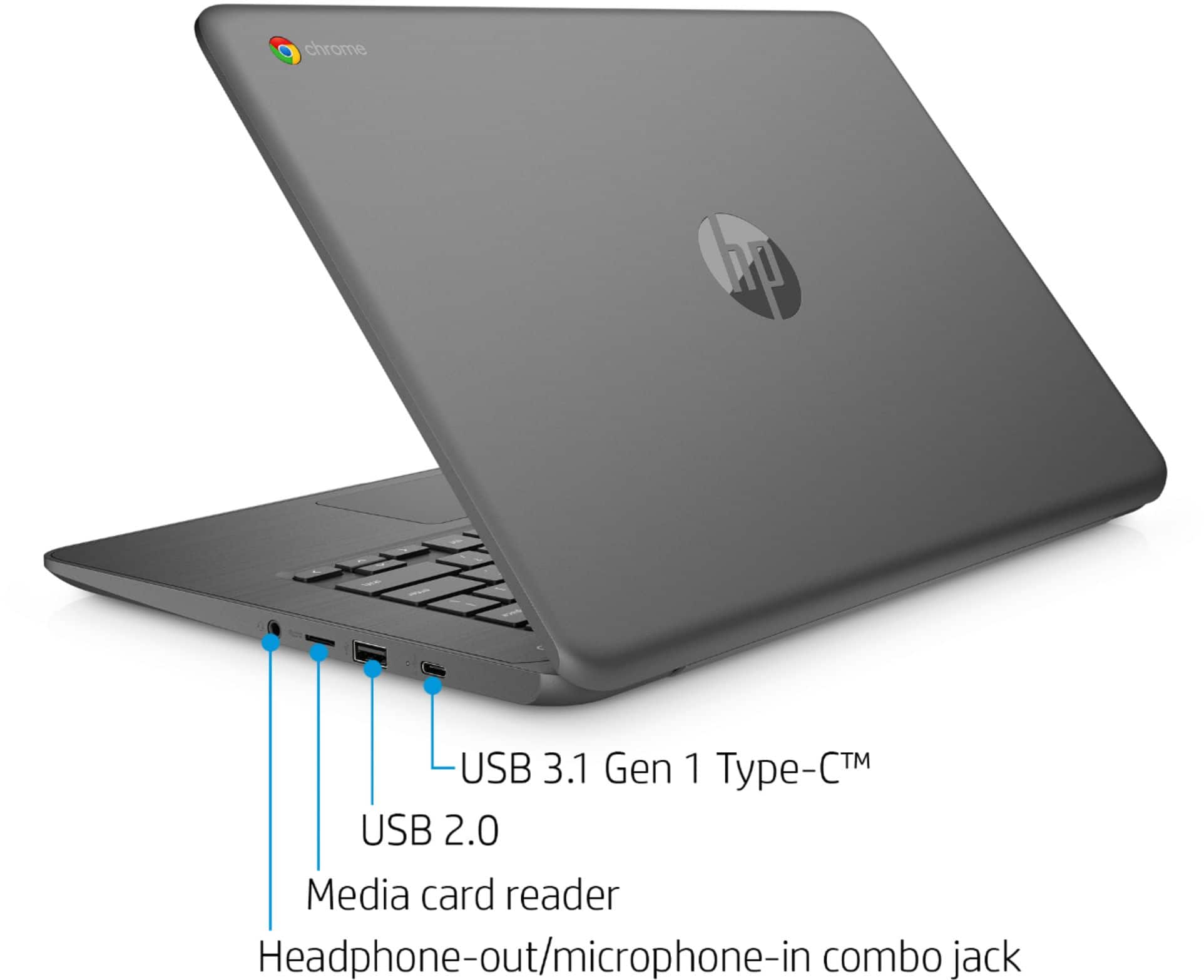
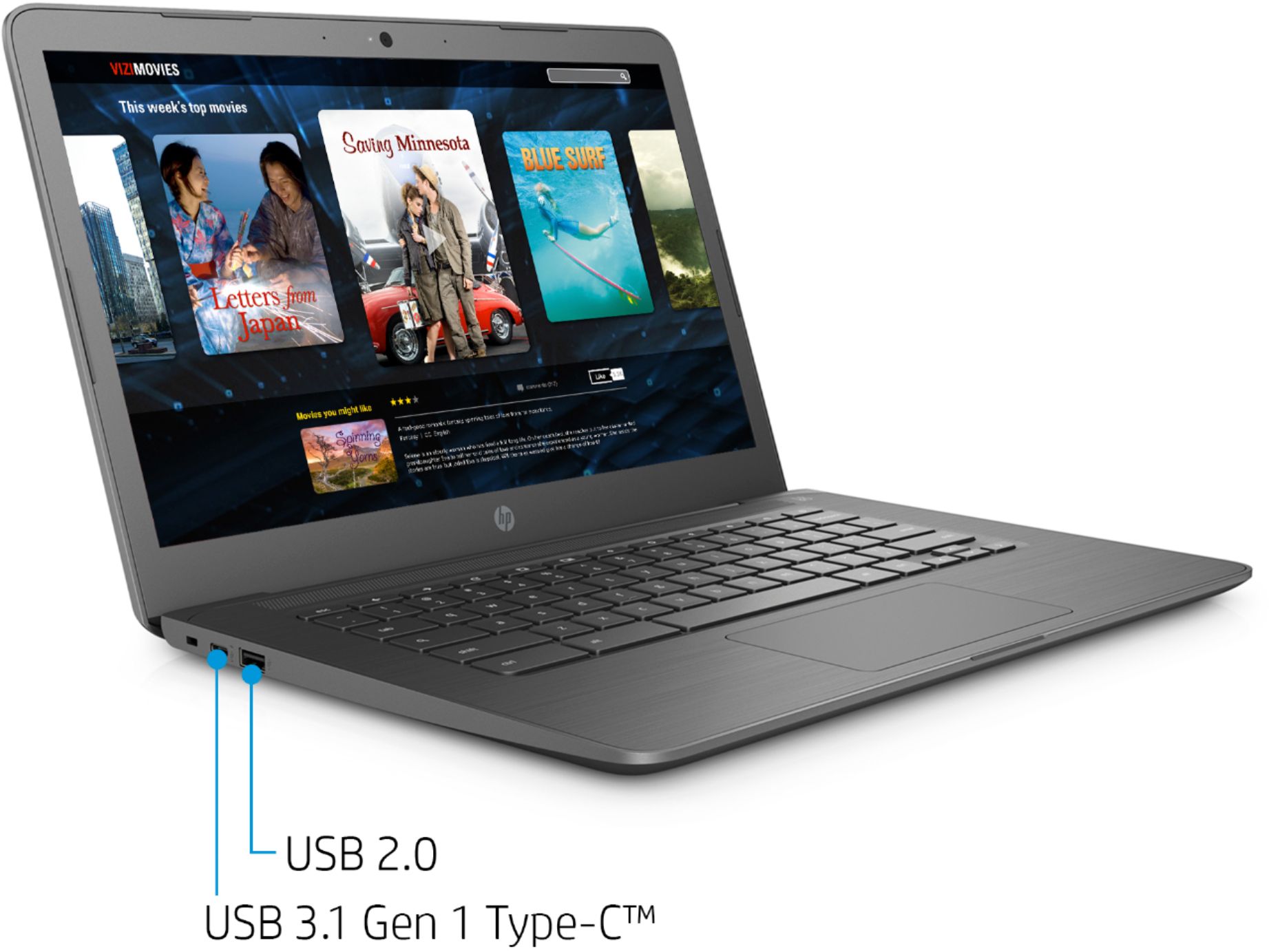
A:AnswerYes, this Chromebook has 2 USB ports. More than likely, the label printer may not work with the Chromebook. I would recommend reaching out to the manufacturer of the label printer to see if it would work with a Chromebook.
A:AnswerProbably not. Although if is has at least 2.2 GHz CPU, 4 GB of ram, HDD: 9 GB, GPU: Intel HD Graphics 4000 or AMD Radeon 46XX or NVIDIA GeForce GT 520 (probably more options), OS: Windows 7, Vista, 8 or 10(you can use a Virtual machine), DirectX: Version 10, Screen Resolution: 720p, and Network: Broadband Internet connection, it should barely work.
I don't recommend using a Chromebook to play war thunder but if you can run it, good for you. Have a good day! :)
A:AnswerOpen laptop and pop the battery out for 60 seconds. Then replace the battery with a working battery. Tighten screws and push power button on. This should correct the crash and work fine.....
Good Luck