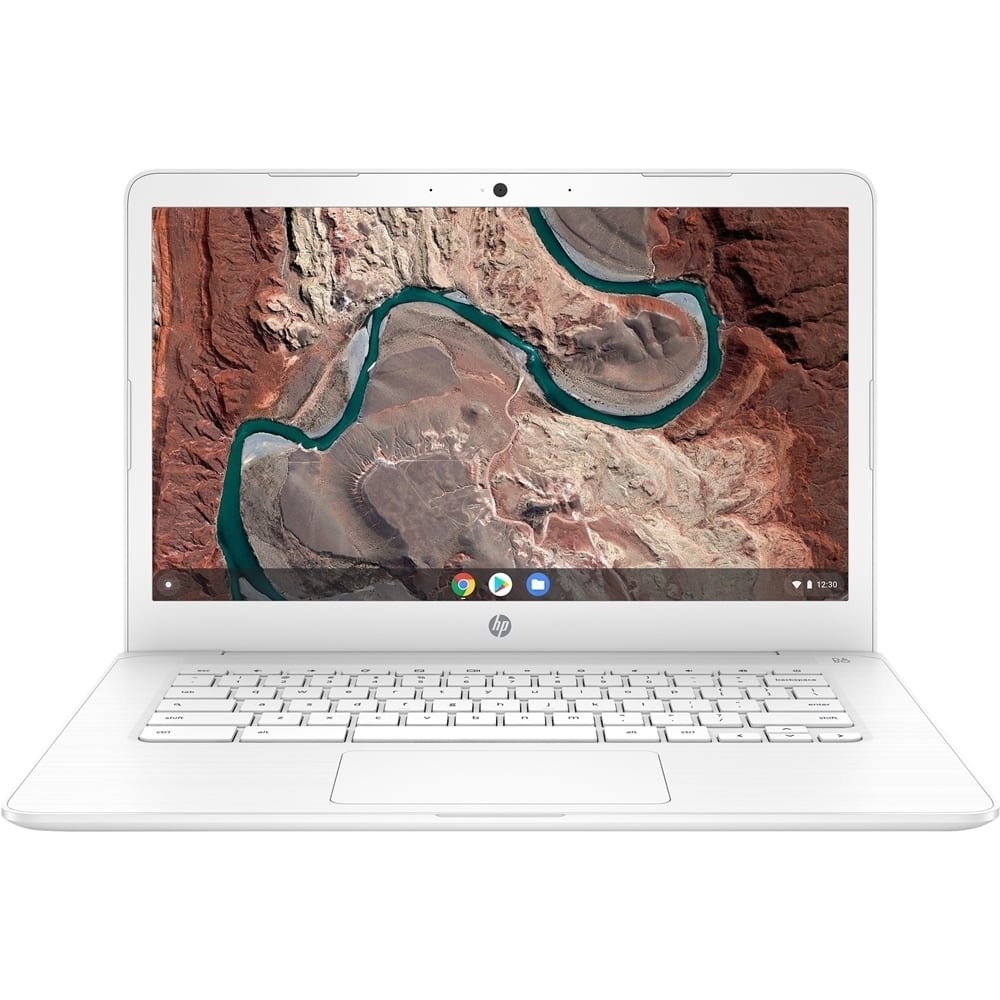
A:AnswerYes you can run Roblox on this laptop. Here are the minimum system requirements:
https://en.help.roblox.com/hc/en-us/articles/203312800-Computer-Hardware-Operating-System-Requirements
A:AnswerChromebooks use the Chromium operating system. It is lightweight and primarily browser based (with an assortment of apps for specific tasks available). This means that laptops with lower power and cost hardware can perform well for many uses.
A:AnswerNo, for first person action titles, a laptop with a dedicated graphics card and at least an Intel COre i5 or AMD Ryzen 5 processor would be recommended for the best experience.
A:AnswerYes, definitely! Chromebooks offer multiple options for creating documents (and stories and novels). You can use Google Docs, which is built in. You can also use Office 365 and the Word app or browser version. Check out the Chrome Web Store for additional options.
A:AnswerNo it will not. PC Gaming requires a lot more power. You will need something with an i5 or Ryzen 5 or greater processor, 8GB of RAM, 256GB SSD and a 3D graphics accelerator card.
Here's a laptop that will run about 60% of the top steam games. (I know because I have this one).
https://www.bestbuy.com/site/hp-15-6-gaming-laptop-amd-ryzen-5-8gb-memory-nvidia-geforce-gtx-1050-256gb-solid-state-drive-shadow-black-chrome-green-paint-finish/6364574.p?skuId=6364574
A:AnswerTrend Micro will work with this device. However, it will only recognize it as a mobile OS device and not a full desktop. What's the difference...? Well, other than the size of the application I'm not really sure. It does what I need it to do but it can be somewhat tedious to configure the parental controls. But once you get it configured it works. If you get from the store it'll allow you to protect up to 6 mobile devices and/or desktops. But I am pretty sure I can be purchased through the Play store.