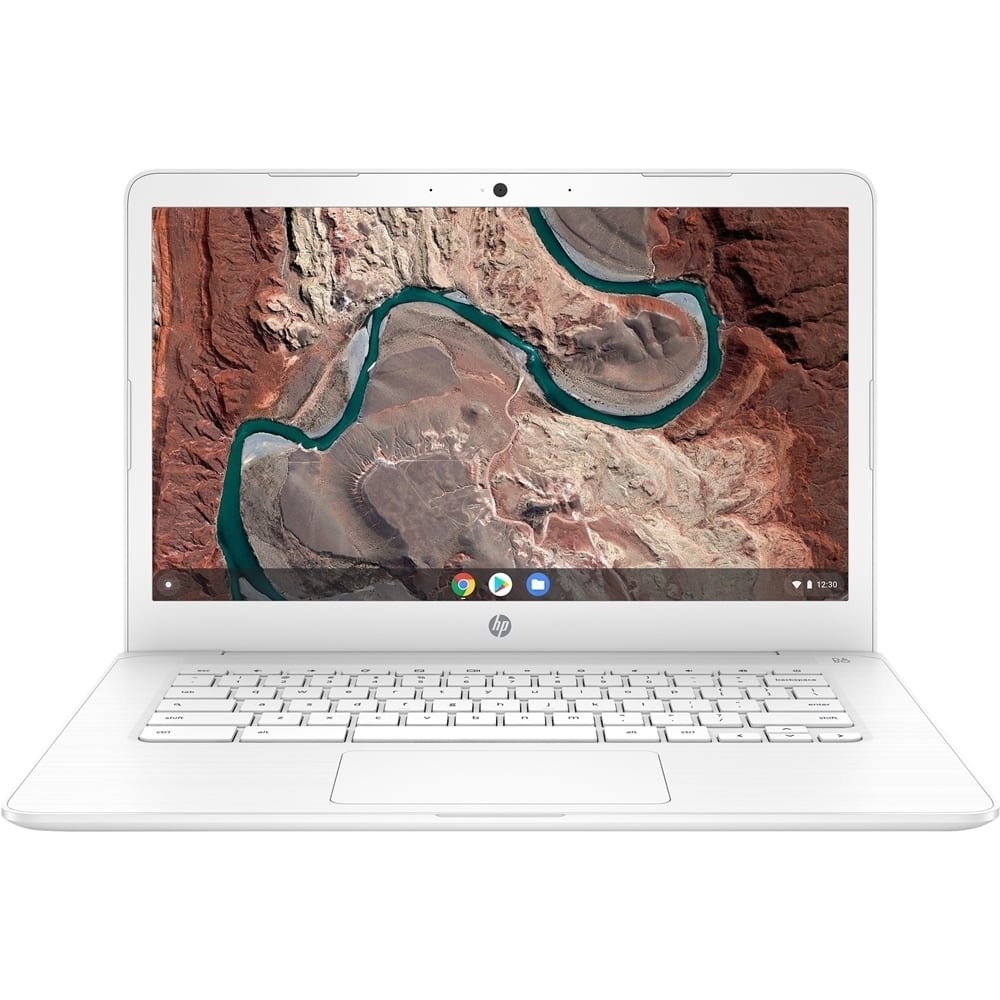
A:AnswerOne option is you can open a Microsoft Word document on a Chromebook by adding Microsoft Office to Chrome. It will allow you to view, edit or create Office (including Word) in the browser. Or you can get Office 365 to use on the Chromebook.
A:AnswerYou would be able to download Scratch Jr. from the Chrome web store or the Google Play store. They Typing Agent is also available in the Chrome web store. So, you can use both apps on the Chromebook.
A:AnswerThis comes with the Chrome operating system. The Chromebook only allows you to use the Chrome browser or any app from the Chrome Web Store or Google Play Store.
A:AnswerThe difference between the processors is manufacturer, primarily. They are both the latest generations of their processor class. The deciding factor between the two is personal preference.