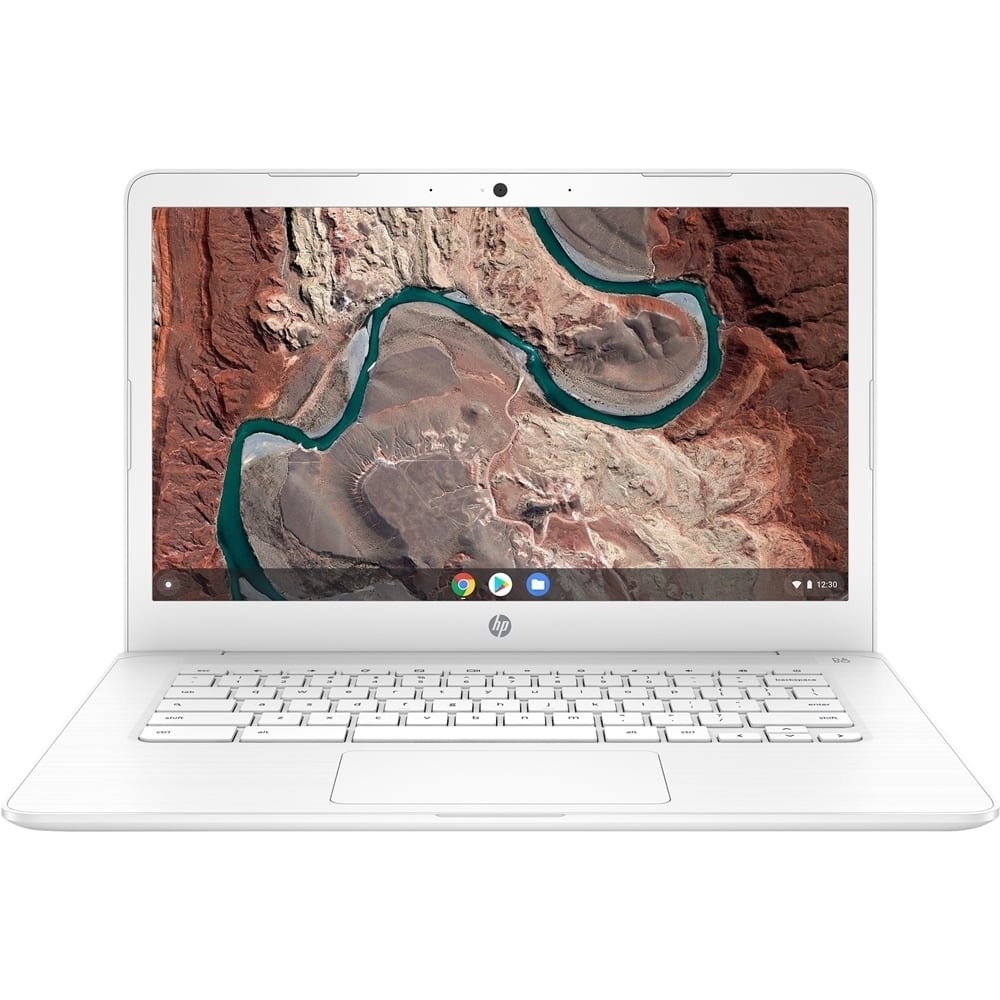
A:AnswerDepending on how much material you're going to save on the computer, you may need to get a USB drive or SD card for additional storage. Beyond that, I think it will be just fine for school. I'm not sure what you mean by "What's the best setup"
A:AnswerTo be honest, I actually I have no idea. I was attracted to it's bargained price at $199.99. We haven't open the box yet to make sure it gets uses this Fall school year as part of my children's distance learning instruction
A:AnswerYes, I think it would be a good choice for virtual learning. The storage is a little small, but you can always get a USB drive or micro SD card to provide additional storage.
A:AnswerThey can, but the compute won't automatically "roll over" to the SD card if the storage is full. The card will appear as another drive on the computer, and you'll need to select it as the location you want to save to. You'll need to specify it each time you want to save something.
A:AnswerThe replacement display is HP part number L46552-001. You will want to check the price at that time-it may not make financial sense to replace the screen if it's going to cost a large percentage of the cost of replacing the laptop.
A:AnswerThis HP Chromebook 14-DB0023DX is compatible with these printers: HP Deskjet Plus 4155; HP Officejet 3830 or 5255 printers, Envy 6055; Envy Photo 7155, or 7855 printers, Envy Pro 6455; or Officejet Pro 8025, 8035, 9015, or 9025 printers. Once you connect the printer to your wireless connection, follow these instructions: https://support.hp.com/us-en/document/c04122530
A:AnswerDepending on what classes you do, it should be fine. You may need to expand the storage at some point. You can do that with either a USB thumb drive or a micro SD card.
A:AnswerBecause it's a Chromebook, there's no way to download and install Windows. The manual for the comptuer is at http://h10032.www1.hp.com/ctg/Manual/c05928813