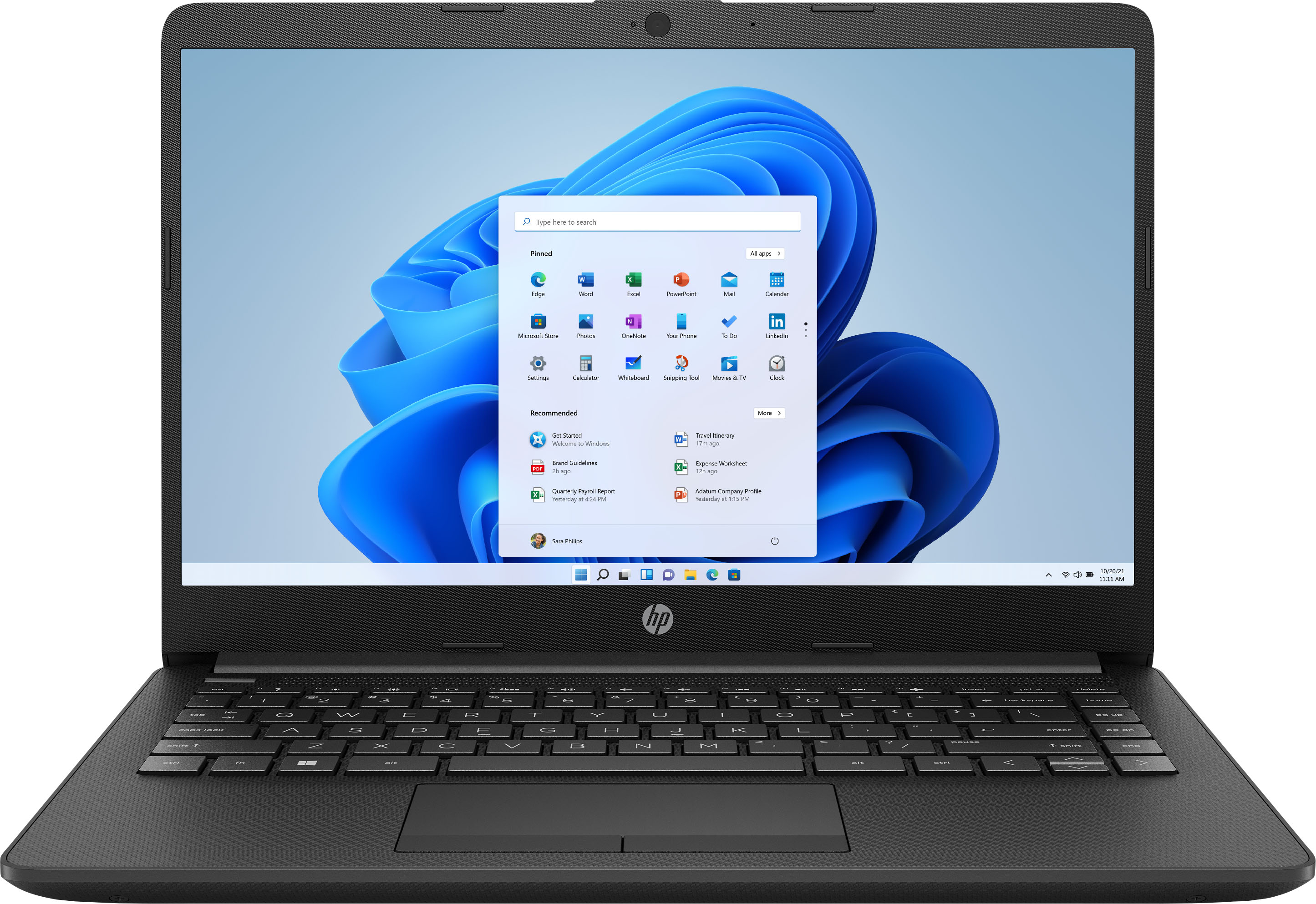
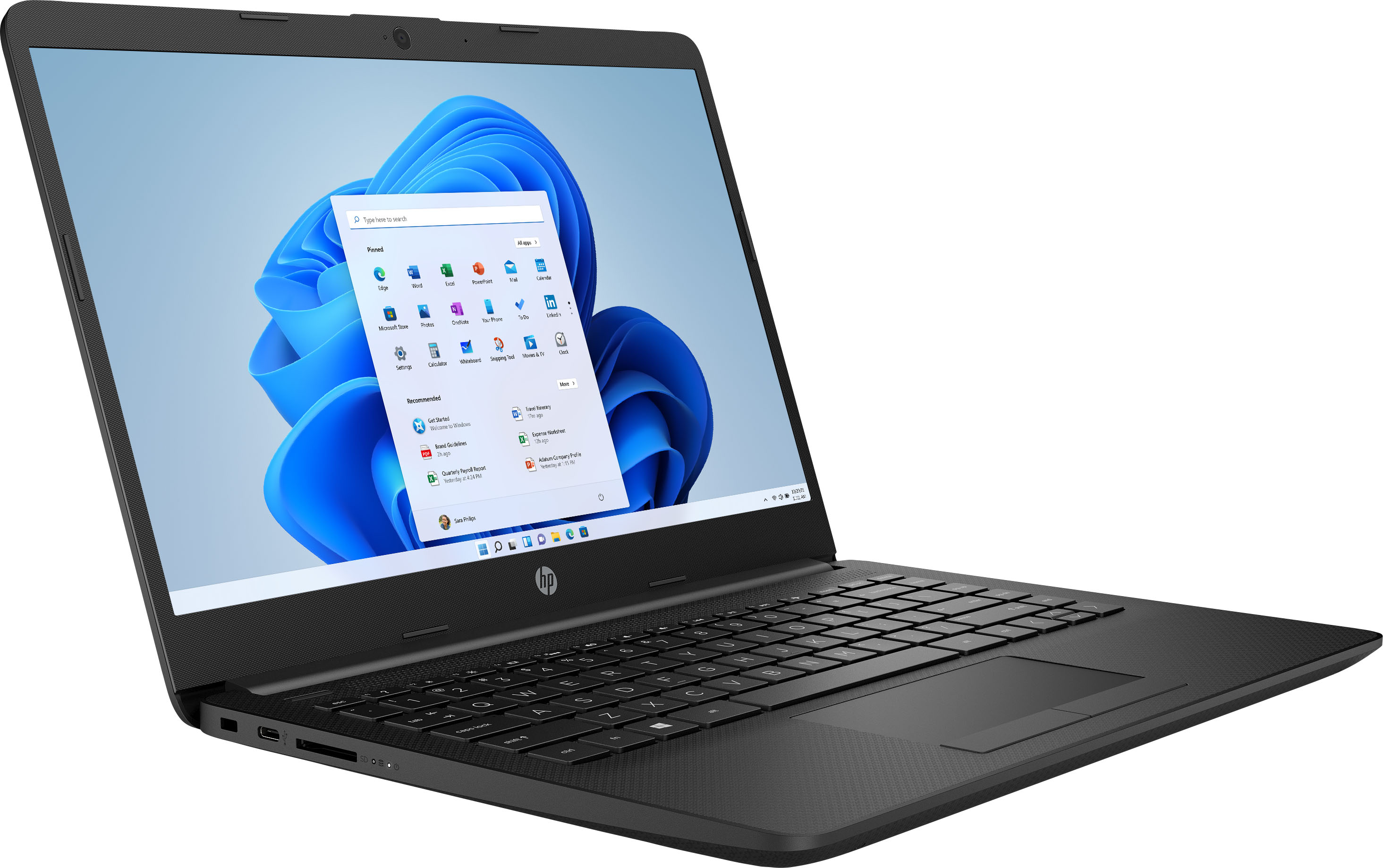
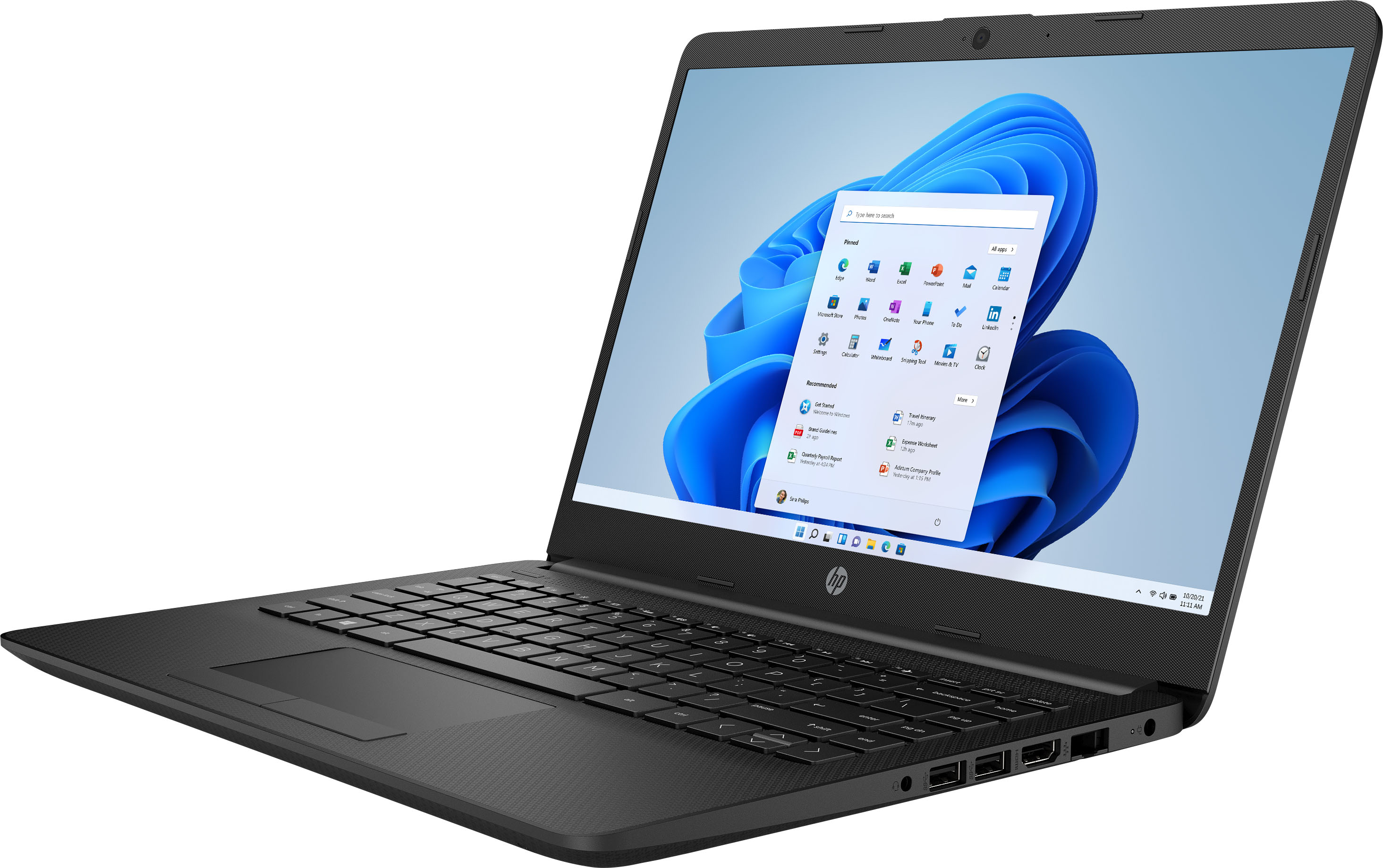
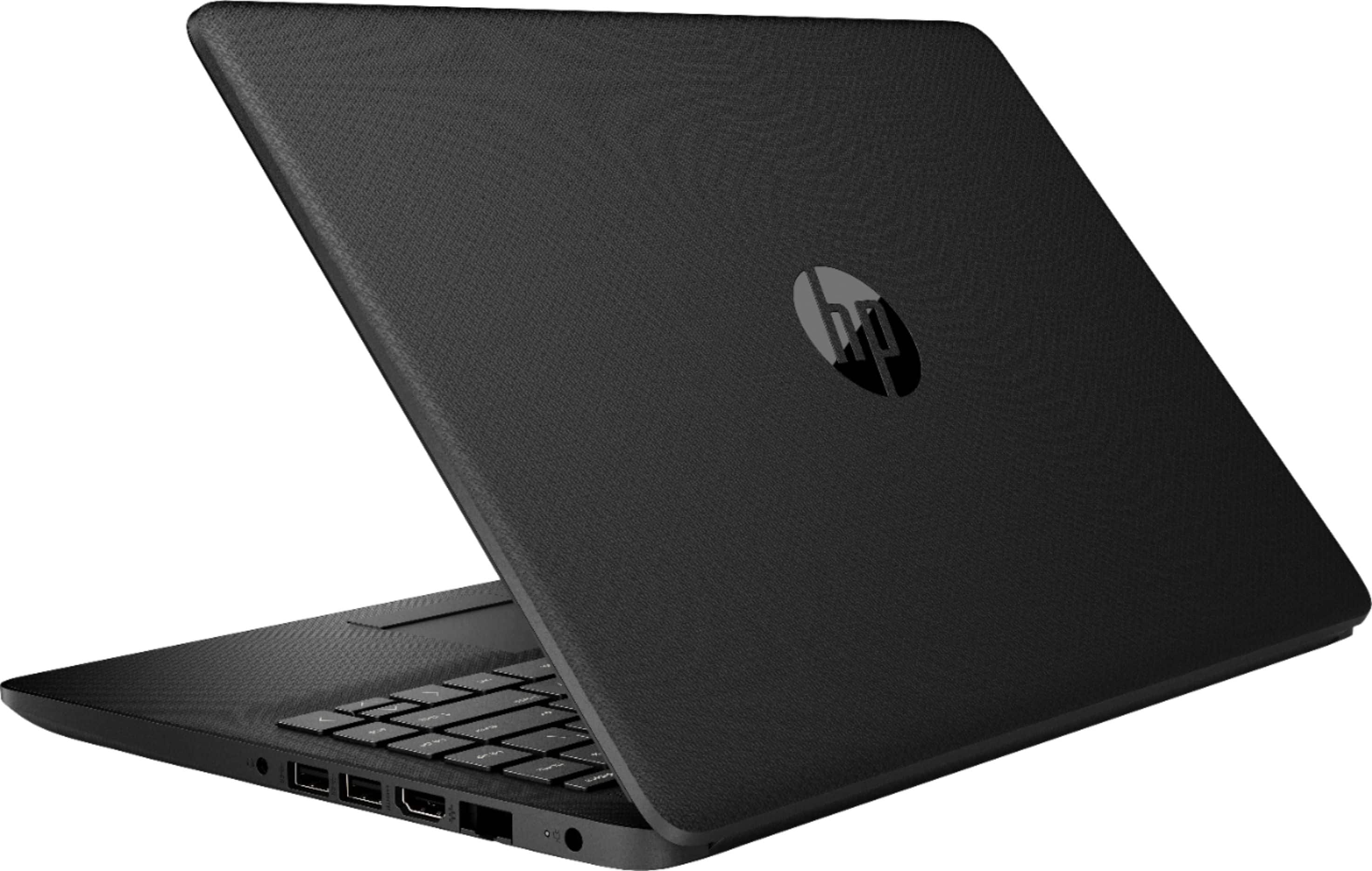
A:AnswerThere is a 30 day trial of Microsoft Office on this laptop, which includes Word, Excel, and PowerPoint. We recommend purchasing Microsoft Office with this laptop to save $20 on Microsoft Office.
A:AnswerThe audio is perfectly fine, and the webcam is 720p. As a fellow remote learning student, I can ensure that people will be able to see and hear you when you speak.
A:AnswerYou can do casual gaming with this laptop. While you can play some games on any computer, modern games like Minecraft, Fortnite and most other popular titles require a lot of power. For this reason, I would recommend a model with a dedicated Graphics Processing Unit (GPU) and a faster processor for PC gaming.
A:AnswerThe blurry screens are due to the webcams that they are using. In other words, their webcams are not giving good pictures. They would need to upgrade their webcams for a better picture.
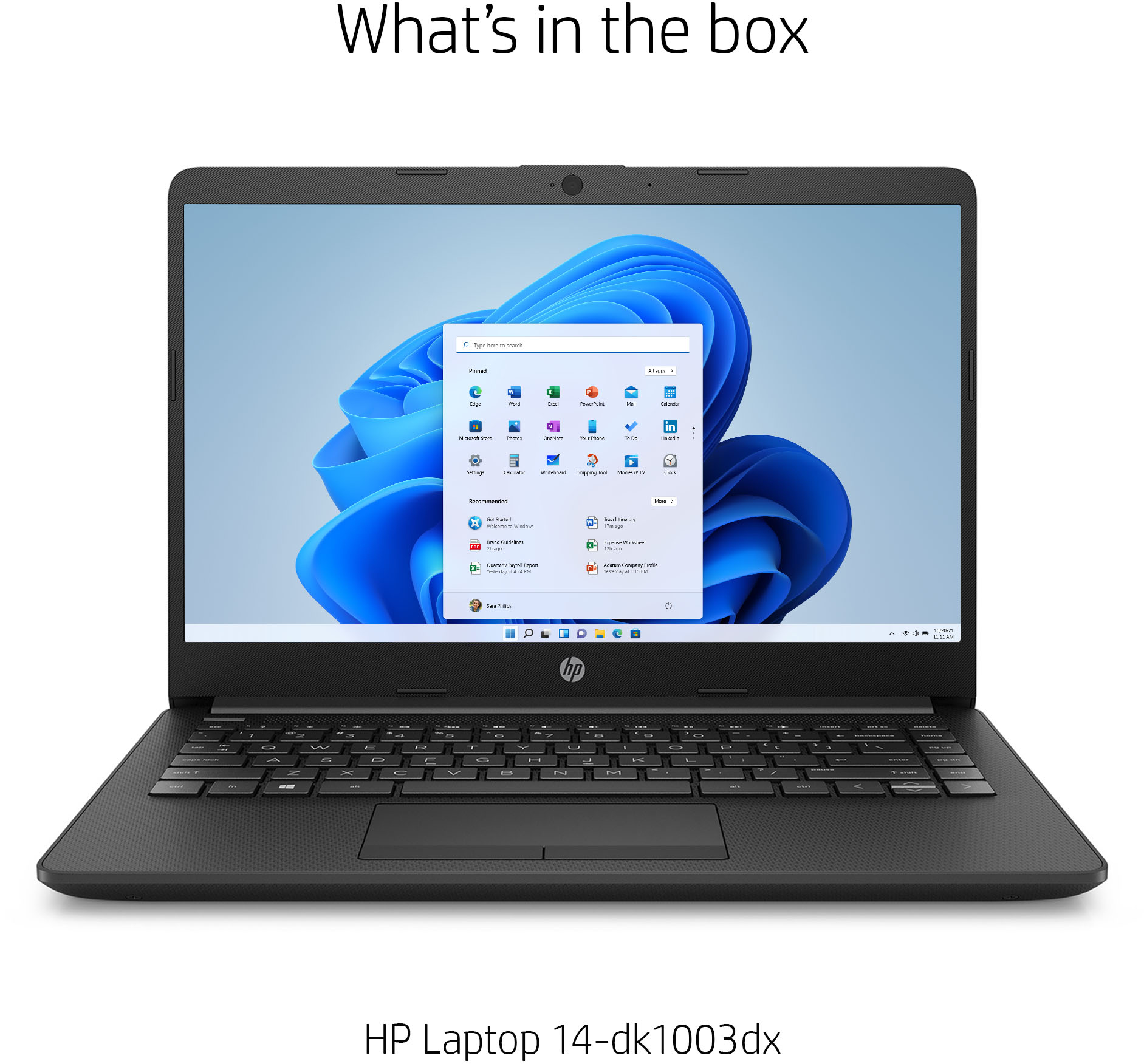
A:AnswerThis laptop comes with Windows 10 in S mode. You can switch out of the S Mode for free to Windows 10 Home. Here are some instructions: https://support.microsoft.com/en-us/help/4456067/windows-10-switch-out-of-s-mode Then, you will be able to Windows 10 Home on this laptop.