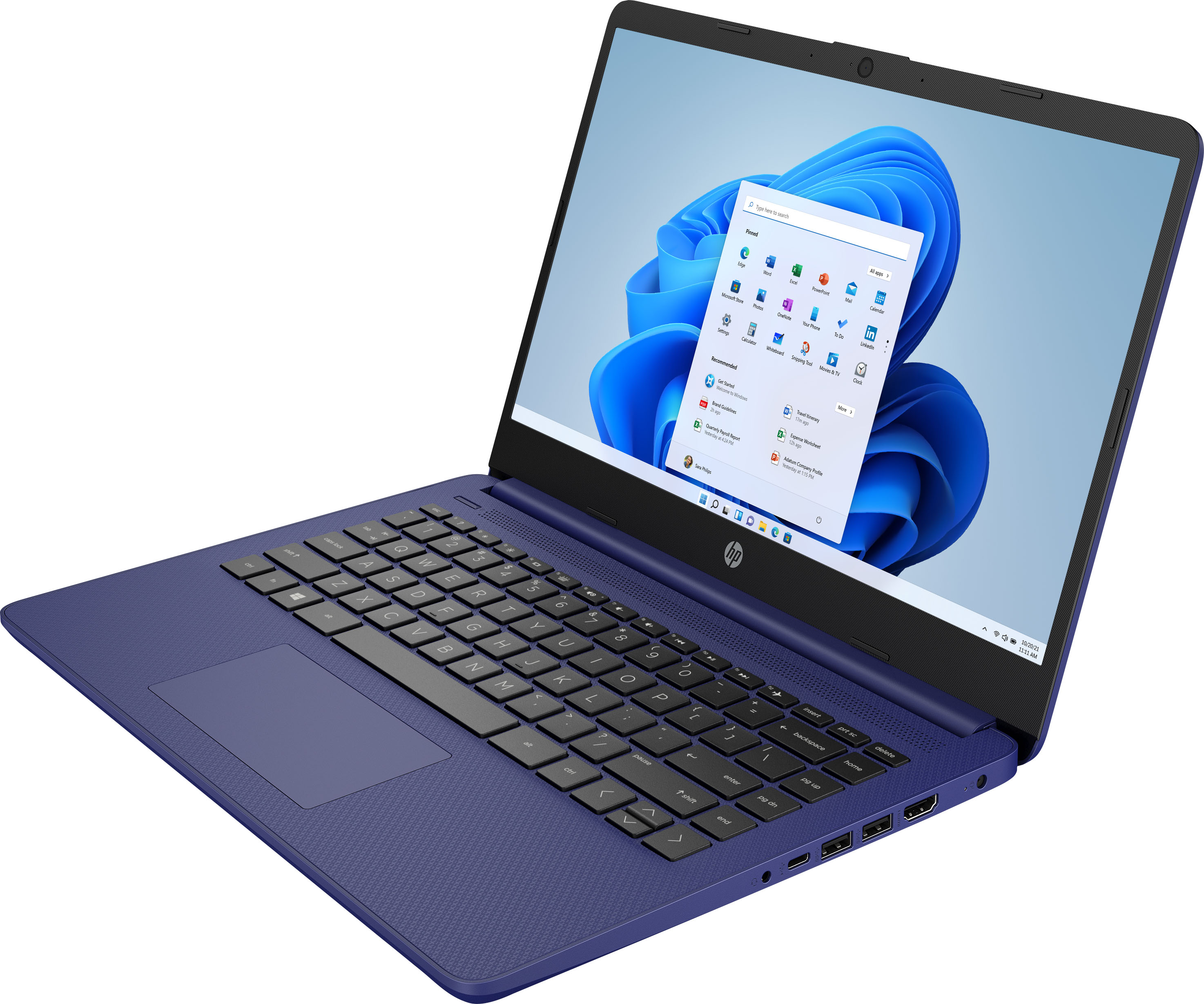
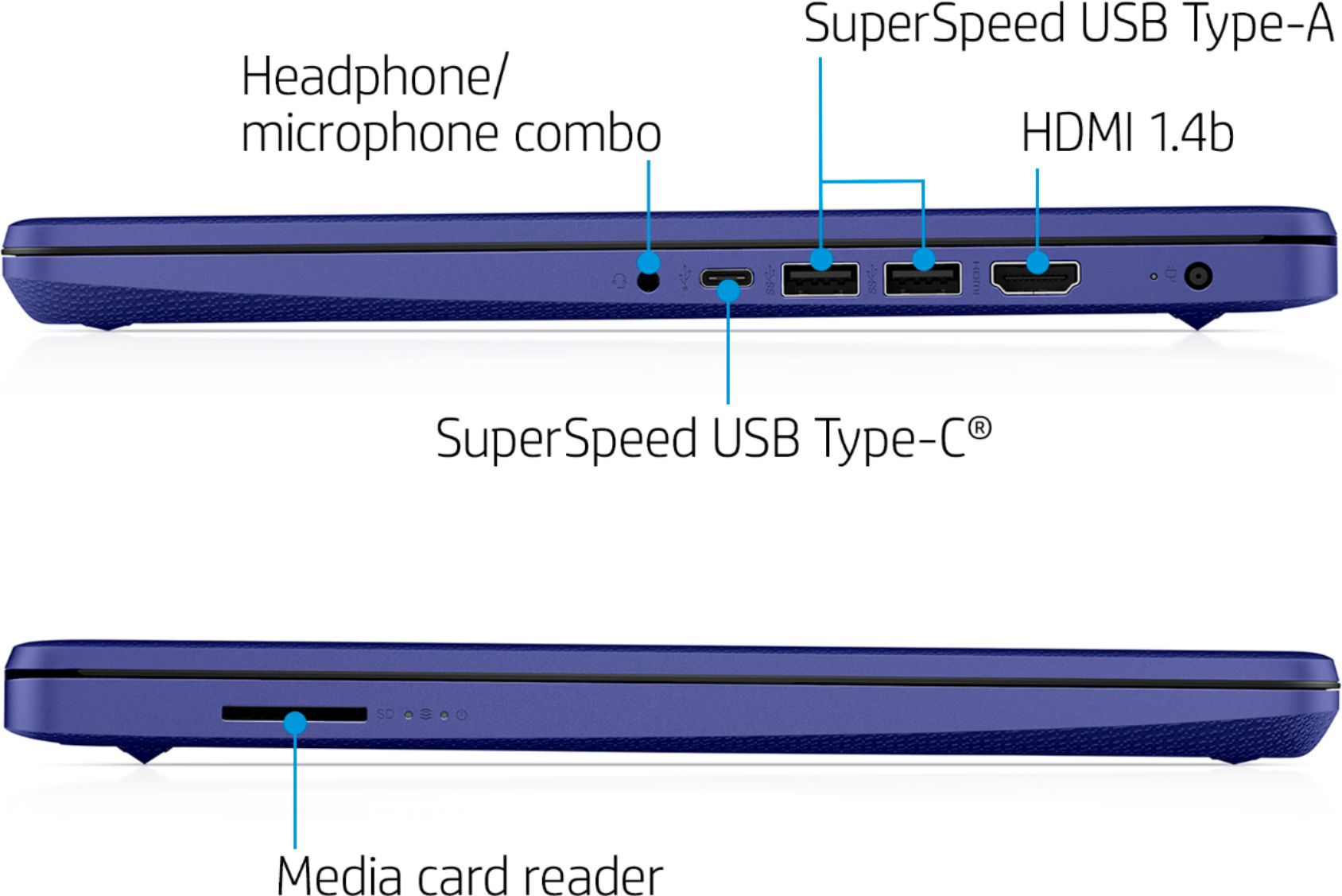
A:AnswerThank you for the question. Neither the USB Type-C nor USB Type-A ports on the 14-dq0001dx support power delivery, so you won't be able to dock it to charge. If you want additional ports to connect peripherals, a hub/multi-port adapter might be a better choice.
A:AnswerHello Bonnie and thanks for asking. The HP 14-dq0001dx laptop uses an Intel Celeron processor, which does not meet the system requirements from Unity for the software.
A:AnswerDefinitely great for streaming services and social media and in order to transfer photos or files from the phone andriod you would have to link the computer via bluetooth
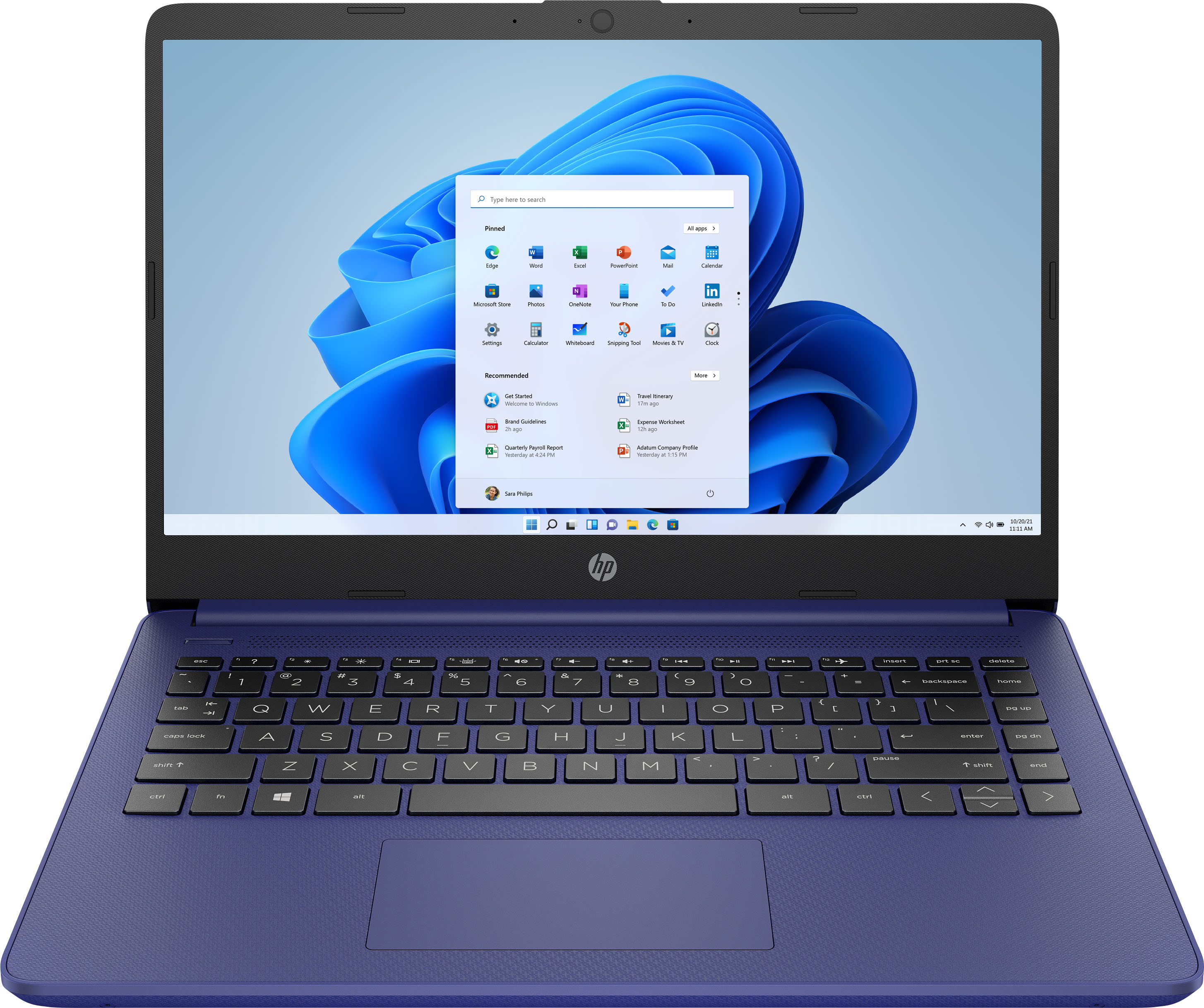
A:AnswerThank you for the questions. The HP 14-dq0001dx is presented with Windows 11 Home in S Mode. It has an Intel Celeron processor, 4GB of memory (RAM) and storage is 64GB eMMC (embedded MultiMediaCard). This laptop has a multi-format SD media card reader to expand storage. You can also attach an external drive via USB.
A:AnswerHello, this device is designed for networking online processing due to the Celeron processor and small amount of 64G eMMC memory. Thank you for being an HP customer!
A:AnswerFor any software, you will want to look at the system requirements on the developer's website and make sure the unit meets the requirements for the setting you would like to use. Updates can change the system requirements and that might affect the settings or if you can use the software at all. This unit does not come with a dedicated GPU, but that is not always necessary if you are planning on using a cloud option or if you are playing a web browser game. You will still need to check the system requirements on the developer's site if you want to make sure that it is supposed to run.
A:AnswerThank you for your question! As system requirements for software constantly change, we are unable to answer questions about software compatibility. What is compatible today may not be in a few months. Please check the Vectric Software's website for the most current system recommendations!
A:AnswerIf you are having concerns, you should contact either HP Support or Geek Squad. In most cases the charger will warm up while charging, but if it seems faulty, do not take any chances and just contact either HP Support or Geek Squad by phone. Safety is a priority.
A:AnswerIt is recommended that you look at the Microsoft website for the system requirements for Windows 11. Taking it out of S Mode will also decrease the security on this device.