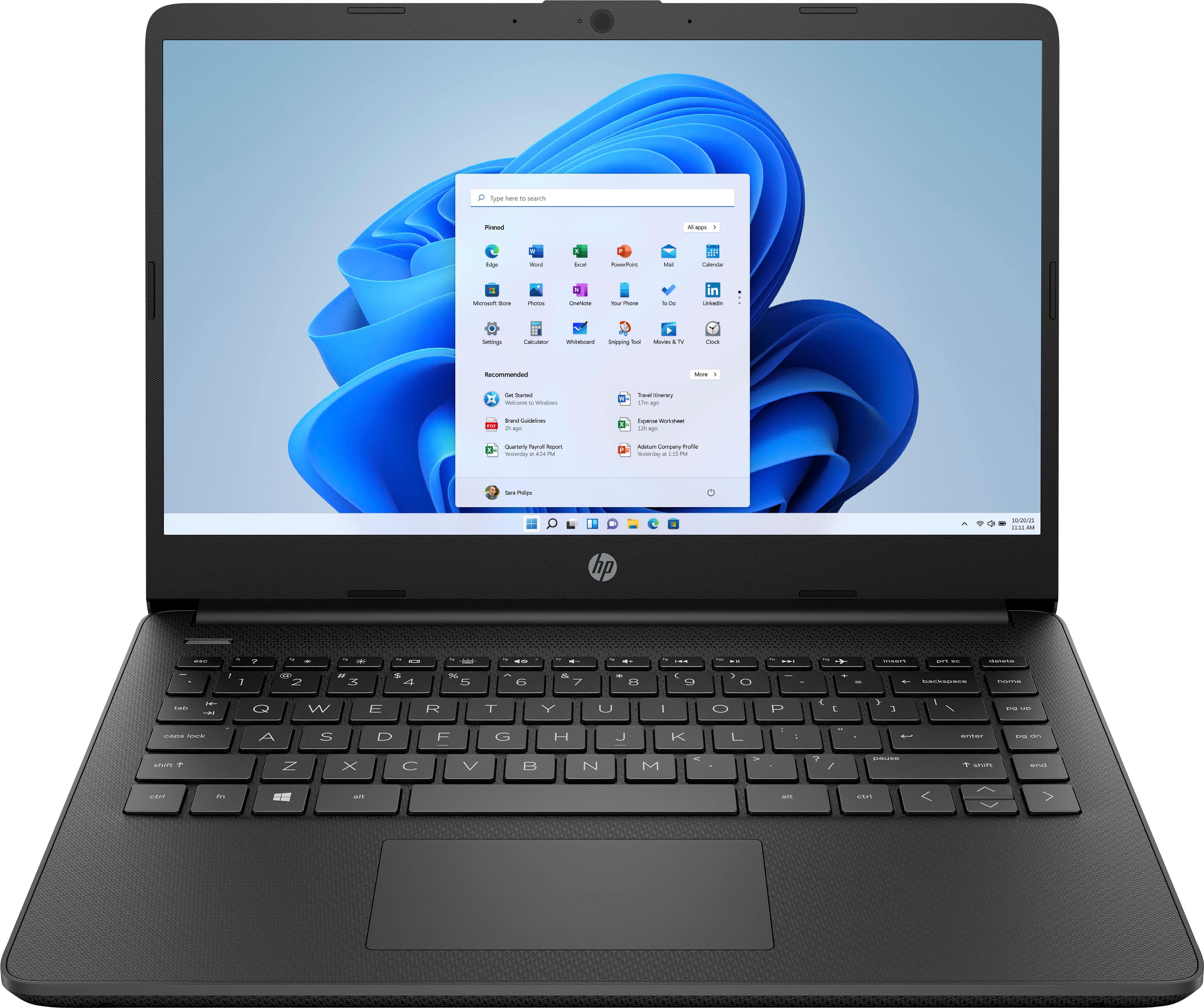
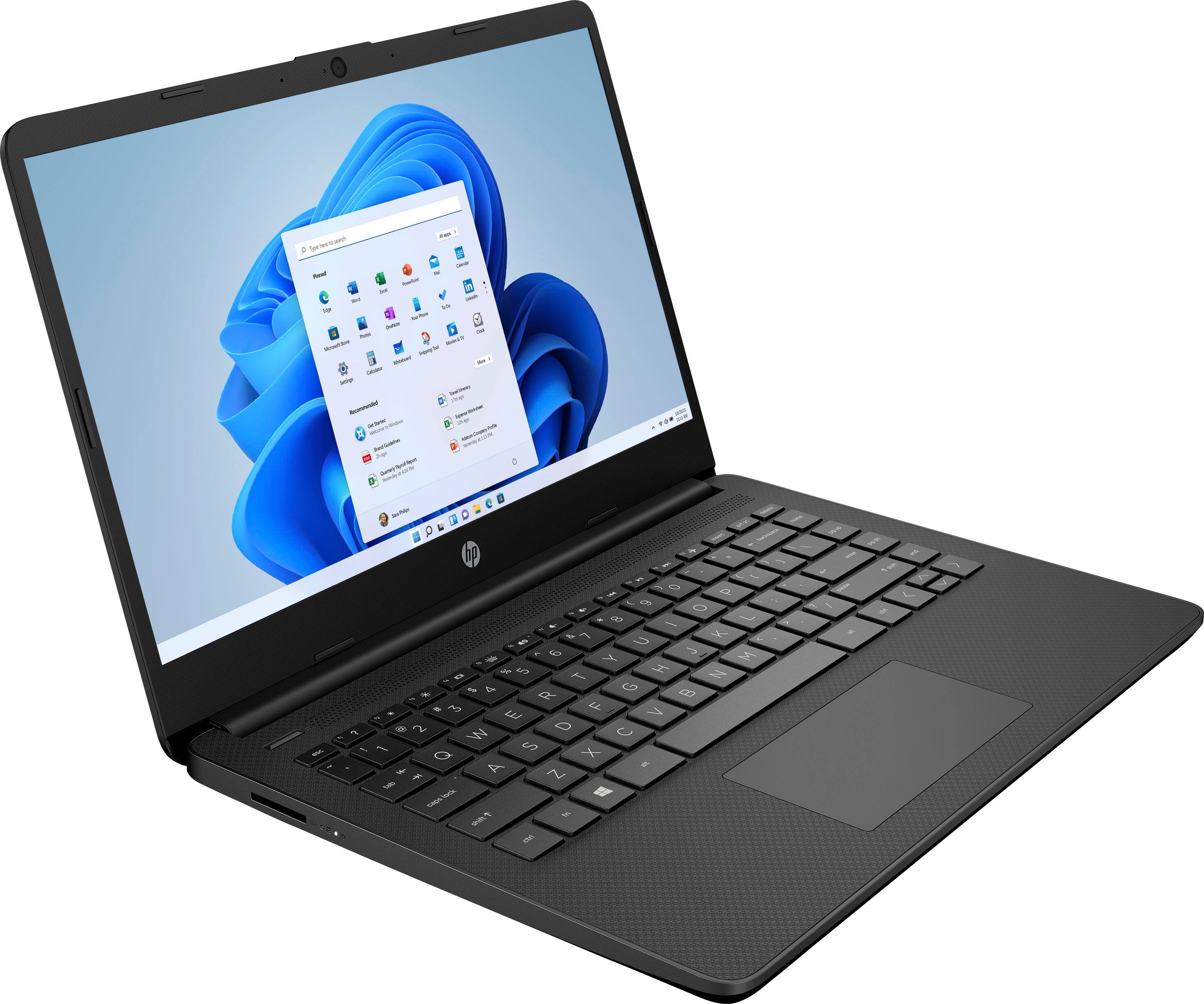
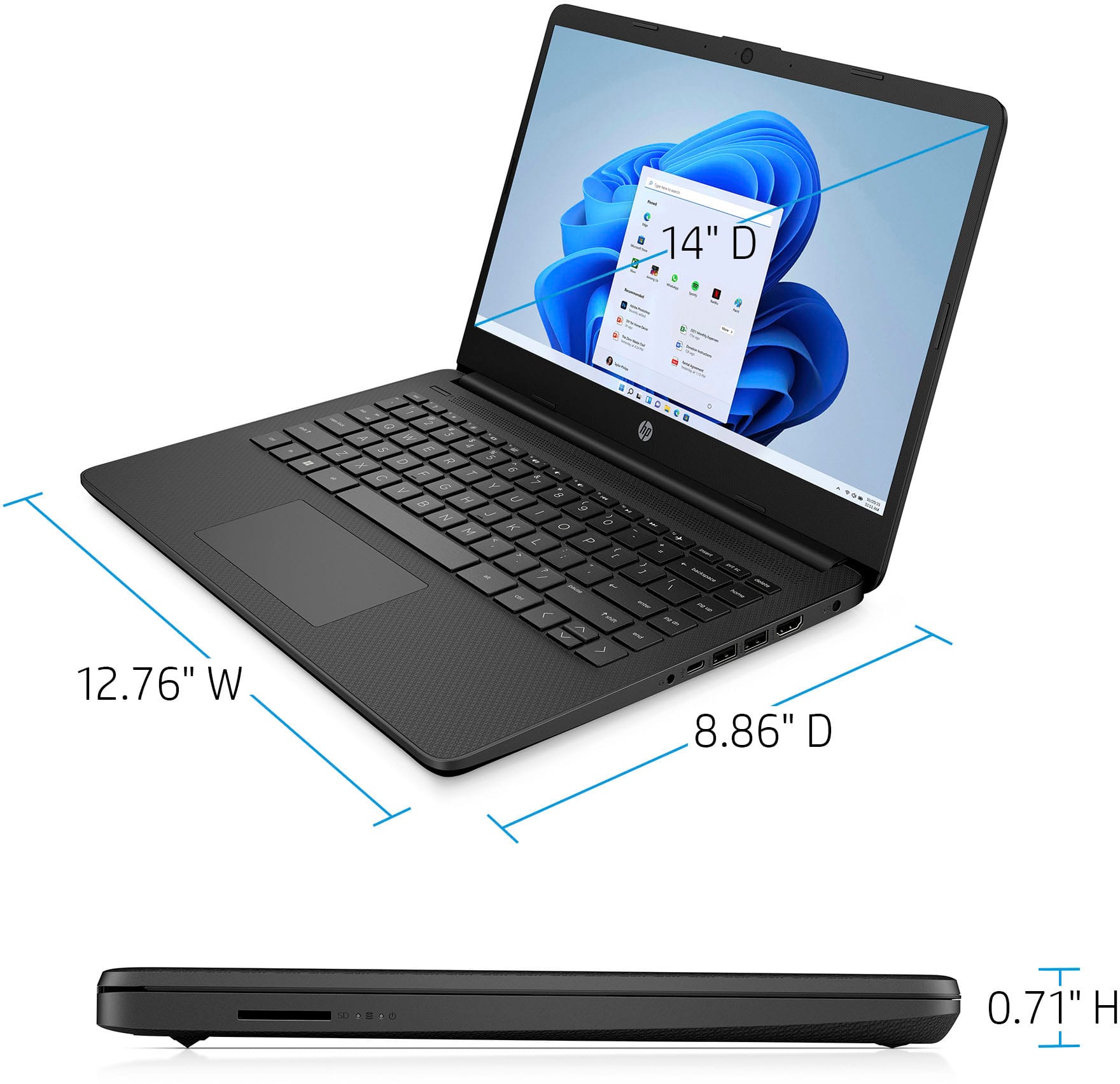
A:AnswerHello. Thanks for your question. Here are the details on the Intel Celeron processor that is on this HP laptop: Intel Celeron N4120 (up to 2.6 GHz burst frequency, 4 MB L2 cache, 4 cores, 4 threads).
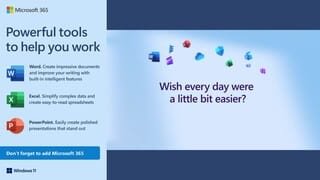
A:AnswerHello. Thanks for your question. This HP laptop comes with 1 year of Microsoft Office 365 Personal, which includes Word, Excel, and PowerPoint.
A:AnswerIt depends on what school you're attending and what sort of classes you're taking. If it's high school or lower division college classes it should work fine, with one caveat: Because this computer is running Windows in "S Mode" it can only download and run apps that are in the Windows Store. If one of your classes require a particular piece of software, it needs to be available in the Windows Store.
A:AnswerIt is recommended that you look at the developer's site to see the system requirements for any software you would like to use. Updates can change the requirements which can affect the settings you can run the software on or if you can run it at all. This model also starts in S Mode which would have to be turned off and that will lower the security on the device.
A:AnswerBecause this computer is running Windows in "S Mode" it can only download and run apps that are in the Windows Store. Roblox is available in the store, so you should have no problem running it on the computer.
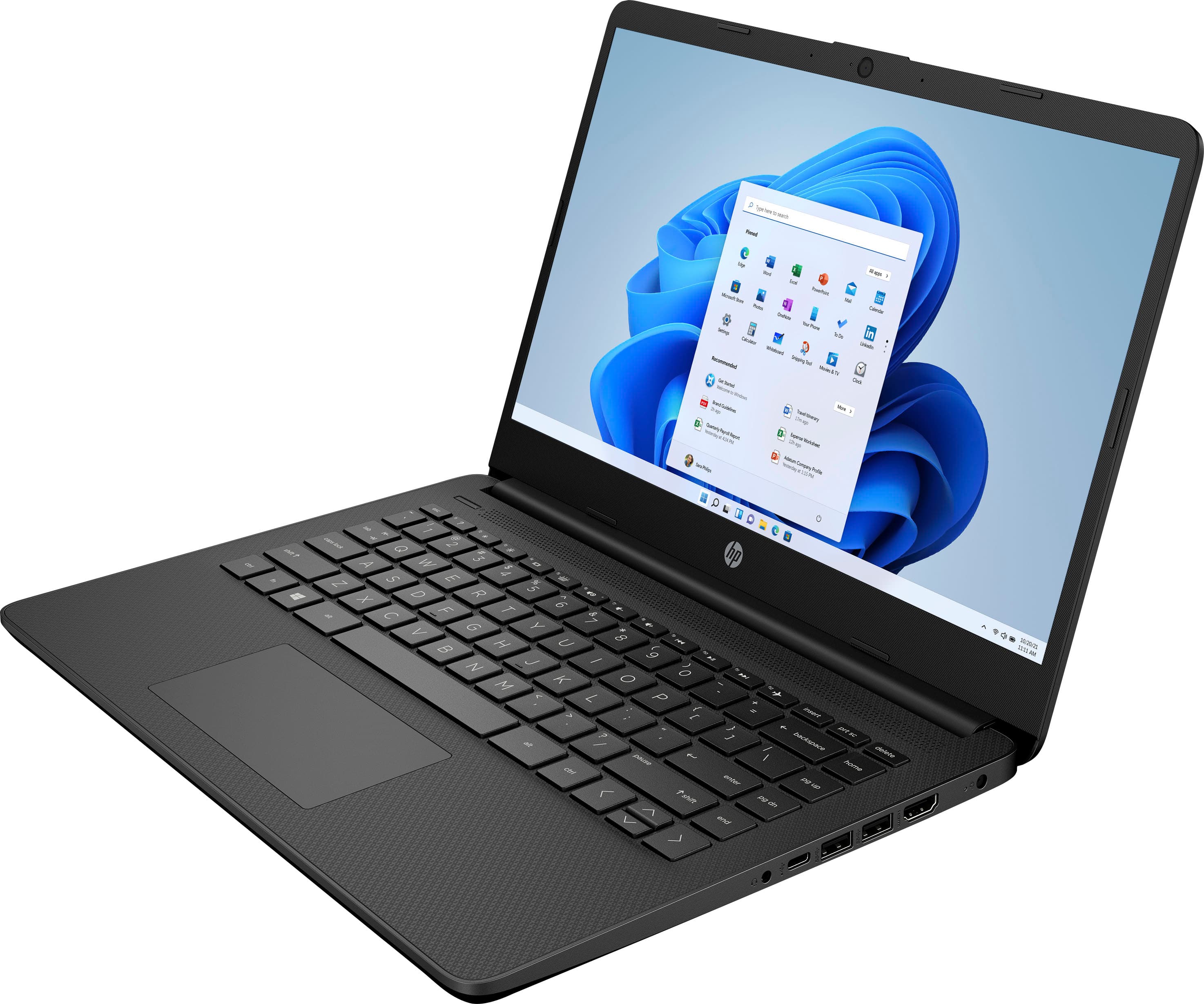
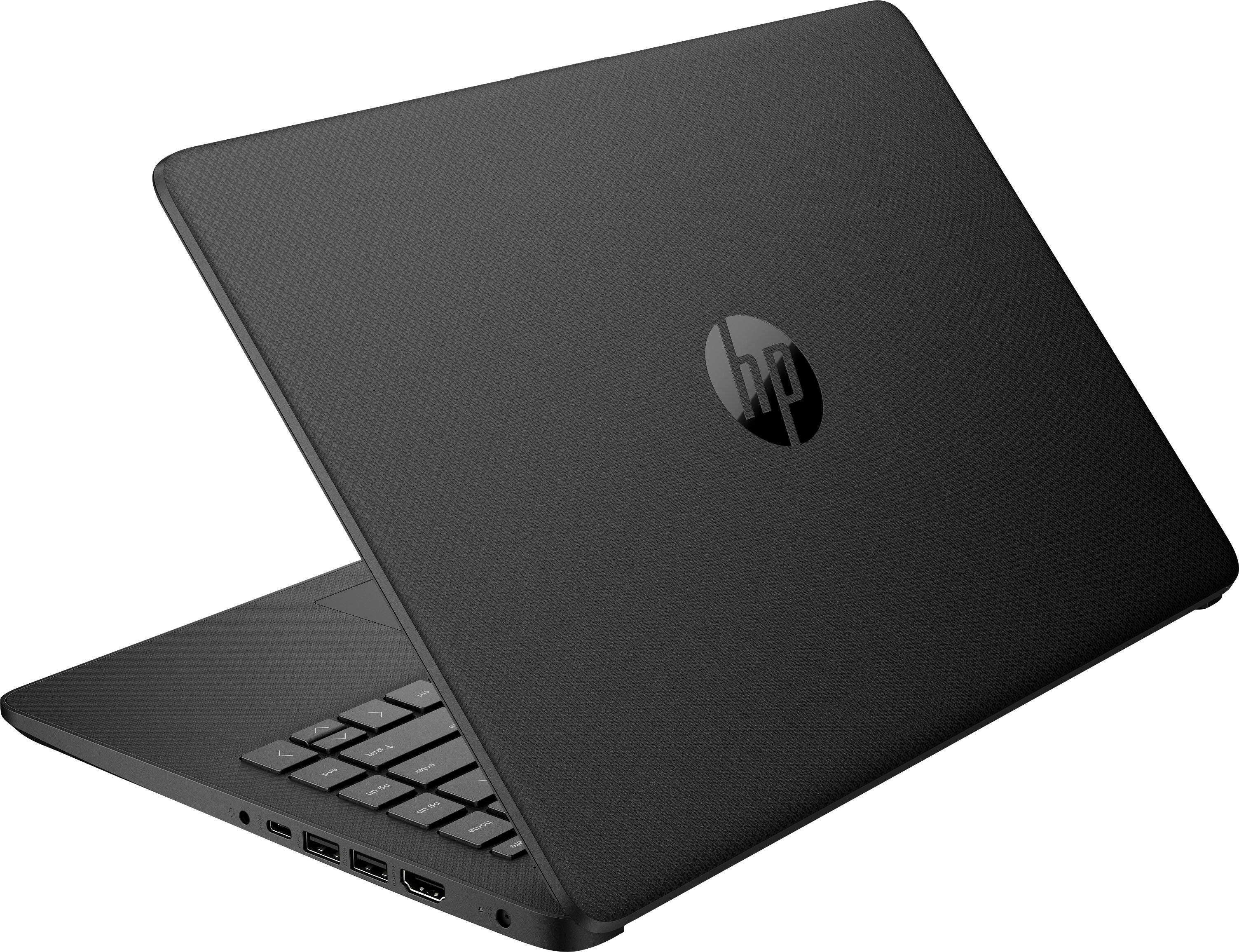
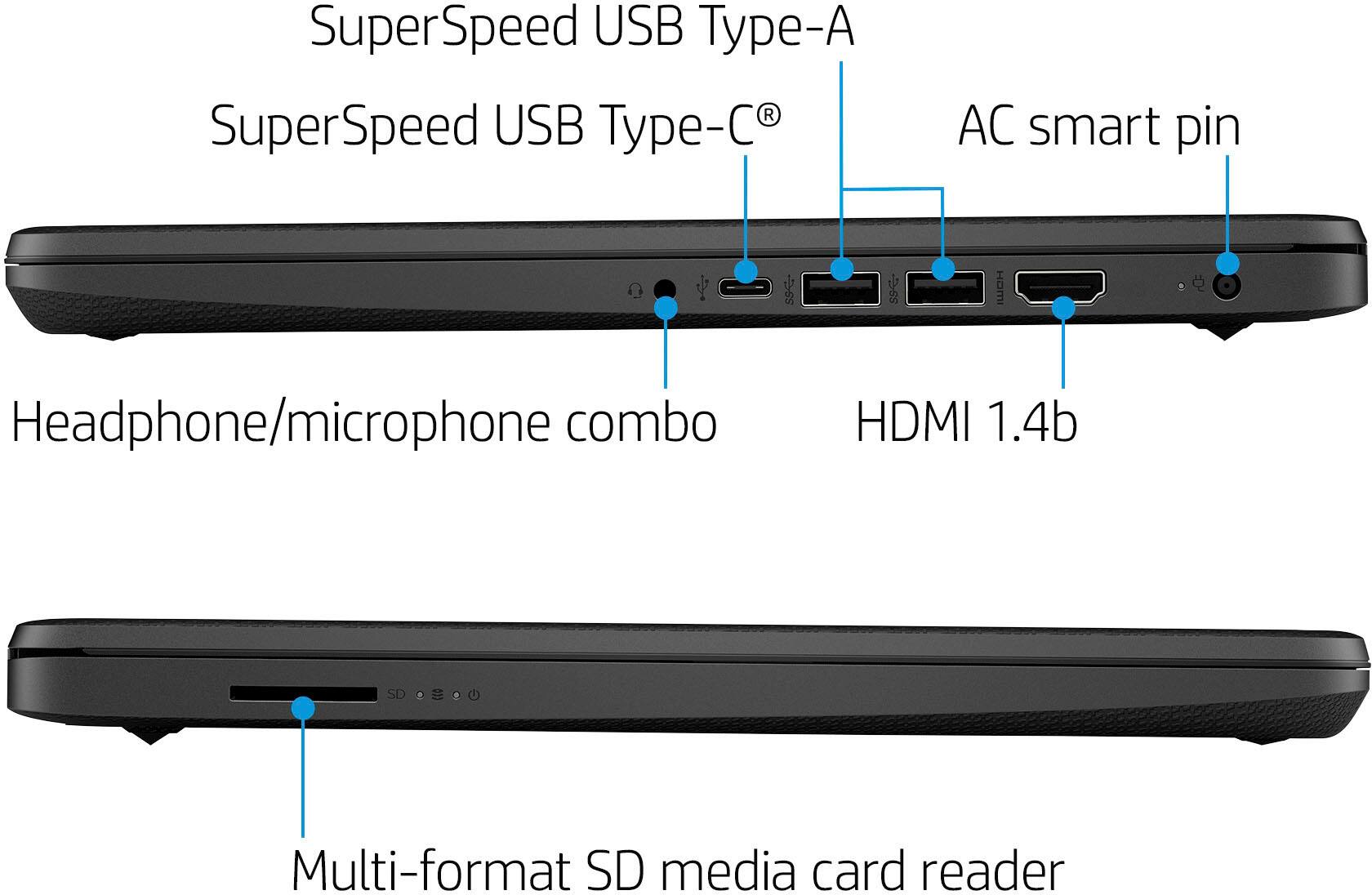
A:AnswerThank you for the question. You'll need to connect this laptop to your Smart TV using an HDMI cable. Some TV models will have the capability to connect wirelessly. Please see your TV's user guide for instructions.
A:AnswerPlease verify:
Service manual for 14-dq0xxx document L58968-1 indicates this series with Celeron processor can be upgraded to 8GB by replacing the 4GB stick. Found on HP website Maintenance and Service C078887333.pdf. Crucial indicates 14-dq0032 is upgradable to 8GB. I haven't opened my 14-dq0032dx so this is based on the referenced documentation.
A:AnswerThank you for the question. The 14-dq0051dx laptop has no user-accessible RAM (memory) slots. In theory, an upgrade could be performed, however, this would involve very strong DIY skills or a trained technician, as the RAM is soldered to the motherboard. The eMMC chip is flash storage, not memory. It cannot be upgraded, but you can use an external flash or disk drive to augment storage.