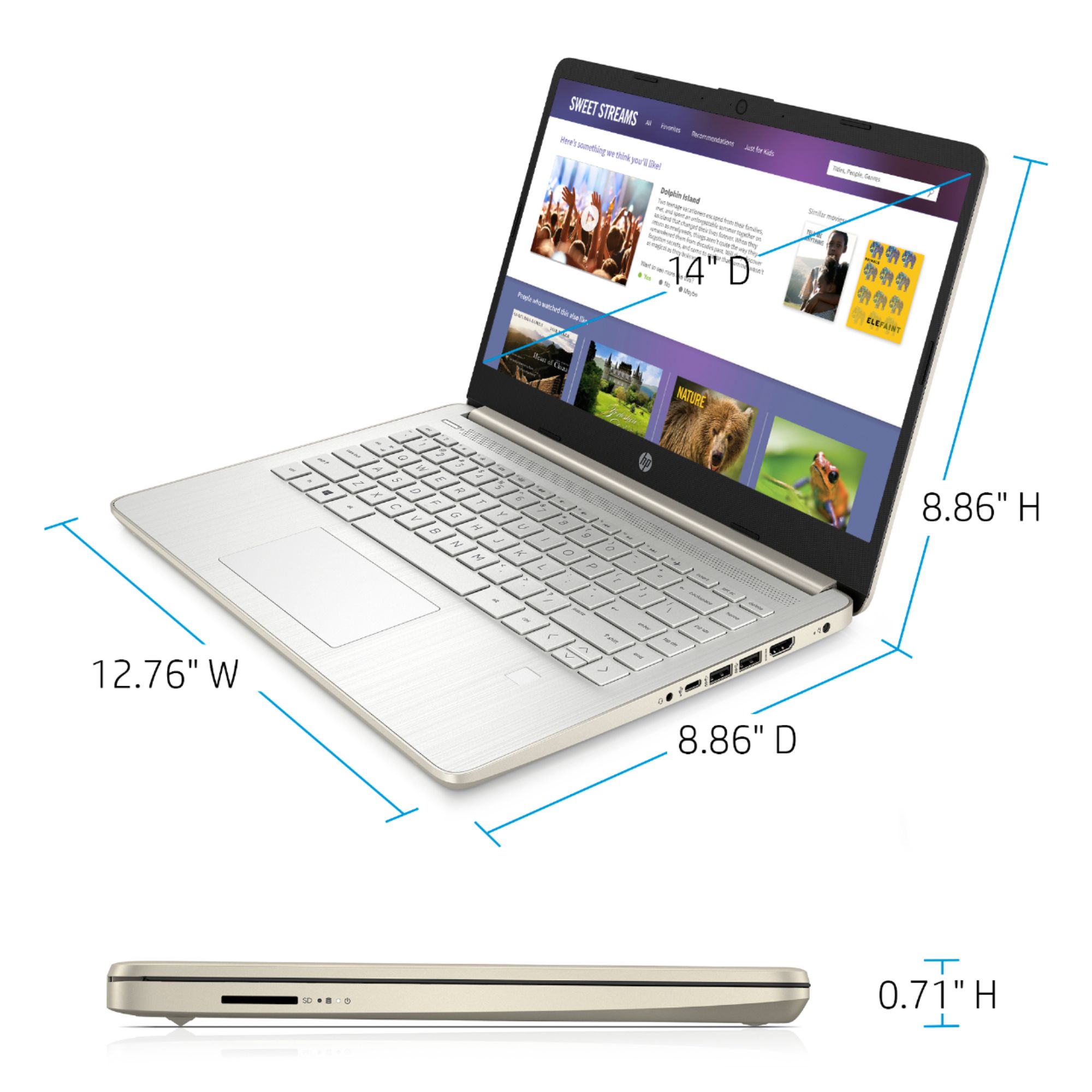
A:AnswerThe memory, which is known as the RAM on a computer, can be upgraded up to 16 gigabytes. The storage of 64 gigabytes cannot be upgraded. You can use the OneDrive, a USB flash drive, or an external USB solid state or hard drive for more storage on this laptop.
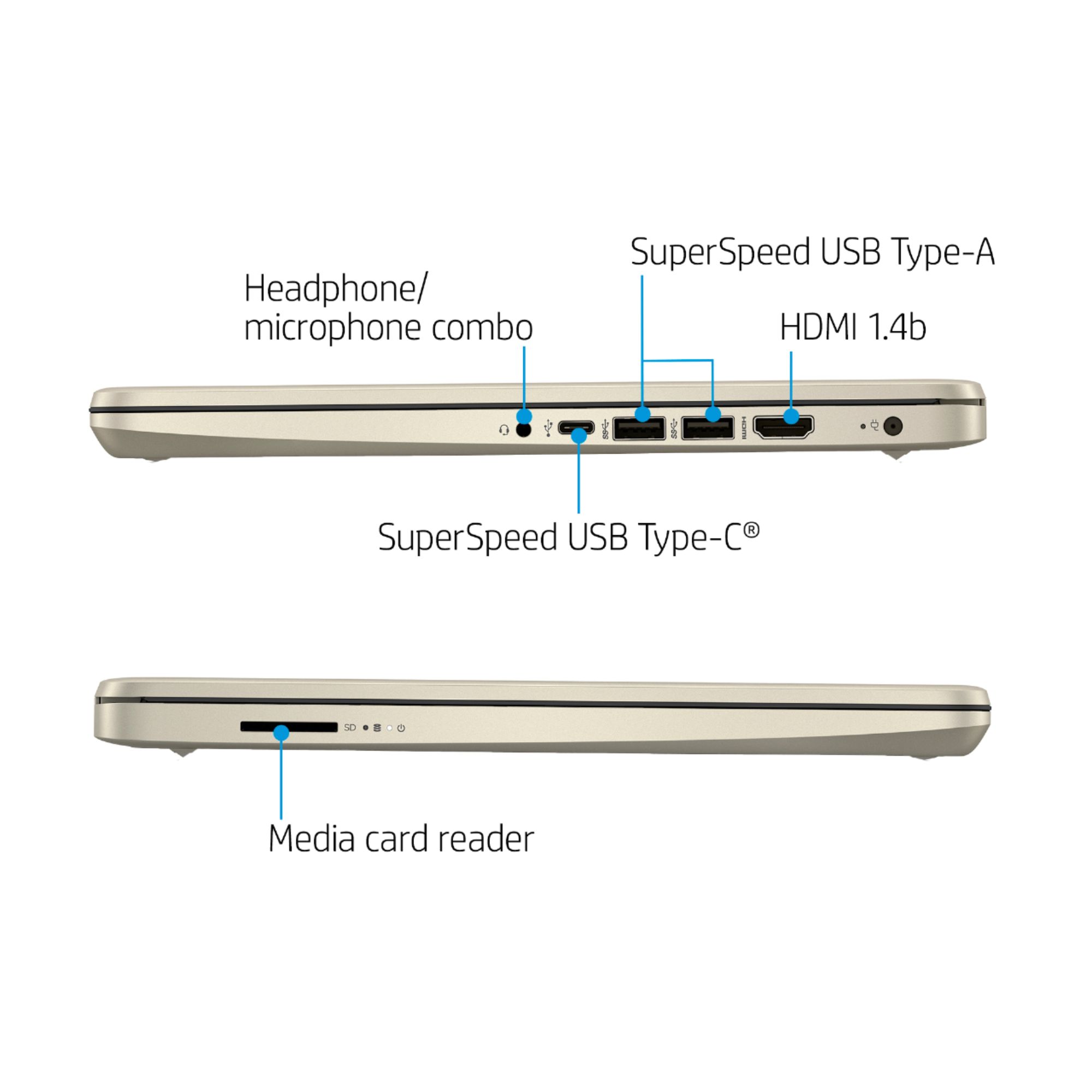
A:AnswerThis laptop only has about 30 gigabytes of usable storage. We recommend you save your photos to a cloud-like OneDrive for more storage. This laptop does have an SD card slot.
A:AnswerThis laptop does not have a disc drive. This laptop has Windows 10 in S Mode. You would need to switch out of the S Mode to install any software onto this laptop. Here are instructions on how to get out of S Mode: https://bit.ly/3laywG1 Then, you can use an external USB CD/DVD drive to install any software onto this laptop.
A:AnswerThat printer should work with any Windows 10 computer. However, there have been some reports of problems, so Canon's tech support would be your best bet if you have a problem
A:AnswerWe recommend transferring or backing up your photos to a close like OneDrive or Google Drive. You will be able to access those cloud services on this laptop. This laptop has about 30 gigabytes of usable storage. You can save stuff on a USB flash drive or an external hard drive.
A:AnswerThis model does not have a built-in RJ45 connector, but you can use a USB to RJ45 adapter to connect directly to the network. It also has wireless network connectivity.
A:AnswerThis is not a very fast computer. You can use the Microsoft 365 apps like Word, Excel, and Powerpoint on this laptop. If you want something a little faster and with more storage, we recommend looking at an HP laptop that has the Intel i3 or higher or the AMD Ryzen 3 or higher processor.
A:AnswerThe Chromebook only allows you to use the Chrome browser or any app from the Chrome Web Store or Google Play Store. A Windows 10 Home laptop/computer would be more versatile. It would allow you download actual software and web browser.