A:AnswerThank you for the question. Conversion out of S Mode is free and simple, and also not reversible. You can convert to use the browser of your choice and download from sources other than the Microsoft Store, but there is no "going back".
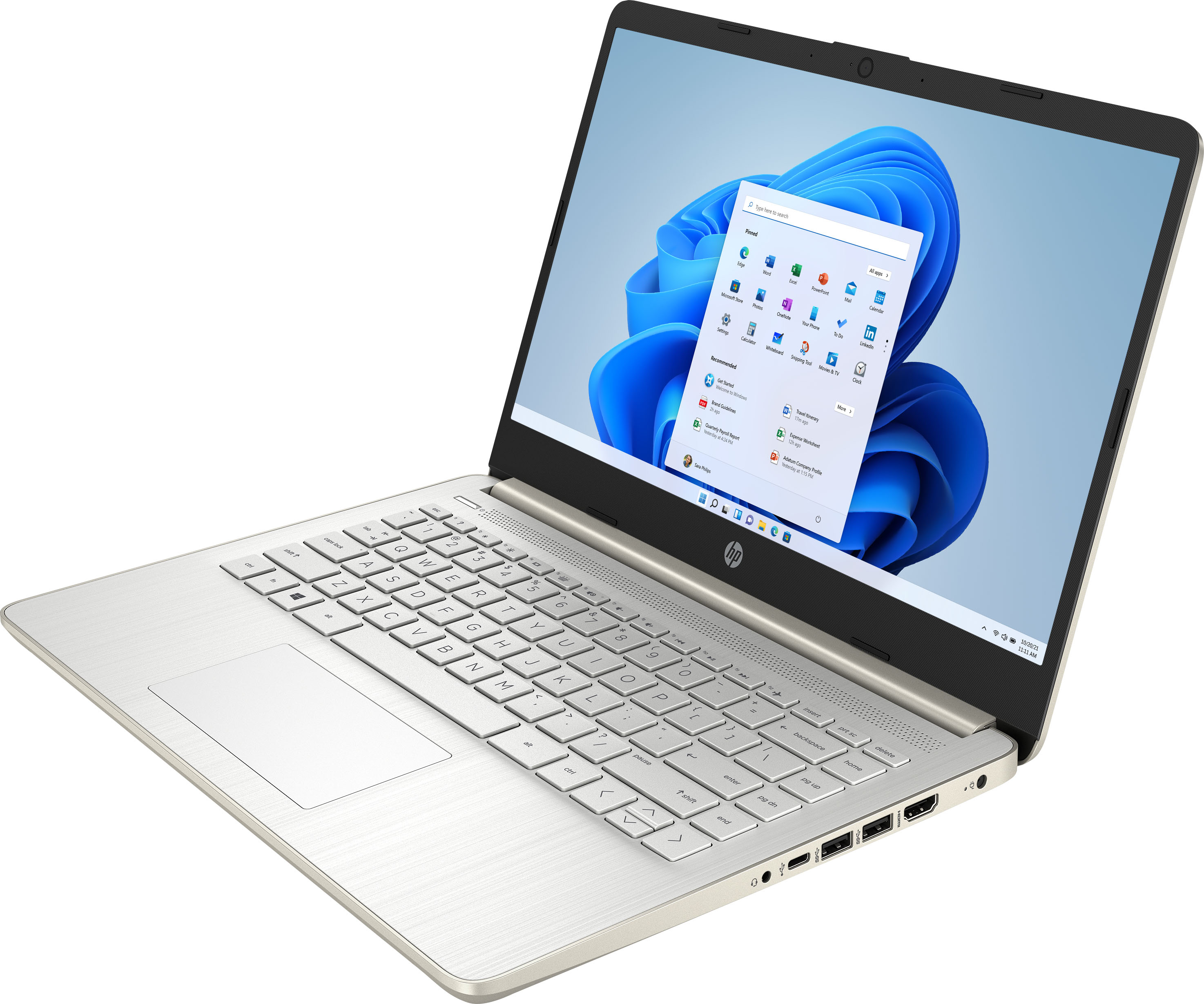
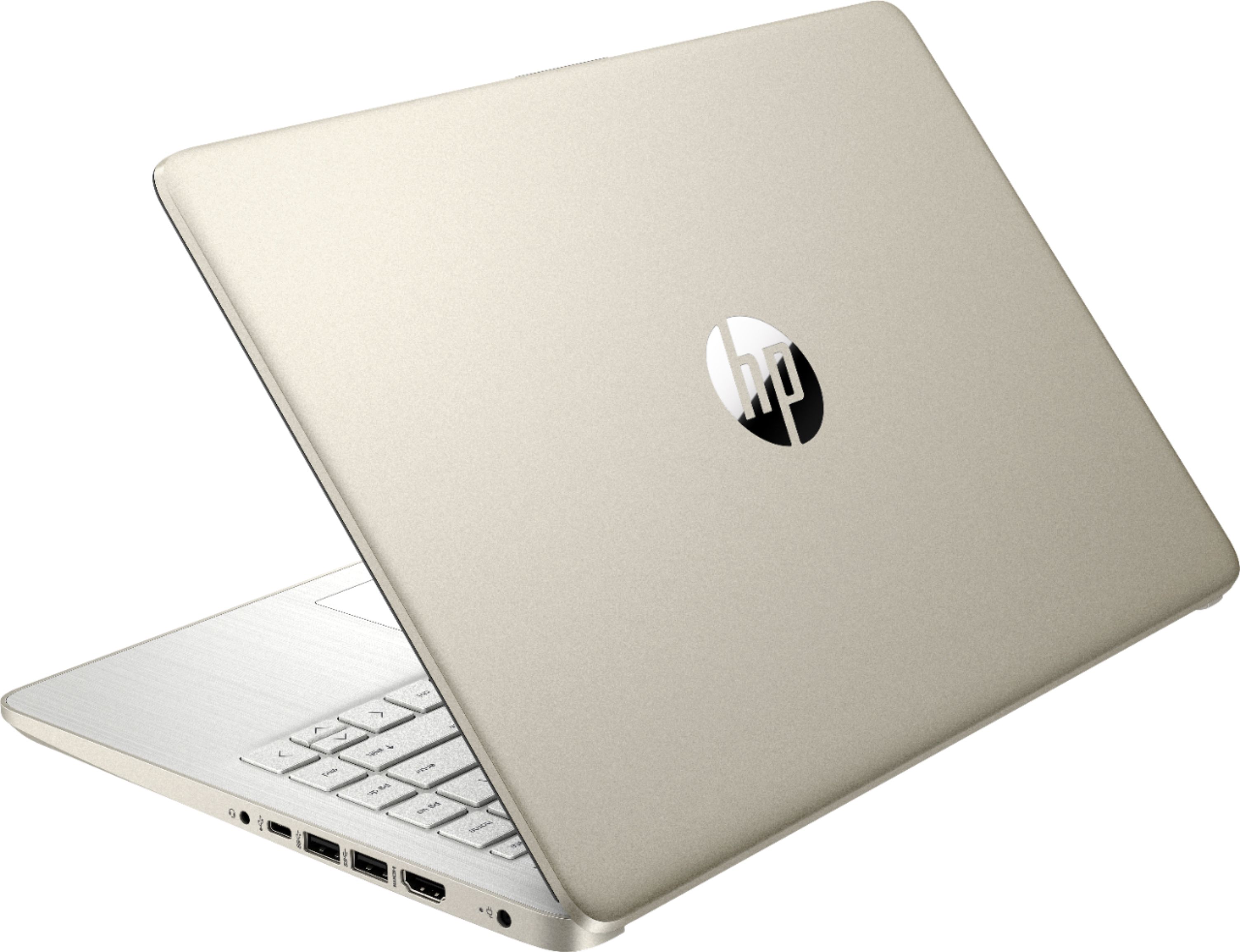
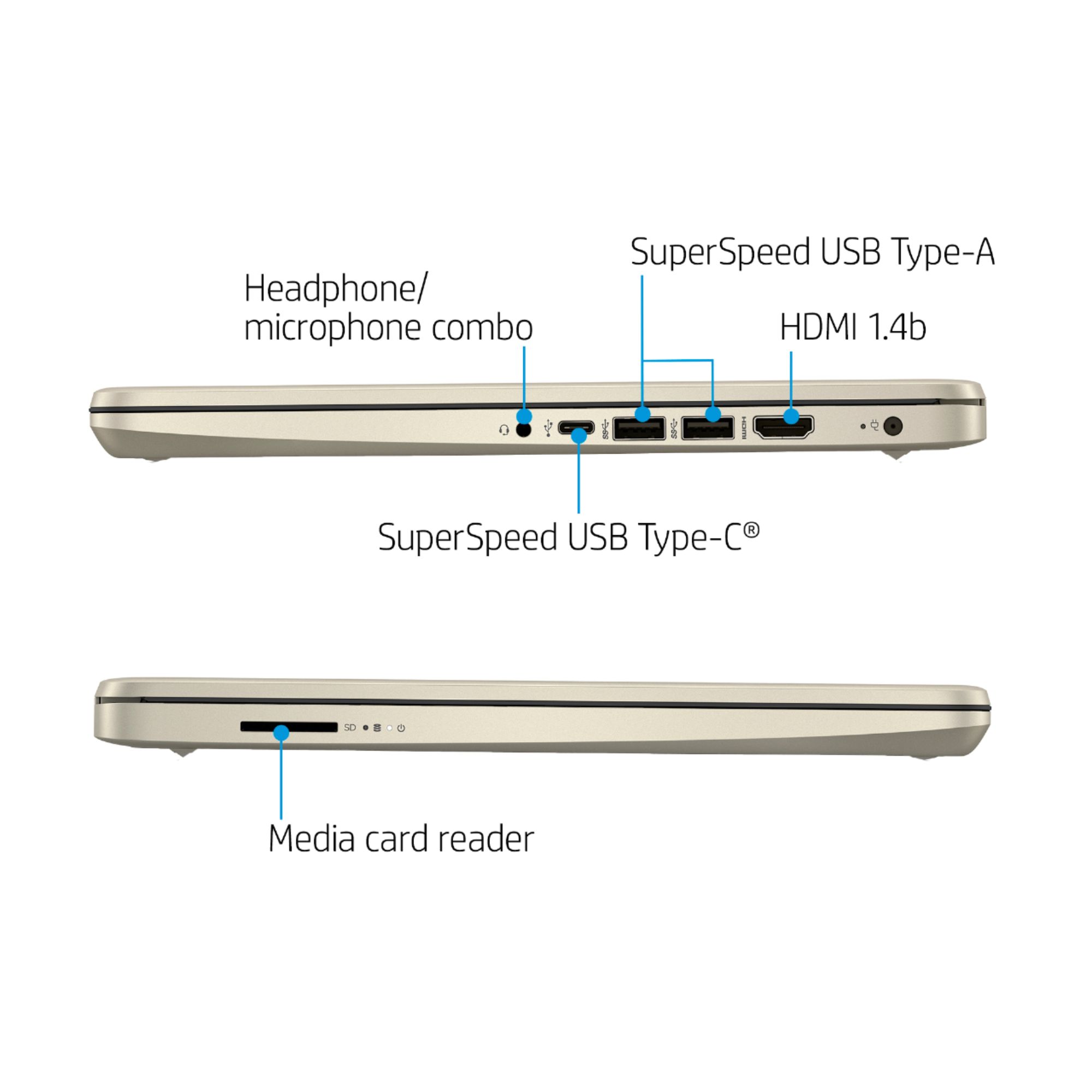
A:AnswerThe computer doesn't have a CD/DVD drive, but you can use an external drive that plugs into one of the USB ports. I'm not sure what you mean by "does this laptop have high speed?" If you're talking about connecting to a high speed internet connection, you can connect it using an adapter that connects from the Ethernet cable that carries the Internet signal to the USB-C port on the computer. If you mean "is the computer fast", the answer honestly is not very, but it's not designed for high speed calculation. It's designed for basic Internet use.
A:AnswerBecause this computer is running Windows in "S Mode" it can only download and run apps that are in the Windows Store. Unfortunately, neither of those apps is available.
A:AnswerHello. Thanks for your question. Yes, you can use Google, Google Docs, Slides on the Microsoft Edge browser with this HP laptop. If you want to use another web browser, you would need to switch out of the S Mode. It is free and easy to do. Here are some instructions: https://bit.ly/3okv4Mj
A:AnswerYes. It does. I bought The Western Digital Easy Store external hard drive for storage. It was extremely easy to configure and add to the computer. Basically Plug N Play using the guidance setup that is on the hard drive.
A:AnswerBecause this computer is running Windows in "S Mode" it can only download and run apps that are in the Windows Store. Unfortunately, Quicken is not one of the available titles.
A:AnswerBecause this computer is running Windows in "S Mode" it can only download and run apps that are in the Windows Store. Cricut Design Space is in the store and can be downloaded and run. Unfortunately, Canva is not available, so it won't work.
A:AnswerBecause this computer is running Windows in "S Mode" it can only download and run apps that are in the Windows Store. And while the Cricut Design Space software is available in the store, Turbo Tax is not.