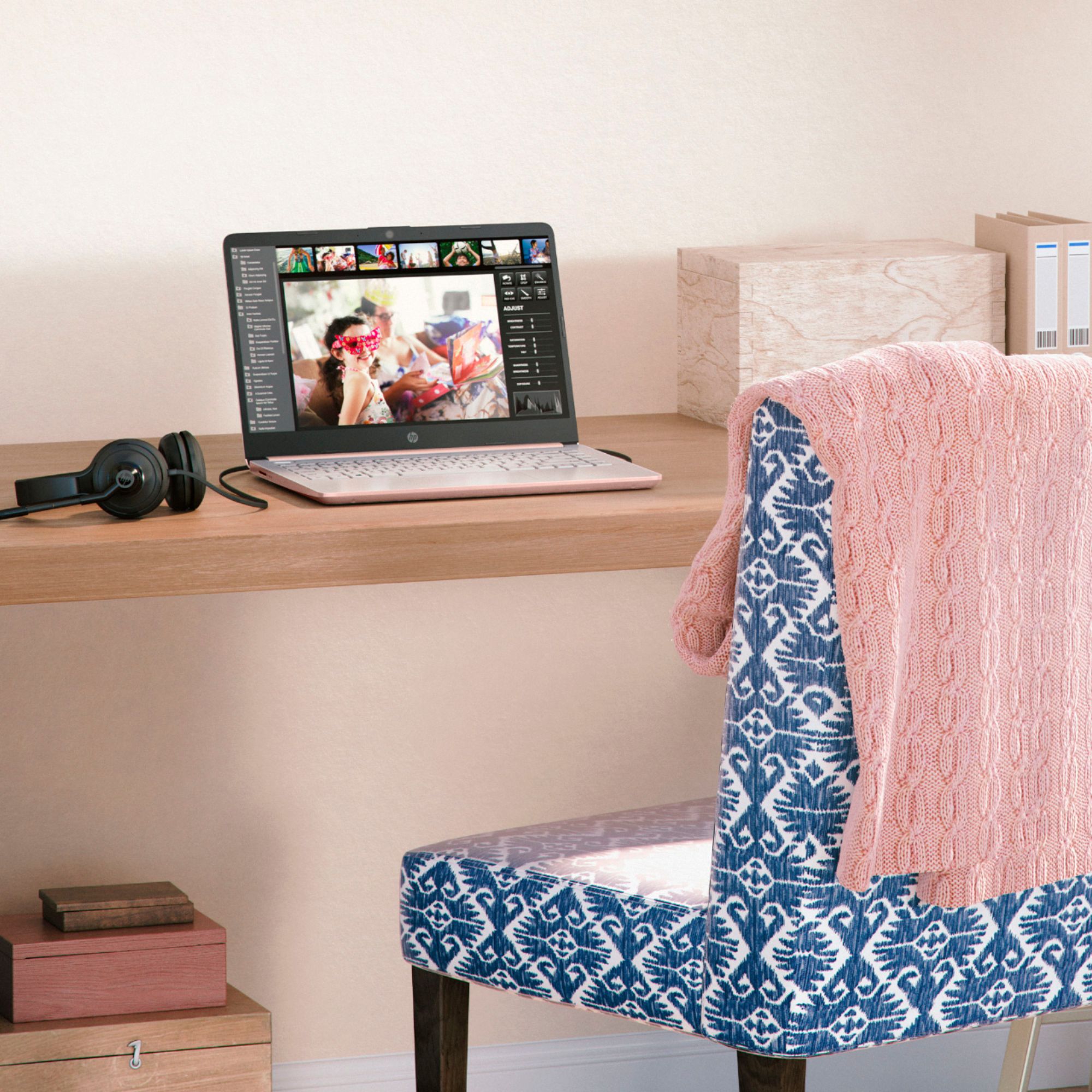
A:AnswerBecause this computer is running Windows in "S Mode" it can only download and run apps that are in the Windows Store. Unfortunately, Silhouette Studio is not one of the apps carried in the store.
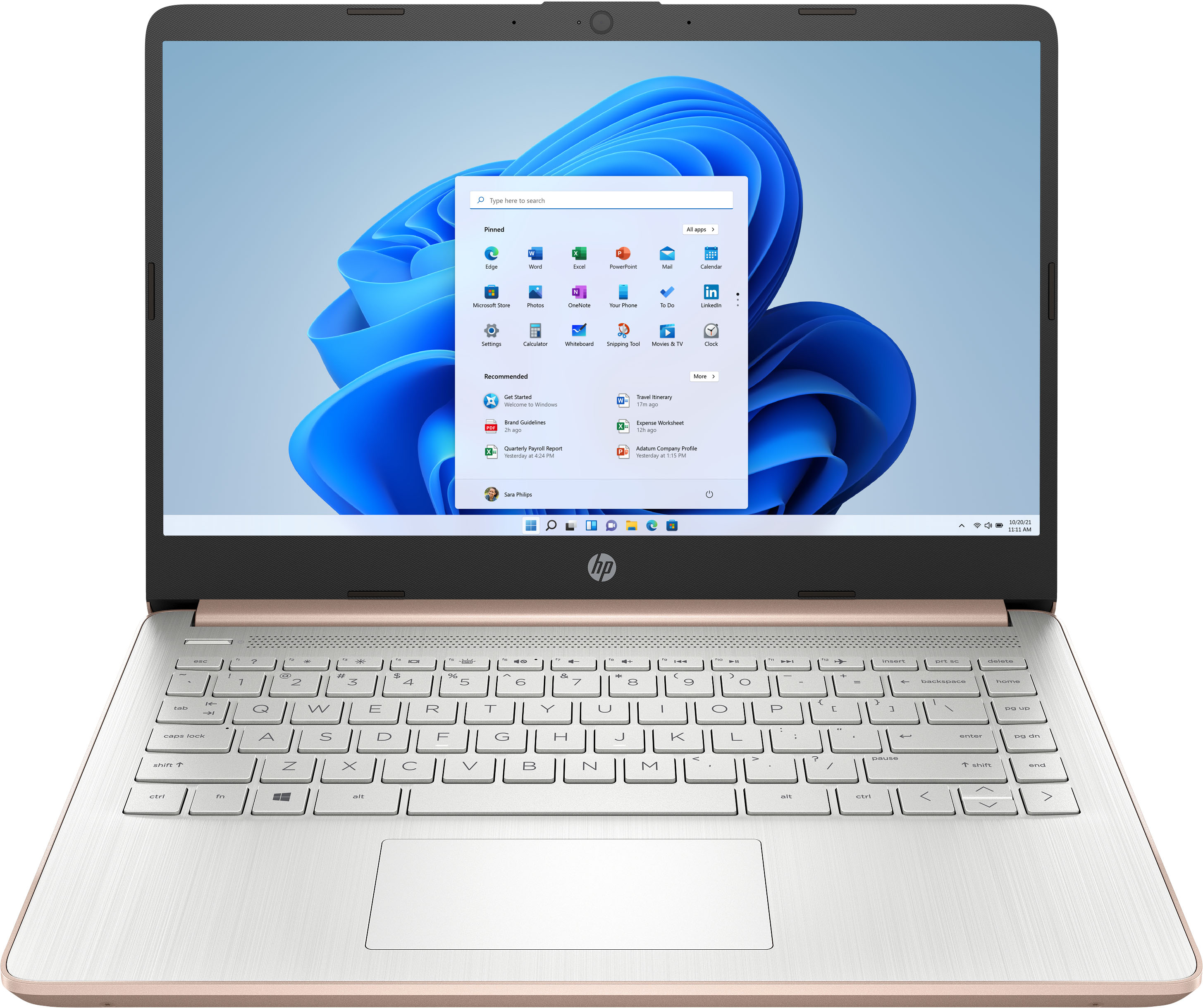
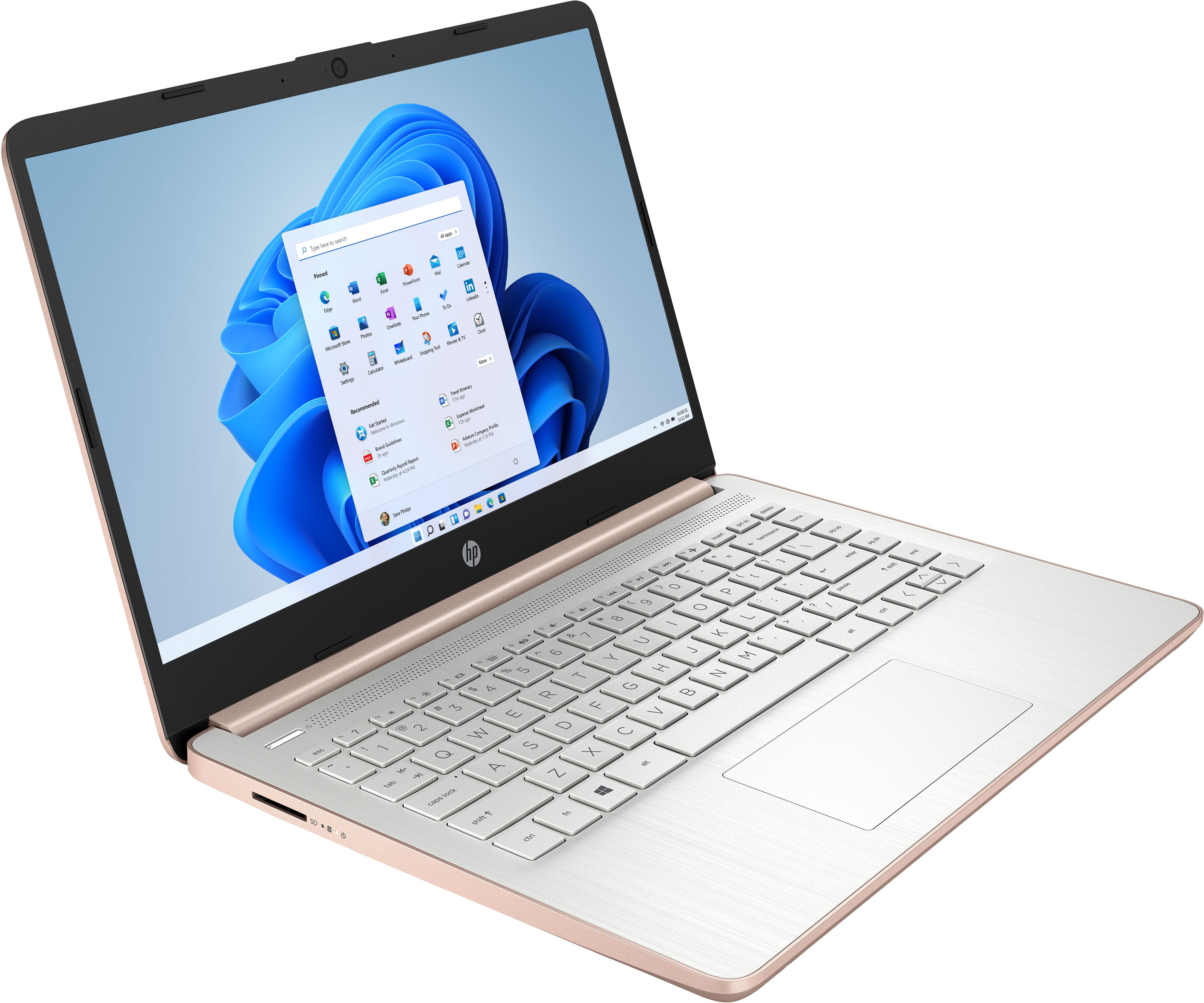
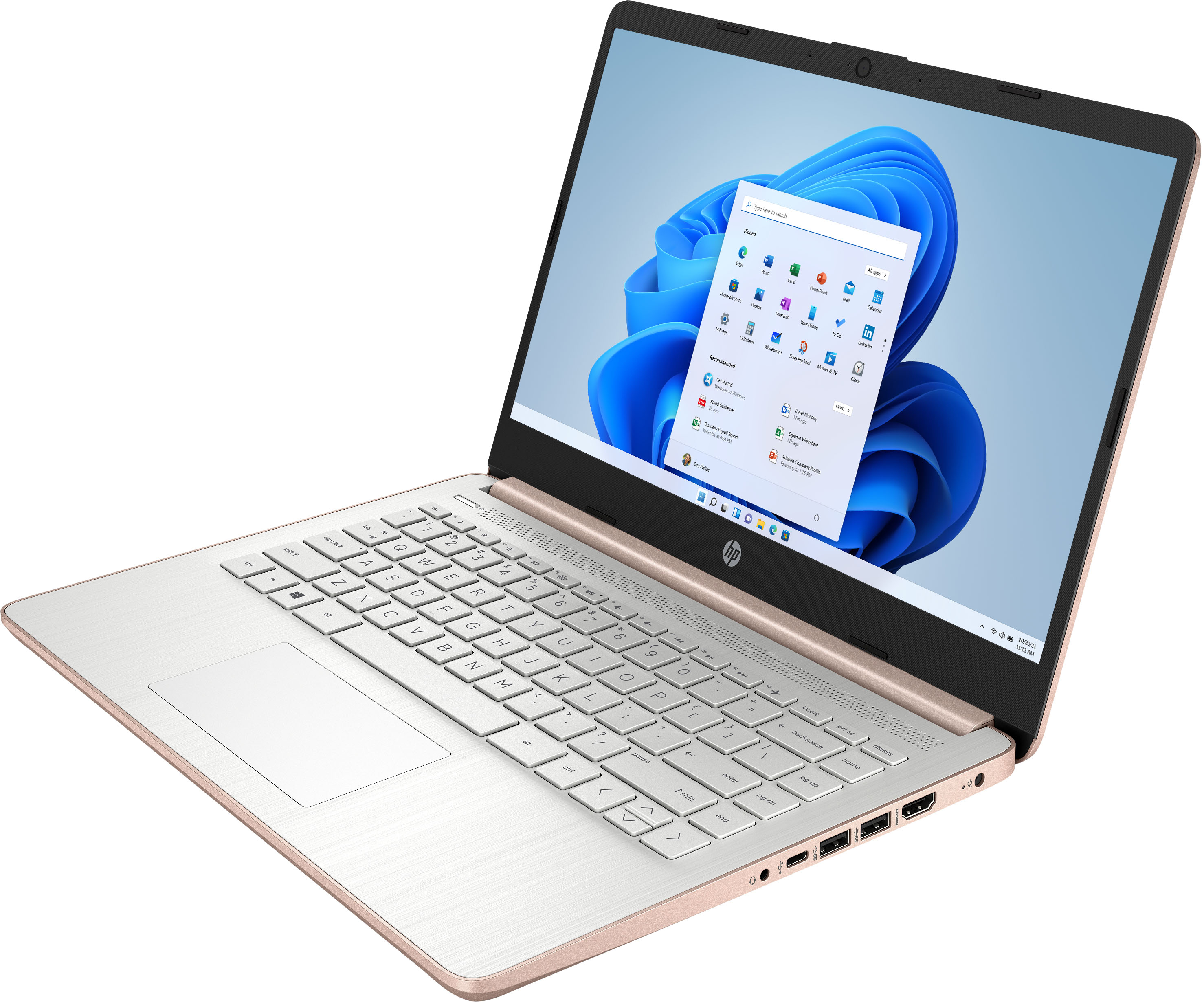
A:AnswerThis is a Windows laptop with the Windows 11 Home in S Mode operating system which is a new OS. I believe you are thinking about the Chromebook that has the Chrome operating system and has an expiration to the auto updates.
A:AnswerThe computer ships with Window 11. Unfortunately, it looks like there are no Windows 11 drivers, so you'd need to purchase a Windows 10 license, format the hard drive on the computer, and then install Windows 10 on it. Given the age of the printer, it would be cheaper and easier to replace the printer with one that is Windows 11 compatible.
A:AnswerGo to Microsoft.com and purchase your product. To redeem a new purchase.
Step 1: Go to www.office.com/setup or Microsoft365.com/setup.
Step 2: Sign in with your Microsoft account, or create one if you don't have one. ...
Step 3: Enter your product key, without hyphens, if prompted.
A:AnswerBecause this computer is running Windows in "S Mode" it can only download and run apps that are in the Windows Store. Fortunately, Cricut Design Space is one of the available apps.
A:AnswerBecause this computer is running Windows in "S Mode" it can only download and run apps that are in the Windows Store. If you can find the coding software you want to use in the store, you should have no problem downloading and running it.
A:AnswerBecause this computer is running Windows in "S Mode" it can only download and run apps that are in the Windows Store.
Unfortunately, the store does not have a Quickbooks app available, so you wouldn't be able to download and run it.
A:AnswerYes, it's not difficult at all to turn off S Mode. The instructions are at https://support.microsoft.com/en-us/windows/switching-out-of-s-mode-in-windows-4f56d9be-99ec-6983-119f-031bfb28a307#WindowsVersion=Windows_11